

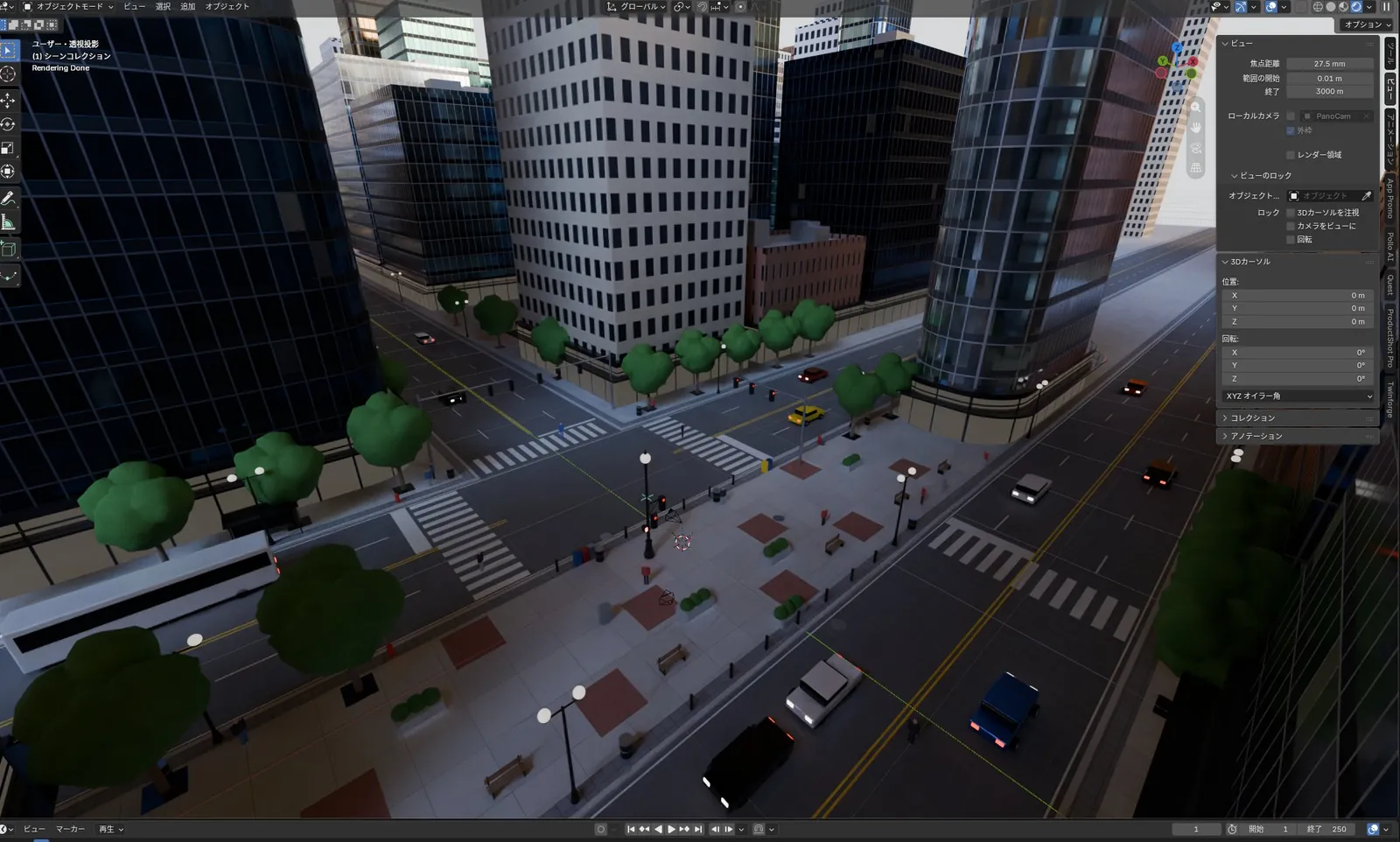
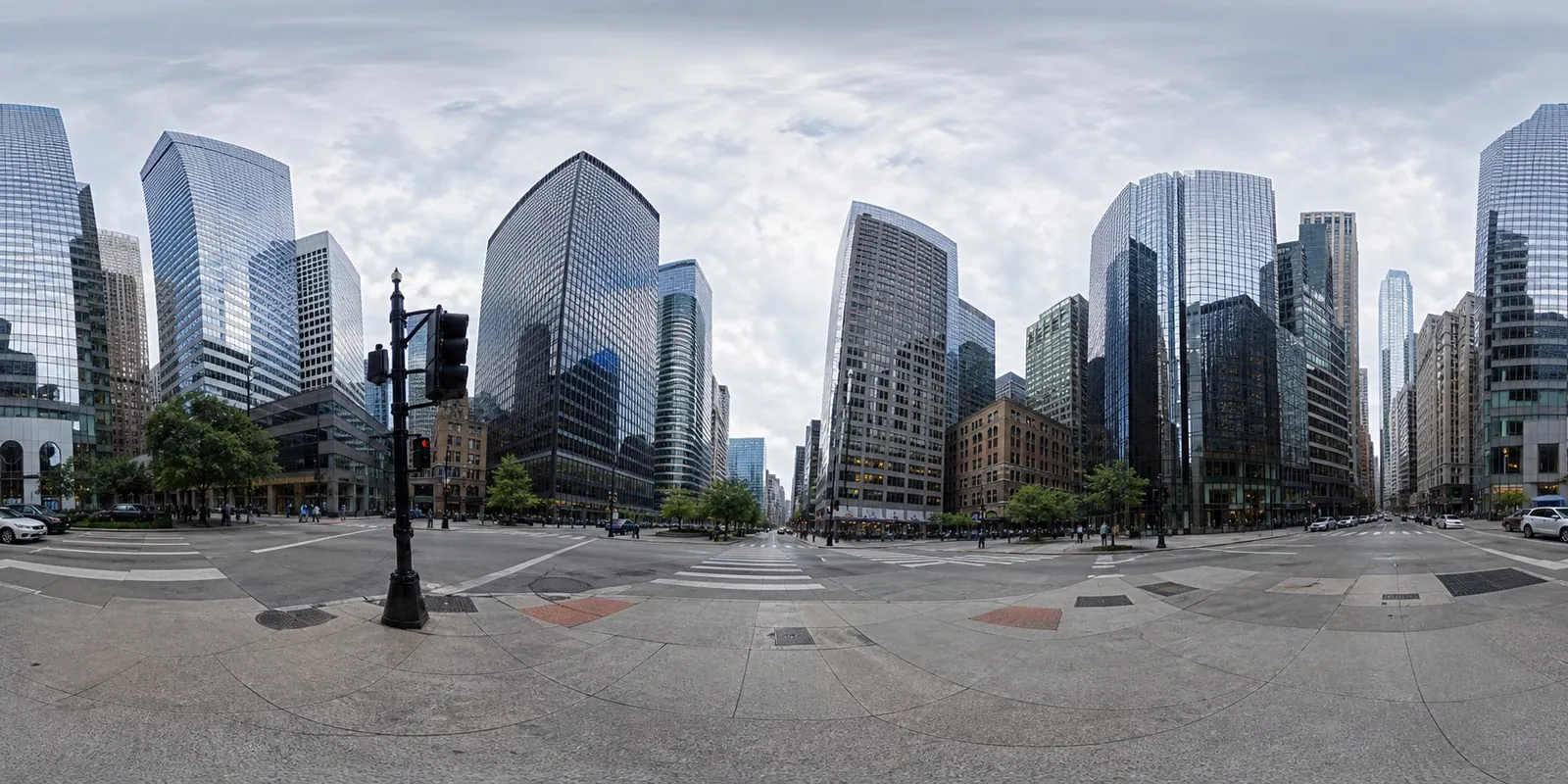
Blender city street modeled from an equirectangular panorama via MCP
Claude Fable 5.1, driven through Blender MCP, rebuilt a dense downtown intersection from a panorama photo in one pass, with towers, roads, trees and cars.
Créez des modèles 3D détaillés
Le code seul ne donne que des formes simples. Wandy 2 transforme une seule photo en modèle 3D texturé, utilisable dans la même scène.
Brief de création par Wandy3D

L’auteur n’a pas partagé de prompt : nous avons donc décrit comment reproduire cette création.
Build a 3D city street scene in Blender, driven through a Blender MCP connection, using an equirectangular panorama photo of a downtown intersection as the reference. Study the panorama and reconstruct what it shows: glass and concrete skyscrapers of varied heights around a crossroads, asphalt roads with lane markings and crosswalks, sidewalks with brick-pattern paving, street lamps, traffic lights, benches, round-canopy trees and a few cars and a bus. Model everything with simple but information-rich geometry and basic materials, place it so that the view from the intersection matches the panorama, and group objects in tidy collections. Keep the lighting natural with a soft overcast sky. Done means the viewport shows a dense, believable city block with correct proportions, clear road layout and many small props, produced in a single run, ready for further refinement and rendering.
Comment utiliser ce prompt
Connect Blender MCP to your agent, choose Claude Fable 5.1, and give it the build brief plus your own equirectangular panorama.
Swap the panorama for another city or neighbourhood, and state the level of detail and props you want.
Check the viewport, then ask for fixes to proportions, materials or lighting before rendering.
Par Wandy3D
Besoin d’un vrai modèle 3D dans votre scène ?
Votre agent construit avec des primitives. L’API Wandy3D transforme une photo ou un prompt en GLB texturé en quelques minutes, payé depuis un solde prépayé, sans abonnement.
- Wandy 20,18 $US par modèle
- Wandy 10,09 $US par modèle
Le solde n’expire jamais · les tâches échouées sont remboursées · les modèles créés via l’API sont à vous, téléchargeables dans tous les formats.
curl -s -X POST https://api.wandy3d.com/generate/cloud/ultra \ -H "Authorization: Bearer $WANDY3D_API_KEY" -F "file=@photo.jpg"# → {"task_id": "…"} — poll until "status" is "done":curl -s https://api.wandy3d.com/task/$TASK_ID/status \ -H "Authorization: Bearer $WANDY3D_API_KEY"# → {"model_id": "…"} — then GET /model/$MODEL_ID/export?format=glbPublication d’origineVous êtes l’auteur ? Demandez-nous de modifier ou de retirer cette page
Plus de prompts similaires
Voir tous les prompts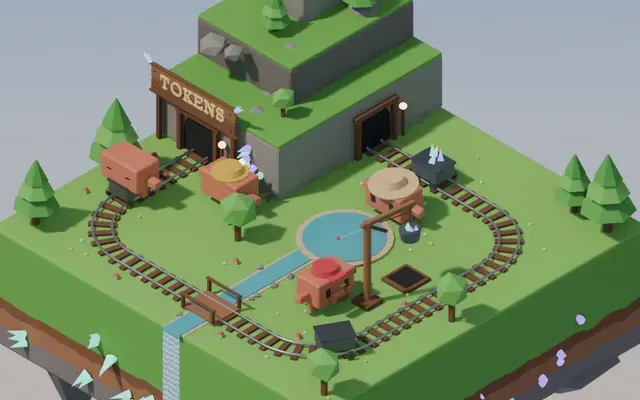 Claude Opus 5.5
Isometric floating mine island in Blender with looping animation
Koldo Huici
 Claude Opus 5.5
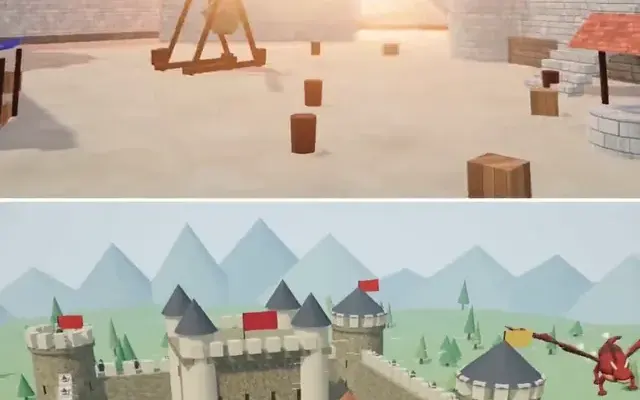
Three.js dragon attacking a medieval castle and village, model comparison
ReconScribe
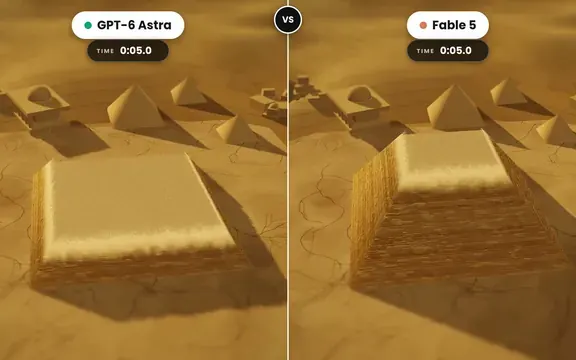 GPT-6 Astra
Golden tilt-shift pyramid diorama that builds itself, two-model comparison
demon
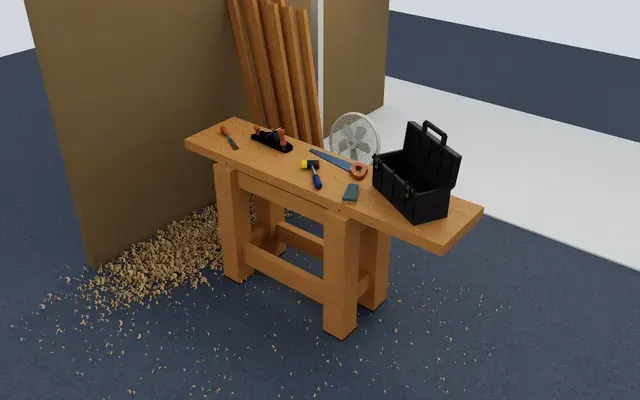 GPT-6 Astra
Isaac Sim carpentry workbench scene for robot manipulation testing
Charles Wong
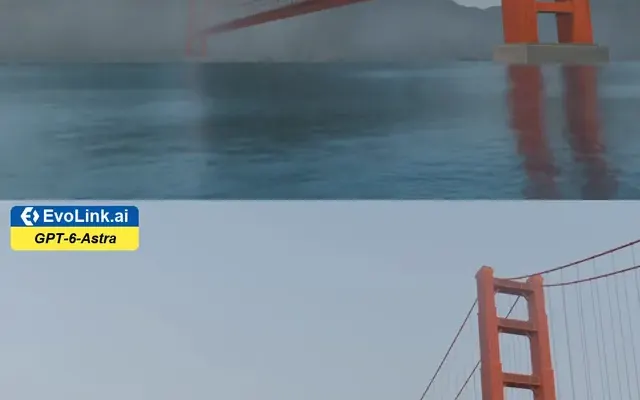 GPT-6 Astra
Golden Gate Bridge in morning fog, low-angle Blender-style render
EvoLink.ai
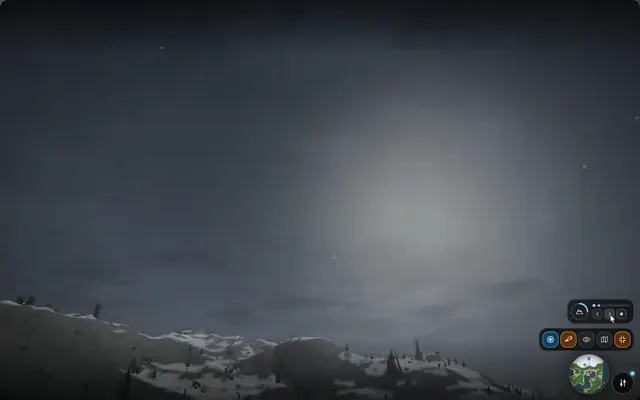 Claude Opus 5.5
Fantasy world flythrough: island village, snowy peaks and a castle
DrstaOne