

Exploded-view animation of a pastel Japanese flower shop in Blender
GPT-6 Astra drove Blender through MCP to build a cartoon flower shop that bursts into layers, shows its interior, then snaps back together.
Créez des modèles 3D détaillés
Le code seul ne donne que des formes simples. Wandy 2 transforme une seule photo en modèle 3D texturé, utilisable dans la même scène.
Prompt GPT-6 Astra
Use Blender MCP to build a small, stylized Japanese flower shop scene. Focus on faithfully recreating the key visual elements: the green awnings, the rooftop sign displaying the Japanese text “花屋”, flower pots and plants arranged in front of the shop, the vending machine, bicycles, traffic light, utility poles, surrounding trees, and other recognizable street details. Render the scene in a warm, charming cartoon style, with soft lighting, appealing materials, and a cozy atmosphere.

Create a high-impact, dynamic exploded-view animation of the entire flower shop scene. The explosion should be bold and exaggerated rather than subtle. Smoothly and systematically separate the individual components outward to dramatically reveal the construction and interior of the flower shop.

During the explosion, have the exterior walls, surrounding trees, utility poles, signs, awnings, bicycles, flower pots, plants, street props, and other environmental elements fly outward or backward, creating enough open space for the viewer to clearly see inside the flower shop. Break the building into meaningful structural layers so that the interior architecture, furniture, decorations, flowers, plants, shelves, and smaller details become clearly visible.

The vending machine should also explode into its individual components. Its exterior panels should separate, and the individual soda bottles and cans inside should dynamically fly outward, spreading into an organized formation so they remain clearly readable. Small components and details can travel farther to make the sequence more visually exciting.

Use staggered timing, different movement speeds, rotation, depth, and layered trajectories to give the explosion a strong sense of energy and impact while keeping every component visually organized and easy to follow. Avoid having everything move outward at exactly the same time or speed.

Once the entire scene is fully exploded, hold the composition briefly so the viewer can clearly observe the internal structure and all the separated components.

Then reverse the sequence: the soda bottles, vending machine parts, plants, props, interior objects, walls, trees, utility poles, signs, bicycles, and all other components should fly smoothly back into place and reassemble into the complete flower shop scene.

The entire animation should feel energetic, cinematic, satisfying, and visually impactful, with strong motion and clear transformation between the complete scene, the fully exploded state, and the final reassembled scene. Keep the motion layered, readable, and carefully choreographed throughout.

Use a neutral studio background during the exploded-view sequence so that the separated objects and internal structures remain clearly visible.

Final deliverables:
A fully rendered animation and an editable Blender 3D project file. All objects, components, collections, materials, and major scene elements must be clearly, consistently, and professionally named and organized.
Comment utiliser ce prompt
Paste the prompt into an agent with Blender MCP connected, running GPT-6 Astra.
Replace the flower shop with another building, shop or vehicle and adjust the palette.
Render the clip and keep the named .blend file; refine timing and camera in follow-ups.
Par Wandy3D
 Par Wandy3D
Besoin d’un vrai modèle 3D dans votre scène ?
Votre agent construit avec des primitives. L’API Wandy3D transforme une photo ou un prompt en GLB texturé en quelques minutes, payé depuis un solde prépayé, sans abonnement.
- Wandy 20,18 $US par modèle
- Wandy 10,09 $US par modèle
Le solde n’expire jamais · les tâches échouées sont remboursées · les modèles créés via l’API sont à vous, téléchargeables dans tous les formats.
curl -s -X POST https://api.wandy3d.com/generate/cloud/ultra \ -H "Authorization: Bearer $WANDY3D_API_KEY" -F "file=@photo.jpg"# → {"task_id": "…"} — poll until "status" is "done":curl -s https://api.wandy3d.com/task/$TASK_ID/status \ -H "Authorization: Bearer $WANDY3D_API_KEY"# → {"model_id": "…"} — then GET /model/$MODEL_ID/export?format=glbPublication d’origineVous êtes l’auteur ? Demandez-nous de modifier ou de retirer cette page
Plus de prompts similaires
Voir tous les prompts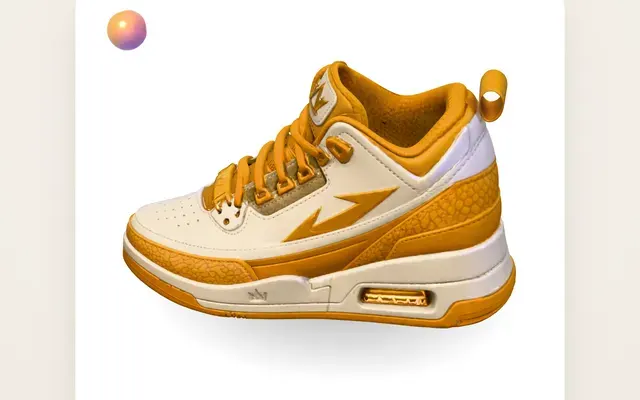 Claude Opus 5.5Original Wandy3D
One photo to a 3D model: an AI orb UI motion loop
Wandy3D
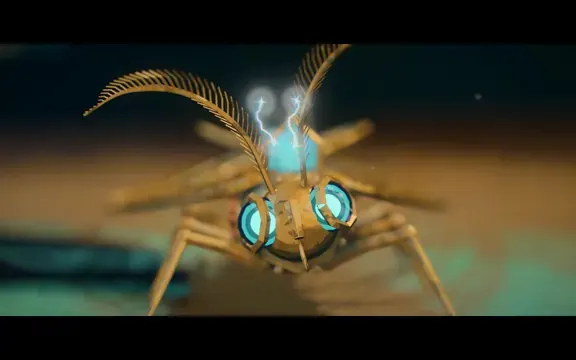 Claude Opus 5.5
Painterly Blender animation of a brass crystal moth waking on a workbench
Shikhar
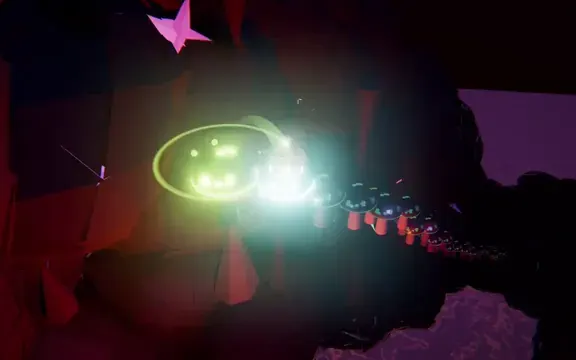 Claude Opus 5.5
Beat-synced Three.js animation of a glowing ball bouncing across neon platforms
Gorden Sun
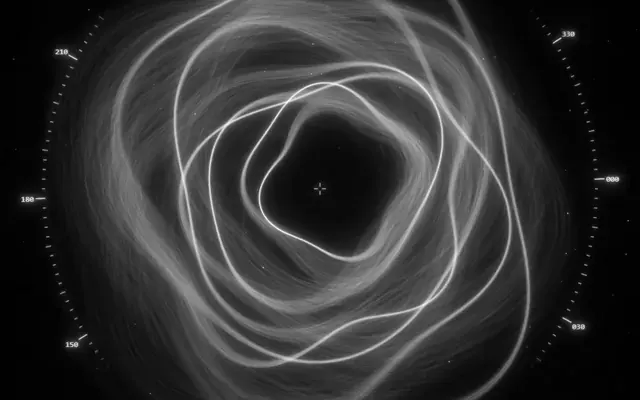 Claude Opus 5.5
Monochrome sci-fi observatory HUD with swirling strand rings
kriptoleidi
 Claude Opus 5.5
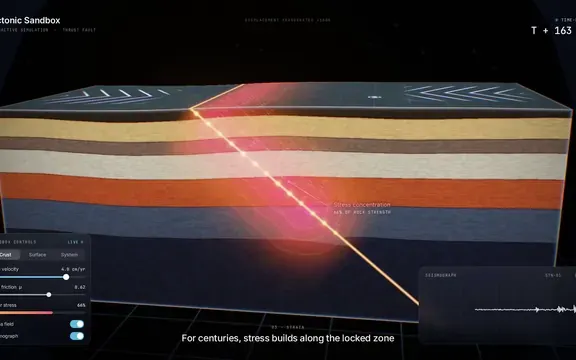
Interactive tectonic sandbox explaining how an earthquake happens
Ege
 GPT-6.1 Sol
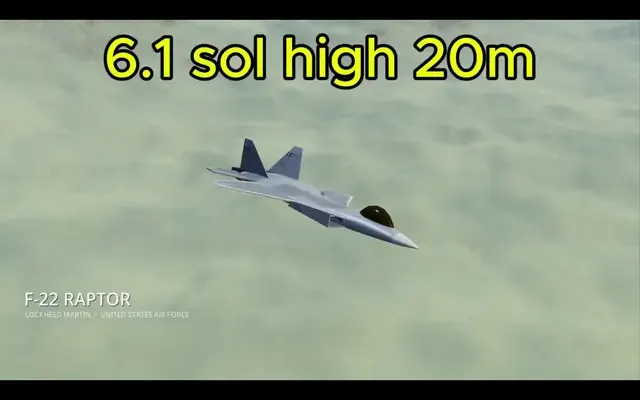
Realistic F-22 Raptor modeled in Blender and flown in Godot
Demetrius Greses Jr