

Interactive 3D jet engine with cutaway, x-ray and exploded view
A model comparison: Gemini 4 Pro and GPT-6 Astra got the same prompt for a Three.js jet engine viewer, and Gemini 4 Pro's build was the more detailed one.
Créez des modèles 3D détaillés
Le code seul ne donne que des formes simples. Wandy 2 transforme une seule photo en modèle 3D texturé, utilisable dans la même scène.
Prompt Gemini 4 Pro
Use three.js to build a 3D interactive display of an aircraft engine on a webpage.
Please refer to Jigspace's interaction design philosophy to achieve a realistic model with near 1:1 high-fidelity restoration, fully preserving material and texture details such as metal, pipelines, and blades. Interactive features must include: step-by-step disassembly animation, exploded view of components, and part descriptions and principle explanations triggered by click or hover.
Overall, it must support smooth camera control and friendly human-computer interaction, ensuring a smooth experience on the web that fully showcases the engine's structure and working principles.
Comment utiliser ce prompt
Paste the prompt into Gemini 4 Pro (or GPT-6 Astra to compare) in your coding tool and ask for a Three.js web page.
Swap the aircraft engine for another machine, and edit the list of interactions such as x-ray, airflow or part labels.
Run the page, orbit and disassemble the engine, then ask for sharper materials or clearer part descriptions.
Par Wandy3D
 Par Wandy3D
Besoin d’un vrai modèle 3D dans votre scène ?
Votre agent construit avec des primitives. L’API Wandy3D transforme une photo ou un prompt en GLB texturé en quelques minutes, payé depuis un solde prépayé, sans abonnement.
- Wandy 20,18 $US par modèle
- Wandy 10,09 $US par modèle
Le solde n’expire jamais · les tâches échouées sont remboursées · les modèles créés via l’API sont à vous, téléchargeables dans tous les formats.
curl -s -X POST https://api.wandy3d.com/generate/cloud/ultra \ -H "Authorization: Bearer $WANDY3D_API_KEY" -F "file=@photo.jpg"# → {"task_id": "…"} — poll until "status" is "done":curl -s https://api.wandy3d.com/task/$TASK_ID/status \ -H "Authorization: Bearer $WANDY3D_API_KEY"# → {"model_id": "…"} — then GET /model/$MODEL_ID/export?format=glbPublication d’origineVous êtes l’auteur ? Demandez-nous de modifier ou de retirer cette page
Plus de prompts similaires
Voir tous les prompts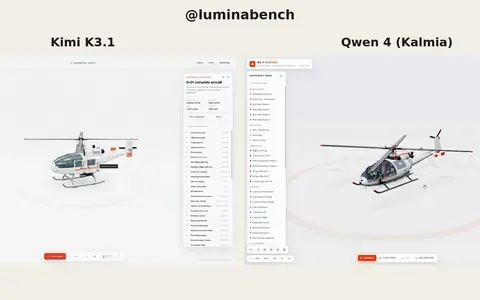 Kimi K3.1
Interactive 3D helicopter with takeoff, assembly and exploded views
Lumina
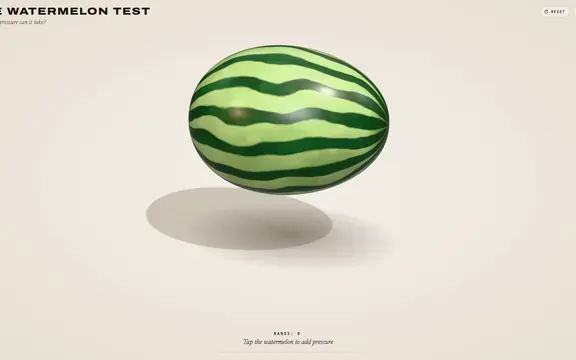 Claude Opus 5.5
Rubber band watermelon test: a squeezable, bursting 3D browser toy
林悦己Cheer
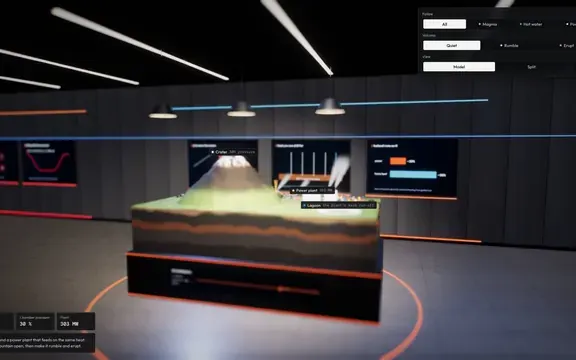 Claude Opus 5.5
Interactive 3D volcano cutaway simulation with magma chamber
Konstantin Saifoulline
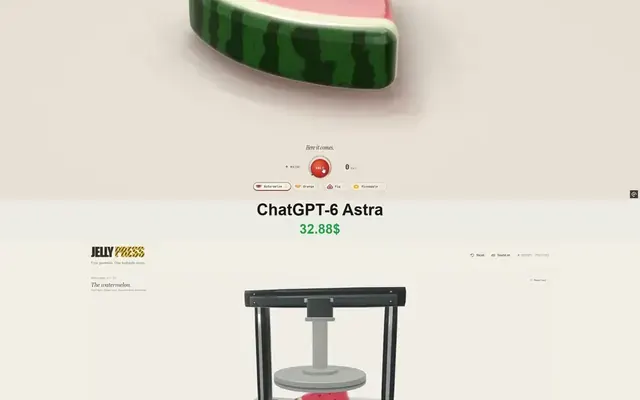 Claude Opus 5.5
WebGPU jelly press toy: gummy fruit squashed and burst by a hydraulic press
Vib3Coded
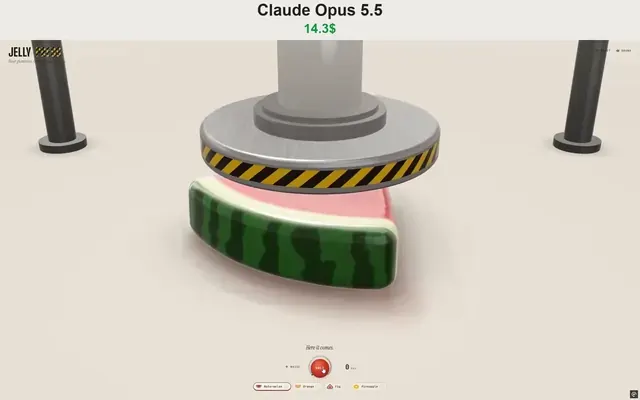 Claude Opus 5.5
Single-file WebGPU jelly press toy with soft-body fruit gummies
Vib3Coded
 Claude Opus 5.5
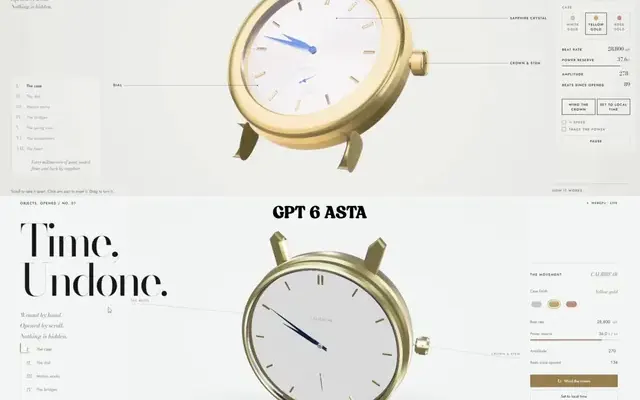
Scroll-driven exploding mechanical watch in raw WebGPU, single HTML file
Paruchh