

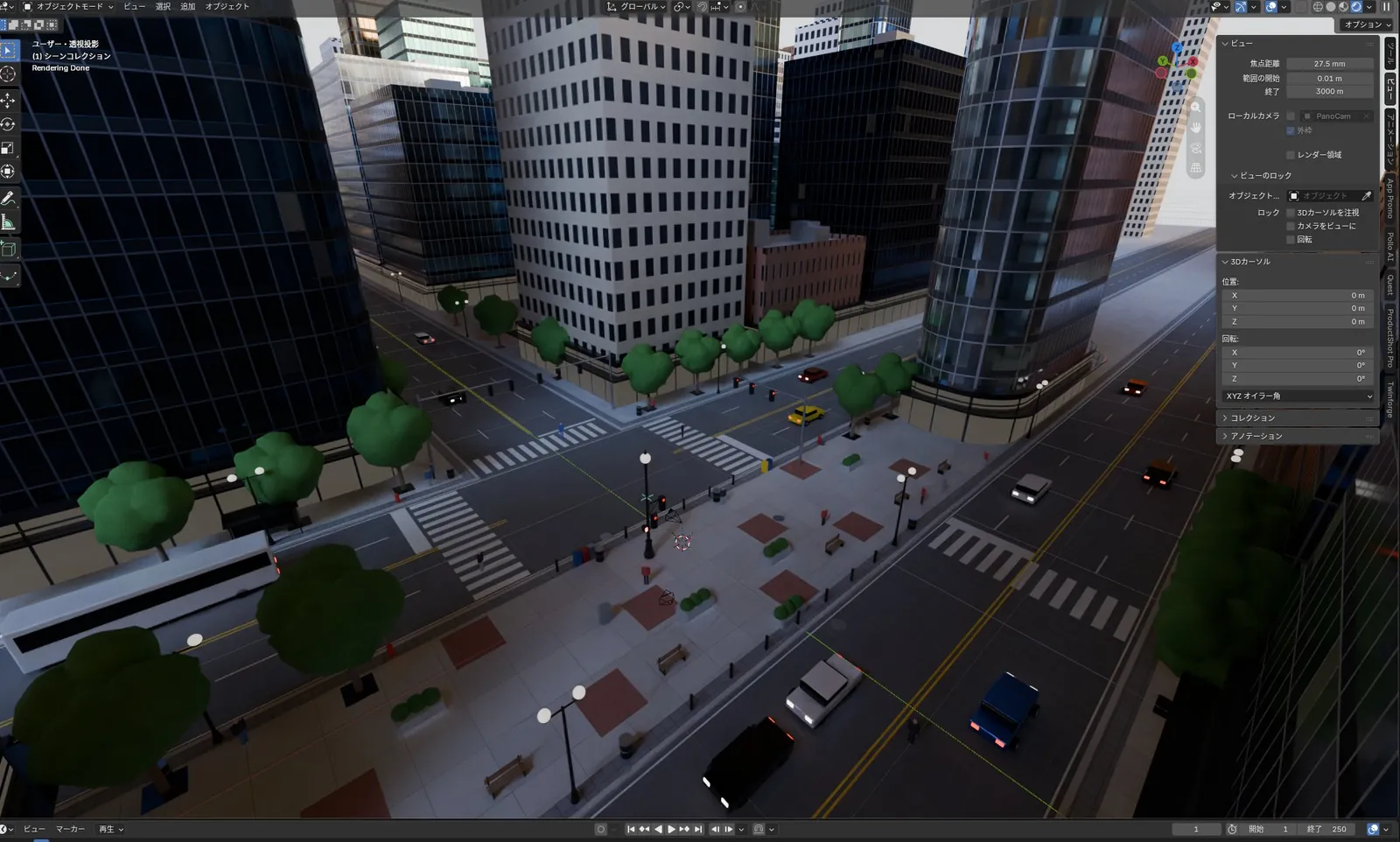
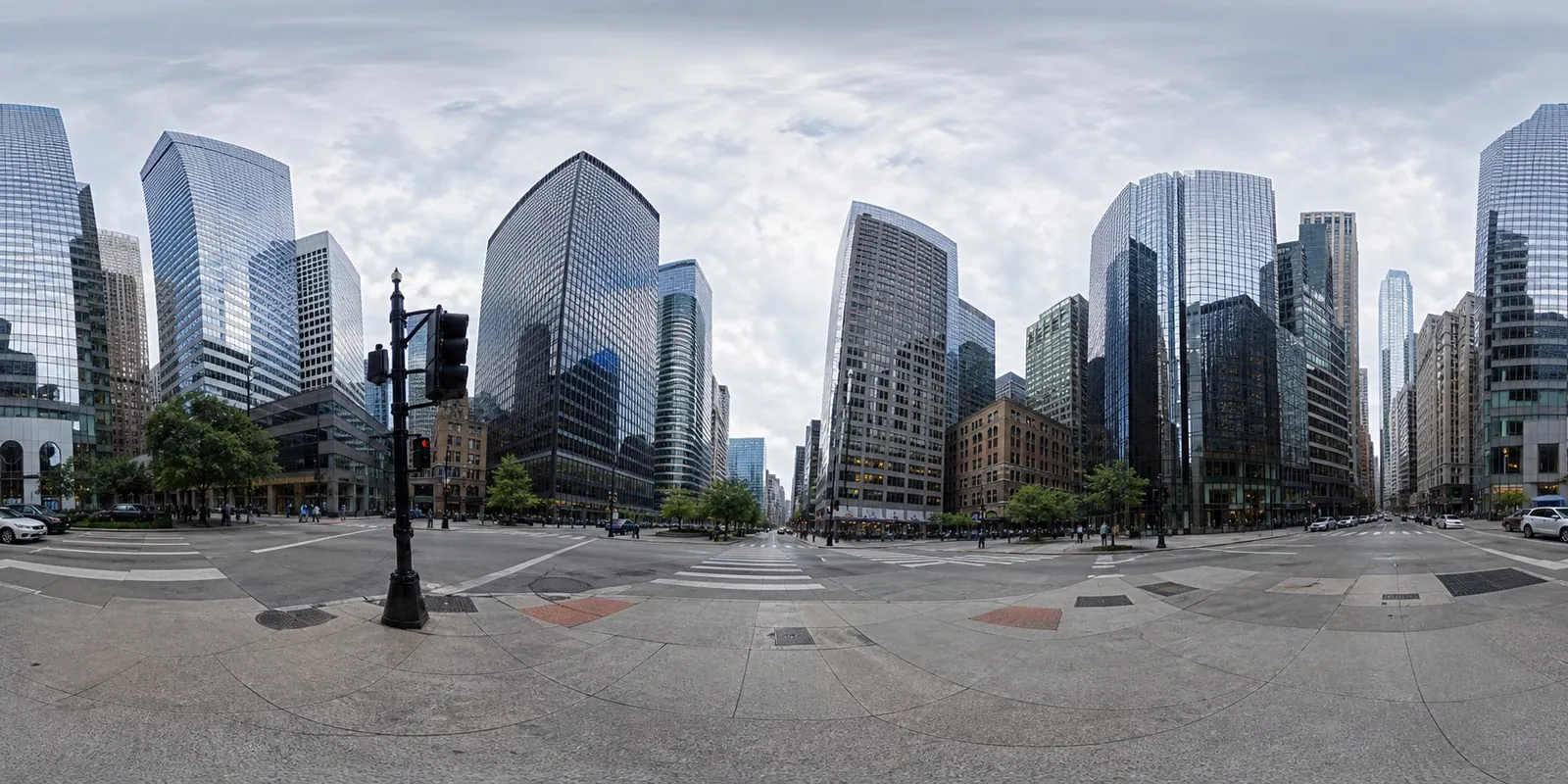
Blender city street modeled from an equirectangular panorama via MCP
Claude Fable 5.1, driven through Blender MCP, rebuilt a dense downtown intersection from a panorama photo in one pass, with towers, roads, trees and cars.
Buat model 3D yang detail
Kode saja hanya menghasilkan bentuk sederhana. Wandy 2 mengubah satu foto menjadi model 3D bertekstur yang bisa Anda pakai di adegan yang sama.
Panduan build dari Wandy3D

Penulis tidak membagikan prompt-nya, jadi kami menuliskan cara membuat ulang karya ini.
Build a 3D city street scene in Blender, driven through a Blender MCP connection, using an equirectangular panorama photo of a downtown intersection as the reference. Study the panorama and reconstruct what it shows: glass and concrete skyscrapers of varied heights around a crossroads, asphalt roads with lane markings and crosswalks, sidewalks with brick-pattern paving, street lamps, traffic lights, benches, round-canopy trees and a few cars and a bus. Model everything with simple but information-rich geometry and basic materials, place it so that the view from the intersection matches the panorama, and group objects in tidy collections. Keep the lighting natural with a soft overcast sky. Done means the viewport shows a dense, believable city block with correct proportions, clear road layout and many small props, produced in a single run, ready for further refinement and rendering.
Cara memakai prompt ini
Connect Blender MCP to your agent, choose Claude Fable 5.1, and give it the build brief plus your own equirectangular panorama.
Swap the panorama for another city or neighbourhood, and state the level of detail and props you want.
Check the viewport, then ask for fixes to proportions, materials or lighting before rendering.
Dari Wandy3D
Butuh model 3D sungguhan di adegan Anda?
Agen Anda membangun dengan bentuk primitif. API Wandy3D mengubah foto atau prompt menjadi GLB bertekstur dalam beberapa menit — dibayar dari saldo prabayar, tanpa langganan.
- Wandy 2US$0,18 per model
- Wandy 1US$0,09 per model
Saldo tidak pernah kedaluwarsa · tugas yang gagal dikembalikan · model yang dibuat lewat API milik Anda dan bisa diunduh dalam semua format.
curl -s -X POST https://api.wandy3d.com/generate/cloud/ultra \ -H "Authorization: Bearer $WANDY3D_API_KEY" -F "file=@photo.jpg"# → {"task_id": "…"} — poll until "status" is "done":curl -s https://api.wandy3d.com/task/$TASK_ID/status \ -H "Authorization: Bearer $WANDY3D_API_KEY"# → {"model_id": "…"} — then GET /model/$MODEL_ID/export?format=glbPostingan asliAnda penulisnya? Minta kami mengedit atau menghapus halaman ini
Prompt serupa
Lihat semua prompt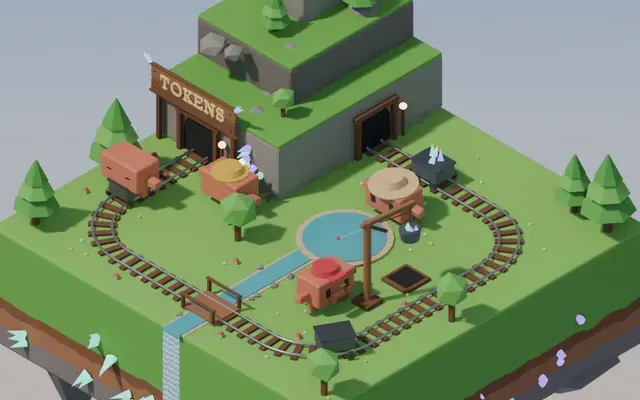 Claude Opus 5.5
Isometric floating mine island in Blender with looping animation
Koldo Huici
 Claude Opus 5.5
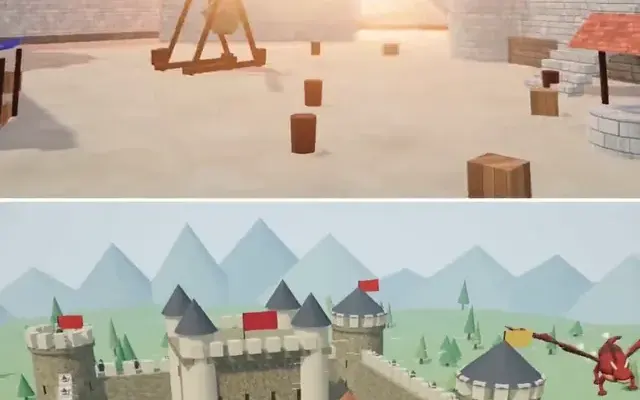
Three.js dragon attacking a medieval castle and village, model comparison
ReconScribe
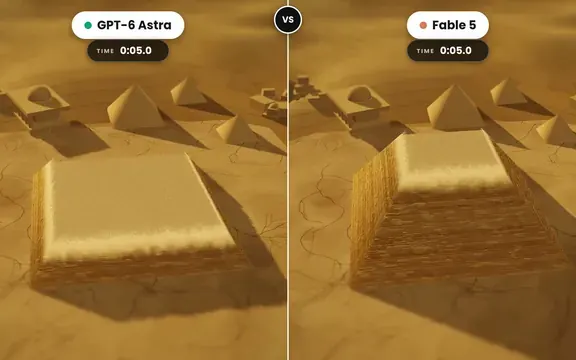 GPT-6 Astra
Golden tilt-shift pyramid diorama that builds itself, two-model comparison
demon
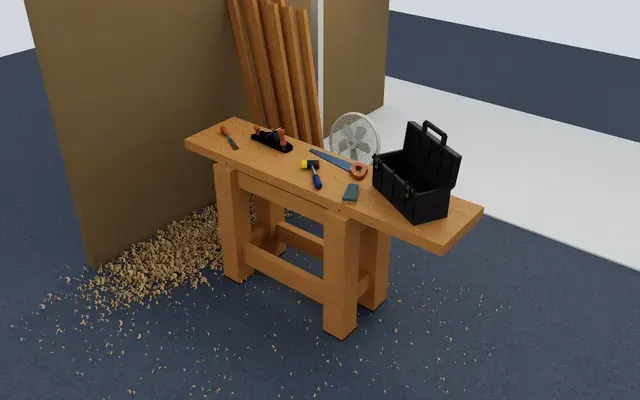 GPT-6 Astra
Isaac Sim carpentry workbench scene for robot manipulation testing
Charles Wong
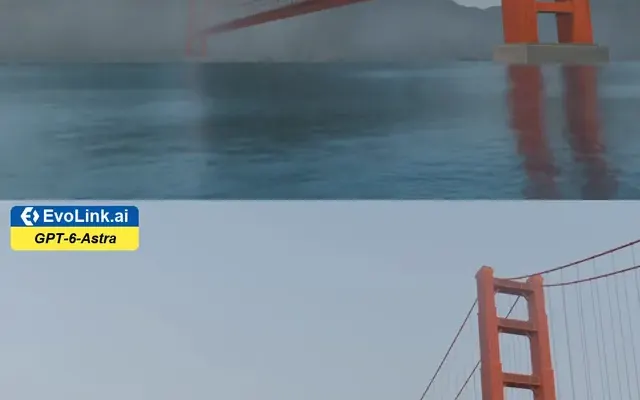 GPT-6 Astra
Golden Gate Bridge in morning fog, low-angle Blender-style render
EvoLink.ai
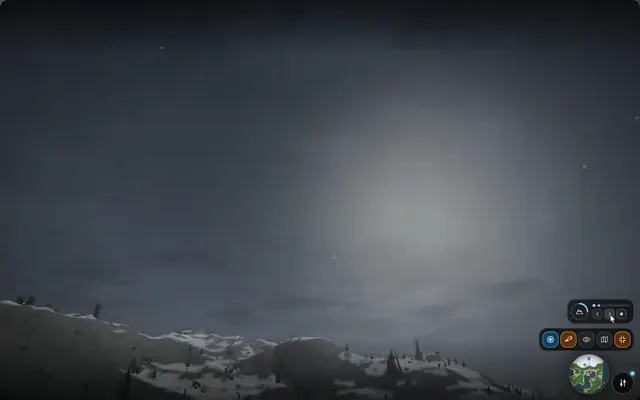 Claude Opus 5.5
Fantasy world flythrough: island village, snowy peaks and a castle
DrstaOne