

Interactive tectonic sandbox explaining how an earthquake happens
Claude Opus 5.5 produced a 60-second motion-graphics explainer: a crust cross-section locks, slips, sends P- and S-waves up to a shaking city.
Buat model 3D yang detail
Kode saja hanya menghasilkan bentuk sederhana. Wandy 2 mengubah satu foto menjadi model 3D bertekstur yang bisa Anda pakai di adegan yang sama.
Prompt Claude Opus 5.5
Create a visually stunning 60-second video explaining how an earthquake happens through an interactive tectonic sandbox.

Make it feel like we are watching someone explore a beautiful real-time simulation, not a slideshow or traditional educational video.

Start with a clean 3D cross-section of Earth’s crust. Two tectonic plates slowly move against each other. Visualize the fault between them and show friction locking the plates while stress gradually builds.

As pressure increases, make the simulation more intense: rock layers deform, stress zones glow, subtle vibrations begin, and a live seismograph starts reacting.

Then trigger the earthquake. The fault suddenly slips and releases a massive burst of energy. Show seismic waves radiating outward through the ground, then transition upward to the surface where the landscape and a small city begin shaking.

Visualize P-waves and S-waves traveling differently through the Earth, followed by the strongest surface waves. Show buildings reacting differently depending on distance from the epicenter.

End by zooming back underground to reveal smaller aftershocks around the fault, then pull out to show the complete tectonic system.

Use cinematic motion graphics, satisfying physics simulations, dramatic scale transitions, premium 3D scientific visualization, minimal typography, dynamic labels, smooth UI overlays and seamless transitions.

The pacing should constantly evolve and reveal something new every few seconds so the full 60 seconds stays visually engaging.

Make it feel like an Apple-quality interactive science visualization turned into a cinematic motion-design video.
Cara memakai prompt ini
Paste the prompt into Claude Opus 5.5 in your coding tool and ask for a single web page or rendered video.
Swap the topic (volcano, tsunami, black hole) and adjust the duration or the number of scenes.
Run it, then iterate on pacing, labels and the seismograph until each scene reveals something new.
Dari Wandy3D
 Dari Wandy3D
Butuh model 3D sungguhan di adegan Anda?
Agen Anda membangun dengan bentuk primitif. API Wandy3D mengubah foto atau prompt menjadi GLB bertekstur dalam beberapa menit — dibayar dari saldo prabayar, tanpa langganan.
- Wandy 2US$0,18 per model
- Wandy 1US$0,09 per model
Saldo tidak pernah kedaluwarsa · tugas yang gagal dikembalikan · model yang dibuat lewat API milik Anda dan bisa diunduh dalam semua format.
curl -s -X POST https://api.wandy3d.com/generate/cloud/ultra \ -H "Authorization: Bearer $WANDY3D_API_KEY" -F "file=@photo.jpg"# → {"task_id": "…"} — poll until "status" is "done":curl -s https://api.wandy3d.com/task/$TASK_ID/status \ -H "Authorization: Bearer $WANDY3D_API_KEY"# → {"model_id": "…"} — then GET /model/$MODEL_ID/export?format=glbPostingan asliAnda penulisnya? Minta kami mengedit atau menghapus halaman ini
Prompt serupa
Lihat semua prompt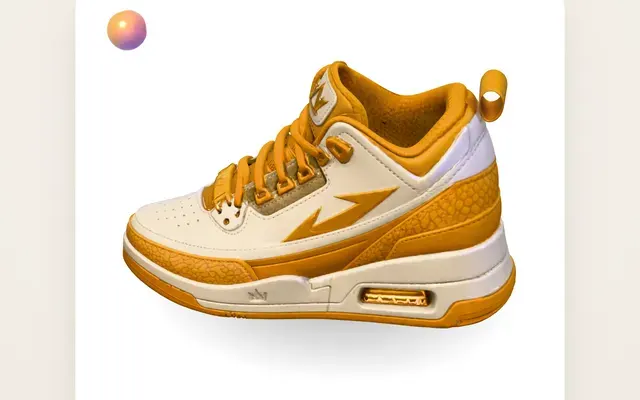 Claude Opus 5.5Karya asli Wandy3D
One photo to a 3D model: an AI orb UI motion loop
Wandy3D
 Claude Opus 5.5
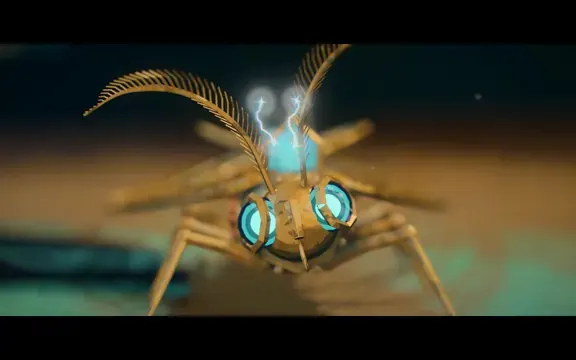
Painterly Blender animation of a brass crystal moth waking on a workbench
Shikhar
 Claude Opus 5.5
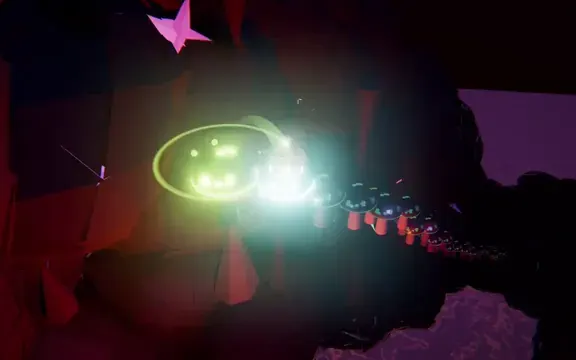
Beat-synced Three.js animation of a glowing ball bouncing across neon platforms
Gorden Sun
 Claude Opus 5.5
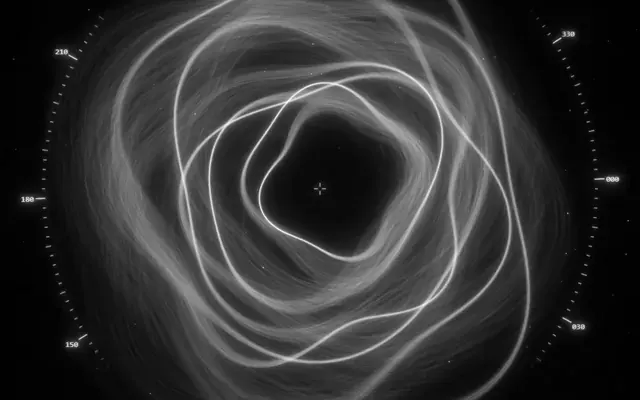
Monochrome sci-fi observatory HUD with swirling strand rings
kriptoleidi
 GPT-6.1 Sol
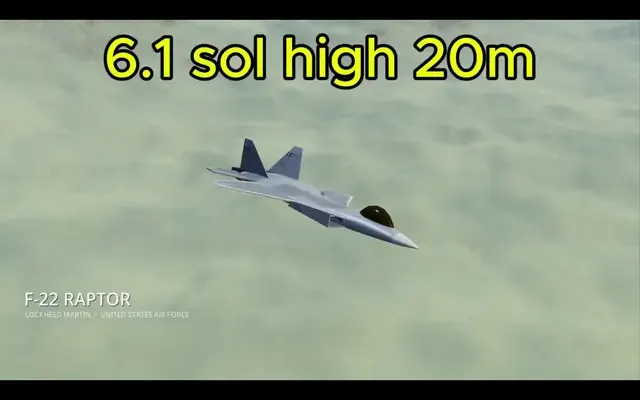
Realistic F-22 Raptor modeled in Blender and flown in Godot
Demetrius Greses Jr
 Claude Opus 5.5
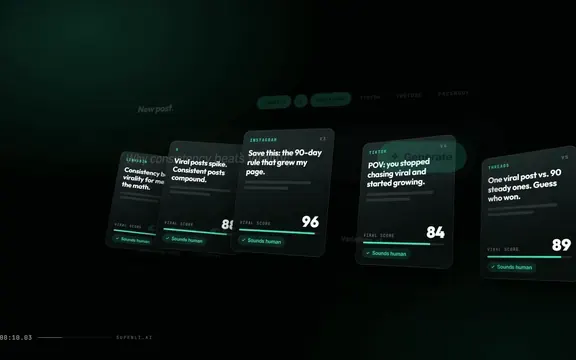
30-second motion graphics promo video for a website, with logo reveal
Awa K. Penn