

Production line discrete-event simulator with live KPIs, OEE and Little's Law
Claude Opus 5.5 built a single-file Canvas simulator of a serial production line, with animated stations and buffers plus a live dashboard of throughput, WIP and OEE.
Buat model 3D yang detail
Kode saja hanya menghasilkan bentuk sederhana. Wandy 2 mengubah satu foto menjadi model 3D bertekstur yang bisa Anda pakai di adegan yang sama.
Prompt Claude Opus 5.5
Build an animated, interactive discrete-event simulation of a serial production line as a single self-contained HTML file (vanilla JS + Canvas, no external libraries except Chart.js from cdnjs). Purpose: teaching [Manufacturing Systems] students how variability, buffers, and breakdowns affect line performance.

LINE CONFIGURATION (user-adjustable)
- Number of stations: [2–6], default [3], each with a name (e.g., Machining, Assembly, Inspection)
- Per station: mean cycle time, distribution (Deterministic, Uniform, Normal, Triangular, Exponential, Lognormal), CV
- Breakdowns per station: MTBF and MTTR (exponential), on/off toggle
- Quality per station: defect rate (%), with scrap or rework-loop option
- Buffers between stations: capacity 0–10 (0 = blocking after service)
- Arrivals: unlimited raw material OR Poisson arrivals with rate λ
- Customer demand to compute takt time

ANIMATION
- Parts move along conveyors and change color by stage (raw, WIP, finished, scrap)
- Machine borders show state colors: Working (green), Blocked (amber), Starved (red), Down (gray), plus a rotating gear icon and a progress bar
- Buffer slots show occupancy and highlight when full
- Controls: Play/Pause, Step, Reset, speed 1x–50x, warm-up period

KEY PERFORMANCE MEASURES (live dashboard)
1. Throughput (parts/hr) vs theoretical bottleneck rate
2. Average WIP and WIP over time
3. Flow time / manufacturing lead time (mean and 95th percentile)
4. Little's Law check: WIP ≈ Throughput × Flow time
5. Per-station utilization with a time breakdown: working / blocked / starved / down (stacked bar)
6. OEE per station = Availability × Performance × Quality
7. Bottleneck detection (active-period method) and highlight the bottleneck
8. Takt time vs station cycle times (line balance chart)
9. Line balance efficiency = Σ cycle times / (N × max cycle time)
10. First-pass yield, rolled throughput yield, scrap count
11. Average buffer occupancy per buffer
12. Observed vs set cycle-time mean and CV per station

ANALYSIS FEATURES
- Replication mode: run N replications of length T after warm-up, report mean ± 95% confidence interval for throughput, WIP, and flow time
- Experiment mode: sweep buffer size (or one station's CV) and plot throughput vs parameter
- Export results to CSV
- Preset scenarios: Balanced line, Clear bottleneck, High variability, Unreliable machine

DESIGN
- Clean, responsive layout that works on mobile; light/dark mode
- Brief tooltip explaining each KPI and its formula
- Bilingual labels (English/Arabic) toggle
Cara memakai prompt ini
Paste the prompt into Claude Opus 5.5 in a chat or coding tool, filling the bracketed fields with your course, station count and range.
Edit the station names, distributions, breakdown settings, presets and language toggle to match your own line.
Open the single HTML file, run a preset and watch the bottleneck appear; ask for extra KPIs or experiments and iterate.
Dari Wandy3D
 Dari Wandy3D
Butuh model 3D sungguhan di adegan Anda?
Agen Anda membangun dengan bentuk primitif. API Wandy3D mengubah foto atau prompt menjadi GLB bertekstur dalam beberapa menit — dibayar dari saldo prabayar, tanpa langganan.
- Wandy 2US$0,18 per model
- Wandy 1US$0,09 per model
Saldo tidak pernah kedaluwarsa · tugas yang gagal dikembalikan · model yang dibuat lewat API milik Anda dan bisa diunduh dalam semua format.
curl -s -X POST https://api.wandy3d.com/generate/cloud/ultra \ -H "Authorization: Bearer $WANDY3D_API_KEY" -F "file=@photo.jpg"# → {"task_id": "…"} — poll until "status" is "done":curl -s https://api.wandy3d.com/task/$TASK_ID/status \ -H "Authorization: Bearer $WANDY3D_API_KEY"# → {"model_id": "…"} — then GET /model/$MODEL_ID/export?format=glbPostingan asliAnda penulisnya? Minta kami mengedit atau menghapus halaman ini
Prompt serupa
Lihat semua prompt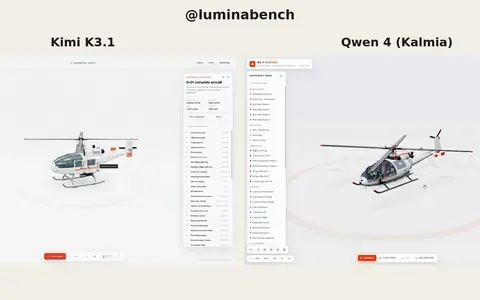 Kimi K3.1
Interactive 3D helicopter with takeoff, assembly and exploded views
Lumina
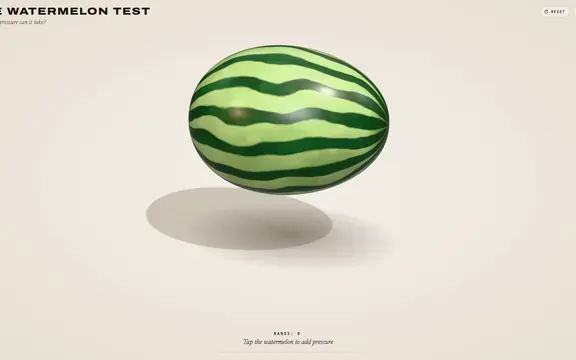 Claude Opus 5.5
Rubber band watermelon test: a squeezable, bursting 3D browser toy
林悦己Cheer
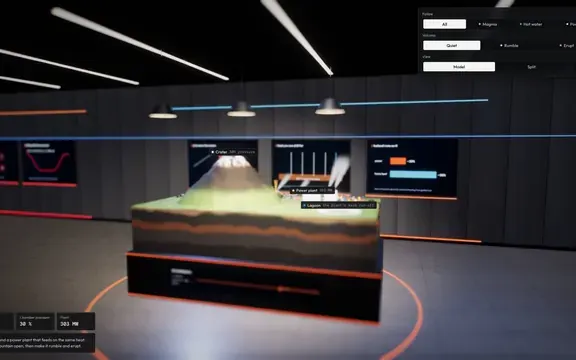 Claude Opus 5.5
Interactive 3D volcano cutaway simulation with magma chamber
Konstantin Saifoulline
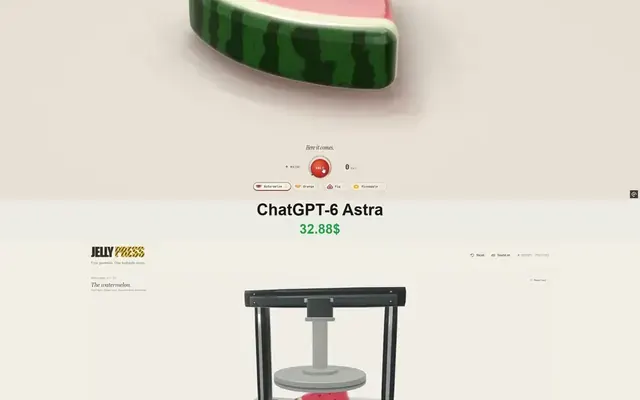 Claude Opus 5.5
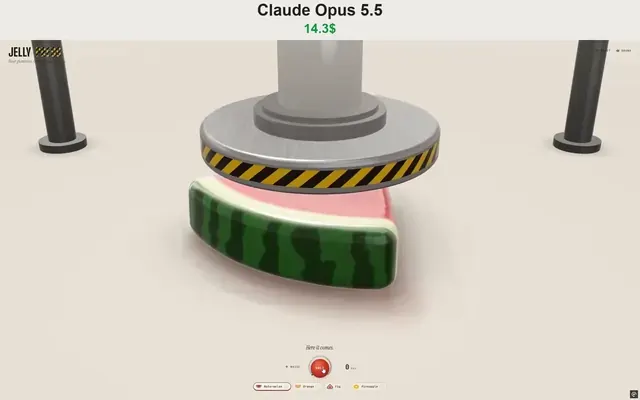
WebGPU jelly press toy: gummy fruit squashed and burst by a hydraulic press
Vib3Coded
 Claude Opus 5.5
Single-file WebGPU jelly press toy with soft-body fruit gummies
Vib3Coded
 Claude Opus 5.5
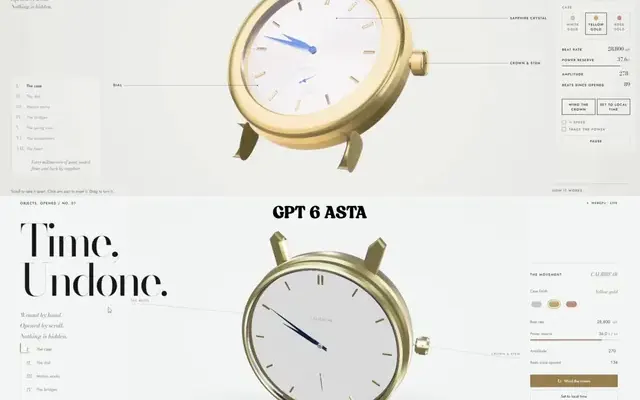
Scroll-driven exploding mechanical watch in raw WebGPU, single HTML file
Paruchh