

Blender room scene with opening cabinet doors and hinged panels, rendered as video
GPT-6 Astra drove Blender through MCP to turn a room photo into a furnished scene whose doors and panels open on camera.
Tạo mô hình 3D chi tiết
Chỉ dùng code thì chỉ được các hình khối đơn giản. Wandy 2 biến một tấm ảnh thành mô hình 3D có texture để bạn dùng ngay trong cùng cảnh đó.
Prompt cho GPT-6 Astra
Given the room photo I provided, use Blender MCP to build an interactive 3D scene and render it into a demo video. Include articulated object motion (hinges, doors, drawers) and use sensible camera moves to show these effects.
Cách dùng prompt này
Give GPT-6 Astra the prompt in an agent connected to Blender MCP, with your room photo attached.
Swap in your own photo and name the objects that should open, slide or rotate.
Render the demo, then ask for slower camera moves or extra drawers and hinges.
Từ Wandy3D
 Từ Wandy3D
Cần một mô hình 3D thật trong cảnh của bạn?
Agent của bạn dựng cảnh bằng các khối cơ bản. API Wandy3D biến ảnh hoặc prompt thành tệp GLB có texture chỉ trong vài phút — trả từ số dư nạp trước, không cần đăng ký gói.
- Wandy 20,18 US$ mỗi mô hình
- Wandy 10,09 US$ mỗi mô hình
Số dư không bao giờ hết hạn · tác vụ lỗi được hoàn tiền · mô hình tạo qua API thuộc về bạn và tải xuống được ở mọi định dạng.
curl -s -X POST https://api.wandy3d.com/generate/cloud/ultra \ -H "Authorization: Bearer $WANDY3D_API_KEY" -F "file=@photo.jpg"# → {"task_id": "…"} — poll until "status" is "done":curl -s https://api.wandy3d.com/task/$TASK_ID/status \ -H "Authorization: Bearer $WANDY3D_API_KEY"# → {"model_id": "…"} — then GET /model/$MODEL_ID/export?format=glbBài đăng gốcBạn là tác giả? Yêu cầu chúng tôi sửa hoặc gỡ trang này
Prompt tương tự
Xem tất cả prompt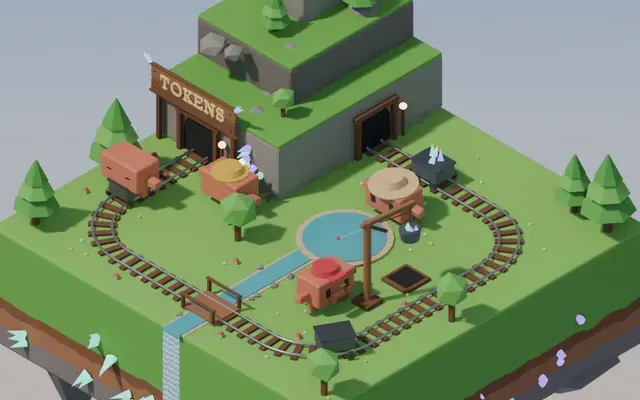 Claude Opus 5.5
Isometric floating mine island in Blender with looping animation
Koldo Huici
 Claude Opus 5.5
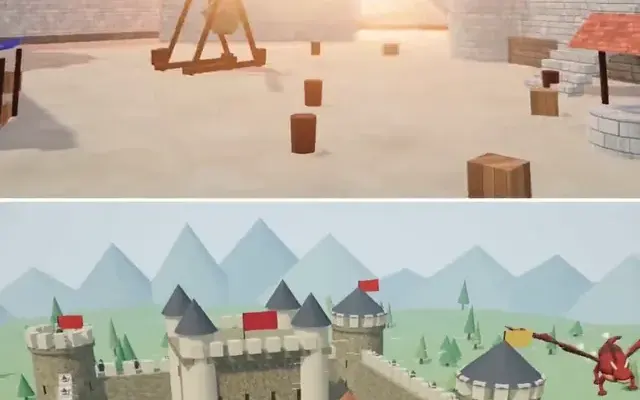
Three.js dragon attacking a medieval castle and village, model comparison
ReconScribe
 GPT-6 Astra
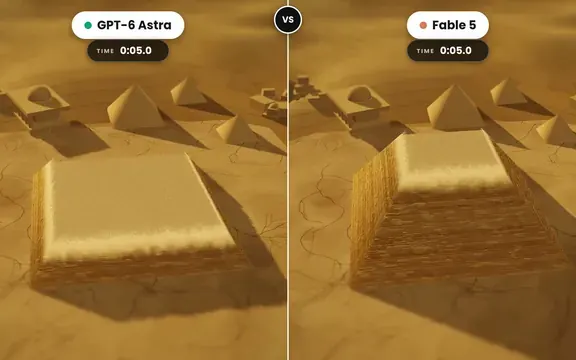
Golden tilt-shift pyramid diorama that builds itself, two-model comparison
demon
 GPT-6 Astra
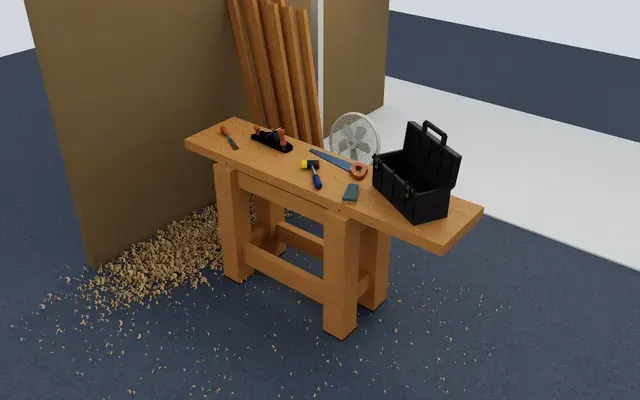
Isaac Sim carpentry workbench scene for robot manipulation testing
Charles Wong
 GPT-6 Astra
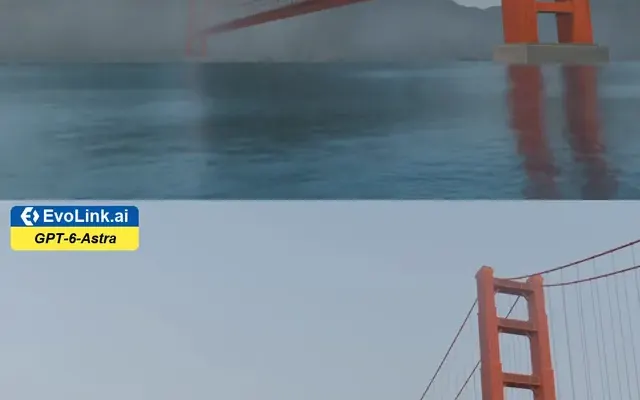
Golden Gate Bridge in morning fog, low-angle Blender-style render
EvoLink.ai
 Claude Opus 5.5
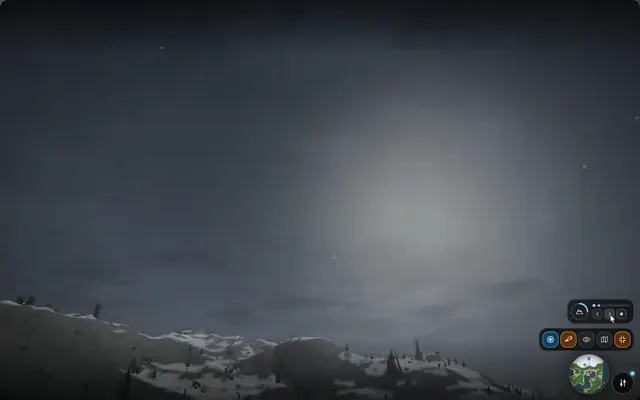
Fantasy world flythrough: island village, snowy peaks and a castle
DrstaOne