

Interactive 3D helicopter with takeoff, assembly and exploded views
A comparison run: Kimi K3.1 and Qwen 4 got the same prompt and each produced a 3D helicopter app with flight, assembly and exploded-parts modes.
Tạo mô hình 3D chi tiết
Chỉ dùng code thì chỉ được các hình khối đơn giản. Wandy 2 biến một tấm ảnh thành mô hình 3D có texture để bạn dùng ngay trong cùng cảnh đó.
Hướng dẫn dựng từ Wandy3D

Tác giả không chia sẻ prompt, nên chúng tôi đã ghi lại cách tái tạo sản phẩm này.
Build an interactive 3D helicopter showcase as a polished single-page web app. Show a detailed light helicopter in white, grey and red on a circular helipad against a warm off-white background. Add a clean editorial layout with large headline text that changes as the user moves through sections, and a side panel listing the helicopter's parts. Include animated takeoff and landing, with rotors spinning and the craft lifting off the pad. Add an assembly view where the parts fly in and fit together, and an exploded view that separates the fuselage, rotors, skids, cockpit and instruments so each can be inspected, with a close-up of the cockpit interior. Provide orbit camera control and simple buttons to switch between flight, assembly and exploded modes. Use WebGL, for example Three.js, with soft shadows and subtle lighting. Deliver a runnable project or one self-contained HTML file. Done means all three modes work smoothly and the parts list matches the visible components.
Cách dùng prompt này
Paste the same prompt into Kimi K3.1 and, if you like, another model, then compare the generated helicopter apps.
Swap the helicopter for another machine, such as a drone or car, and adjust the palette and headline copy.
Run the result, test takeoff, landing and exploded views, then ask for fixes to part labels or camera moves.
Từ Wandy3D
Cần một mô hình 3D thật trong cảnh của bạn?
Agent của bạn dựng cảnh bằng các khối cơ bản. API Wandy3D biến ảnh hoặc prompt thành tệp GLB có texture chỉ trong vài phút — trả từ số dư nạp trước, không cần đăng ký gói.
- Wandy 20,18 US$ mỗi mô hình
- Wandy 10,09 US$ mỗi mô hình
Số dư không bao giờ hết hạn · tác vụ lỗi được hoàn tiền · mô hình tạo qua API thuộc về bạn và tải xuống được ở mọi định dạng.
curl -s -X POST https://api.wandy3d.com/generate/cloud/ultra \ -H "Authorization: Bearer $WANDY3D_API_KEY" -F "file=@photo.jpg"# → {"task_id": "…"} — poll until "status" is "done":curl -s https://api.wandy3d.com/task/$TASK_ID/status \ -H "Authorization: Bearer $WANDY3D_API_KEY"# → {"model_id": "…"} — then GET /model/$MODEL_ID/export?format=glbBài đăng gốcBạn là tác giả? Yêu cầu chúng tôi sửa hoặc gỡ trang này
Prompt tương tự
Xem tất cả prompt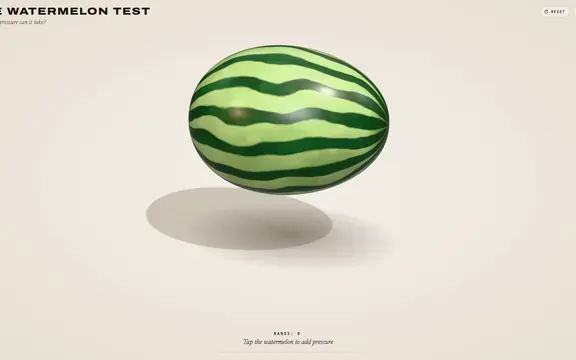 Claude Opus 5.5
Rubber band watermelon test: a squeezable, bursting 3D browser toy
林悦己Cheer
 Claude Opus 5.5
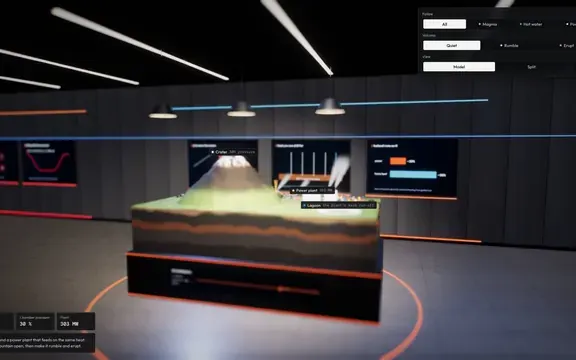
Interactive 3D volcano cutaway simulation with magma chamber
Konstantin Saifoulline
 Claude Opus 5.5
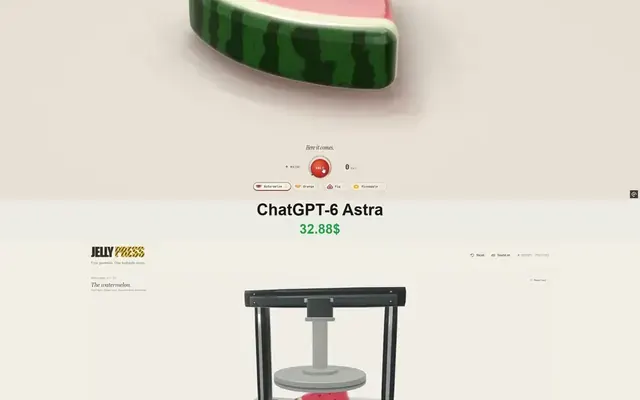
WebGPU jelly press toy: gummy fruit squashed and burst by a hydraulic press
Vib3Coded
 Claude Opus 5.5
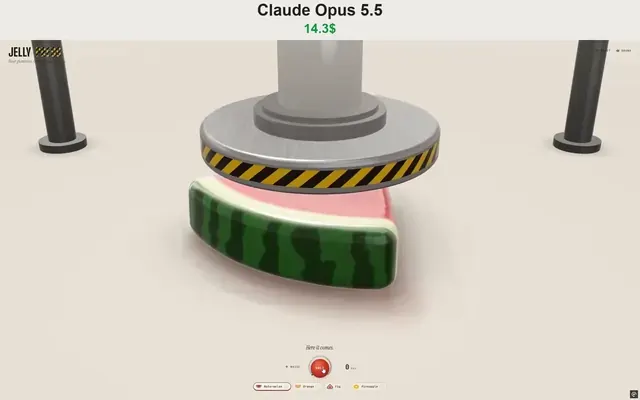
Single-file WebGPU jelly press toy with soft-body fruit gummies
Vib3Coded
 Claude Opus 5.5
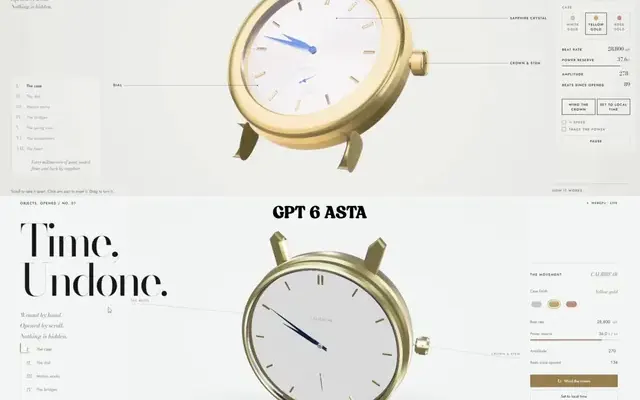
Scroll-driven exploding mechanical watch in raw WebGPU, single HTML file
Paruchh
 Claude Opus 5.5
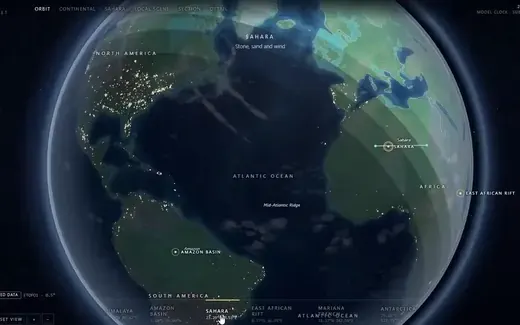
Single-file interactive SVG Earth atlas with globe, expeditions and cutaway
Gadgetify