

Street-by-street Manhattan built in Unreal Engine, from aerial view to brick facades
GPT-6 Astra assembled a Manhattan in Unreal Engine, detailing one street at a time. The clip runs from Central Park to fire escapes and a skyline.
Tạo mô hình 3D chi tiết
Chỉ dùng code thì chỉ được các hình khối đơn giản. Wandy 2 biến một tấm ảnh thành mô hình 3D có texture để bạn dùng ngay trong cùng cảnh đó.
Hướng dẫn dựng từ Wandy3D

Tác giả không chia sẻ prompt, nên chúng tôi đã ghi lại cách tái tạo sản phẩm này.
Build a detailed Manhattan open-world scene in Unreal Engine and record a short camera sequence through it. Start with a high aerial view of the island: the rivers, the long green rectangle of the park, dense blocks and a skyline of towers. Then work street by street at ground level: red brick tenement buildings with fire escapes, arched windows and cornices, a one-way street sign, a glowing neon shop sign, parked cars and a red sports car driving along the avenue. Use natural daylight with long soft shadows, realistic materials and believable street furniture. Keep the grid layout and landmarks recognisable. Deliver the Unreal project plus a roughly thirty-second video that cuts between the aerial view, signage close-ups, facade pans, the car chase shot and a final skyline pass over the water. Done means every street you show is dressed consistently, with no empty or placeholder blocks in frame.
Cách dùng prompt này
Give the build brief to GPT-6 Astra in an agent session connected to an Unreal Engine project.
Change the city, district, time of day or vehicle, and list landmarks you want recognisable.
Let the model work street by street, review each block in the editor, and ask for fixes before recording.
Từ Wandy3D
Cần một mô hình 3D thật trong cảnh của bạn?
Agent của bạn dựng cảnh bằng các khối cơ bản. API Wandy3D biến ảnh hoặc prompt thành tệp GLB có texture chỉ trong vài phút — trả từ số dư nạp trước, không cần đăng ký gói.
- Wandy 20,18 US$ mỗi mô hình
- Wandy 10,09 US$ mỗi mô hình
Số dư không bao giờ hết hạn · tác vụ lỗi được hoàn tiền · mô hình tạo qua API thuộc về bạn và tải xuống được ở mọi định dạng.
curl -s -X POST https://api.wandy3d.com/generate/cloud/ultra \ -H "Authorization: Bearer $WANDY3D_API_KEY" -F "file=@photo.jpg"# → {"task_id": "…"} — poll until "status" is "done":curl -s https://api.wandy3d.com/task/$TASK_ID/status \ -H "Authorization: Bearer $WANDY3D_API_KEY"# → {"model_id": "…"} — then GET /model/$MODEL_ID/export?format=glbBài đăng gốcBạn là tác giả? Yêu cầu chúng tôi sửa hoặc gỡ trang này
Prompt tương tự
Xem tất cả prompt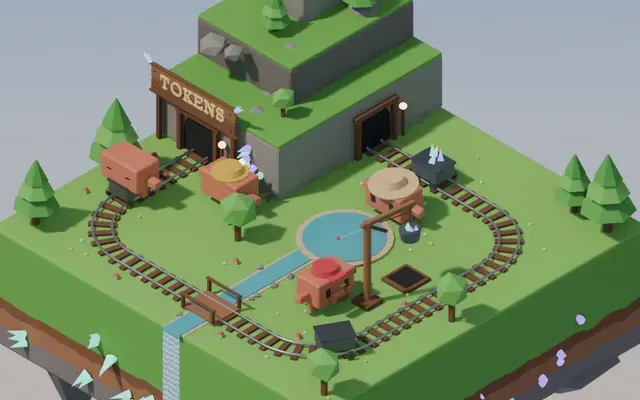 Claude Opus 5.5
Isometric floating mine island in Blender with looping animation
Koldo Huici
 Claude Opus 5.5
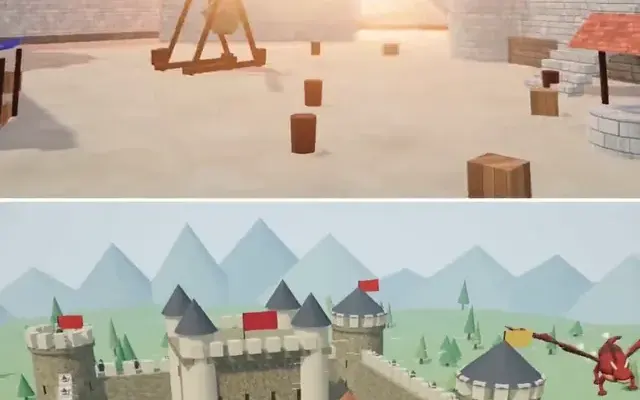
Three.js dragon attacking a medieval castle and village, model comparison
ReconScribe
 GPT-6 Astra
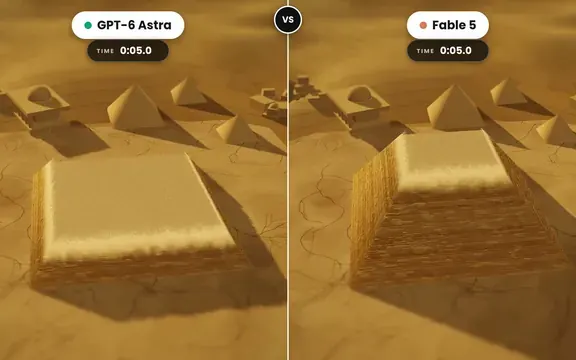
Golden tilt-shift pyramid diorama that builds itself, two-model comparison
demon
 GPT-6 Astra
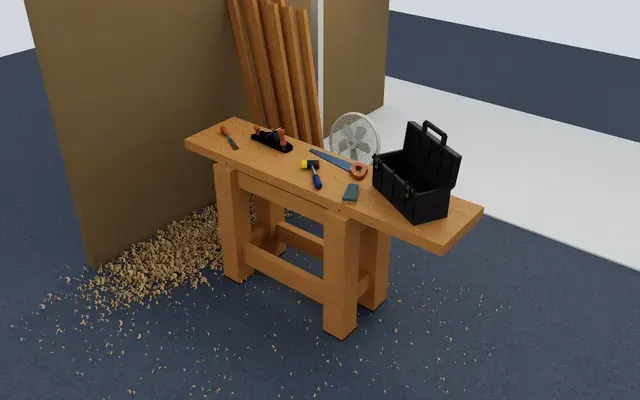
Isaac Sim carpentry workbench scene for robot manipulation testing
Charles Wong
 GPT-6 Astra
Golden Gate Bridge in morning fog, low-angle Blender-style render
EvoLink.ai
 Claude Opus 5.5
Fantasy world flythrough: island village, snowy peaks and a castle
DrstaOne