

Blender office walkthrough built from a single floor plan
Claude Fable 5.1 took a floor plan and produced a furnished 3D office, stills and a walkthrough video, shown against GPT-5.6 Sol in a comparison.
디테일한 3D 모델 만들기
코드만으로는 단순한 도형밖에 만들 수 없어요. Wandy 2는 사진 한 장을 같은 장면에 바로 쓸 수 있는 텍스처 3D 모델로 바꿔 줘요.
Wandy3D 제작 브리프

작성자가 프롬프트를 공개하지 않아서, 이 작품을 재현하는 방법을 저희가 정리했어요.
Build a Blender project from a single floor plan image. Read the plan and model the interior in 3D: walls, doors, windows, a ceiling with recessed lights, wood floor, and furniture such as sit-stand desks, dual monitors, office chairs, bookshelves filled with props, sofas, a round table, plants and a wall-mounted TV. Use a clean modern palette of soft whites, wood, sage green and orange accents. Set up lighting and materials, then render a set of still images from different rooms and angles. Finally animate a smooth camera walkthrough through the rooms and render it as a video of about 40 seconds. Deliver a Python script or a .blend file plus the rendered stills and the video. Done when the layout matches the plan, rooms are furnished convincingly, and the walkthrough moves through them without clipping into walls.
프롬프트 사용 방법
Give the build brief and your floor plan image to Claude Code running Claude Fable 5.1, with Blender available.
Swap the floor plan, furniture style, palette, number of stills and walkthrough length.
Render, check the layout against the plan, and iterate; run the same brief on another model to compare.
Wandy3D 제공
장면에 진짜 3D 모델이 필요하신가요?
에이전트는 기본 도형으로 장면을 만들어요. Wandy3D API는 사진이나 프롬프트를 몇 분 만에 텍스처가 입혀진 GLB로 바꿔 줘요. 구독 없이 선불 잔액에서 결제돼요.
- Wandy 2모델당 US$0.18
- Wandy 1모델당 US$0.09
잔액은 만료되지 않아요 · 실패한 작업은 환불돼요 · API로 만든 모델은 회원님 소유이며 모든 형식으로 다운로드할 수 있어요.
curl -s -X POST https://api.wandy3d.com/generate/cloud/ultra \ -H "Authorization: Bearer $WANDY3D_API_KEY" -F "file=@photo.jpg"# → {"task_id": "…"} — poll until "status" is "done":curl -s https://api.wandy3d.com/task/$TASK_ID/status \ -H "Authorization: Bearer $WANDY3D_API_KEY"# → {"model_id": "…"} — then GET /model/$MODEL_ID/export?format=glb원본 게시물작성자이신가요? 이 페이지의 수정이나 삭제를 요청하세요
비슷한 프롬프트
모든 프롬프트 보기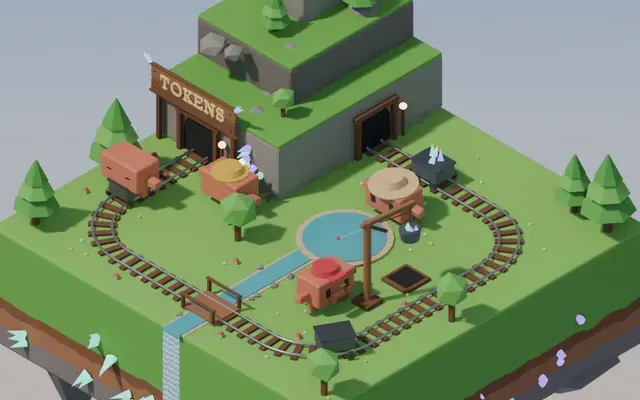 Claude Opus 5.5
Isometric floating mine island in Blender with looping animation
Koldo Huici
 Claude Opus 5.5
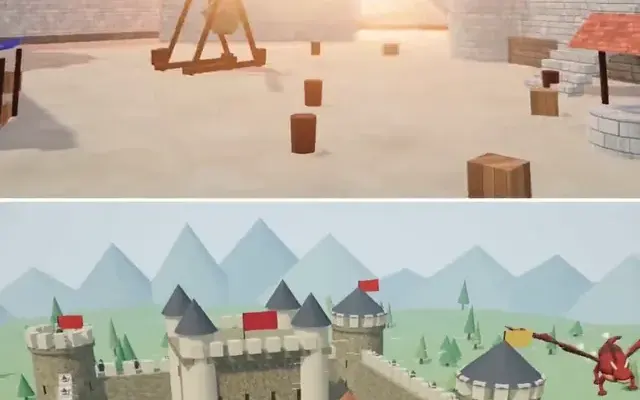
Three.js dragon attacking a medieval castle and village, model comparison
ReconScribe
 GPT-6 Astra
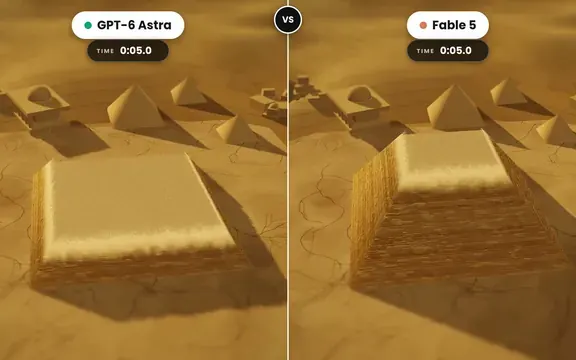
Golden tilt-shift pyramid diorama that builds itself, two-model comparison
demon
 GPT-6 Astra
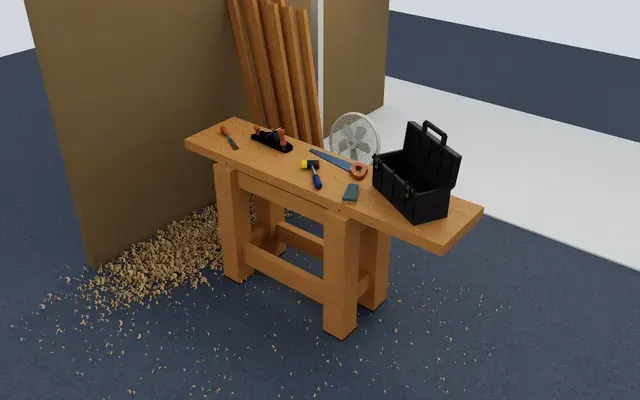
Isaac Sim carpentry workbench scene for robot manipulation testing
Charles Wong
 GPT-6 Astra
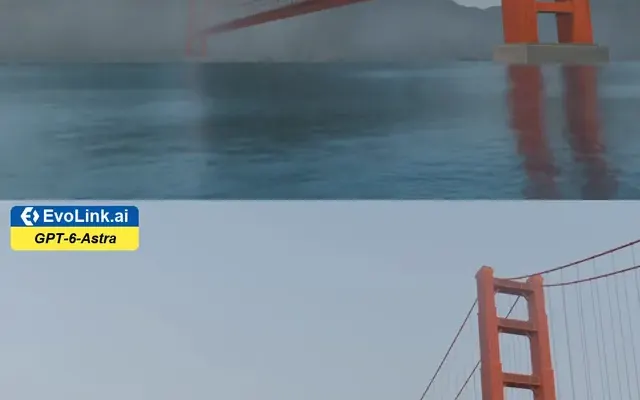
Golden Gate Bridge in morning fog, low-angle Blender-style render
EvoLink.ai
 Claude Opus 5.5
Fantasy world flythrough: island village, snowy peaks and a castle
DrstaOne