

Cinematic ocean-platform rocket launch in one Three.js HTML file
Comparison of two Opus versions on one prompt; Claude Opus 5.5's dawn launch runs from liftoff through staging and fairing release to an unfolding satellite.
디테일한 3D 모델 만들기
코드만으로는 단순한 도형밖에 만들 수 없어요. Wandy 2는 사진 한 장을 같은 장면에 바로 쓸 수 있는 텍스처 3D 모델로 바꿔 줘요.
Claude Opus 5.5 프롬프트
Create a cinematic, highly detailed, interactive 3D rocket launch from an ocean platform at dawn. Deliver the complete project in one HTML file that opens directly in Chrome. Use Three.js + WebGL and procedural assets. Embed assets wherever practical; a reliable CDN may be used for the rendering library.

ART DIRECTION
Create a dramatic transition from a dark, blue-violet ocean before sunrise to warm sunlight above the atmosphere. Use convincing proportions, detailed materials, atmospheric depth, and carefully composed camera angles. The result should feel like a polished miniature spaceflight film.
ROCKET AND LAUNCH PLATFORM
Build a convincing multistage rocket with a shaped nose cone, panel seams, structural rings, interstage connections, engine nozzles, and a payload fairing that separates into two halves.

Create a detailed floating launch platform with a support tower, retracting strongback, service arms, railings, ladders, pipes, equipment, floodlights, and blinking warning beacons. Keep all structures physically connected and correctly positioned.
LAUNCH SEQUENCE
Create an approximately 46-second sequence:

Establishing camera move around the platform.

Service arms and strongback retract.
Engines ignite, illuminating the rocket, platform, and nearby water.
Smoke spreads across the deck as the rocket lifts off and accelerates.
The camera follows the climb from the atmosphere toward space.
The first stage separates and falls away.
The second-stage engine ignites.
The fairing halves separate, revealing a satellite.
The engine shuts down, the satellite deploys, and its solar panels unfold.
Finish with an orbital view of the satellite against Earth’s curved horizon and sunrise.
Compress the flight timeline for presentation while maintaining coherent motion. Avoid sudden position changes, intersecting components, or disconnected effects.
OCEAN, ATMOSPHERE, AND EFFECTS
Use animated shader-driven ocean waves with Fresnel reflections and warm engine-light reflections. Create layered exhaust with a bright core, softer outer flame, and drifting smoke particles.
Smoke should expand, fade, and respond to wind. Exhaust must remain attached to the correct engine through staging. Transition smoothly from atmospheric haze to a dark star field and Earth’s illuminated limb.

CAMERA AND INTERACTION
Use smooth cinematic camera transitions: wide establishing view, low-angle ignition shot, ascent tracking, stage separation, and satellite close-up. Keep the main subject visible in both portrait and landscape layouts.

Include play/pause, replay, and a scrubber with event markers. Seeking must reconstruct the correct rocket configuration, particle state, camera position, and lighting. Replaying must reset the entire sequence cleanly.
Keep the interface minimal and unobtrusive. Allow it to be hidden for recording.

TECHNICAL QUALITY
Use frame-rate-independent animation and efficient particle systems. Reuse geometry and materials where appropriate, handle resizing correctly, and balance visual detail with smooth performance.

Test the final HTML in a desktop browser. Inspect the console and capture screenshots at ignition, liftoff, staging, and satellite deployment. Fix loading errors, clipping, geometry problems, broken seeking, and poor camera framing before delivering the file.
프롬프트 사용 방법
Paste the prompt into Claude Opus 5.5 in your coding tool and ask for a single HTML file.
Change the launch site, time of day, rocket design or sequence length to suit your idea.
Open the file in Chrome, scrub the timeline, and refine camera shots or exhaust effects.
Wandy3D 제공
 Wandy3D 제공
장면에 진짜 3D 모델이 필요하신가요?
에이전트는 기본 도형으로 장면을 만들어요. Wandy3D API는 사진이나 프롬프트를 몇 분 만에 텍스처가 입혀진 GLB로 바꿔 줘요. 구독 없이 선불 잔액에서 결제돼요.
- Wandy 2모델당 US$0.18
- Wandy 1모델당 US$0.09
잔액은 만료되지 않아요 · 실패한 작업은 환불돼요 · API로 만든 모델은 회원님 소유이며 모든 형식으로 다운로드할 수 있어요.
curl -s -X POST https://api.wandy3d.com/generate/cloud/ultra \ -H "Authorization: Bearer $WANDY3D_API_KEY" -F "file=@photo.jpg"# → {"task_id": "…"} — poll until "status" is "done":curl -s https://api.wandy3d.com/task/$TASK_ID/status \ -H "Authorization: Bearer $WANDY3D_API_KEY"# → {"model_id": "…"} — then GET /model/$MODEL_ID/export?format=glb원본 게시물작성자이신가요? 이 페이지의 수정이나 삭제를 요청하세요
비슷한 프롬프트
모든 프롬프트 보기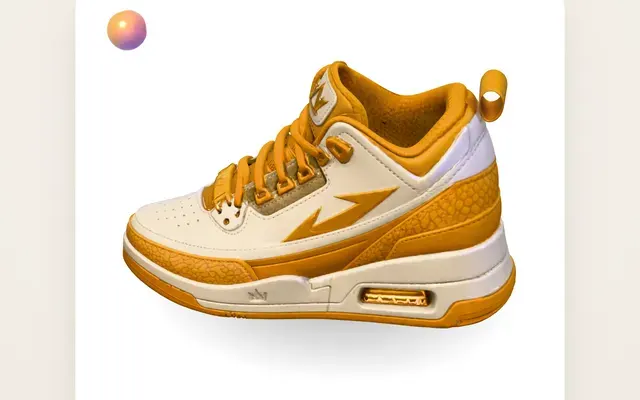 Claude Opus 5.5Wandy3D 오리지널
One photo to a 3D model: an AI orb UI motion loop
Wandy3D
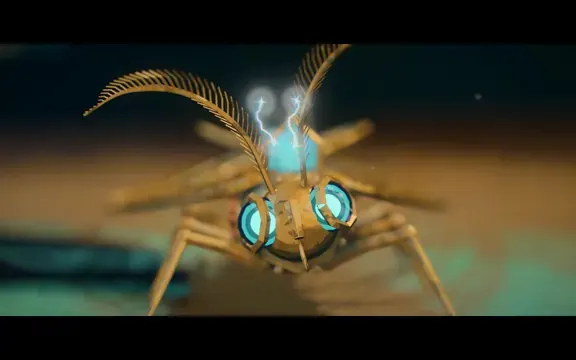 Claude Opus 5.5
Painterly Blender animation of a brass crystal moth waking on a workbench
Shikhar
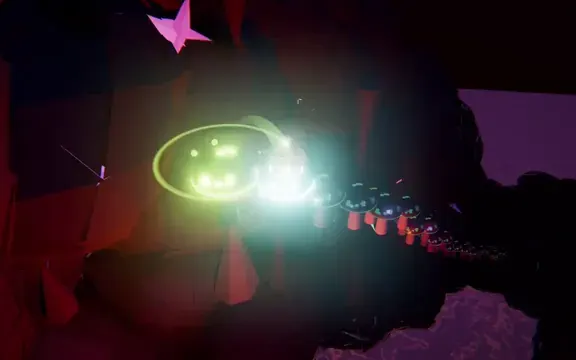 Claude Opus 5.5
Beat-synced Three.js animation of a glowing ball bouncing across neon platforms
Gorden Sun
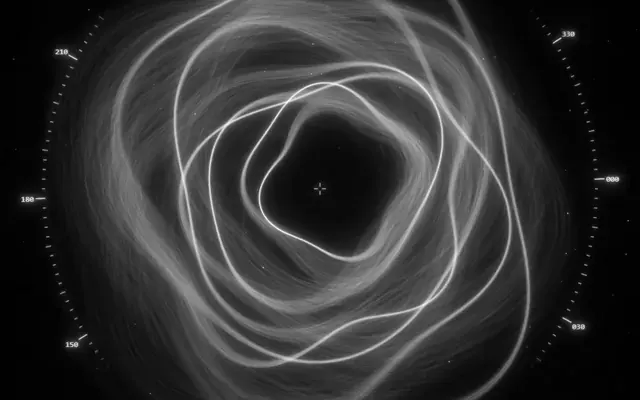 Claude Opus 5.5
Monochrome sci-fi observatory HUD with swirling strand rings
kriptoleidi
 Claude Opus 5.5
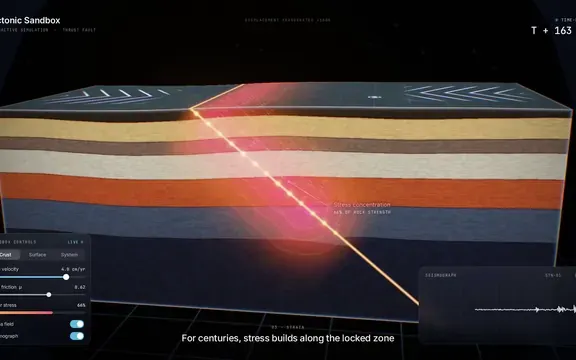
Interactive tectonic sandbox explaining how an earthquake happens
Ege
 GPT-6.1 Sol
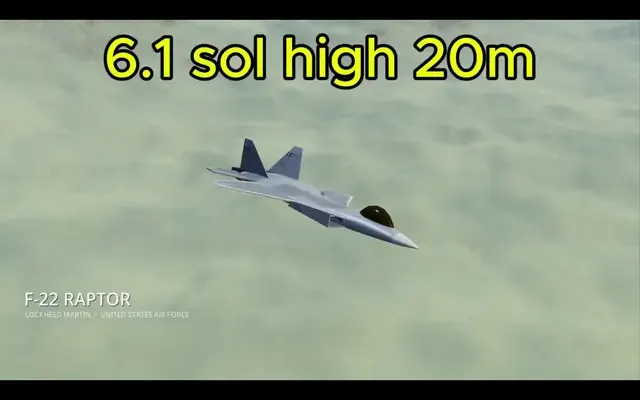
Realistic F-22 Raptor modeled in Blender and flown in Godot
Demetrius Greses Jr