

Interactive 3D exploded view of a desktop PC's 29 components
GPT-6 Astra produced a 3D learning site where a PC tower pulls apart on a slider and each of its 29 parts has a clickable explanation.
디테일한 3D 모델 만들기
코드만으로는 단순한 도형밖에 만들 수 없어요. Wandy 2는 사진 한 장을 같은 장면에 바로 쓸 수 있는 텍스처 3D 모델로 바꿔 줘요.
Wandy3D 제작 브리프

작성자가 프롬프트를 공개하지 않아서, 이 작품을 재현하는 방법을 저희가 정리했어요.
Build an interactive 3D educational website that explains the parts of a desktop computer. Show a PC tower with a dark studio background and a clean light-on-dark interface. Use Three.js. Model about 29 core components (motherboard, CPU with cooler, GPU, RAM, SSD, power supply, fans, case panels) as separate meshes. Add a left sidebar listing components grouped by category with search, and a right panel that shows a name, short description and related parts for the selected component. Clicking a part in the list or the scene highlights it and focuses the camera on it. Provide an explode slider at the bottom that smoothly pulls every part away from the case along sensible axes and brings them back, plus orbit, zoom and reset controls. Add small animated labels for the selected part. Deliver a self-contained web project that runs locally. Done when every listed part can be selected, explained and separated in the exploded view without overlap glitches.
프롬프트 사용 방법
Give the build brief to GPT-6 Astra in your coding agent and ask for a runnable Three.js project.
Swap the subject: a bicycle, an engine or a camera, and rewrite the part list and descriptions.
Open it, drag the explode slider, then ask for extra animations, quizzes or a language switch.
Wandy3D 제공
장면에 진짜 3D 모델이 필요하신가요?
에이전트는 기본 도형으로 장면을 만들어요. Wandy3D API는 사진이나 프롬프트를 몇 분 만에 텍스처가 입혀진 GLB로 바꿔 줘요. 구독 없이 선불 잔액에서 결제돼요.
- Wandy 2모델당 US$0.18
- Wandy 1모델당 US$0.09
잔액은 만료되지 않아요 · 실패한 작업은 환불돼요 · API로 만든 모델은 회원님 소유이며 모든 형식으로 다운로드할 수 있어요.
curl -s -X POST https://api.wandy3d.com/generate/cloud/ultra \ -H "Authorization: Bearer $WANDY3D_API_KEY" -F "file=@photo.jpg"# → {"task_id": "…"} — poll until "status" is "done":curl -s https://api.wandy3d.com/task/$TASK_ID/status \ -H "Authorization: Bearer $WANDY3D_API_KEY"# → {"model_id": "…"} — then GET /model/$MODEL_ID/export?format=glb원본 게시물작성자이신가요? 이 페이지의 수정이나 삭제를 요청하세요
비슷한 프롬프트
모든 프롬프트 보기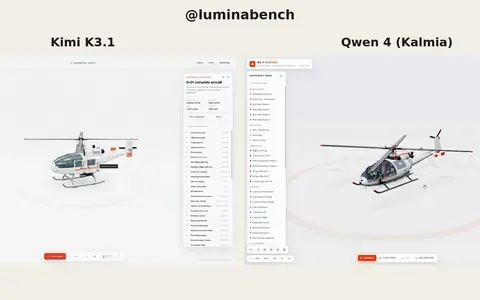 Kimi K3.1
Interactive 3D helicopter with takeoff, assembly and exploded views
Lumina
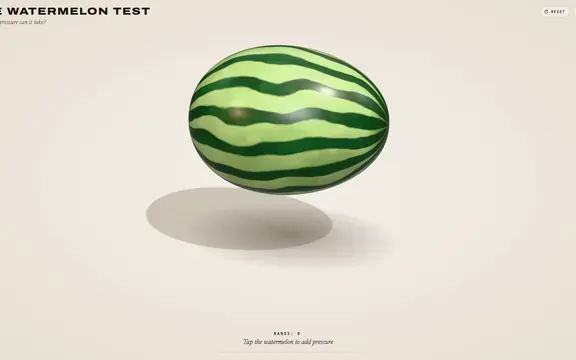 Claude Opus 5.5
Rubber band watermelon test: a squeezable, bursting 3D browser toy
林悦己Cheer
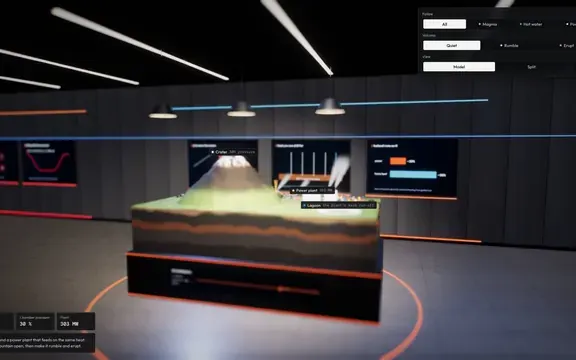 Claude Opus 5.5
Interactive 3D volcano cutaway simulation with magma chamber
Konstantin Saifoulline
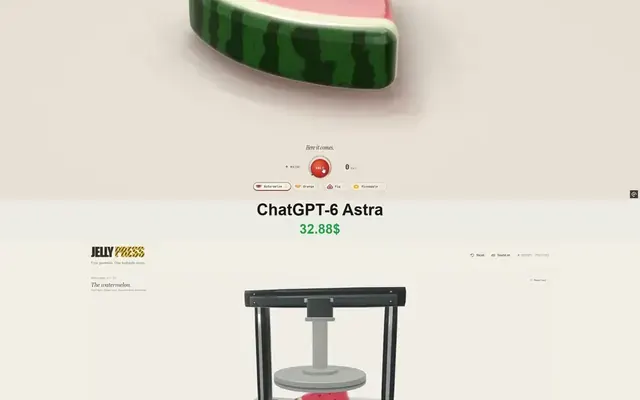 Claude Opus 5.5
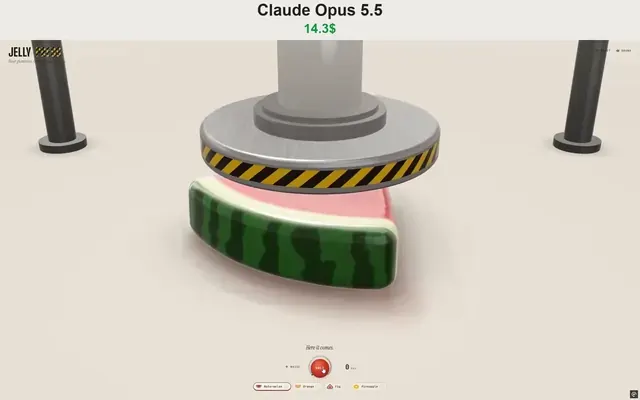
WebGPU jelly press toy: gummy fruit squashed and burst by a hydraulic press
Vib3Coded
 Claude Opus 5.5
Single-file WebGPU jelly press toy with soft-body fruit gummies
Vib3Coded
 Claude Opus 5.5
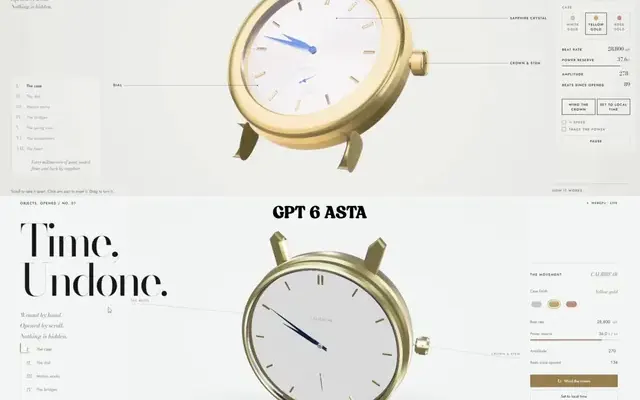
Scroll-driven exploding mechanical watch in raw WebGPU, single HTML file
Paruchh