

Interactive 3D science simulation of Saturn's moon Titan
Made with GPT-6 Astra at medium reasoning in Codex: a Titan globe with changing phases, a descent view and mission-history panels.
디테일한 3D 모델 만들기
코드만으로는 단순한 도형밖에 만들 수 없어요. Wandy 2는 사진 한 장을 같은 장면에 바로 쓸 수 있는 텍스처 3D 모델로 바꿔 줘요.
Wandy3D 제작 브리프

작성자가 프롬프트를 공개하지 않아서, 이 작품을 재현하는 방법을 저희가 정리했어요.
Build an interactive scientific 3D simulation of Saturn's largest moon, Titan, as a web app. Show a realistic hazy globe on a black space background with a lit and shadowed side, and let the viewer move through time so phases and eclipse-like views of the disc appear, with a thin glowing atmosphere ring. Add a dark, minimal interface with a large title, a side navigation, time controls along the bottom and small labels on surface features. Include explanatory sections, for example a descent view below the horizon showing an orange sky, a rugged landscape with rounded rocks and a surface map image, plus a chronological list of mission and discovery events. Use restrained typography, muted amber and grey colours and smooth camera motion. Deliver it as a self-contained project that opens in a browser. Done means the globe renders convincingly, time controls change the lighting, and every panel is readable and navigable.
프롬프트 사용 방법
Give the build brief to Codex running GPT-6 Astra at medium reasoning.
Swap Titan for another moon or planet and change the panels, labels or timeline.
Open it in a browser, check lighting against the time controls and iterate on the visuals.
Wandy3D 제공
장면에 진짜 3D 모델이 필요하신가요?
에이전트는 기본 도형으로 장면을 만들어요. Wandy3D API는 사진이나 프롬프트를 몇 분 만에 텍스처가 입혀진 GLB로 바꿔 줘요. 구독 없이 선불 잔액에서 결제돼요.
- Wandy 2모델당 US$0.18
- Wandy 1모델당 US$0.09
잔액은 만료되지 않아요 · 실패한 작업은 환불돼요 · API로 만든 모델은 회원님 소유이며 모든 형식으로 다운로드할 수 있어요.
curl -s -X POST https://api.wandy3d.com/generate/cloud/ultra \ -H "Authorization: Bearer $WANDY3D_API_KEY" -F "file=@photo.jpg"# → {"task_id": "…"} — poll until "status" is "done":curl -s https://api.wandy3d.com/task/$TASK_ID/status \ -H "Authorization: Bearer $WANDY3D_API_KEY"# → {"model_id": "…"} — then GET /model/$MODEL_ID/export?format=glb원본 게시물작성자이신가요? 이 페이지의 수정이나 삭제를 요청하세요
비슷한 프롬프트
모든 프롬프트 보기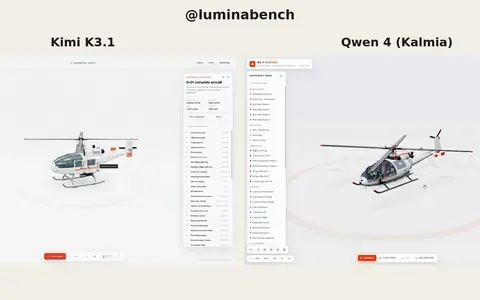 Kimi K3.1
Interactive 3D helicopter with takeoff, assembly and exploded views
Lumina
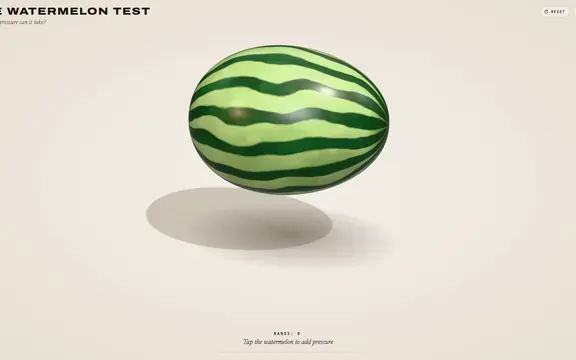 Claude Opus 5.5
Rubber band watermelon test: a squeezable, bursting 3D browser toy
林悦己Cheer
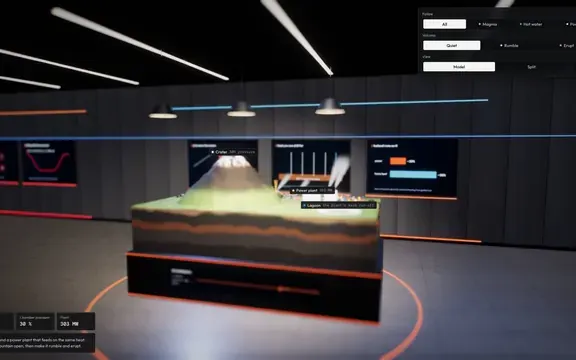 Claude Opus 5.5
Interactive 3D volcano cutaway simulation with magma chamber
Konstantin Saifoulline
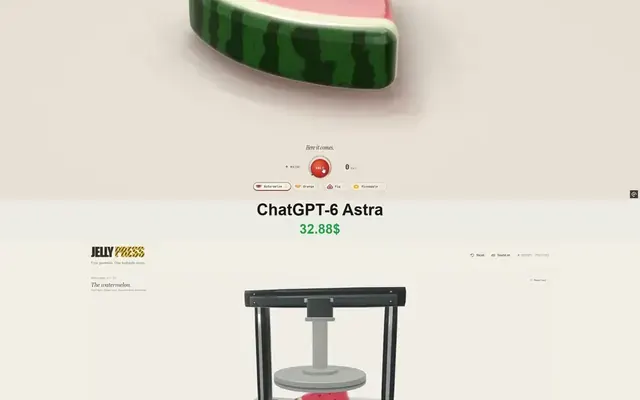 Claude Opus 5.5
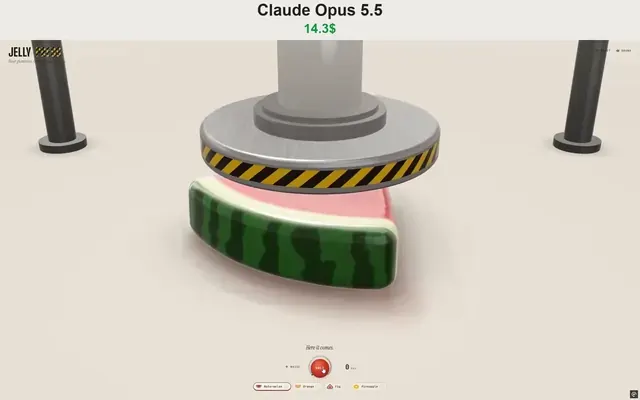
WebGPU jelly press toy: gummy fruit squashed and burst by a hydraulic press
Vib3Coded
 Claude Opus 5.5
Single-file WebGPU jelly press toy with soft-body fruit gummies
Vib3Coded
 Claude Opus 5.5
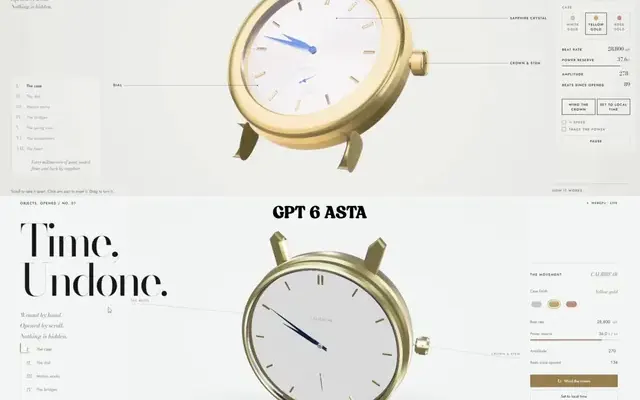
Scroll-driven exploding mechanical watch in raw WebGPU, single HTML file
Paruchh