

Interactive Three.js medieval kingdom with drawbridge, guards and day-night
A comparison of two models given the same castle prompt; Claude Opus 5.5 built a red-roofed kingdom with moat, village and mountains that you can explore.
디테일한 3D 모델 만들기
코드만으로는 단순한 도형밖에 만들 수 없어요. Wandy 2는 사진 한 장을 같은 장면에 바로 쓸 수 있는 텍스처 3D 모델로 바꿔 줘요.
Claude Opus 5.5 프롬프트
Build your own medieval kingdom.
Your kingdom represents Claude Opus 5.5. Design a magnificent, historically inspired castle that expresses this model’s identity through architecture, heraldry, colors and atmosphere. You have complete artistic freedom within a believable medieval setting.
Do not simply place a logo on a generic castle. Give your kingdom a distinctive architectural character and a coherent visual identity. Invent its coat of arms, royal colors and an original heraldic emblem. Display them on animated banners, shields, gate decorations and the clothing of the castle guards. Place the kingdom’s name above the main entrance.
Create a richly detailed, interactive 3D scene using Three.js and WebGL. Deliver everything in one standalone HTML file that opens directly in Chrome.
THE CASTLE
Build a convincing fortress with a central keep, towers, battlements, curtain walls, an impressive gatehouse, a working drawbridge and a courtyard.
Include carefully modeled stonework, arched windows, wooden doors, roof structures, stairs, balconies, iron fittings and small architectural details. Make the structures believable: towers need interiors or convincing depth, stairs must connect to accessible floors, and bridges must have proper supports.
Surround the castle with an attractive landscape that suits your kingdom: cliffs, hills, a river, a moat, forests or a small village. Design a strong composition that looks beautiful from multiple angles.
LIFE AND INTERACTION
Bring the kingdom to life with guards patrolling the walls, villagers moving through the courtyard, gently waving banners, chimney smoke, birds and flickering lanterns.
Let the viewer:
Open and close the drawbridge and main gate.
Follow a guard on patrol.
Switch between a cinematic overview, the courtyard and the battlements.
Rotate and zoom freely.
Change between daylight, sunset and night.
Keep characters on walkable surfaces. Prevent them from passing through walls, doors or one another.
LIGHTING AND ATMOSPHERE
Create cinematic lighting that reveals the architecture clearly. Use soft shadows, atmospheric depth, convincing water where appropriate and restrained post-processing.
At night, illuminate windows, torches and lanterns while preserving enough visibility to appreciate the castle.
Aim for a sophisticated, finished 3D artwork with distinctive architecture and abundant detail. Avoid a collection of obvious primitive shapes or repetitive towers with no architectural purpose.
TECHNICAL QUALITY
Generate assets procedurally wherever practical. Embed textures and other assets inside the HTML. No local server or build step should be required.
Use instancing and geometry batching where appropriate. Keep animation and camera interaction smooth. Provide a minimal, elegant English interface and a button to hide it.
Actually test the result in desktop Chrome. Capture screenshots, inspect the console, test every interaction and fix rendering errors, floating objects, geometry intersections and camera problems.
Make this a castle people would recognize as YOUR kingdom, even before reading its name.
Return the completed standalone HTML file.
프롬프트 사용 방법
Paste the prompt into Claude Opus 5.5 in your coding tool and ask for one standalone HTML file.
Swap the model name for your own identity, or change the era, landscape and heraldry.
Open it in Chrome, try the drawbridge, guard-follow and lighting modes, then refine details.
Wandy3D 제공
 Wandy3D 제공
장면에 진짜 3D 모델이 필요하신가요?
에이전트는 기본 도형으로 장면을 만들어요. Wandy3D API는 사진이나 프롬프트를 몇 분 만에 텍스처가 입혀진 GLB로 바꿔 줘요. 구독 없이 선불 잔액에서 결제돼요.
- Wandy 2모델당 US$0.18
- Wandy 1모델당 US$0.09
잔액은 만료되지 않아요 · 실패한 작업은 환불돼요 · API로 만든 모델은 회원님 소유이며 모든 형식으로 다운로드할 수 있어요.
curl -s -X POST https://api.wandy3d.com/generate/cloud/ultra \ -H "Authorization: Bearer $WANDY3D_API_KEY" -F "file=@photo.jpg"# → {"task_id": "…"} — poll until "status" is "done":curl -s https://api.wandy3d.com/task/$TASK_ID/status \ -H "Authorization: Bearer $WANDY3D_API_KEY"# → {"model_id": "…"} — then GET /model/$MODEL_ID/export?format=glb원본 게시물작성자이신가요? 이 페이지의 수정이나 삭제를 요청하세요
비슷한 프롬프트
모든 프롬프트 보기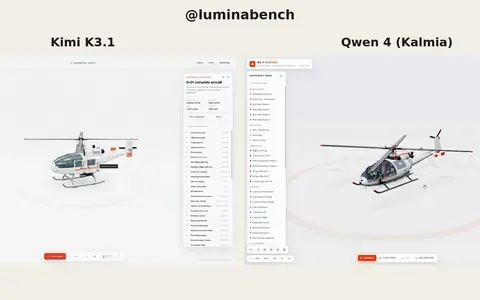 Kimi K3.1
Interactive 3D helicopter with takeoff, assembly and exploded views
Lumina
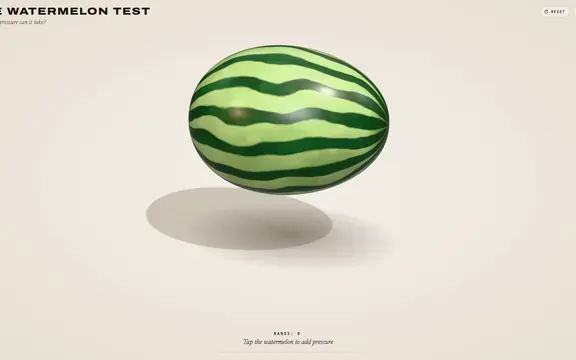 Claude Opus 5.5
Rubber band watermelon test: a squeezable, bursting 3D browser toy
林悦己Cheer
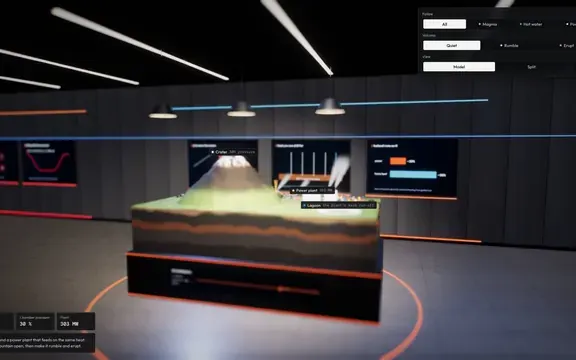 Claude Opus 5.5
Interactive 3D volcano cutaway simulation with magma chamber
Konstantin Saifoulline
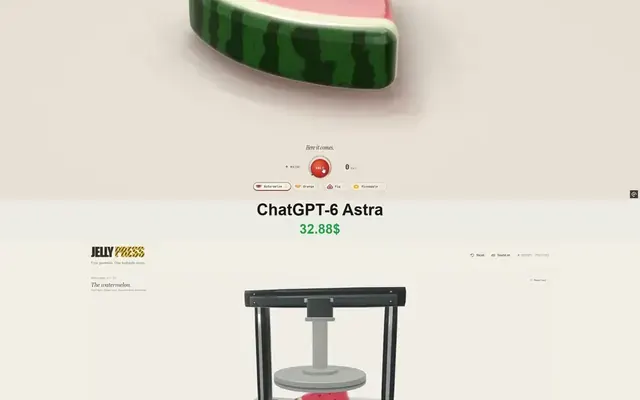 Claude Opus 5.5
WebGPU jelly press toy: gummy fruit squashed and burst by a hydraulic press
Vib3Coded
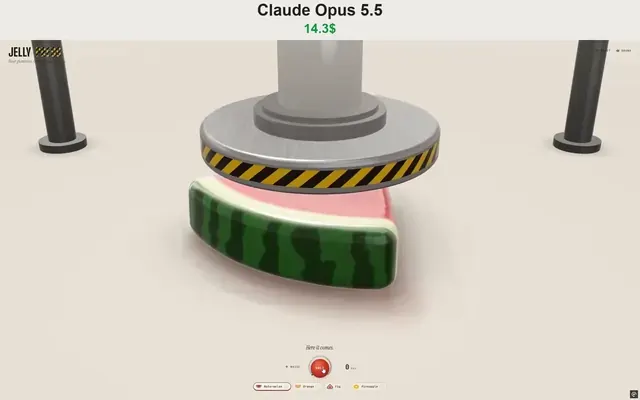 Claude Opus 5.5
Single-file WebGPU jelly press toy with soft-body fruit gummies
Vib3Coded
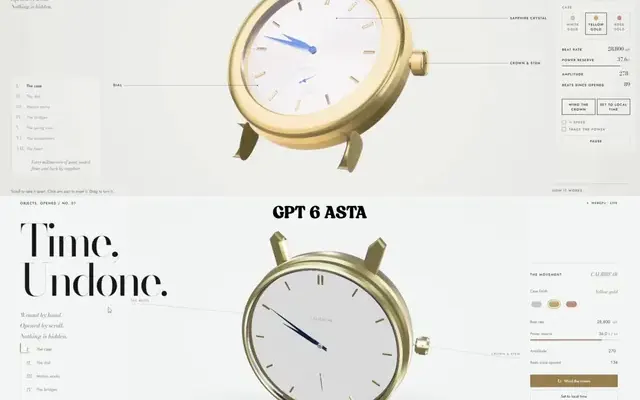 Claude Opus 5.5
Scroll-driven exploding mechanical watch in raw WebGPU, single HTML file
Paruchh