

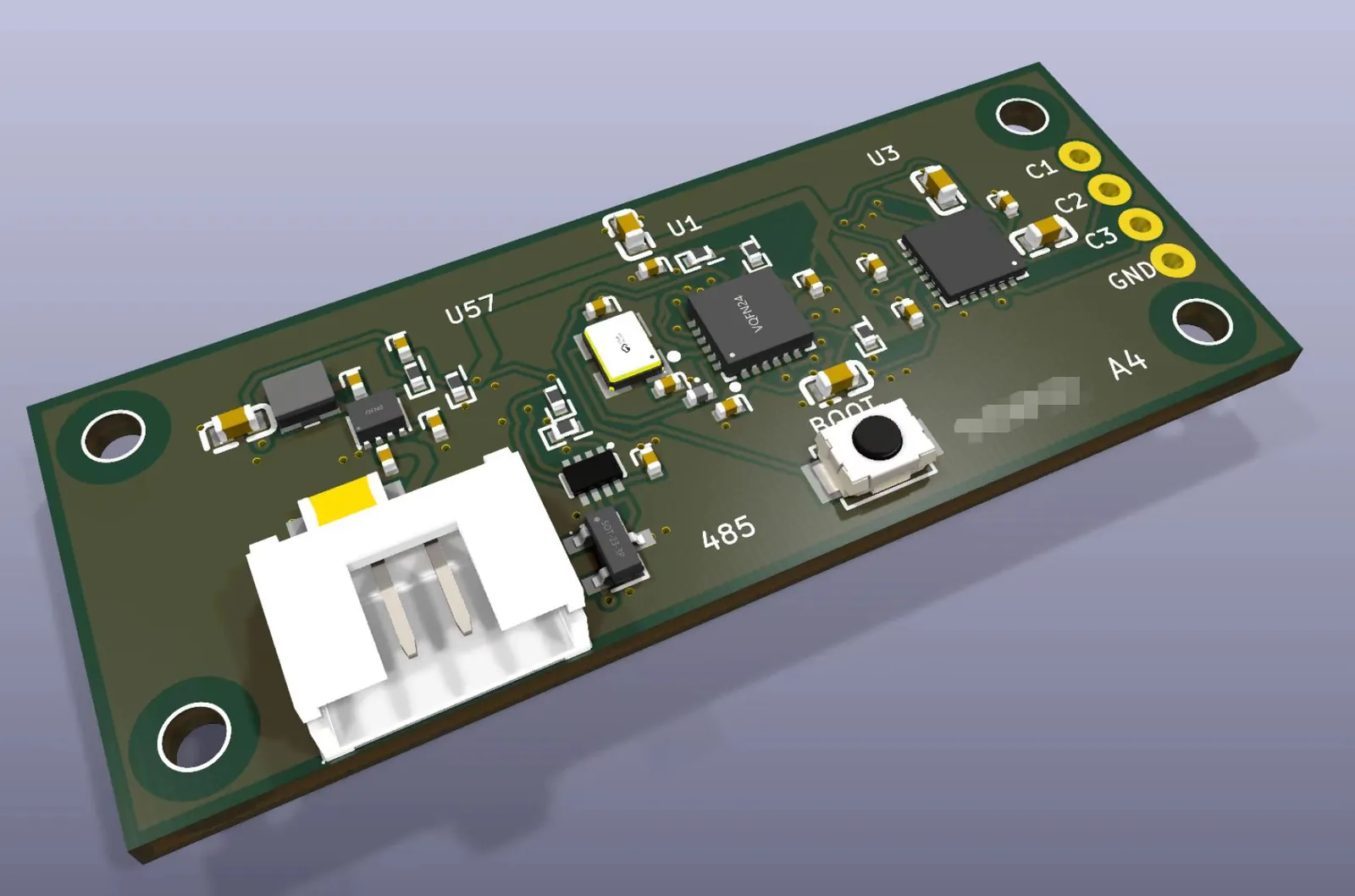
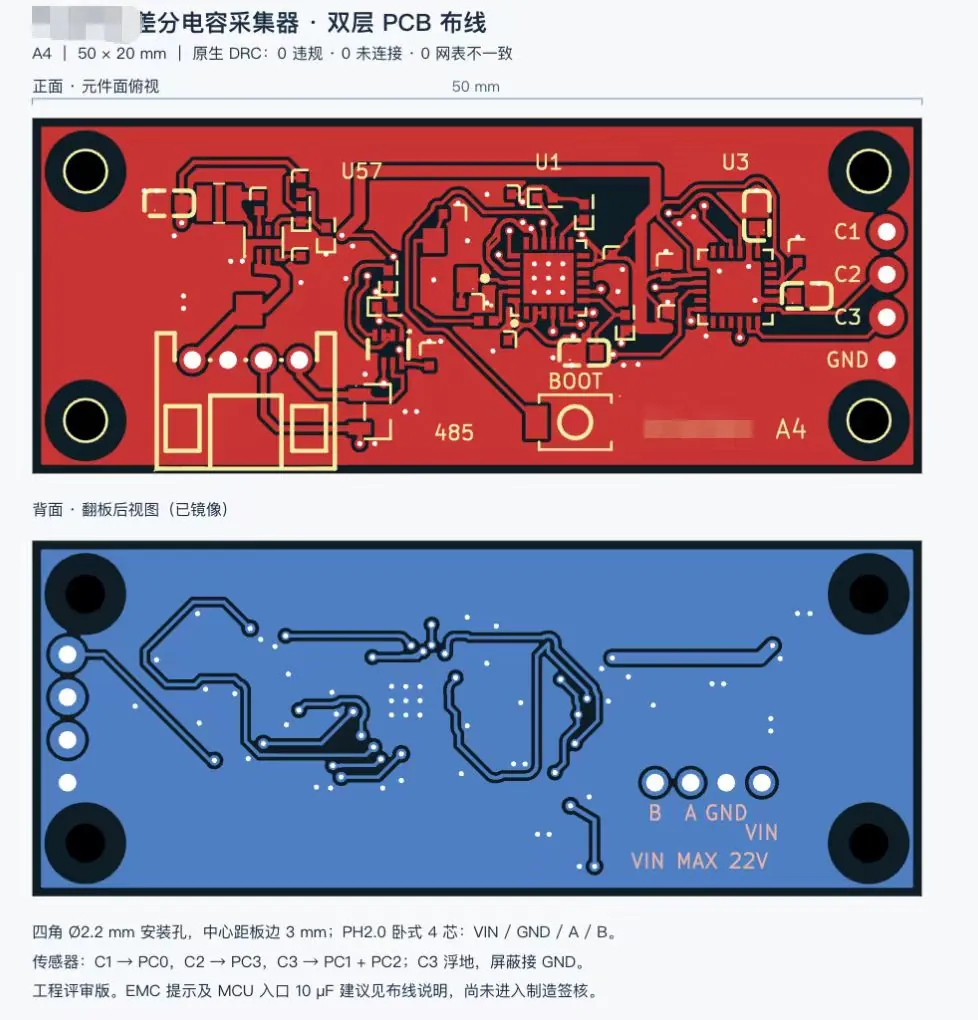
Routed 50 x 20 mm two-layer KiCad PCB with 3D renders
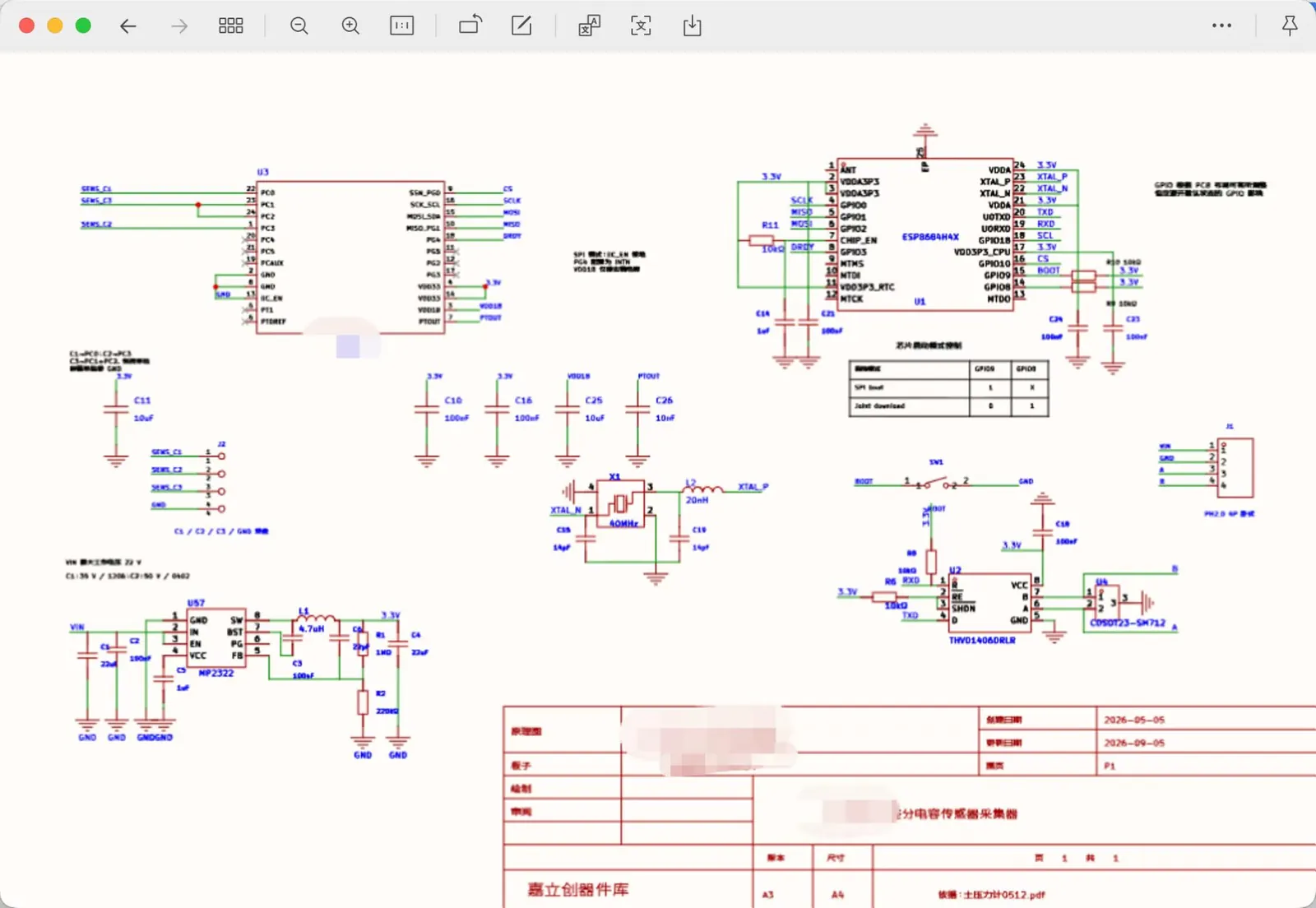
GPT-6 Astra took a schematic PDF through KiCad to a revised circuit and a routed two-layer board with zero DRC violations, plus 3D renders.
디테일한 3D 모델 만들기
코드만으로는 단순한 도형밖에 만들 수 없어요. Wandy 2는 사진 한 장을 같은 장면에 바로 쓸 수 있는 텍스처 3D 모델로 바꿔 줘요.
Wandy3D 제작 브리프

작성자가 프롬프트를 공개하지 않아서, 이 작품을 재현하는 방법을 저희가 정리했어요.
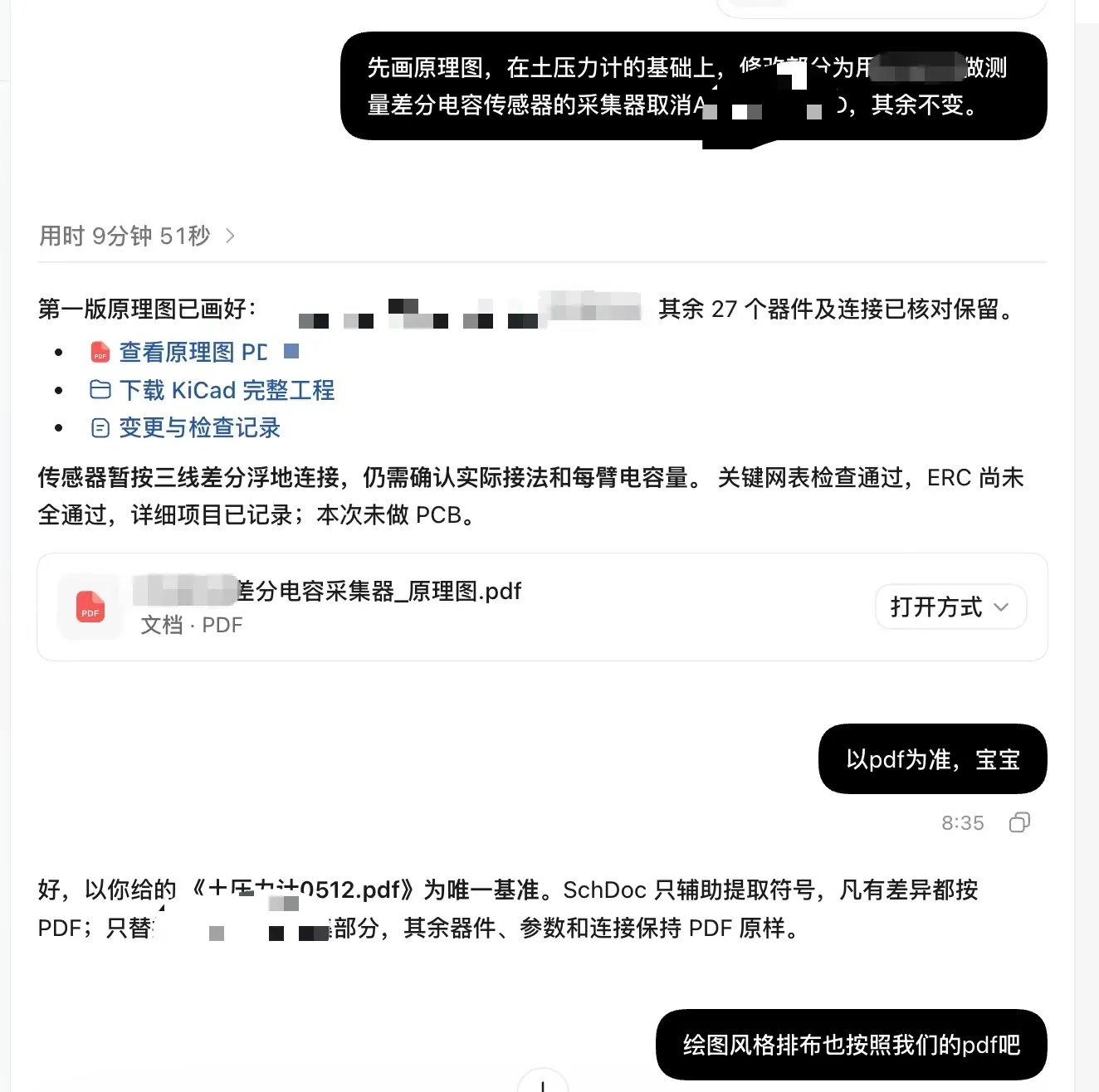
Build a small sensor-board design project in KiCad starting from a supplied schematic PDF. Redraw the schematic so it follows the PDF's layout and style, change only the sensor-interface section the user specifies, and keep every other part and connection unchanged. Review component datasheets and run the electrical rules check. Then lay out and route a 50 x 20 mm two-layer PCB with four corner mounting holes, a four-pin connector on one short edge, a microcontroller, a few small ICs, a boot button and labelled test pads. Use a dark green solder mask with silk-screen labels. Finish by running the design rule check until it reports zero violations, and export a 3D board render plus front and mirrored back layout views. Deliver the KiCad project, the schematic PDF and the renders, with a short note listing unresolved checks and the fact that hardware testing has not yet been done.
프롬프트 사용 방법
Give the build brief to GPT-6 Astra in an agent that can drive KiCad, along with your own schematic PDF.
Change the sensor section, board size, connector and mounting holes to match your hardware, and keep the rest fixed.
You get a schematic, a routed board and 3D renders; re-run ERC and DRC, then ask for datasheet checks before ordering.
Wandy3D 제공
장면에 진짜 3D 모델이 필요하신가요?
에이전트는 기본 도형으로 장면을 만들어요. Wandy3D API는 사진이나 프롬프트를 몇 분 만에 텍스처가 입혀진 GLB로 바꿔 줘요. 구독 없이 선불 잔액에서 결제돼요.
- Wandy 2모델당 US$0.18
- Wandy 1모델당 US$0.09
잔액은 만료되지 않아요 · 실패한 작업은 환불돼요 · API로 만든 모델은 회원님 소유이며 모든 형식으로 다운로드할 수 있어요.
curl -s -X POST https://api.wandy3d.com/generate/cloud/ultra \ -H "Authorization: Bearer $WANDY3D_API_KEY" -F "file=@photo.jpg"# → {"task_id": "…"} — poll until "status" is "done":curl -s https://api.wandy3d.com/task/$TASK_ID/status \ -H "Authorization: Bearer $WANDY3D_API_KEY"# → {"model_id": "…"} — then GET /model/$MODEL_ID/export?format=glb원본 게시물작성자이신가요? 이 페이지의 수정이나 삭제를 요청하세요
비슷한 프롬프트
모든 프롬프트 보기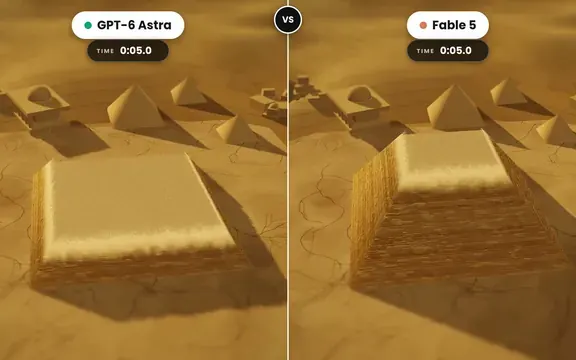 GPT-6 Astra
Golden tilt-shift pyramid diorama that builds itself, two-model comparison
demon
 GPT-6 Astra
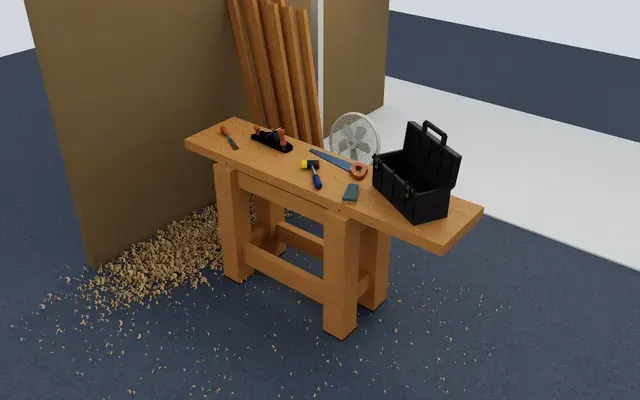
Isaac Sim carpentry workbench scene for robot manipulation testing
Charles Wong
 GPT-6 Astra
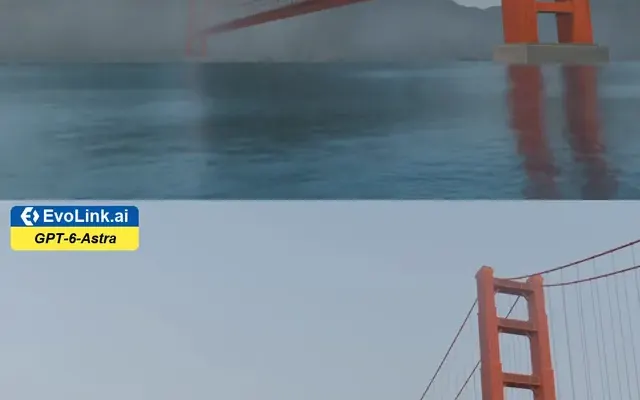
Golden Gate Bridge in morning fog, low-angle Blender-style render
EvoLink.ai
 GPT-6 Astra
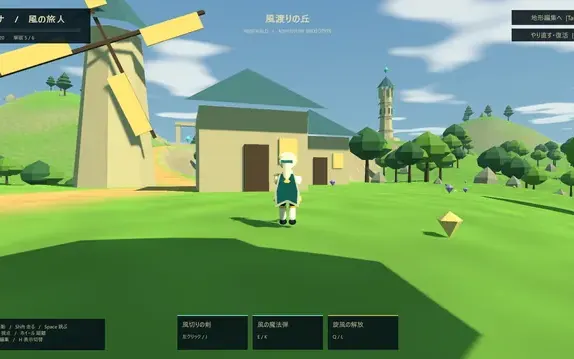
Low-poly open-world adventure with a built-in terrain editor
ふぐあい(ふぐおん)
 GPT-6 Astra
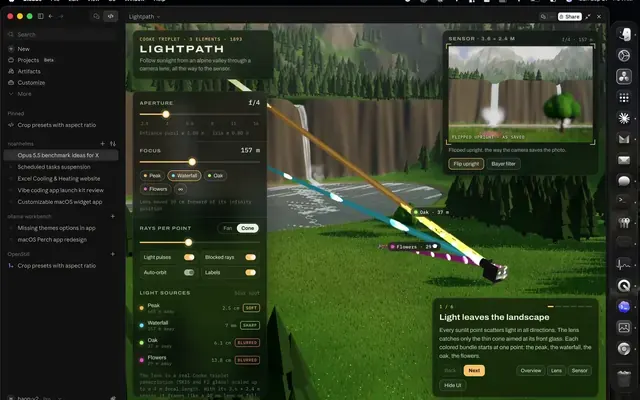
Interactive 3D camera lens demo with light rays over a mountain valley
noah helms
 GPT-6 Astra
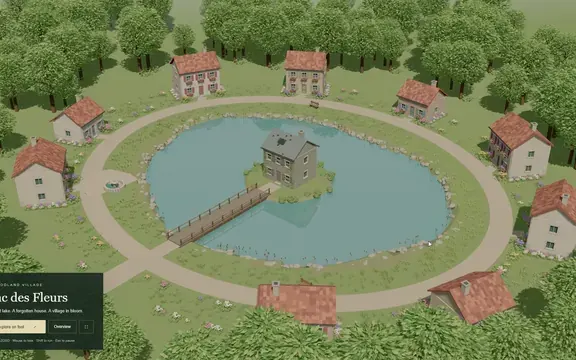
3D lake village scene with an island house, bridge and flowered paths
Givros