Best AI 3D model generators in 2026: an honest comparison
A straightforward look at today’s AI 3D tools — Wandy3D, Meshy, Tripo and Rodin: what each does well, where it falls short and which fits your workflow.
Wandy3D teamUpdated 8 min read
The AI 3D generation space has exploded. There are now at least a dozen tools that promise to turn images or text into 3D models, and several of them deliver. Here is a plain look at what the main ones do well — including where our own tool, Wandy3D, fits and where it doesn’t.
What we’re comparing
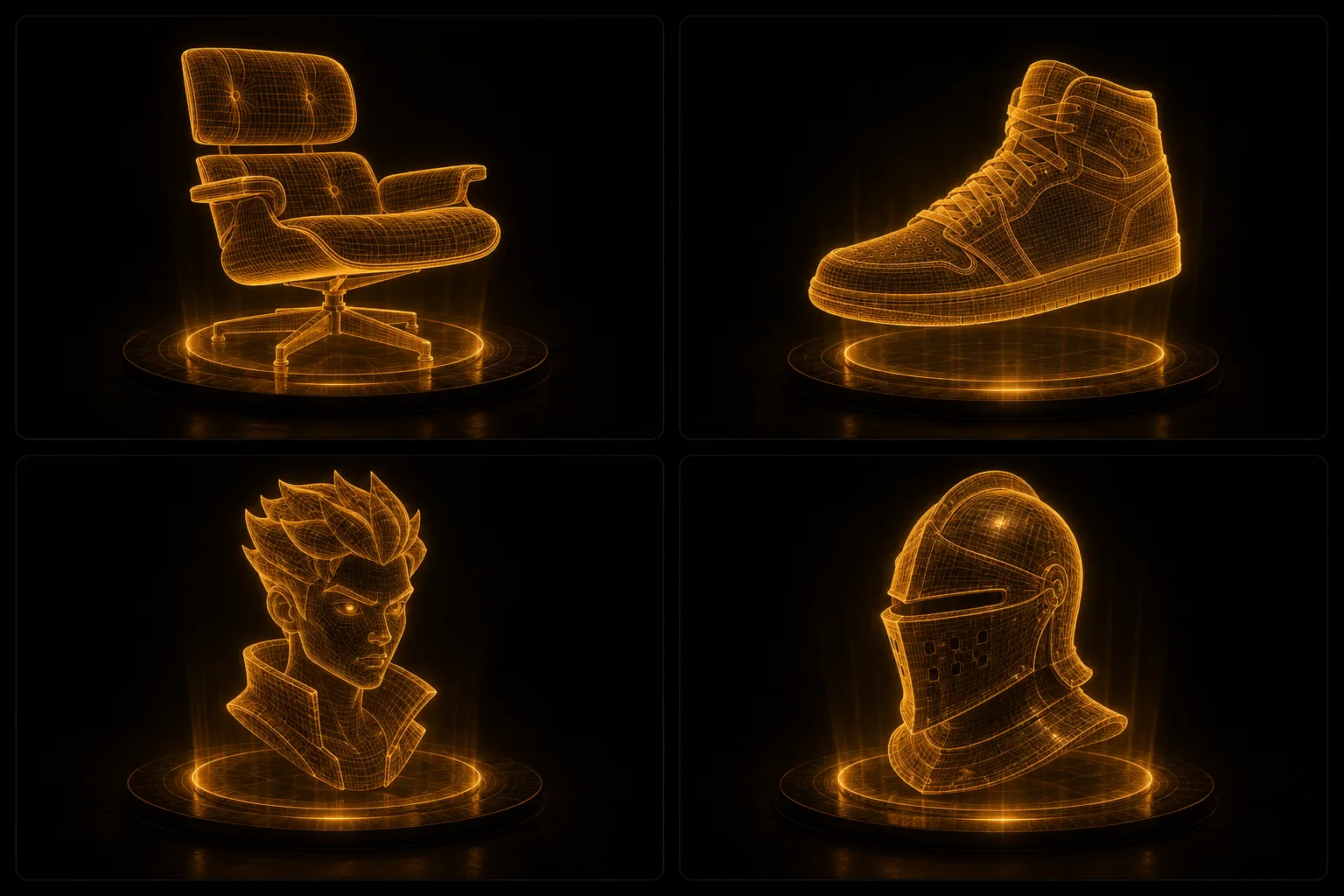
The criteria that actually matter: output quality, input options (one photo, several photos, text), what you can do after generation, export formats, and how usable the result is without cleanup. Prices change often, so check each tool’s pricing page for current numbers.
Wandy3D
Best for: photo-to-3D models you keep working on — edits, remeshing, printing.
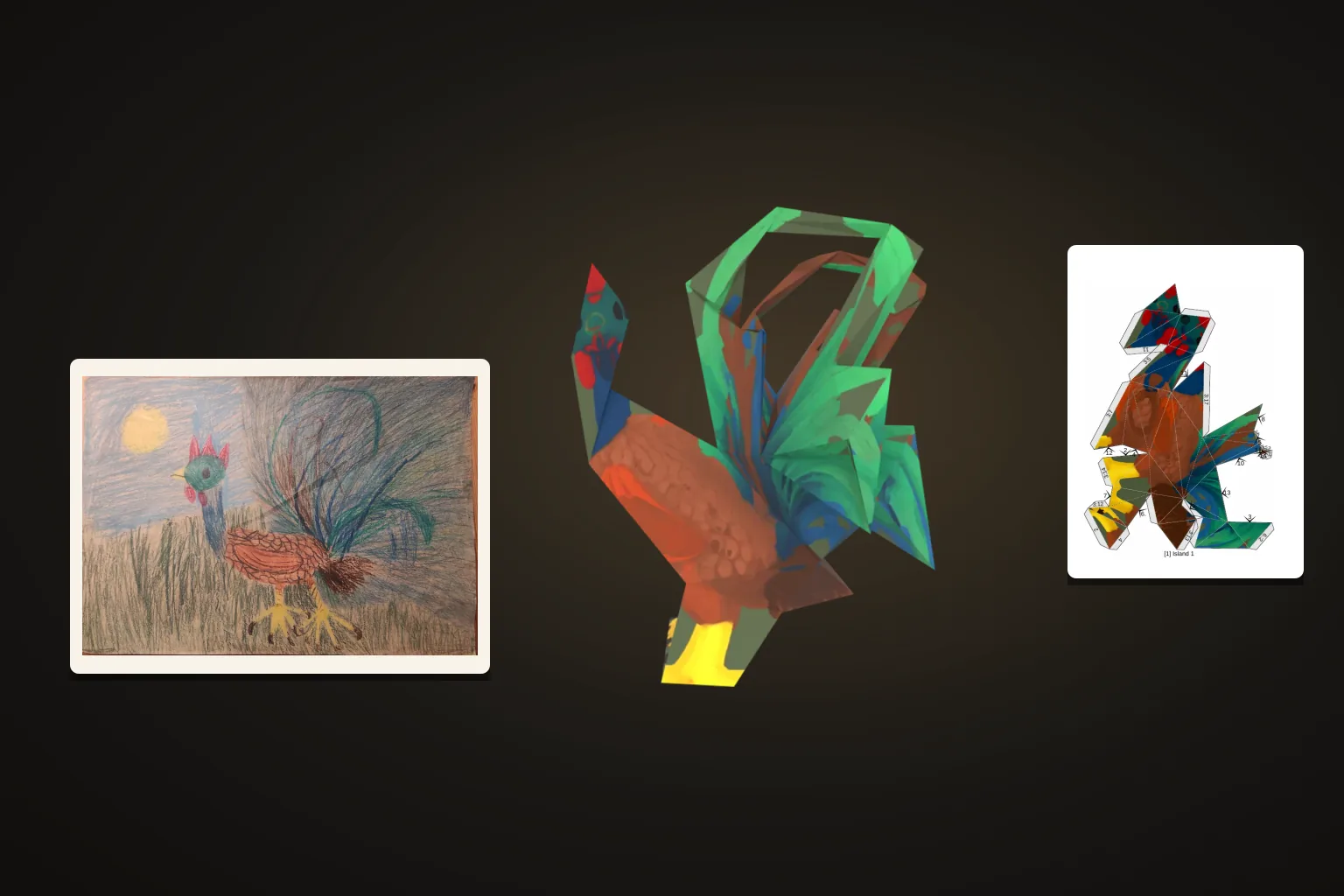
Wandy3D turns one photo, up to four photos or a sentence into a textured 3D model, usually in a few minutes. After generation you can edit the model with a prompt, repaint its texture, remesh it into clean quads at a chosen face count, or make a watertight file for 3D printing — and every change is kept as a version.
Models come with PBR textures (base color, metal/roughness, normal) and export to GLB, FBX, OBJ, USDZ and STL, plus print-ready STL/3MF. New accounts get free credits; downloads and Best mode come with the PRO plans — see pricing.
Where it’s weaker: no rigging or animation yet, and very thin or transparent details — hair, fur, glass — can still need a second photo or some cleanup.
Meshy
Best for: text-to-3D and stylized looks.
Meshy is one of the best-known names in the space, with a strong text-to-3D workflow, a wide range of styles from realistic to cartoon, and extra tools for texturing and animation. As with any generator, check the topology before a model goes into production.
Tripo

Best for: fast iterations, a broad toolset and API access.
Tripo is quick and offers a wide workspace — segmentation, retopology, texturing and rigging — plus a mature API for developers. Quality is consistently good.
Rodin (Hyper3D)
Best for: a few highly detailed assets.
Rodin focuses on high-fidelity generation with fine control over the result. It suits studios that need a handful of detailed hero assets rather than volume.
How to choose
- A photo in, and a model you keep refining? Wandy3D — edit, retexture, remesh and print, with every version kept.
- Mostly text prompts and stylized looks? Meshy.
- Building an app on 3D generation? Tripo’s API.
- A few very detailed hero assets? Rodin.
Most of these tools have a free way to start, so the fastest test is to run your own photo through two or three of them.
The state of AI 3D in 2026
We’re past the proof-of-concept stage: these tools produce models that ship in real products, and the gap to hand-made models keeps closing. What separates them now is less the first result and more what you can do next — edit, clean up, export and print — without leaving the tool.