

Interactive Oval Office that changes across presidencies in Three.js
Claude Fable 5.1 produced a Three.js explorer of the Oval Office: pick a presidency, watch the decor change, then fly the camera inside the room.
Detaillierte 3D-Modelle erstellen
Mit Code allein bekommst du einfache Formen. Wandy 2 macht aus einem Foto ein texturiertes 3D-Modell, das du in derselben Szene nutzen kannst.
Build-Briefing von Wandy3D

Der Autor hat keinen Prompt geteilt, also haben wir aufgeschrieben, wie du diesen Build nachbauen kannst.
Build an interactive Three.js web app that shows how the Oval Office looked under different U.S. presidents. Start with a top-down cutaway view of the round room floating on a soft light-grey background, with a stylised, slightly toy-like look: cream walls, tall windows with drapes, a carpet, a desk, sofas, armchairs, lamps, flags and potted plants. Add a bottom bar of small thumbnail cards, one per presidency, and a small text panel at the top left with a short description of the selected era. Selecting a card swaps the carpet, drapes, furniture and decor to match that period with a smooth transition. Include view modes so the user can switch between the overhead cutaway and a first-person style camera that glides inside the room toward the desk, the fireplace with a portrait above it, and the ceiling seal. Use orbit-style mouse controls. Deliver a single web project that runs in the browser. Done when every era loads, the camera moves smoothly, and the room differences are clearly visible.
So nutzt du diesen Prompt
Paste the build brief into Claude Fable 5.1 in your coding tool and ask for a Three.js project.
Swap the room for another place, such as a library or office, and change the era cards and descriptions.
Run it, then refine the transitions, camera paths and furniture detail one prompt at a time.
Von Wandy3D
Brauchst du ein echtes 3D-Modell in deiner Szene?
Dein Agent baut mit Primitiven. Die Wandy3D API macht aus einem Foto oder Prompt in wenigen Minuten ein texturiertes GLB – bezahlt aus einem Prepaid-Guthaben, ohne Abo.
- Wandy 20,18 $ pro Modell
- Wandy 10,09 $ pro Modell
Das Guthaben verfällt nie · fehlgeschlagene Jobs werden erstattet · über die API erstellte Modelle gehören dir und lassen sich in jedem Format herunterladen.
curl -s -X POST https://api.wandy3d.com/generate/cloud/ultra \ -H "Authorization: Bearer $WANDY3D_API_KEY" -F "file=@photo.jpg"# → {"task_id": "…"} — poll until "status" is "done":curl -s https://api.wandy3d.com/task/$TASK_ID/status \ -H "Authorization: Bearer $WANDY3D_API_KEY"# → {"model_id": "…"} — then GET /model/$MODEL_ID/export?format=glbOriginalbeitragBist du der Autor? Bitte uns, diese Seite zu ändern oder zu entfernen
Ähnliche Prompts
Alle Prompts ansehen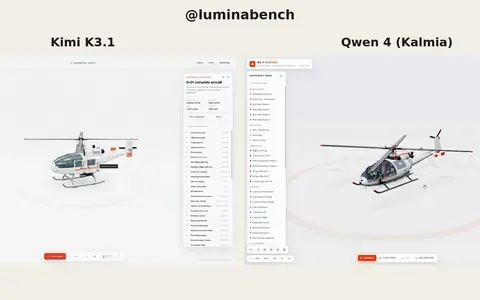 Kimi K3.1
Interactive 3D helicopter with takeoff, assembly and exploded views
Lumina
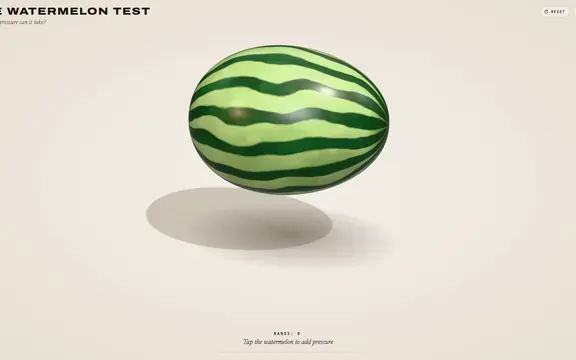 Claude Opus 5.5
Rubber band watermelon test: a squeezable, bursting 3D browser toy
林悦己Cheer
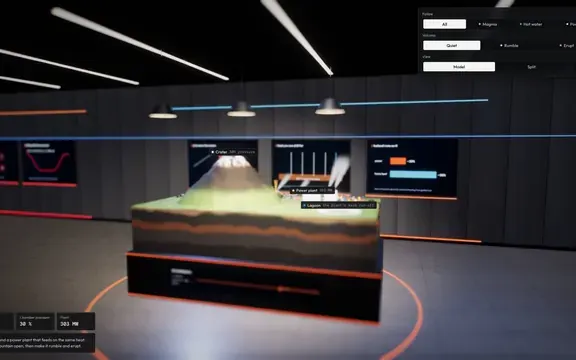 Claude Opus 5.5
Interactive 3D volcano cutaway simulation with magma chamber
Konstantin Saifoulline
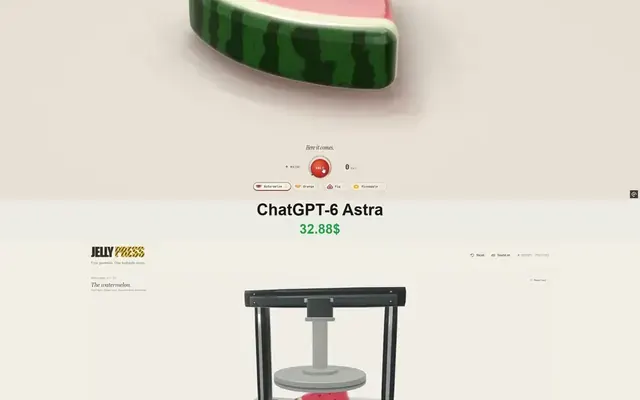 Claude Opus 5.5
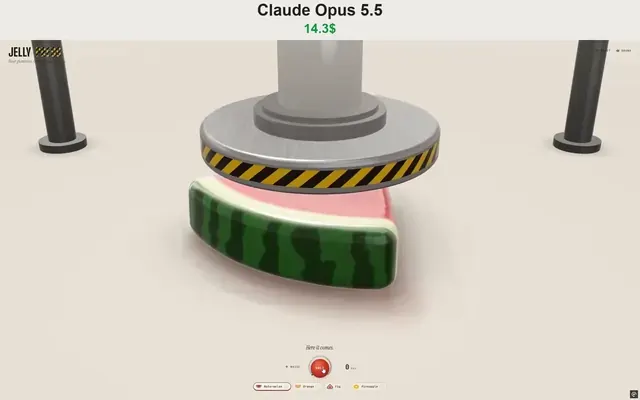
WebGPU jelly press toy: gummy fruit squashed and burst by a hydraulic press
Vib3Coded
 Claude Opus 5.5
Single-file WebGPU jelly press toy with soft-body fruit gummies
Vib3Coded
 Claude Opus 5.5
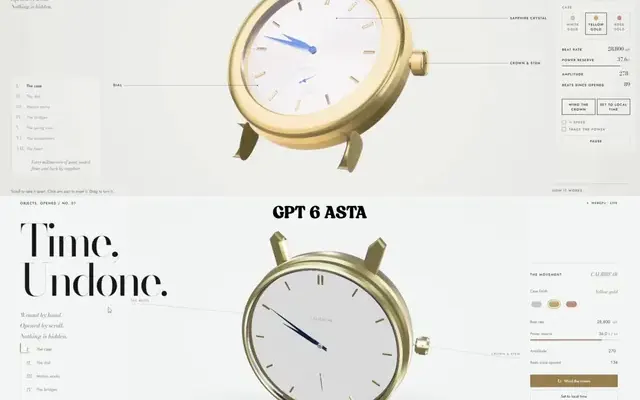
Scroll-driven exploding mechanical watch in raw WebGPU, single HTML file
Paruchh