

Blenderで作ったアーザーディー・タワーの3Dモデルとカメラ周回レンダー
GPT-6 Astraが1つのプロンプトでBlender上にアーザーディー・タワーを作成。シルエットは良好ですが、比率には誤差があると投稿者は述べています。
Claude Code + Three.js(コードのみ)Wandy 2
精細な3Dモデルを作ろう
コードだけでは単純な形しか作れません。Wandy 2なら写真1枚から、同じシーンで使えるテクスチャ付き3Dモデルを作れます。
Wandy3Dによる制作ブリーフ
作者がプロンプトを公開していないため、この作品を再現する方法を私たちがまとめました。
Build a 3D model of the Azadi Tower in Blender and render it as a short orbiting camera shot. Model the white, curved monument with its four splayed legs rising into a tall central arch, fine vertical ribbing on the surface, a lattice of green-tinted glass in the upper arch and a crown of small towers at the top. Place it on a paved plaza with lawn, scattered trees, a shallow reflecting pool, low city buildings and distant mountains on the horizon. Use bright daylight, a blue sky with soft clouds and realistic materials. Animate the camera moving around the tower for about ten seconds. Focus on getting the overall silhouette and proportions right, check them against reference photos and correct any mismatch in the arch curvature and leg shape. Deliver the Blender file and the rendered clip.
このプロンプトの使い方
computer useとBlenderを開いた状態で、GPT-6 Astraにビルドブリーフを渡します。
別のランドマークに差し替え、広場や空、カメラの動きを手元の参考写真に合わせます。
レンダーを実写と比較し、アーチの曲線や脚の形、表面ディテールの修正を依頼します。
元の投稿作者の方ですか? このページの修正・削除をご依頼ください
似ているプロンプト
すべてのプロンプトを見る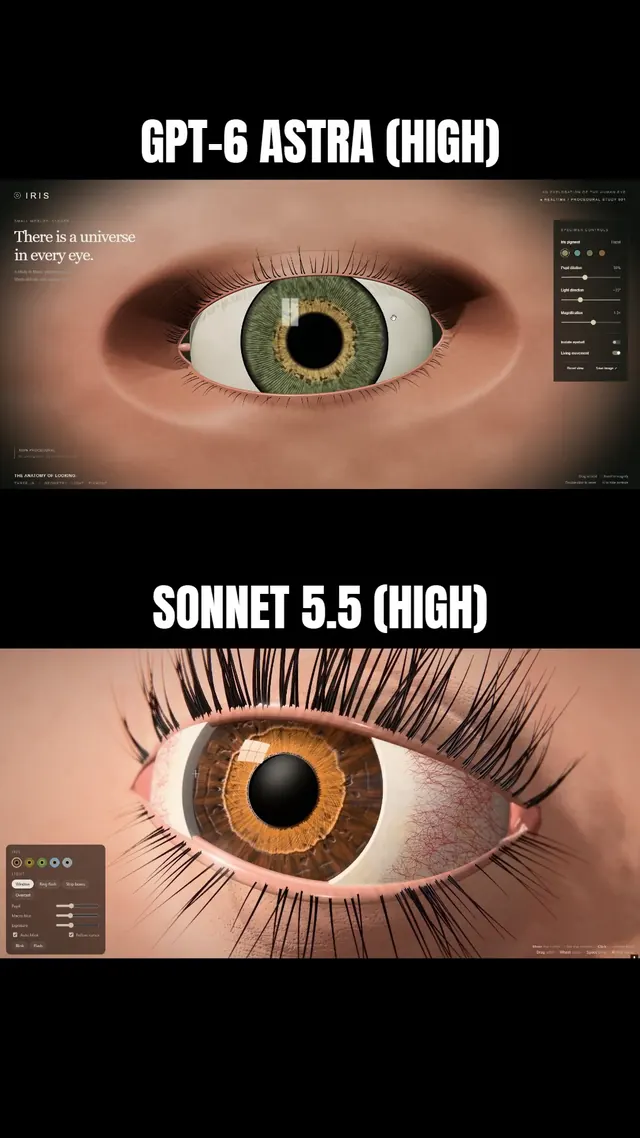 Claude Sonnet 5.5
まつ毛と虹彩に追従するまぶたを備えた、マクロ風Three.js人間の目
Simonas
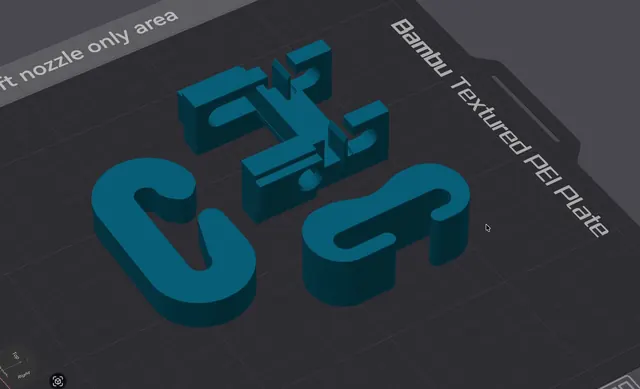 Grok 4.7
荷重試験用の3Dプリント可能なJフック(OpenSCAD)
Wësche
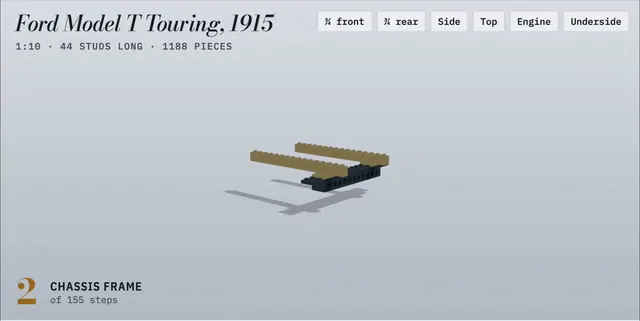 Claude Opus 5.5
155ステップのアニメ付き組立説明書で作るLEGO製フォード・モデルT
Alex Lieberman
 GPT-6 Astra
一言の依頼でBlenderに作らせたふわふわモルモット
かよこ
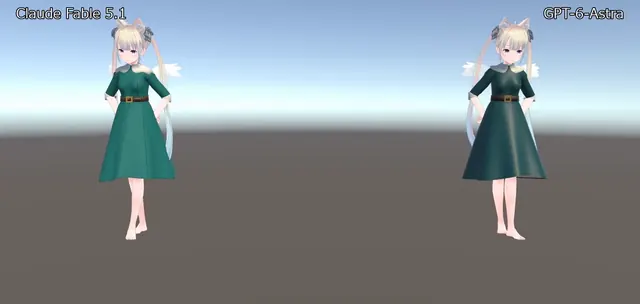 Claude Fable 5.1
BlenderでVRChat用ドレスを制作、Unityで踊らせたアバター衣装
のわ〜る👼🍆🐄
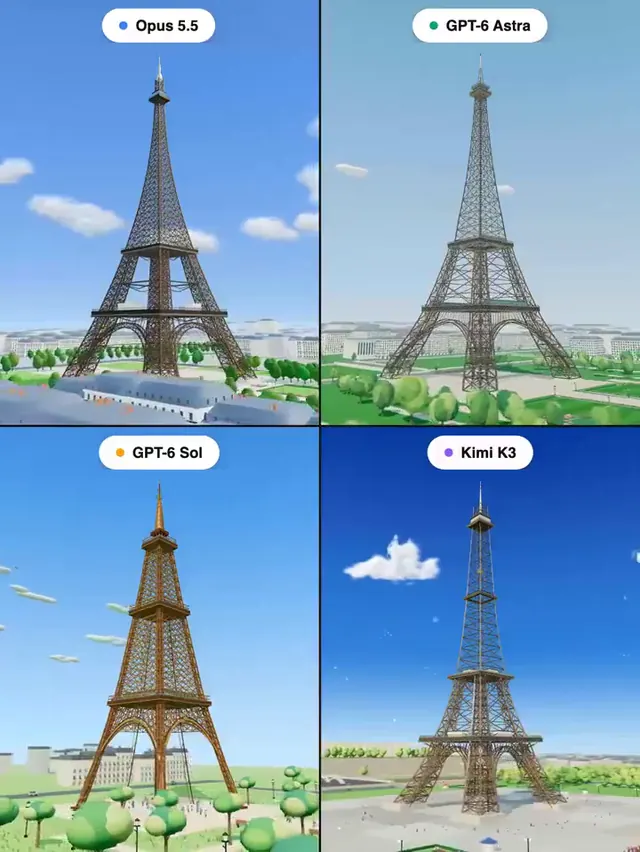 Claude Opus 5.5
Three.jsで作るエッフェル塔:4モデル同一プロンプトの比較
Pascual ⚡