

CADで作ったクラシック宇宙船:艦橋と28の可動パーツ
GPT-6 AstraがCADでレトロ調のエンタープライズ号を設計し、地球を背景にした周回映像も作成。3Dプリントも想定したモデルです。
Claude Code + Three.js(コードのみ)Wandy 2
精細な3Dモデルを作ろう
コードだけでは単純な形しか作れません。Wandy 2なら写真1枚から、同じシーンで使えるテクスチャ付き3Dモデルを作れます。
Wandy3Dによる制作ブリーフ
作者がプロンプトを公開していないため、この作品を再現する方法を私たちがまとめました。
Build a detailed CAD model of a classic 1960s-style starship with a saucer section, a secondary hull, a connecting neck and two long engine nacelles with glowing copper-orange ends. Give it a pale grey hull with panel lines, a registry number and name painted on the saucer and nacelle, and a thin red stripe along the hull. Design it as an assembly of separate parts, around 28 of them moving, including a captain's bridge and a few interior areas, and keep the geometry clean enough to be 3D printed. Then render a cinematic fly-around of the finished model: a slow orbit past the saucer, a side pass along the nacelles, and a top-down pull-back, all set in front of a blue planet and a starfield. Open with a title card and close with a end card. Deliver the CAD files plus the rendered video of about 30 seconds. Done means the proportions read as the iconic ship from every angle and the camera moves are smooth.
このプロンプトの使い方
CADを扱えるエージェント環境で、GPT-6 Astraに宇宙船のビルドブリーフと必要なパーツ一覧を渡します。
船体、艦名の文字、可動パーツ数、内部エリアを自分のデザインに置き換えます。
CADパーツを書き出し、周回レンダーを依頼して、比率や印刷公差を調整します。
元の投稿作者の方ですか? このページの修正・削除をご依頼ください
似ているプロンプト
すべてのプロンプトを見る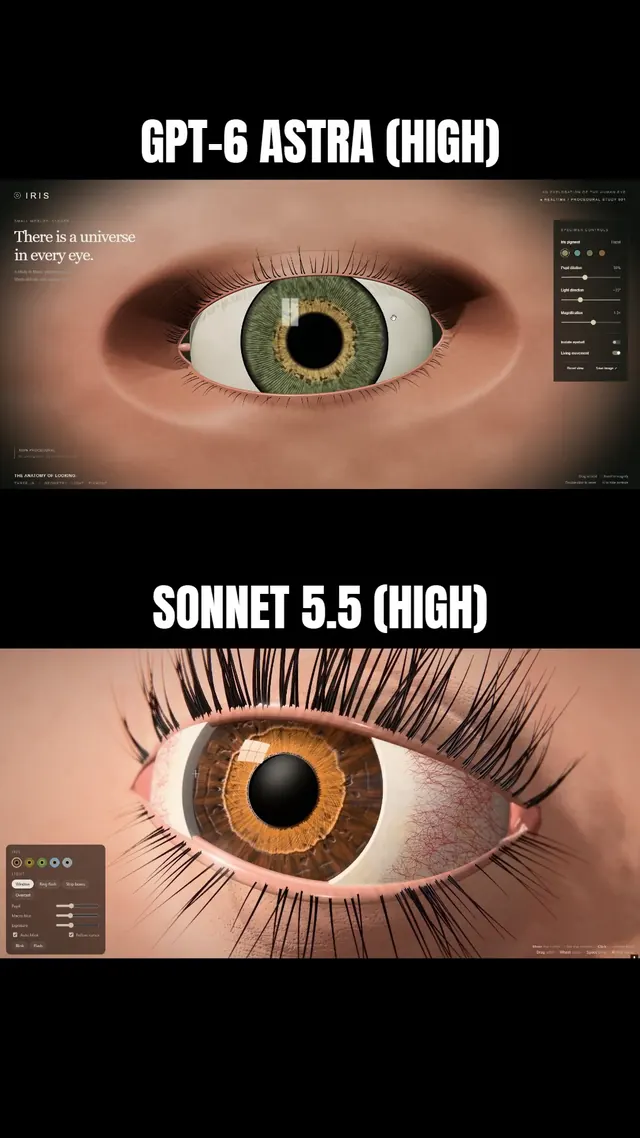 Claude Sonnet 5.5
まつ毛と虹彩に追従するまぶたを備えた、マクロ風Three.js人間の目
Simonas
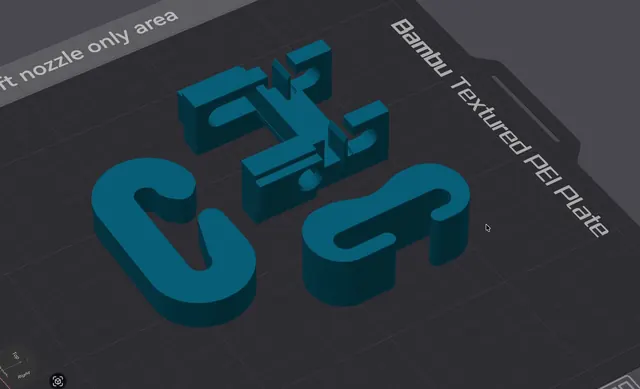 Grok 4.7
荷重試験用の3Dプリント可能なJフック(OpenSCAD)
Wësche
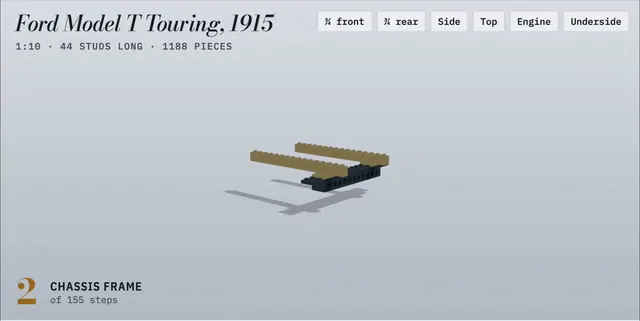 Claude Opus 5.5
155ステップのアニメ付き組立説明書で作るLEGO製フォード・モデルT
Alex Lieberman
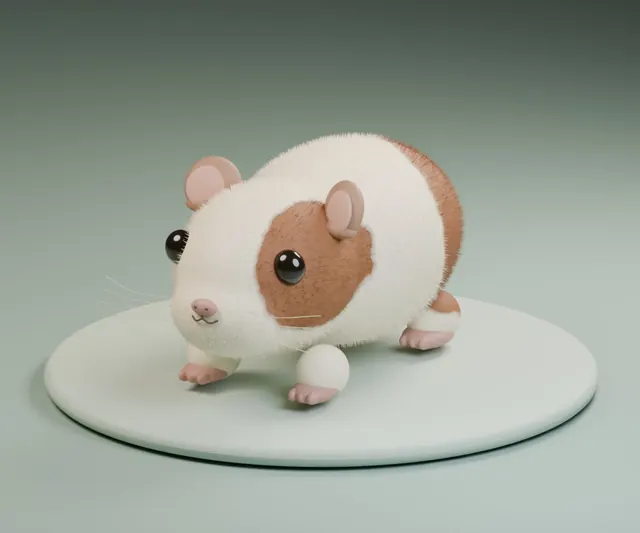 GPT-6 Astra
一言の依頼でBlenderに作らせたふわふわモルモット
かよこ
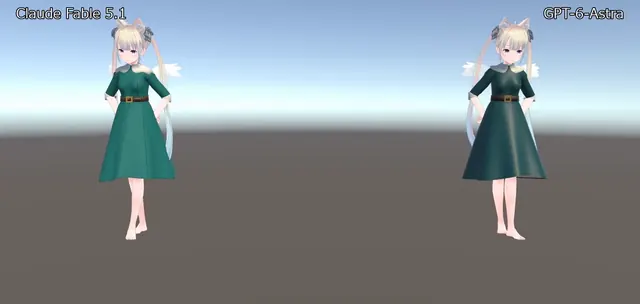 Claude Fable 5.1
BlenderでVRChat用ドレスを制作、Unityで踊らせたアバター衣装
のわ〜る👼🍆🐄
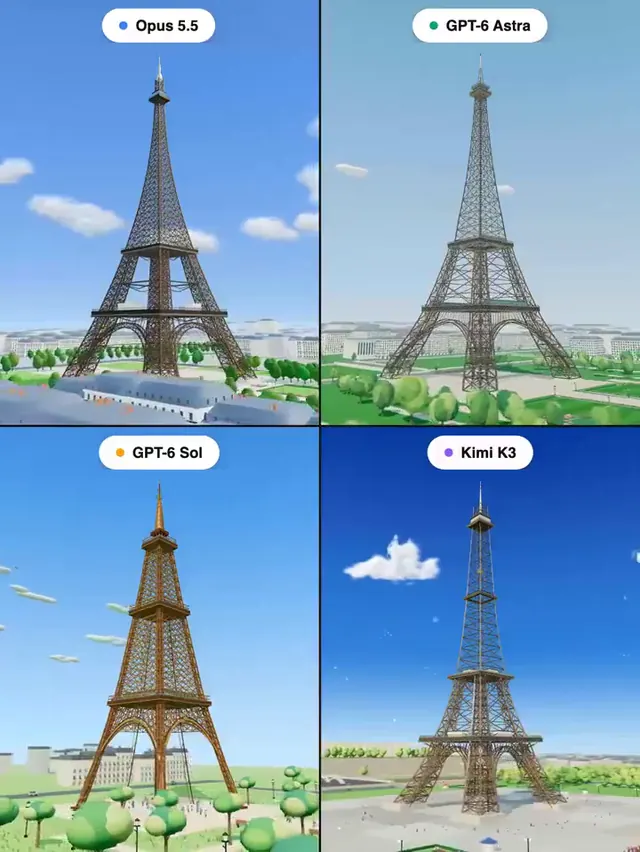 Claude Opus 5.5
Three.jsで作るエッフェル塔:4モデル同一プロンプトの比較
Pascual ⚡