

Blenderでパーツごとに作り込んだ蒸気機関車
GPT-6 Astraが設計図を基に、車軸、ドーム、サスペンションリンクなど数百の名前付きパーツで蒸気機関車をBlenderでモデリングしました。
Claude Code + Three.js(コードのみ)Wandy 2
精細な3Dモデルを作ろう
コードだけでは単純な形しか作れません。Wandy 2なら写真1枚から、同じシーンで使えるテクスチャ付き3Dモデルを作れます。
Wandy3Dによる制作ブリーフ
作者がプロンプトを公開していないため、この作品を再現する方法を私たちがまとめました。
Build a detailed 3D model of a vintage steam locomotive with tender in Blender, driven by a Python script that you run inside Blender. Use a side-view blueprint as the reference for proportions. Construct the model from many separate, clearly named objects rather than one merged mesh: boiler, steam dome, sand dome, smokestack, cab, headlamp, bell, driving wheels, axles, journal boxes, stays, suspension links, rods, pilot, couplers and the tender with its lettering panel. Place every part exactly where it belongs mechanically so the wireframe looks like a real machine from any angle, and sit the locomotive on a stretch of railway track. Keep a neutral grey material and a simple ground plane with soft lighting. Organise the outliner with meaningful names. Done means the model is complete from all sides, parts can be selected individually, and the solid and wireframe views both hold up.
このプロンプトの使い方
Blenderと連携するエージェントでGPT-6 Astraにビルドブリーフと側面図の参考画像を渡します。
路面電車やディーゼル機関車など対象を変え、パーツを分けて命名するよう指定します。
アウトライナーとワイヤーフレームを確認し、マテリアルや車輪の回転、ターンテーブル出力を依頼します。
元の投稿作者の方ですか? このページの修正・削除をご依頼ください
似ているプロンプト
すべてのプロンプトを見る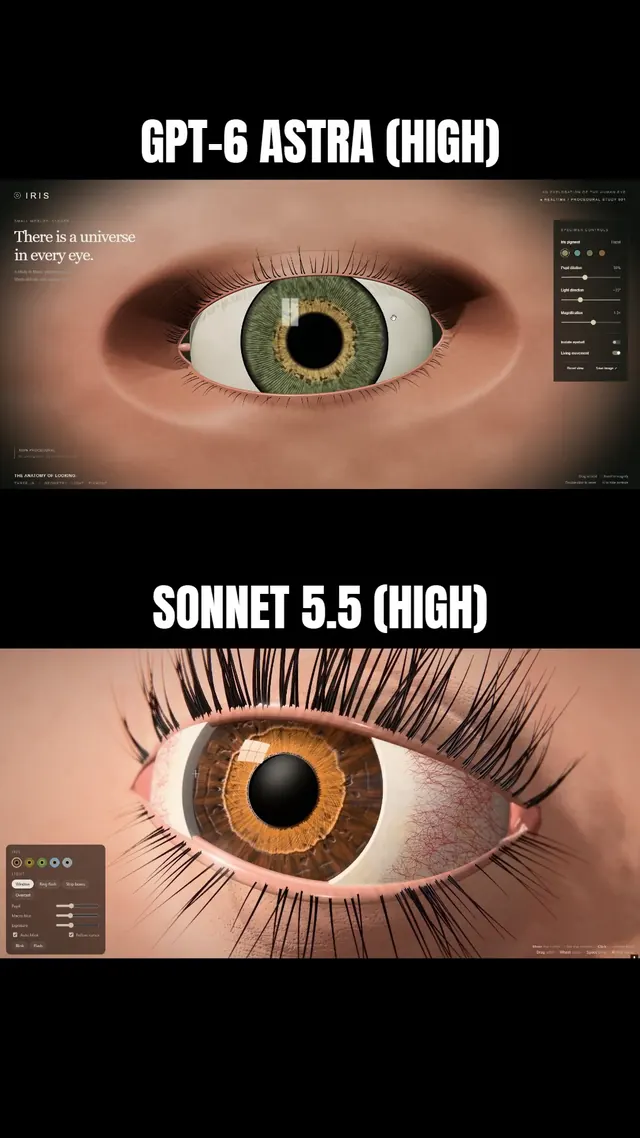 Claude Sonnet 5.5
まつ毛と虹彩に追従するまぶたを備えた、マクロ風Three.js人間の目
Simonas
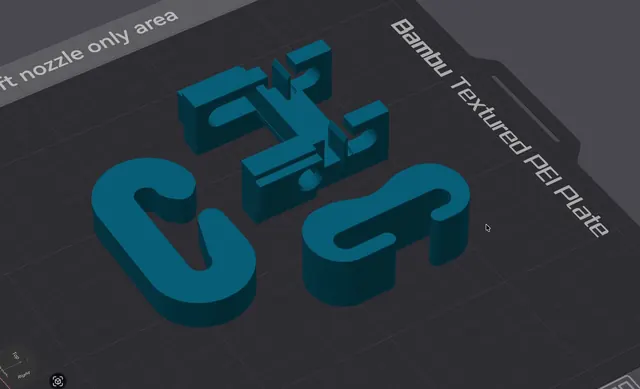 Grok 4.7
荷重試験用の3Dプリント可能なJフック(OpenSCAD)
Wësche
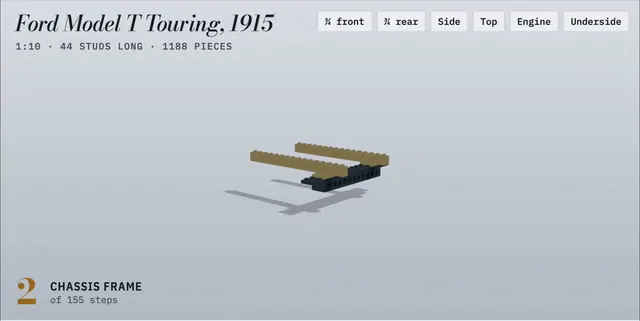 Claude Opus 5.5
155ステップのアニメ付き組立説明書で作るLEGO製フォード・モデルT
Alex Lieberman
 GPT-6 Astra
一言の依頼でBlenderに作らせたふわふわモルモット
かよこ
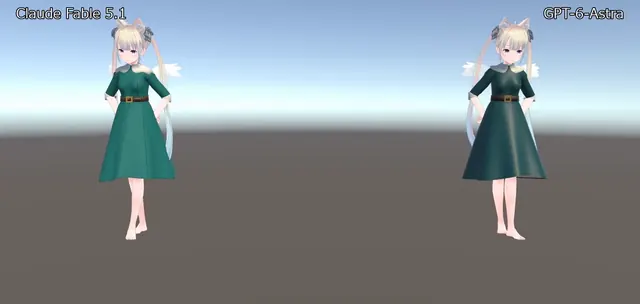 Claude Fable 5.1
BlenderでVRChat用ドレスを制作、Unityで踊らせたアバター衣装
のわ〜る👼🍆🐄
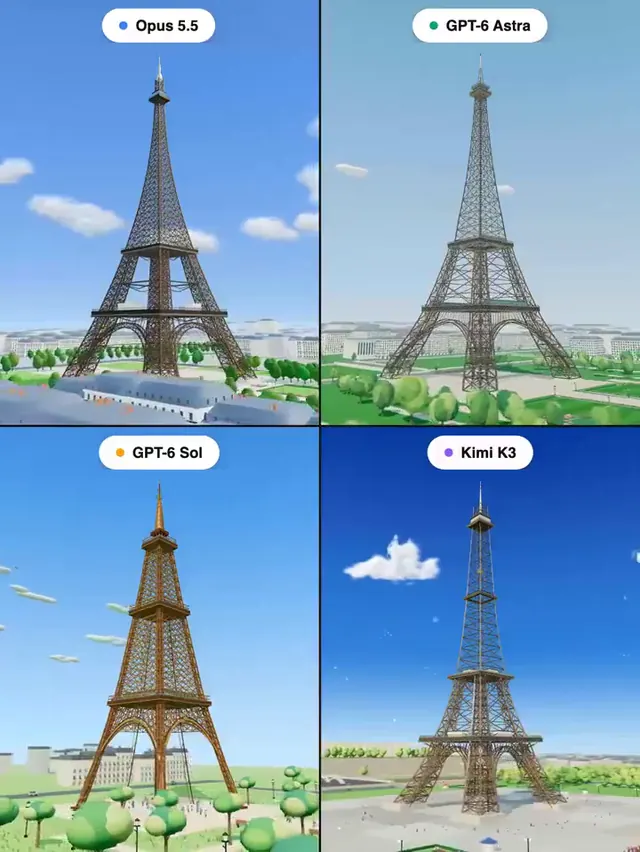 Claude Opus 5.5
Three.jsで作るエッフェル塔:4モデル同一プロンプトの比較
Pascual ⚡