

MCP経由でBlenderに作ったハードサーフェス二足ロボット
Claude Fable 5.1がBlender MCPでプレートとケーブル付きの二足ロボットを制作。投稿では他モデルと時間やトークン量も比較しています。
Claude Code + Three.js(コードのみ)Wandy 2
精細な3Dモデルを作ろう
コードだけでは単純な形しか作れません。Wandy 2なら写真1枚から、同じシーンで使えるテクスチャ付き3Dモデルを作れます。
Wandy3Dによる制作ブリーフ
作者がプロンプトを公開していないため、この作品を再現する方法を私たちがまとめました。
Build a detailed bipedal robot model in Blender, driven by a coding agent that talks to Blender through an MCP connection. The robot should be a hard-surface machine in neutral grey metal: a torso block with a backpack frame, articulated legs with pistons and foot plates, slim arms, and organised cables and armour plates that follow a clear design rather than random shapes. Place it on a flat grey pad in a plain studio-style scene with a grid floor. Work step by step: block out the main masses, name and group every part, then add plates, wires and joints, checking the viewport after each stage. Keep to the given design brief and do not add extra parts that were not requested. Deliver the finished .blend scene with a tidy outliner, readable object names and a posed front view. Done means the robot reads as one coherent machine from every angle and each wire and plate has an obvious purpose.
このプロンプトの使い方
Blender MCPをコーディングエージェントに接続し、Claude Fable 5.1の最大設定でビルドブリーフを実行します。
ロボットの種類、脚の数、プレートの形、色など自分の設計に変え、勝手に追加してほしくないパーツも指定します。
各段階でビューポートを確認してケーブルやプレートを修正させ、同じブリーフで他モデルとも比べましょう。
元の投稿作者の方ですか? このページの修正・削除をご依頼ください
似ているプロンプト
すべてのプロンプトを見る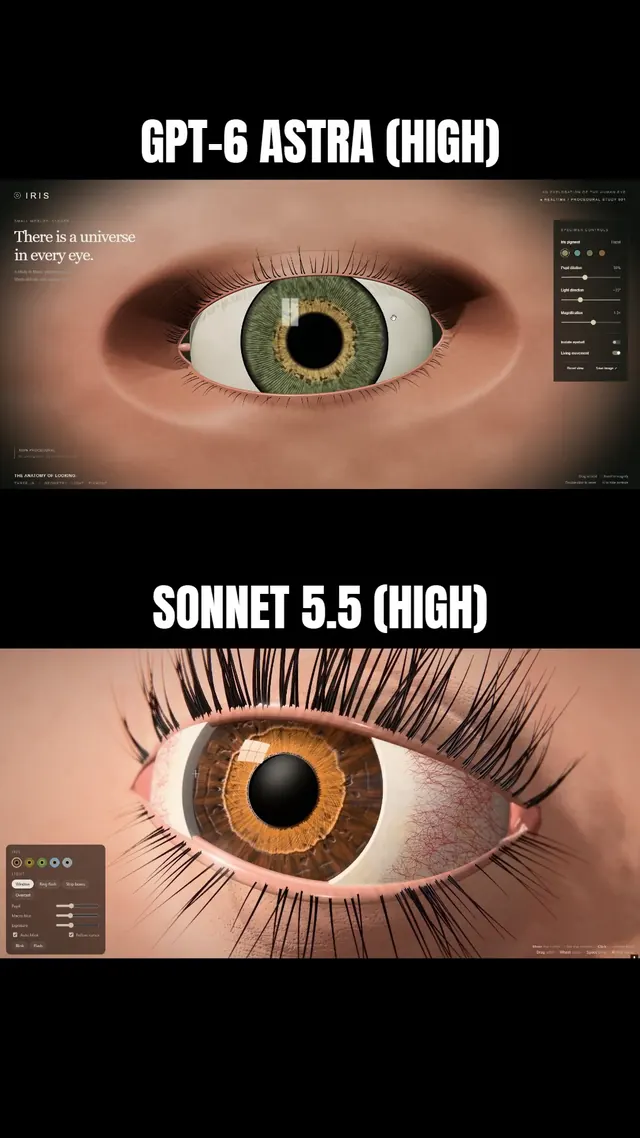 Claude Sonnet 5.5
まつ毛と虹彩に追従するまぶたを備えた、マクロ風Three.js人間の目
Simonas
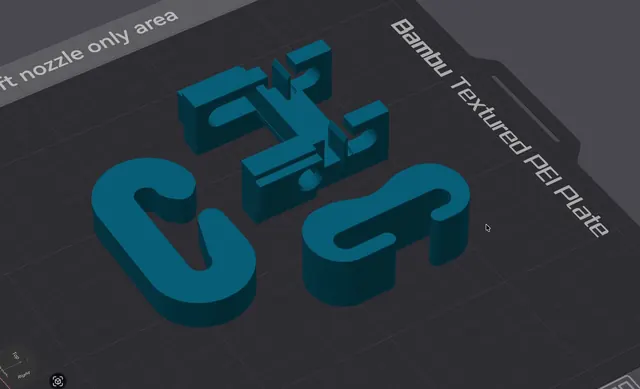 Grok 4.7
荷重試験用の3Dプリント可能なJフック(OpenSCAD)
Wësche
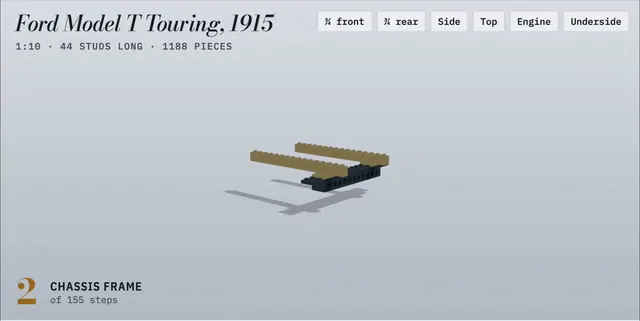 Claude Opus 5.5
155ステップのアニメ付き組立説明書で作るLEGO製フォード・モデルT
Alex Lieberman
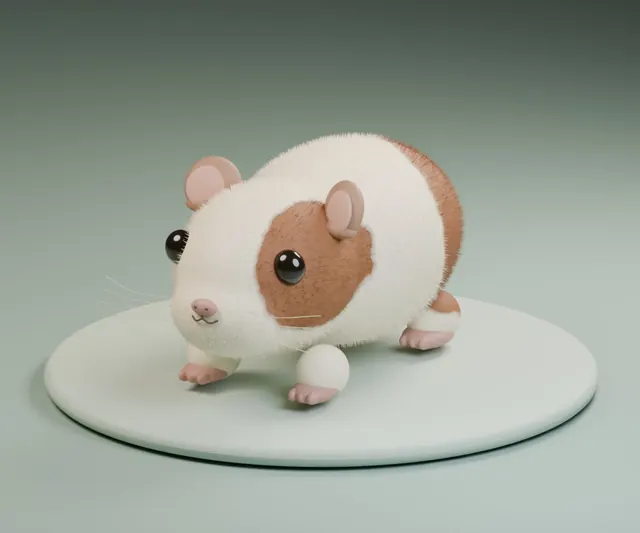 GPT-6 Astra
一言の依頼でBlenderに作らせたふわふわモルモット
かよこ
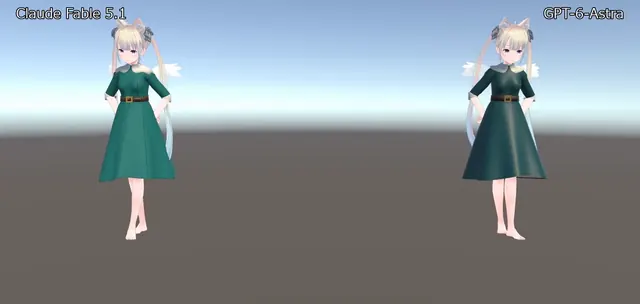 Claude Fable 5.1
BlenderでVRChat用ドレスを制作、Unityで踊らせたアバター衣装
のわ〜る👼🍆🐄
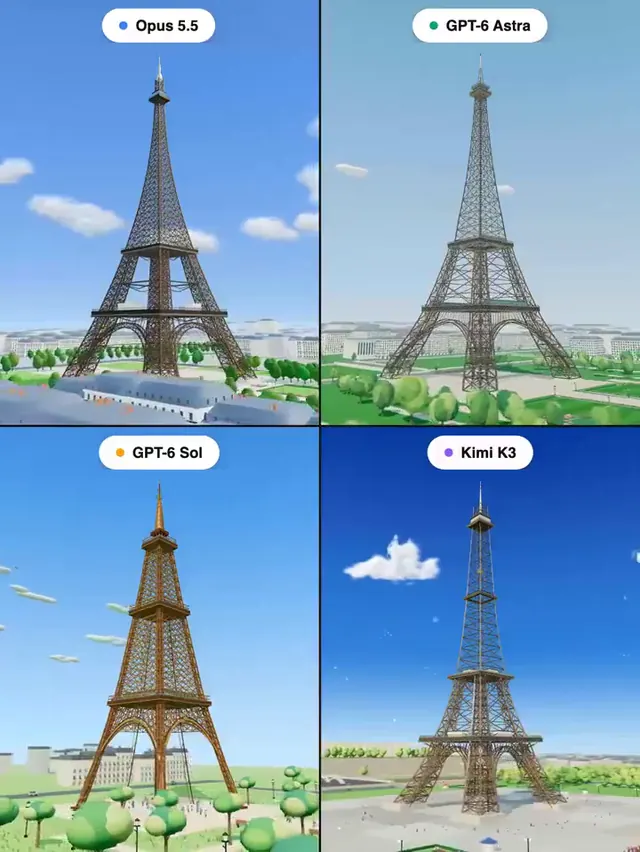 Claude Opus 5.5
Three.jsで作るエッフェル塔:4モデル同一プロンプトの比較
Pascual ⚡