

線画から再構築した編集可能なBlender蒸気機関車
GPT-6 Astraが平面の線画をもとにBlender上で古い蒸気機関車を再現。個別に編集できる数千のオブジェクトで構成されます。
Claude Code + Three.js(コードのみ)Wandy 2
精細な3Dモデルを作ろう
コードだけでは単純な形しか作れません。Wandy 2なら写真1枚から、同じシーンで使えるテクスチャ付き3Dモデルを作れます。
Wandy3Dによる制作ブリーフ
作者がプロンプトを公開していないため、この作品を再現する方法を私たちがまとめました。
Build a detailed 3D steam locomotive with tender in Blender, reconstructed from a flat line drawing used as the reference image. Model every visible part as its own editable object with clean geometry and clear names: boiler, smokestack, domes, cab, headlamp, bell, wheels, rods, tender body and rail track. Keep a neutral gray clay-style material and a simple ground plane with soft shadows so the form is easy to read. Work through a Blender Python script or agent session that creates the objects, and let the detail level be adjustable from simplified to highly detailed. Deliver a .blend file with a tidy outliner hierarchy. Done means the locomotive's silhouette and proportions match the drawing, each part can be selected and moved separately, and it renders cleanly from several angles.
このプロンプトの使い方
GPT-6 Astraを使うエージェント付きのBlenderを開き、乗り物の線画を添付してビルドブリーフを貼り付けます。
参照画像を別の機械に替え、簡略化か精密化か詳細度も指定します。
アウトライナーで部品を選んで確認し、比率や素材の修正、線路や背景の追加を依頼します。
元の投稿作者の方ですか? このページの修正・削除をご依頼ください
似ているプロンプト
すべてのプロンプトを見る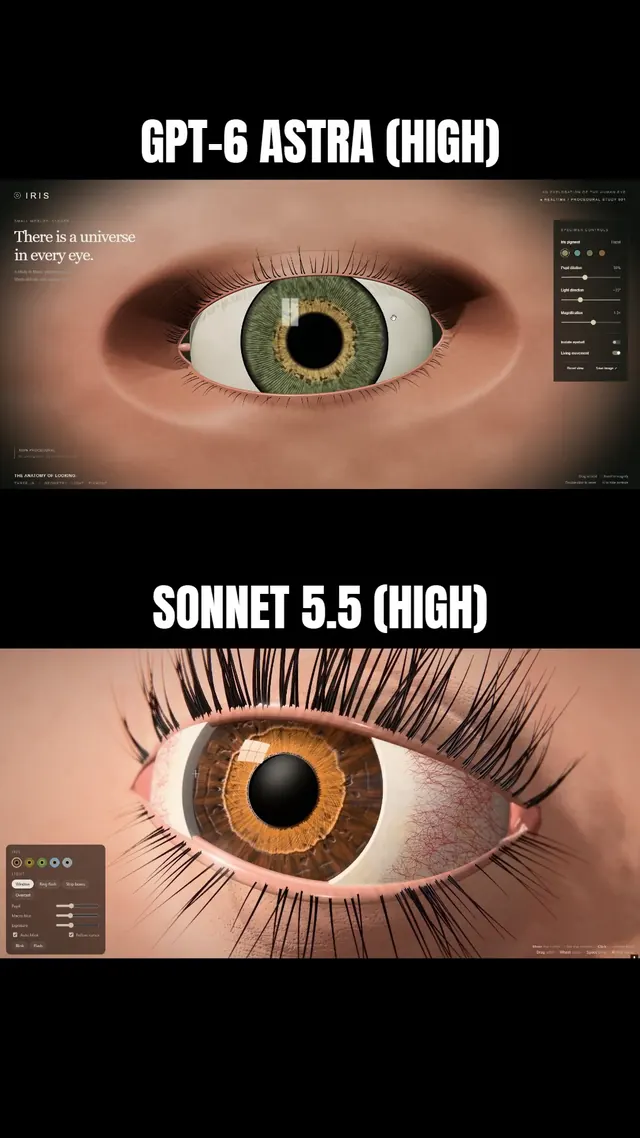 Claude Sonnet 5.5
まつ毛と虹彩に追従するまぶたを備えた、マクロ風Three.js人間の目
Simonas
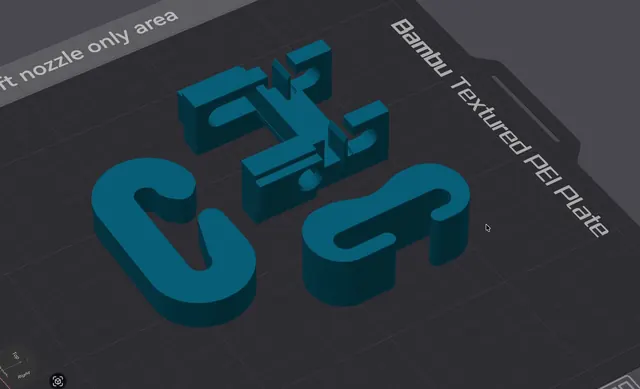 Grok 4.7
荷重試験用の3Dプリント可能なJフック(OpenSCAD)
Wësche
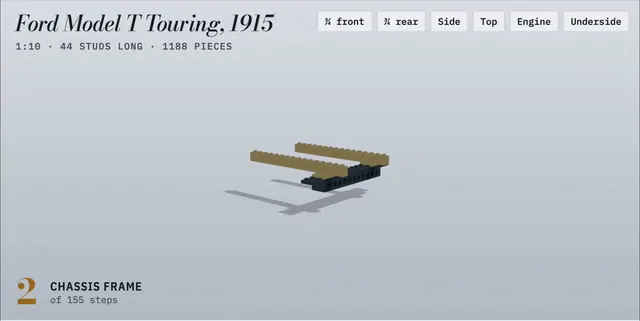 Claude Opus 5.5
155ステップのアニメ付き組立説明書で作るLEGO製フォード・モデルT
Alex Lieberman
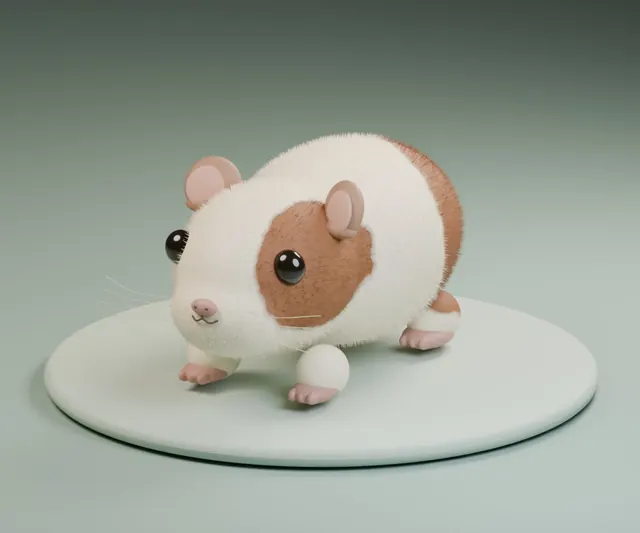 GPT-6 Astra
一言の依頼でBlenderに作らせたふわふわモルモット
かよこ
 Claude Fable 5.1
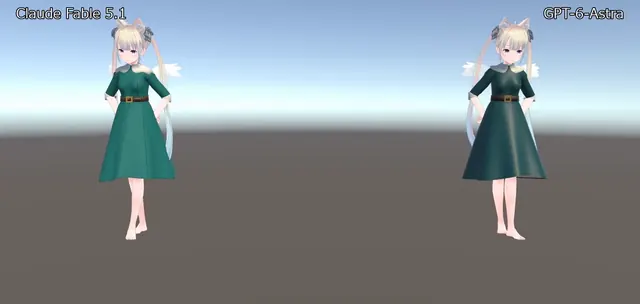
BlenderでVRChat用ドレスを制作、Unityで踊らせたアバター衣装
のわ〜る👼🍆🐄
 Claude Opus 5.5
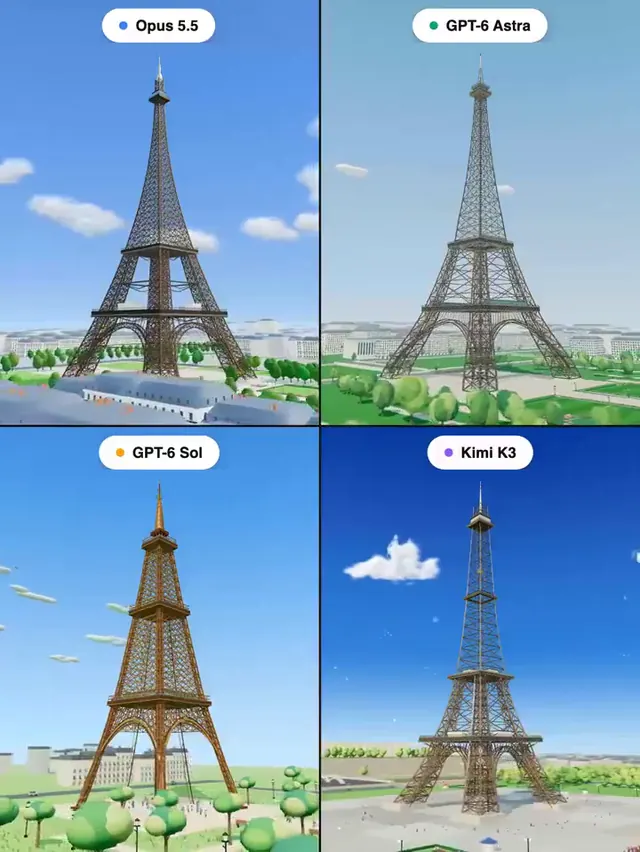
Three.jsで作るエッフェル塔:4モデル同一プロンプトの比較
Pascual ⚡