

CADで設計したロボットの体:サーボ基台、配線、層状シェル
GPT-6 Astraに自分の体を設計させた結果、サーボ付きの基台と配線、曲面の層状シェルを備えたCADアセンブリができました。
Claude Code + Three.js(コードのみ)Wandy 2
精細な3Dモデルを作ろう
コードだけでは単純な形しか作れません。Wandy 2なら写真1枚から、同じシーンで使えるテクスチャ付き3Dモデルを作れます。
Wandy3Dによる制作ブリーフ
作者がプロンプトを公開していないため、この作品を再現する方法を私たちがまとめました。
Build a CAD model of a small robot body that a model designs for itself. Start from a flat dark circular base plate with an extended arm section. Mount two servo-style actuator pillars on it, one near the centre and one at the end of the arm, and add a small control board plus routed cables. Above the central pillar, create a curved, layered shell made of stacked cream and tan panels that sweep upward like a fin. Use parametric parts in a CAD tool so dimensions can be edited, and keep components as separate named bodies. Deliver the CAD file, exported meshes and a short rotating preview. Done means the assembly reads clearly as a mechanical body, with no overlapping parts and visible wiring.
このプロンプトの使い方
CADスクリプトを実行できるエージェントでGPT-6 Astraにブリーフを渡し、パラメトリックな部品を指示します。
用途やアクチュエータ数、基台サイズ、シェル形状を変えて自分のロボットを設計します。
CADファイルで干渉や配線を確認し、修正とメッシュの書き出しを依頼します。
元の投稿作者の方ですか? このページの修正・削除をご依頼ください
似ているプロンプト
すべてのプロンプトを見る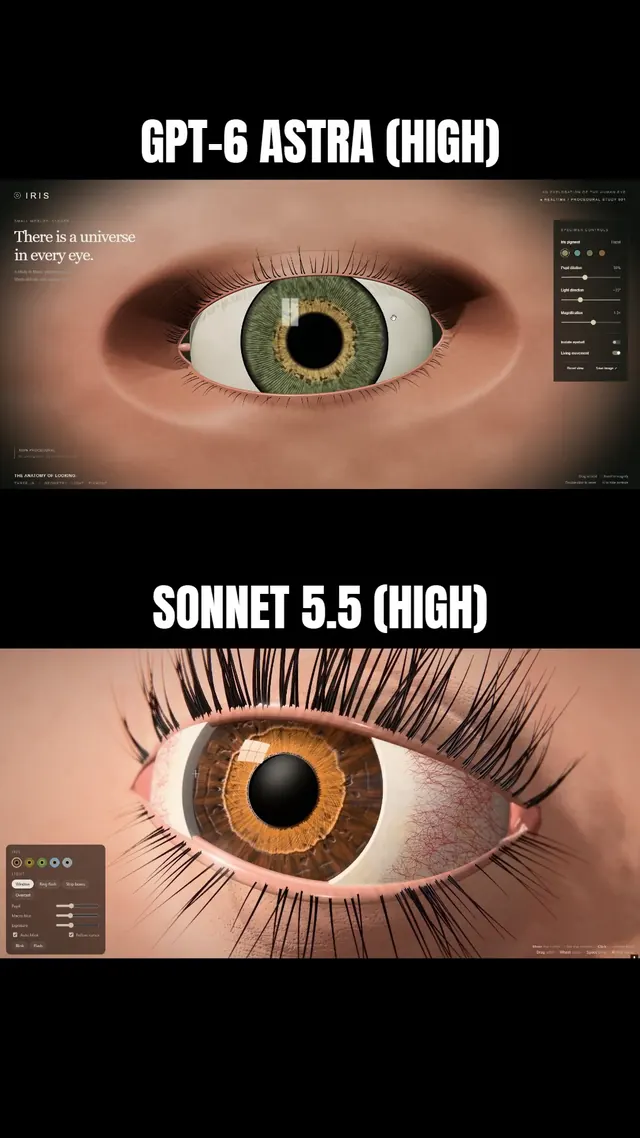 Claude Sonnet 5.5
まつ毛と虹彩に追従するまぶたを備えた、マクロ風Three.js人間の目
Simonas
 Grok 4.7
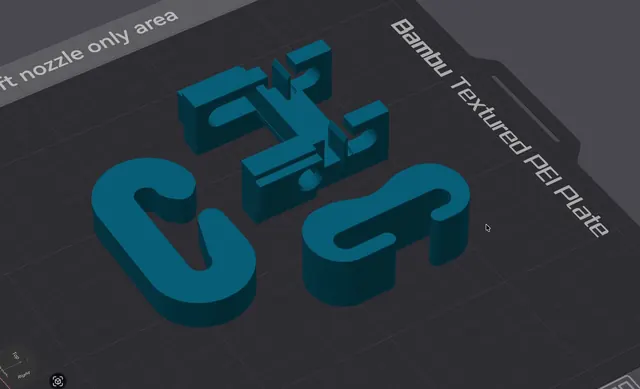
荷重試験用の3Dプリント可能なJフック(OpenSCAD)
Wësche
 Claude Opus 5.5
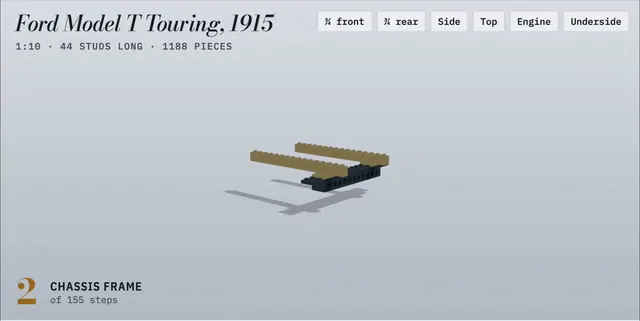
155ステップのアニメ付き組立説明書で作るLEGO製フォード・モデルT
Alex Lieberman
 GPT-6 Astra
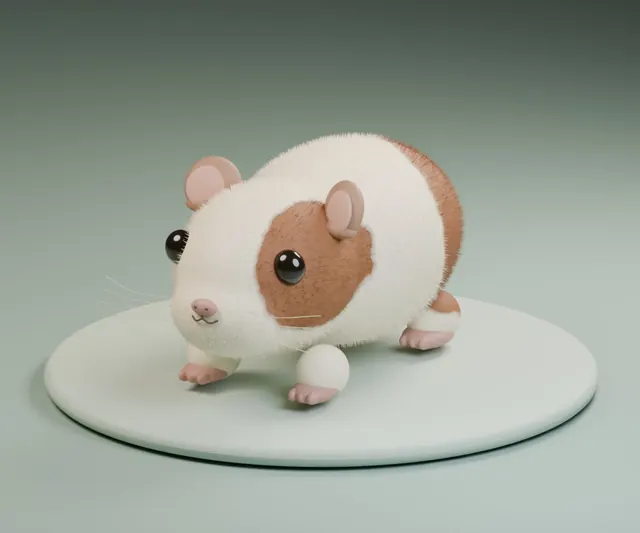
一言の依頼でBlenderに作らせたふわふわモルモット
かよこ
 Claude Fable 5.1
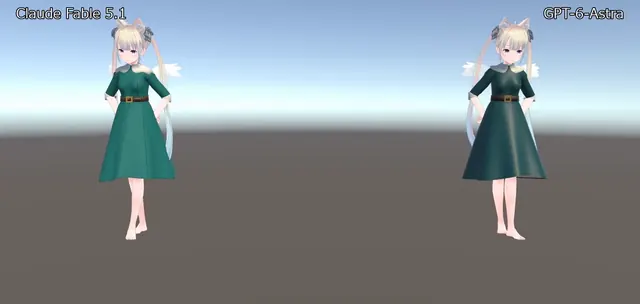
BlenderでVRChat用ドレスを制作、Unityで踊らせたアバター衣装
のわ〜る👼🍆🐄
 Claude Opus 5.5
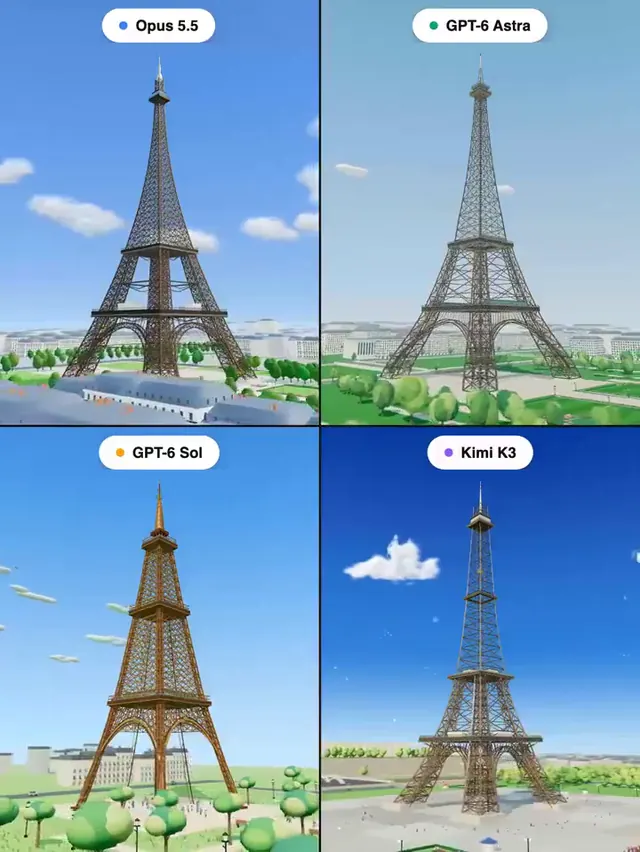
Three.jsで作るエッフェル塔:4モデル同一プロンプトの比較
Pascual ⚡