Godot 赛车游戏:Blender 制作的赛车与日落公路
同一份赛车游戏任务交给 Claude Fable 5.1 与上一代对比,新模型的车模和日落世界更精细。
Claude Code + Three.js(仅代码)Wandy 2
创建精细的 3D 模型
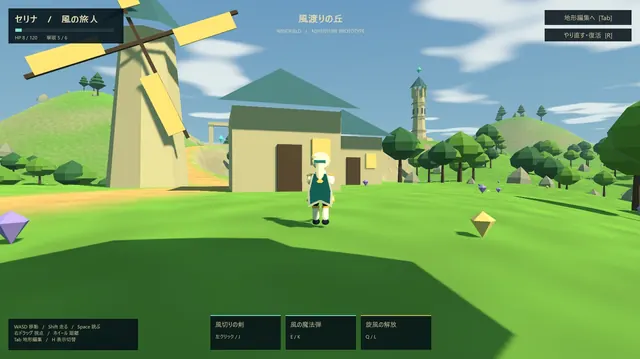
单靠代码只能做出简单的形状。Wandy 2 能用一张照片生成带纹理的 3D 模型,直接用在同一个场景里。
Wandy3D 制作说明
作者没有公开提示词,因此我们写下了复现这个作品的方法。
Build a playable racing game in Godot, using Blender through a Blender MCP connection to create the assets. Model a detailed sports car with a spoiler, wheels and body paint, plus roadside environment pieces such as trees, fences and hills. Create a large map with a long winding road suited to extended driving sessions. Implement realistic car handling: acceleration, braking, steering, gears, grip and weight transfer, with a chase camera. Add a simple HUD showing speed, gear and rpm, plus a hint line for controls. Give the world a warm sunset sky with soft lighting so it feels alive while driving. Run it as a standalone Godot project that launches into the drive immediately. Done when the car feels smooth to steer on the whole map, the HUD updates correctly and the models look clearly detailed rather than plain boxes.
如何使用这条提示词
把构建说明粘贴到使用 Claude Fable 5.1 的智能体中,并接入 Godot 与 Blender MCP。
修改车辆、地图大小、操控手感和 HUD 内容,或更换时间与场景。
运行并试驾,继续优化操控与模型细节;也可用其他模型跑同一说明来对比。
原帖你是作者吗? 请联系我们修改或删除此页面