

滑走路離陸、HUD、追従カメラ付きのブラウザ向けフライトシミュレーター
同じフライトシミュレーターのプロンプトをGPT-6 Astra、Kimi K3、Fable 5.1、Geminiに与えた比較。Astraが1位でしたが、カクつきがありました。
Claude Code + Three.js(コードのみ)Wandy 2
精細な3Dモデルを作ろう
コードだけでは単純な形しか作れません。Wandy 2なら写真1枚から、同じシーンで使えるテクスチャ付き3Dモデルを作れます。
Wandy3Dによる制作ブリーフ
作者がプロンプトを公開していないため、この作品を再現する方法を私たちがまとめました。
Build a browser-based 3D flight simulator. Start with a title screen and a Start Flight button, then place a passenger airliner at the end of a long runway in a bright green countryside under a blue sky. The player controls throttle, pitch, roll and yaw with the keyboard, accelerates down the runway, rotates and takes off, then flies freely. Include a HUD showing speed, altitude, heading and throttle, plus a chase camera that follows the aircraft. Add simple terrain, runway markings and a few buildings for scale. Flight physics should feel smooth, with no stutter or jitter at normal frame rates. Deliver one project that runs in the browser, and finish when takeoff, climbing, banking and landing all work reliably.
このプロンプトの使い方
ビルドブリーフをGPT-6 Astraに貼るか、複数モデルで試して比較します。
機体、地形、カメラ、操作を変え、目標フレームレートも指定します。
飛ばしてみて、カクつき修正や物理の滑らかさ、着陸機能の追加を依頼します。
元の投稿作者の方ですか? このページの修正・削除をご依頼ください
似ているプロンプト
すべてのプロンプトを見る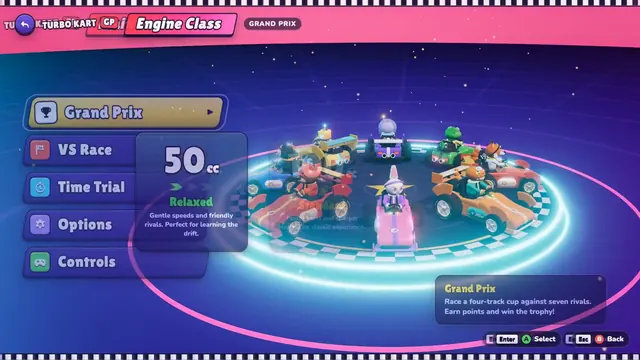 Claude Opus 5.5
Three.jsで作ったブラウザ向けカートレース、4コースとグランプリ付き
Tony
 Claude Opus 5.5
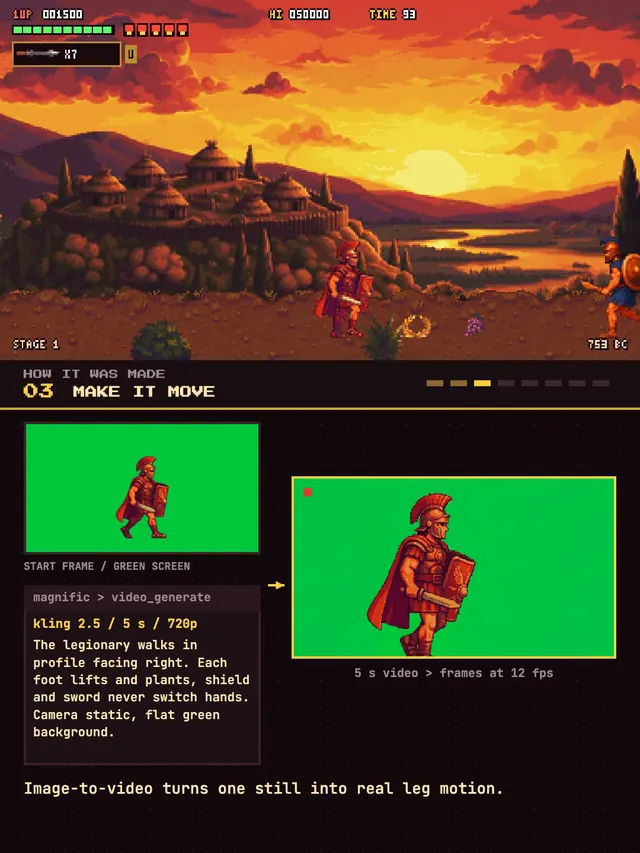
古代ローマが舞台のピクセルアート横スクロール格闘ゲーム
Koldo Huici
 GPT-6 Astra
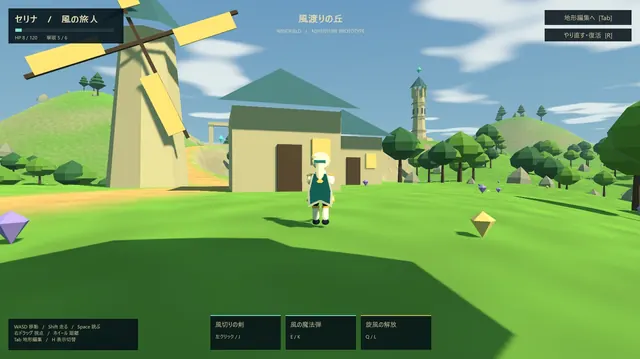
地形エディタ付きのローポリ・オープンワールドADV
ふぐあい(ふぐおん)
 Claude Opus 5.5
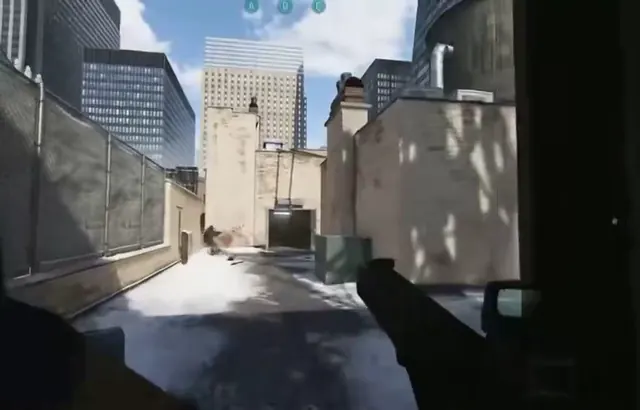
雪の路地を舞台にした反動とヴォルト付きのFPS
Mark
 Claude Opus 5.5
クラフトとモブを備えたWebGL2のボクセル系サバイバル(単一HTML)
kepo
 Claude Opus 5.5
サンフランシスコが舞台の原神風オープンワールドアクションゲーム
Every 📧