

地震の仕組みを見せるインタラクティブなプレート断面シミュレーション
Claude Opus 5.5が60秒のモーショングラフィックスを生成。地殻断面が固着してすべり、P波とS波が地表の街を揺らします。
Claude Code + Three.js(コードのみ)Wandy 2
精細な3Dモデルを作ろう
コードだけでは単純な形しか作れません。Wandy 2なら写真1枚から、同じシーンで使えるテクスチャ付き3Dモデルを作れます。
Claude Opus 5.5のプロンプト
Create a visually stunning 60-second video explaining how an earthquake happens through an interactive tectonic sandbox.

Make it feel like we are watching someone explore a beautiful real-time simulation, not a slideshow or traditional educational video.

Start with a clean 3D cross-section of Earth’s crust. Two tectonic plates slowly move against each other. Visualize the fault between them and show friction locking the plates while stress gradually builds.

As pressure increases, make the simulation more intense: rock layers deform, stress zones glow, subtle vibrations begin, and a live seismograph starts reacting.

Then trigger the earthquake. The fault suddenly slips and releases a massive burst of energy. Show seismic waves radiating outward through the ground, then transition upward to the surface where the landscape and a small city begin shaking.

Visualize P-waves and S-waves traveling differently through the Earth, followed by the strongest surface waves. Show buildings reacting differently depending on distance from the epicenter.

End by zooming back underground to reveal smaller aftershocks around the fault, then pull out to show the complete tectonic system.

Use cinematic motion graphics, satisfying physics simulations, dramatic scale transitions, premium 3D scientific visualization, minimal typography, dynamic labels, smooth UI overlays and seamless transitions.

The pacing should constantly evolve and reveal something new every few seconds so the full 60 seconds stays visually engaging.

Make it feel like an Apple-quality interactive science visualization turned into a cinematic motion-design video.
このプロンプトの使い方
コーディングツールでClaude Opus 5.5にこのプロンプトを貼り、単一のWebページか動画として出力させます。
テーマを火山や津波などに変え、尺やシーン数を調整します。
実行して、テンポやラベル、地震計の表示を直し、毎シーンに新しい見せ場が出るまで改善します。
元の投稿作者の方ですか? このページの修正・削除をご依頼ください
似ているプロンプト
すべてのプロンプトを見る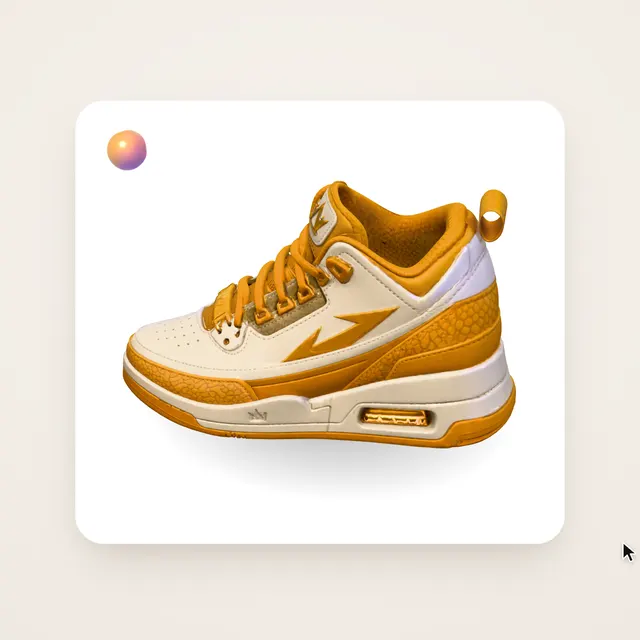 Claude Opus 5.5Wandy3Dオリジナル
写真1枚が3Dモデルに:AIオーブのUIモーション
Wandy3D
 Claude Opus 5.5
作業台で目覚める真鍮と水晶の蛾、Blenderの絵画調アニメ
Shikhar
 Claude Opus 5.5
光るボールがネオンの足場を跳ねる、音楽同期のThree.jsアニメ
Gorden Sun
 Claude Opus 5.5
渦巻く光の糸リングのモノクロSF観測所HUD
kriptoleidi
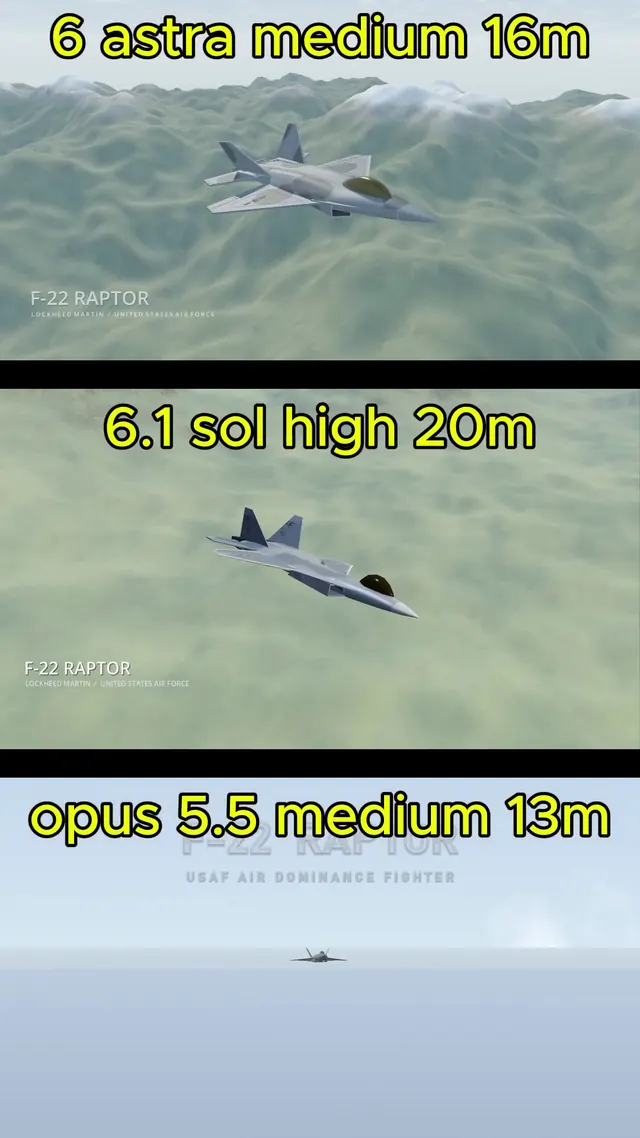 GPT-6.1 Sol
BlenderでモデリングしGodotで飛ばすリアルなF-22ラプター
Demetrius Greses Jr
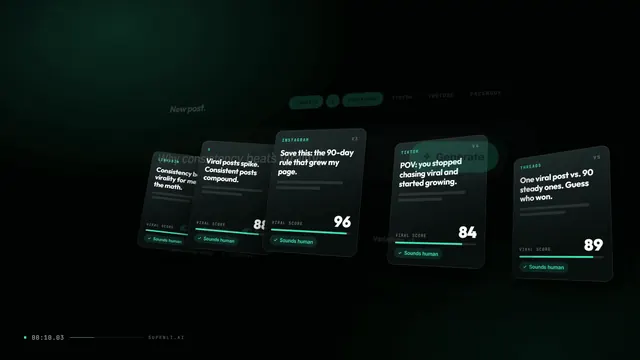 Claude Opus 5.5
サイトを紹介する30秒のモーショングラフィックス動画とロゴ演出
Awa K. Penn