

作業台で目覚める真鍮と水晶の蛾、Blenderの絵画調アニメ
Claude Opus 5.5 が約15秒のBlender短編を制作。コードで描いたテクスチャ、2Dの火花、生成サウンドを備えたアーケイン風の手描き調です。
Claude Code + Three.js(コードのみ)Wandy 2
精細な3Dモデルを作ろう
コードだけでは単純な形しか作れません。Wandy 2なら写真1枚から、同じシーンで使えるテクスチャ付き3Dモデルを作れます。
Claude Opus 5.5のプロンプト
TITLE: "SPARK"

An around 15-second 3D animated shot in the painterly style of the show Arcane (Fortiche).

Made in Blender, or any other tool if superior. Widescreen, no dialogue.

GOAL

The top priority is replicating Arcane's visual and animation style as perfectly as possible, in every way. Someone watching should believe it came from the same studio.

Take as much time and effort as needed. Replicate the technique and look perfectly. Spend as much time as needed, ensuring it's perfect in every way.

SCENE (loose — adapt freely)

A small mechanical creature (not humanoid), something like a brass-and-crystal moth, wakes up on a cluttered inventor's workbench at night. Its crystal core ignites with glowing energy, and it bursts into the air in a swirl of sparks. Change the details, framing, or action if something else shows off the style better. You can animate something else completely different if you want—anything you pick, whatever you can do best—that will also look identical to Arcane.

PROCESS

1. RESEARCH: Before building anything, study Arcane's style in depth. Find references and breakdowns of Fortiche's technique (interviews, making-of material, artist breakdowns). Write down every defining element: textures, shading, line work, color, lighting, frame rate, effects, camera, compositing.

2. STYLE GUIDE: Turn that into a written checklist and a small style frame (a single still image) before animating. Compare it side by side with reference stills and revise until it matches.

3. BUILD: Model, texture, light, and animate following the checklist.

4. REVIEW: Compare frames against Arcane references repeatedly. List every difference you can see and fix it. Repeat until no noticeable differences remain.

STYLE ELEMENTS TO MATCH (at minimum)

- Hand-painted textures with visible brushstrokes on every surface; nothing looks procedural or photographic.

- Stylized, painterly shading with designed light/shadow shapes, not realistic falloff.

- Animation on 2s for characters/objects, with strong poses, snappy timing, anticipation, and smear frames; camera moves smooth on 1s.

- Hand-drawn 2D effects (sparks, energy, smoke, glints, glow) layered over the 3D, animated on 2s with graphic shape language.

- Bold, moody color: warm light vs. saturated glowing accents, rich colored shadows, strong rim light, bloom.

- Painterly compositing: brush-like filtering, grain, subtle texture over the image.

- Cinematic camera: shallow depth of field, purposeful movement, weight on impacts.

SOUND

Detailed, cinematic sound design that matches the action and mood.

Make everything as good as possible: animation, models, textures, effects, lighting, and sound. Use any tools or programs needed. You may study references online and imitate techniques, and copy things, but do not directly use assets you did not create. Keep the whole shot in one consistent style so the 3D, painted textures, and 2D effects feel like a single hand-crafted image.

Do not use memory or previous chats.

You can use any other tools, programs, plugins, literally anything. Use anything at your disposal.

You can use different processes than outlined in this, or animate something else than described, but it should absolutely look as close as possible to the TV show Arcane. Make it perfect in every way and identical.
このプロンプトの使い方
Blender のスクリプト実行とレンダリングができるエージェントで、Claude Opus 5.5 にプロンプトを渡します。
蛾や作業台の舞台、参照する作品を、自分の題材・雰囲気・配色に置き換えます。
レンダリングしてスタイルのチェックリストと見比べ、照明やエフェクト、音の修正を依頼します。
元の投稿作者の方ですか? このページの修正・削除をご依頼ください
似ているプロンプト
すべてのプロンプトを見る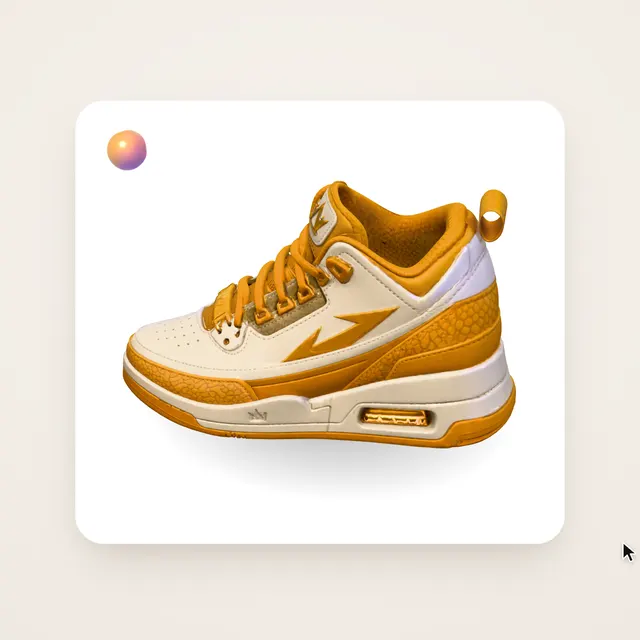 Claude Opus 5.5Wandy3Dオリジナル
写真1枚が3Dモデルに:AIオーブのUIモーション
Wandy3D
 Claude Opus 5.5
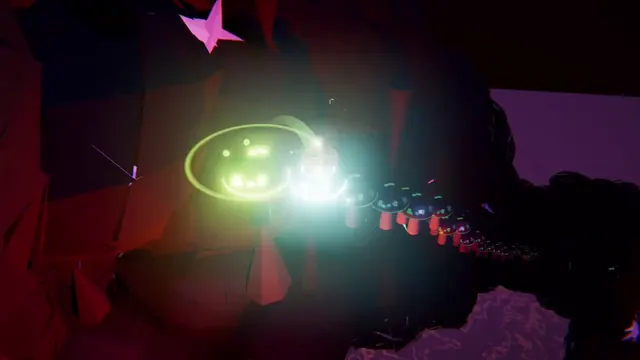
光るボールがネオンの足場を跳ねる、音楽同期のThree.jsアニメ
Gorden Sun
 Claude Opus 5.5
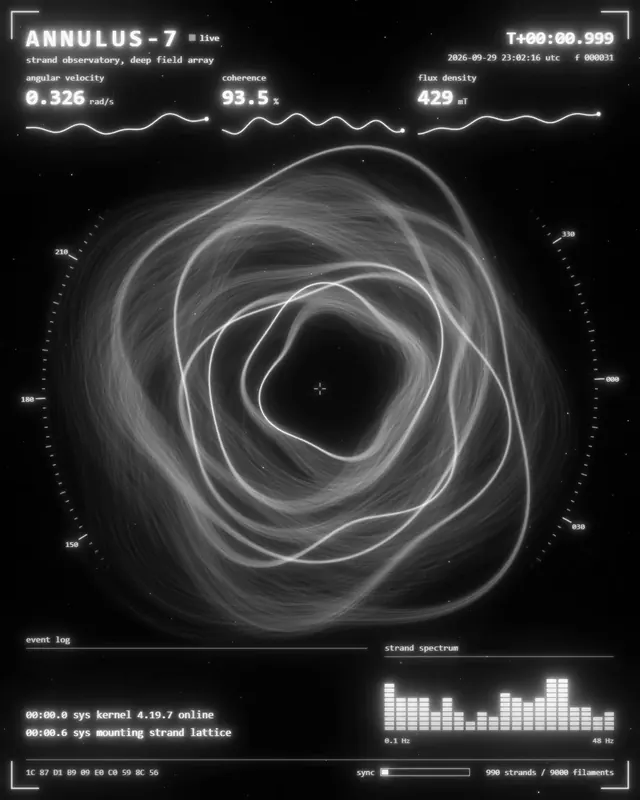
渦巻く光の糸リングのモノクロSF観測所HUD
kriptoleidi
 Claude Opus 5.5
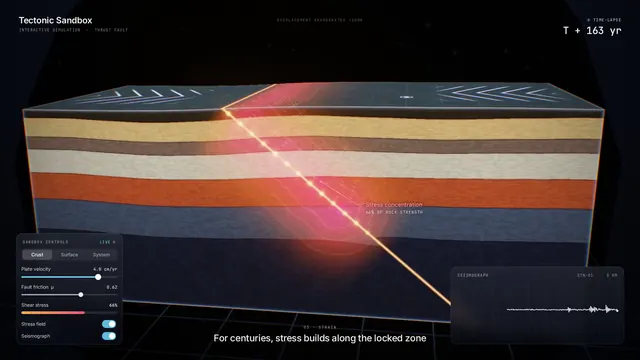
地震の仕組みを見せるインタラクティブなプレート断面シミュレーション
Ege
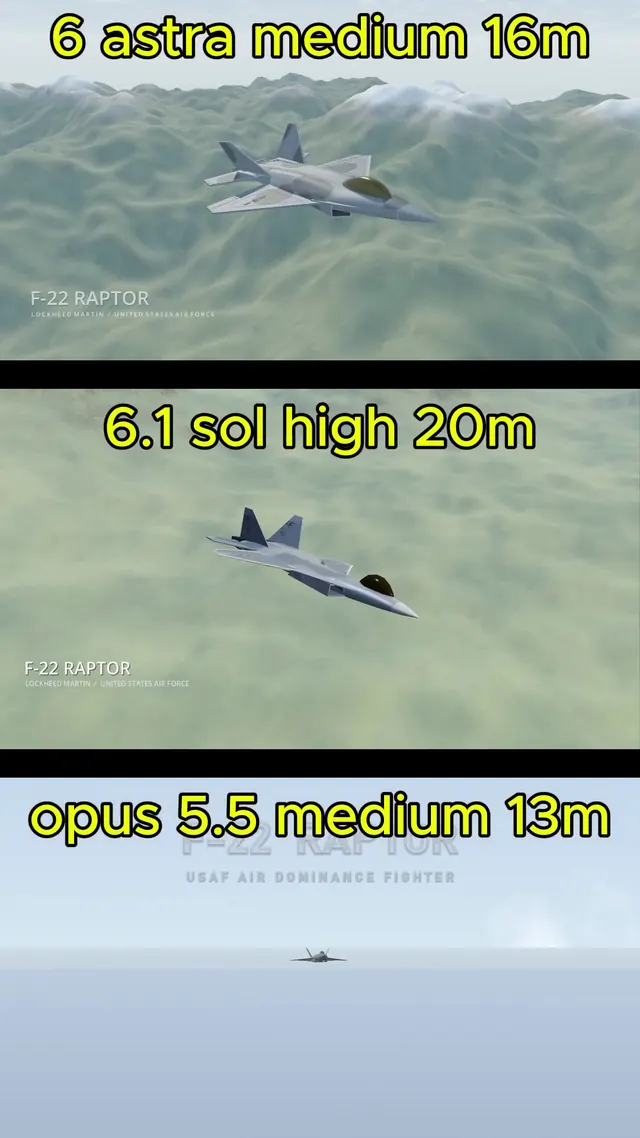 GPT-6.1 Sol
BlenderでモデリングしGodotで飛ばすリアルなF-22ラプター
Demetrius Greses Jr
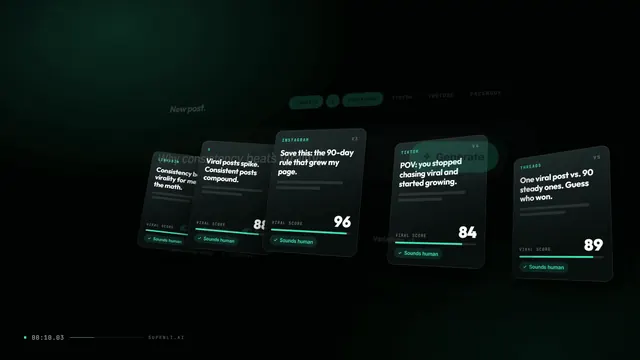 Claude Opus 5.5
サイトを紹介する30秒のモーショングラフィックス動画とロゴ演出
Awa K. Penn