

クエストとロケーション選択メニューを備えた一人称オープンワールド冒険
GPT-6 Astra(Ultra)が、ナレーション付きクエスト、字幕の会話、地名カードで移動できるメニューを備えた探索可能な世界を生成しました。
Claude Code + Three.js(コードのみ)Wandy 2
精細な3Dモデルを作ろう
コードだけでは単純な形しか作れません。Wandy 2なら写真1枚から、同じシーンで使えるテクスチャ付き3Dモデルを作れます。
Wandy3Dによる制作ブリーフ
作者がプロンプトを公開していないため、この作品を再現する方法を私たちがまとめました。
Build a first-person open-world adventure game with a story. Create a large landscape of grassy hills, dry red plains, a sandy beach and sea, dotted with trees and strange landmarks such as a glass cathedral and an orchard. The player carries a white pistol. Add a quest log and objective markers, narrated dialogue shown as subtitles, and a calm muted HUD with a compass strip and location titles that appear when entering an area. Include a menu titled like a world-jump screen that lists named locations as cards so the player can teleport between them. Use soft daylight, a restrained teal and green palette and clean thin UI typography. Deliver it as one runnable project with WASD movement, mouse look and click to fire. Done means the player can pick a location, explore, trigger dialogue and complete an objective.
このプロンプトの使い方
コーディングエージェントでGPT-6 Astraを選び、ビルドブリーフを貼り付けます。
地名、ストーリー、台詞、地形や配色を自分の世界観に書き換えます。
各エリアを歩いて確認し、クエストや敵、マップ画面の追加を依頼します。
元の投稿作者の方ですか? このページの修正・削除をご依頼ください
似ているプロンプト
すべてのプロンプトを見る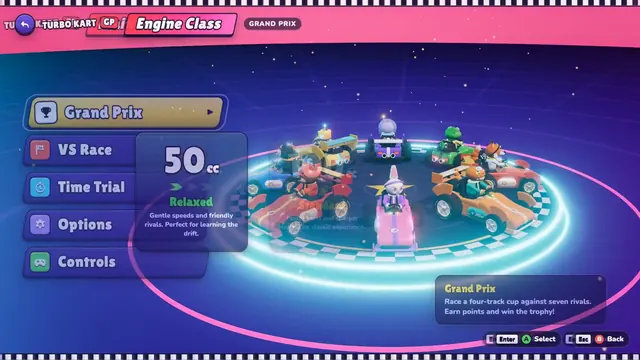 Claude Opus 5.5
Three.jsで作ったブラウザ向けカートレース、4コースとグランプリ付き
Tony
 Claude Opus 5.5
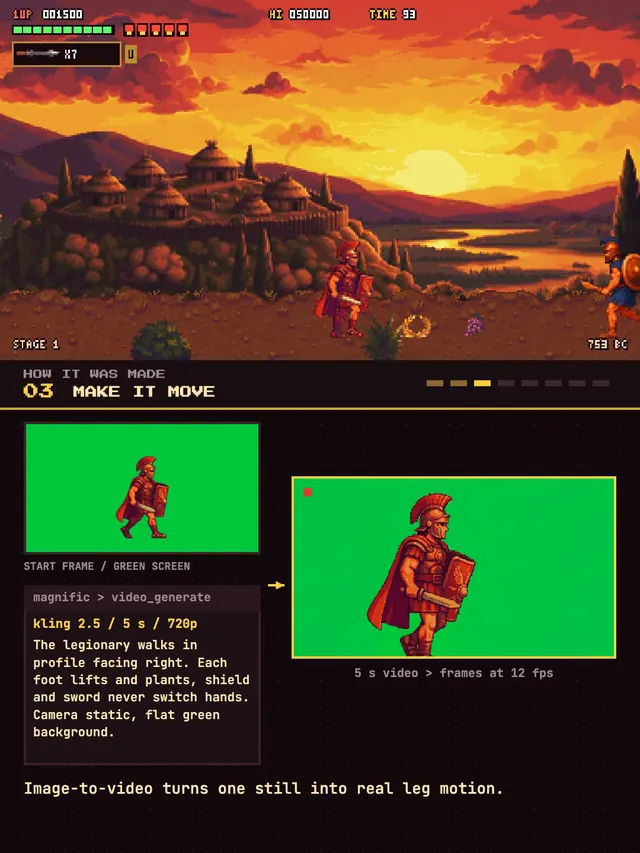
古代ローマが舞台のピクセルアート横スクロール格闘ゲーム
Koldo Huici
 GPT-6 Astra
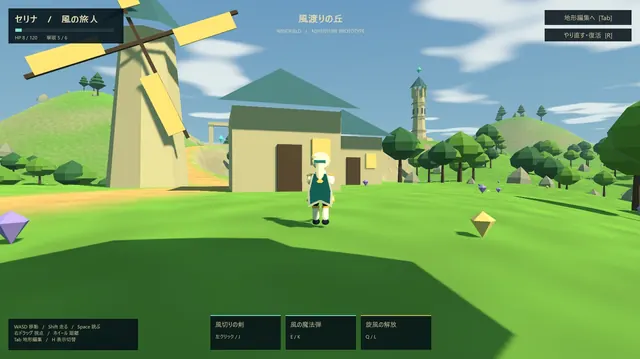
地形エディタ付きのローポリ・オープンワールドADV
ふぐあい(ふぐおん)
 Claude Opus 5.5
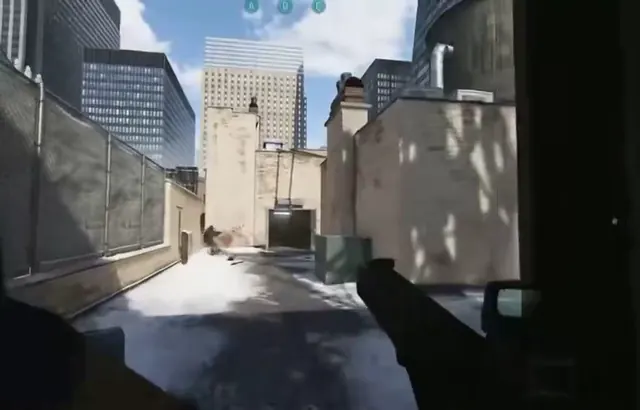
雪の路地を舞台にした反動とヴォルト付きのFPS
Mark
 Claude Opus 5.5
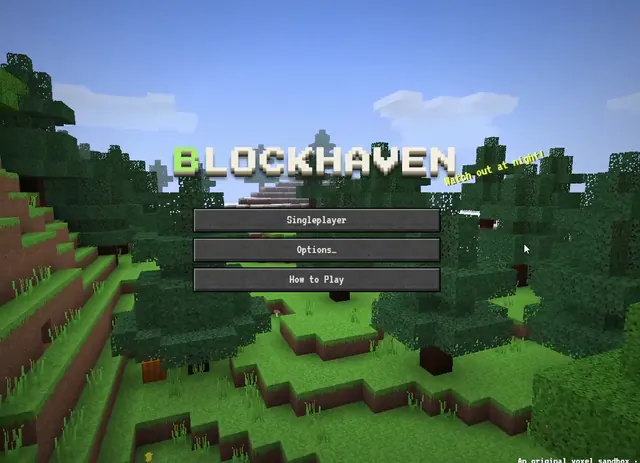
クラフトとモブを備えたWebGL2のボクセル系サバイバル(単一HTML)
kepo
 Claude Opus 5.5
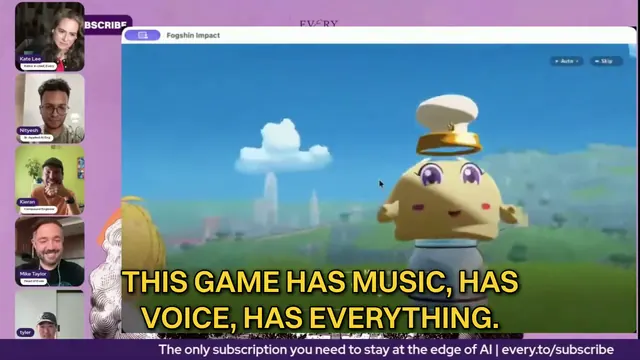
サンフランシスコが舞台の原神風オープンワールドアクションゲーム
Every 📧