Laser-cut layers
Laser-cut a layered sculpture from any 3D model
Your model sliced into sheets of plywood, MDF, acrylic or cardboard: SVG cut files sized for your laser, every piece numbered, with dowel holes and engraved outlines that keep the stack straight.
10 per build — the same settings again are free
A real example
From a crayon rooster to 66 wooden layers
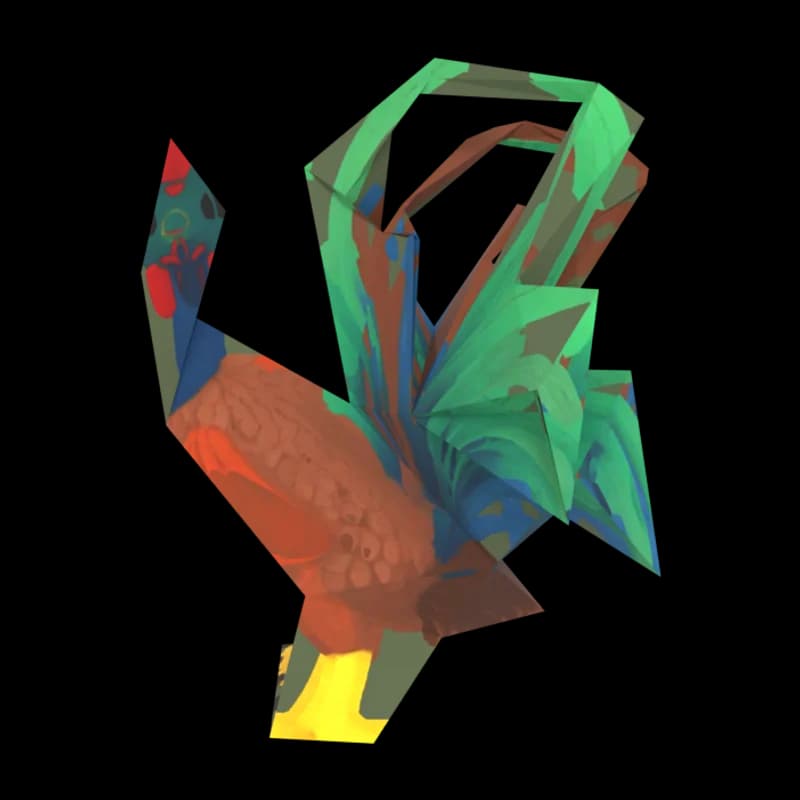
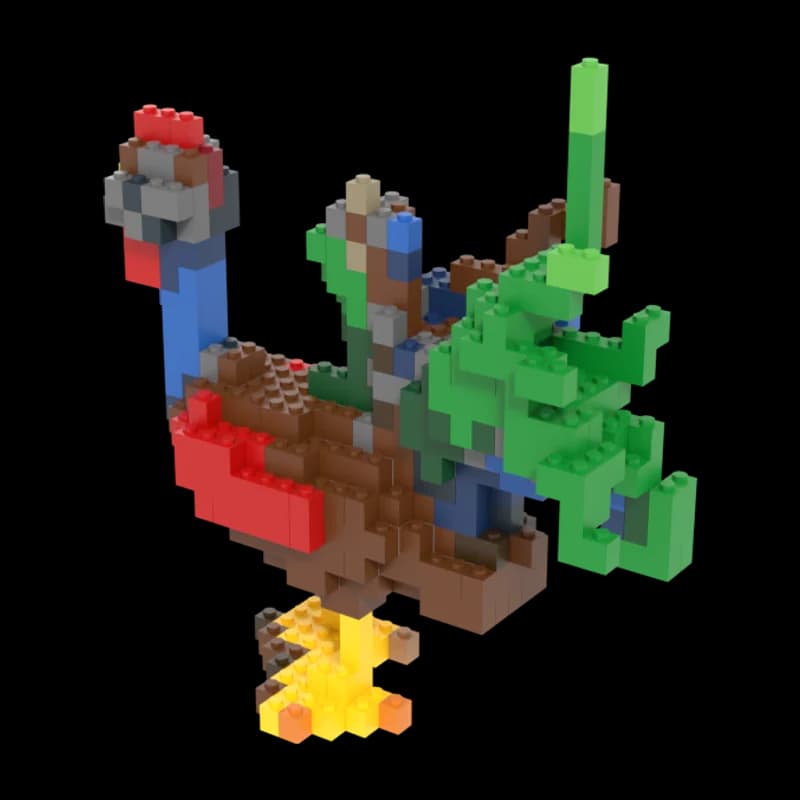
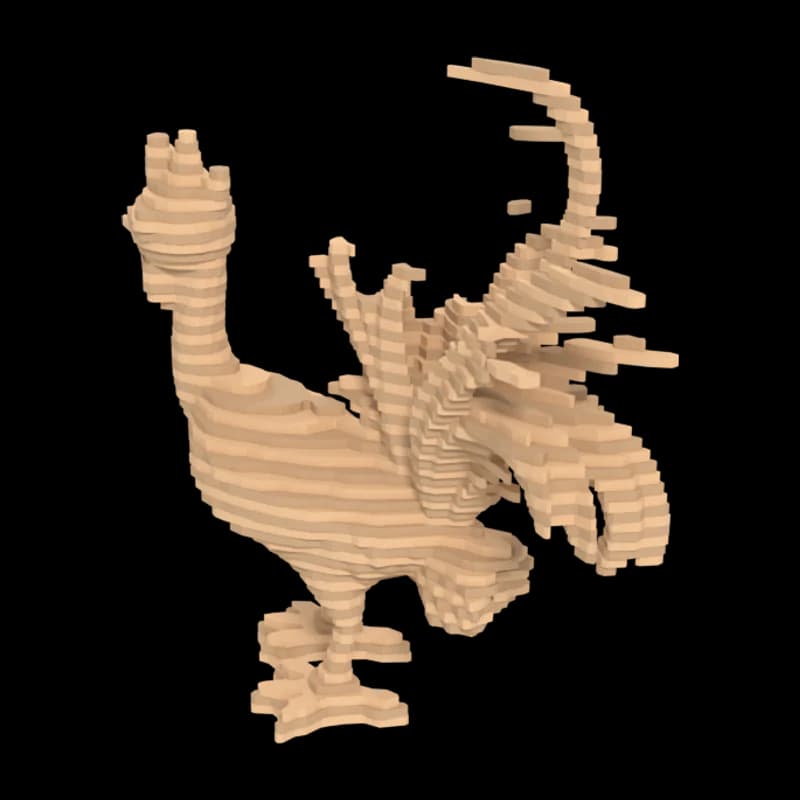
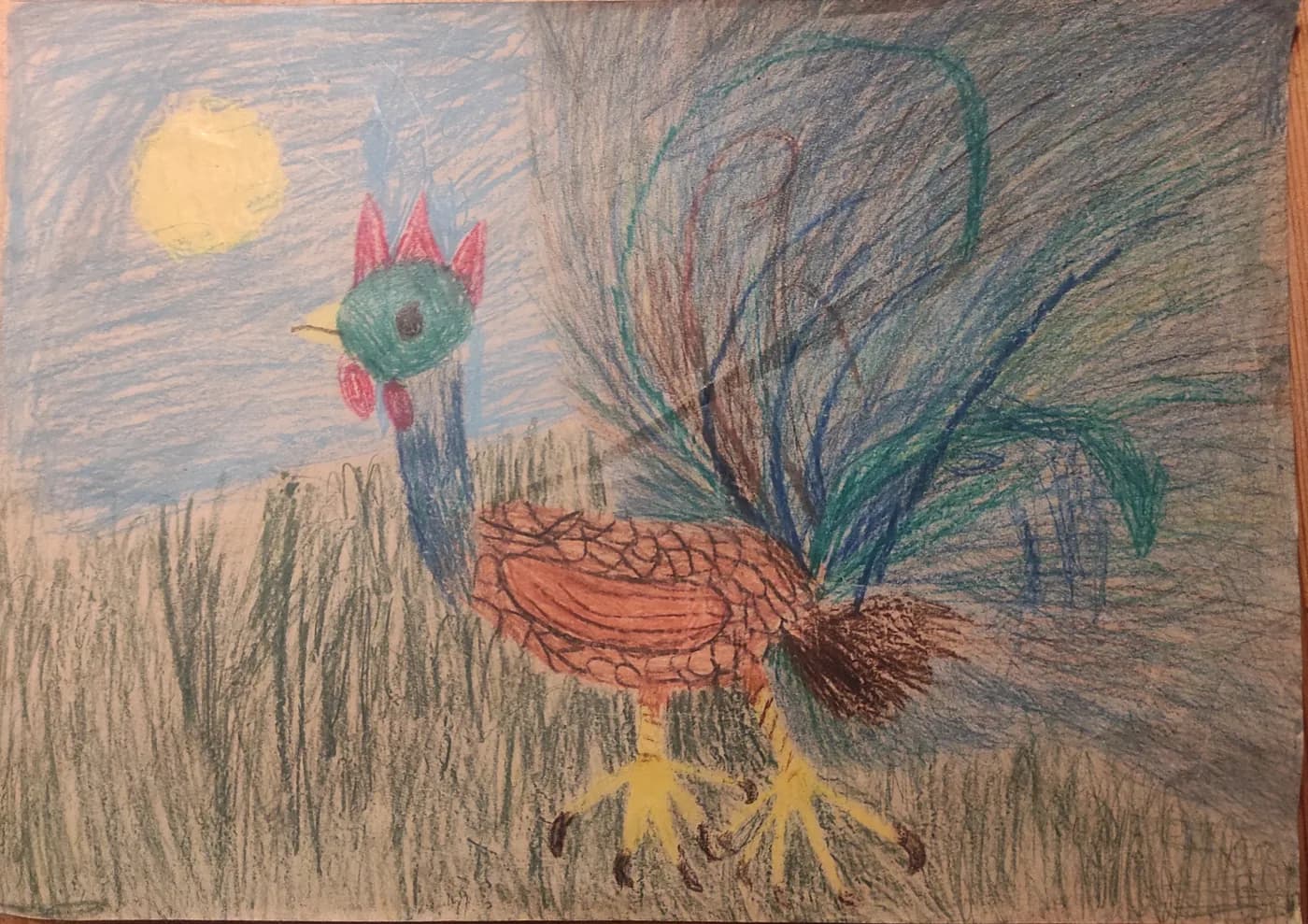
The drawing became a 3D model in Drawing mode; the laser layers maker sliced it with its default settings: 20 cm tall, 3 mm sheets, an xTool S1 bed.
The drawing
Crayon drawing by a child of almost six, shared by the family under CC0 on Wikimedia Commons. Source The 3D model
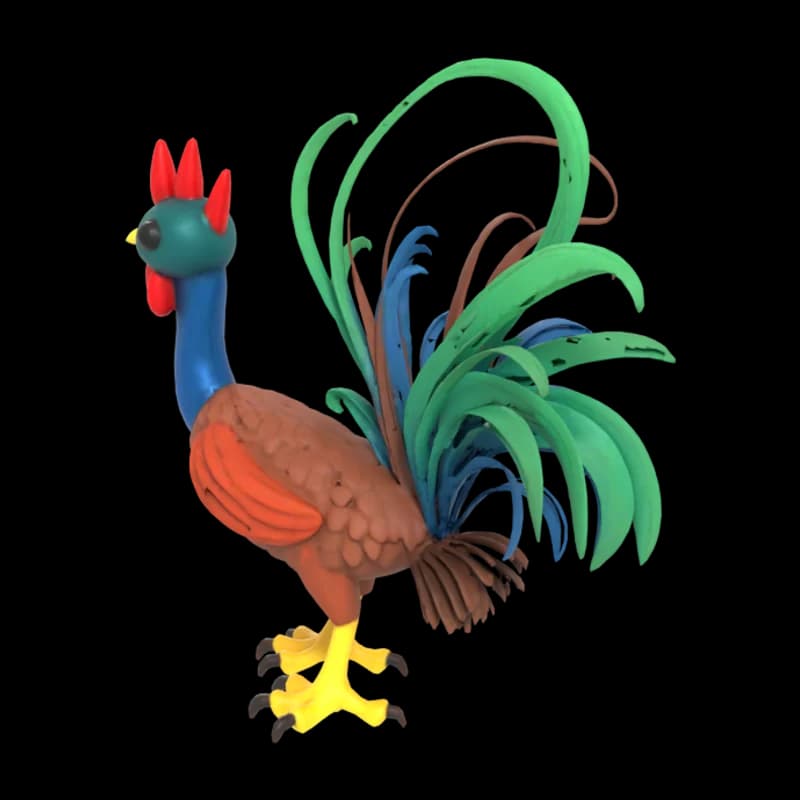 Made in Drawing mode, nothing retouched.
The layer stack
The stacked result, as the maker previews it.
The two cut sheets
Preview colours; in the SVG, red lines cut and blue lines engrave.
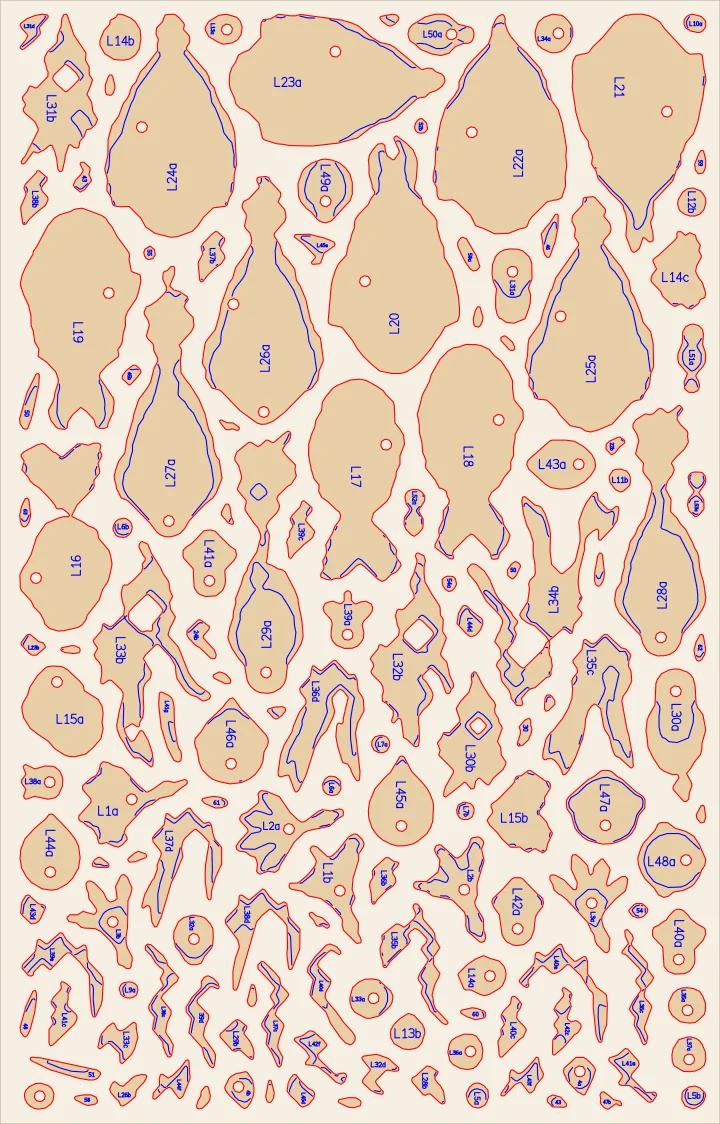
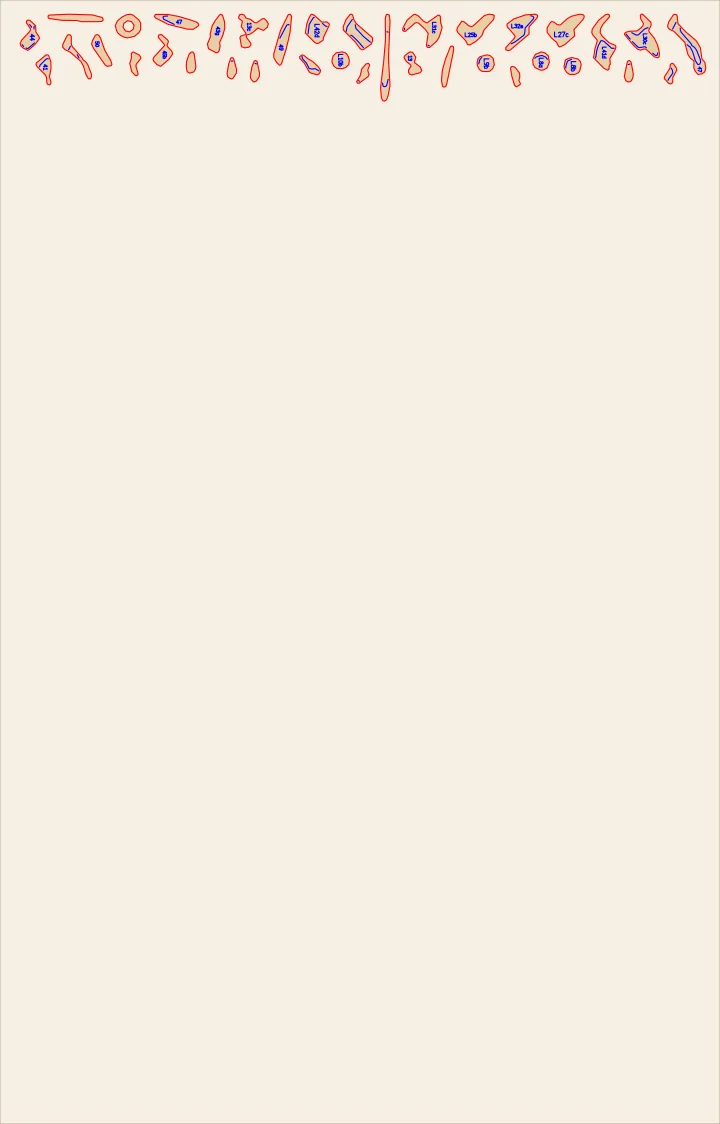
The build in numbers
- 66 layers of 3 mm
- 182 pieces on 2 sheets of 498 × 319 mm (xTool S1)
- Finished stack: about 19 × 8 × 20 cm
- 15.5 m of cutting lines
In the download
- SVG cut sheets in millimetres, sized for your laser bed: red lines cut, blue lines engrave
- Every piece numbered by layer, with dowel holes where the layers overlap
- A build guide with dowel lengths, and a list of the pieces on each sheet
How it works
Laser layers in three steps
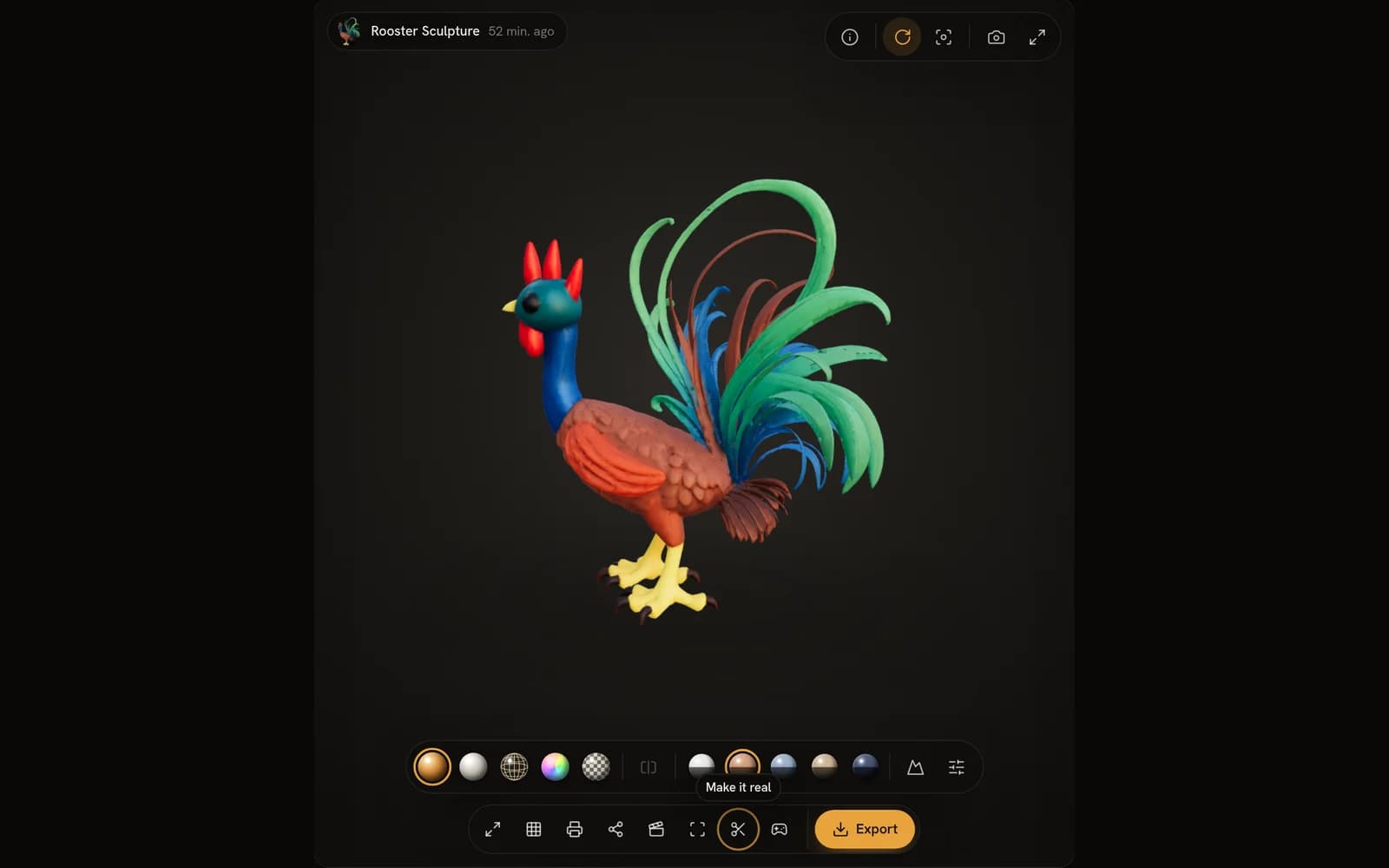
Make or open a model
Generate one from a photo, a drawing or a sentence — or open any model in your library and choose Make it real.
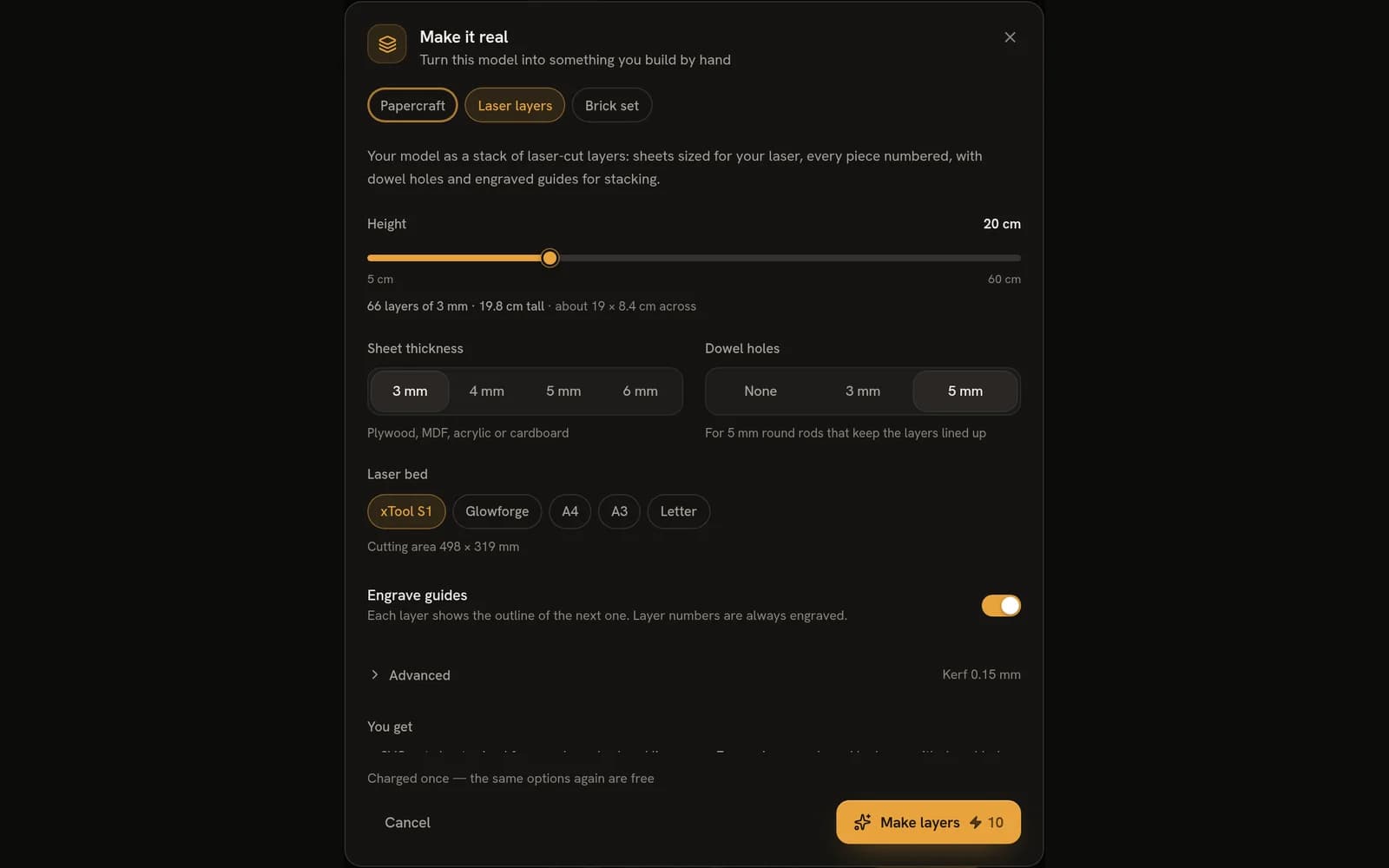
Set the height, the sheets and your laser
Pick the height, the sheet thickness and your bed; the dialog counts the layers and warns you if a layer won't fit.
Cut, stack, glue
Import the SVGs at 100 %, cut every sheet, then stack from layer 1 up on the dowels or the engraved outlines.
Before you start
What you need
- A laser cutterAny laser that imports SVG at 100 % scale; common beds have presets.
- Sheet material3–6 mm plywood, MDF or acrylic — or cardboard for a cheap test.
- Dowels (optional)Round rods or bamboo skewers keep the layers lined up.
- Wood gluePVA; let the stack dry under a light weight.
Price
What it costs
10 per build — the same settings again are free
Credits only — no plan needed. Charged once per set of settings: the same settings again are free, and a build that fails gives your credits back.
From a photo
It works from photos too
Any model you make can be made real — these two started as photos. Open either one in the workspace for free, no sign-in needed.
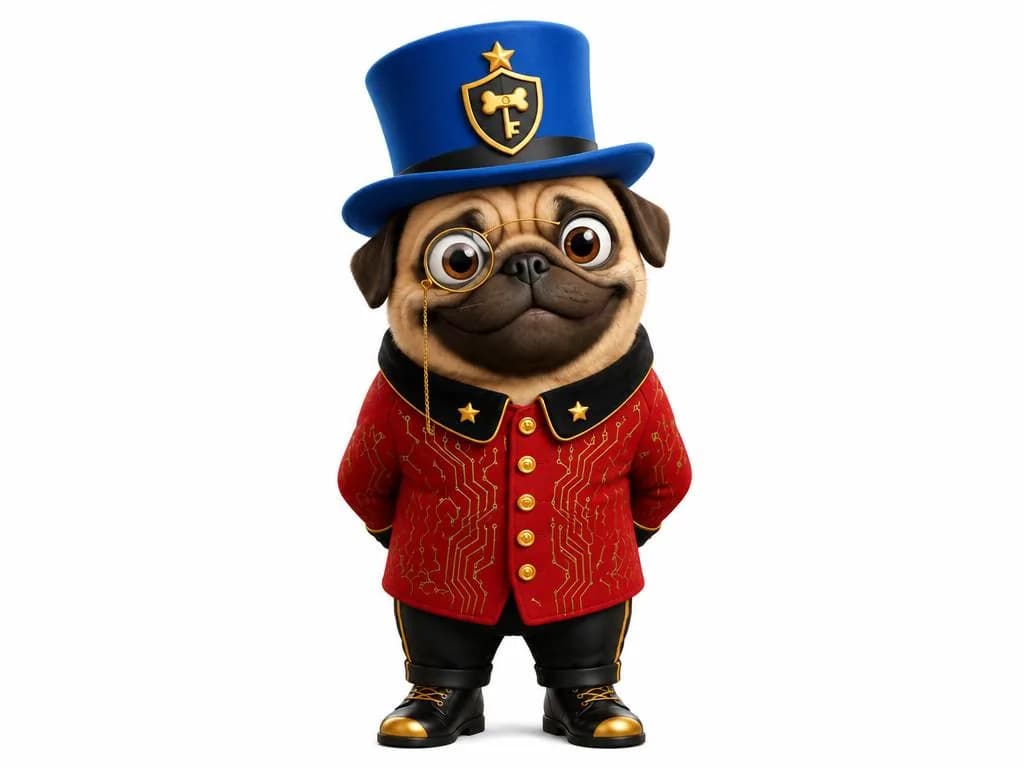
The picture it was made from 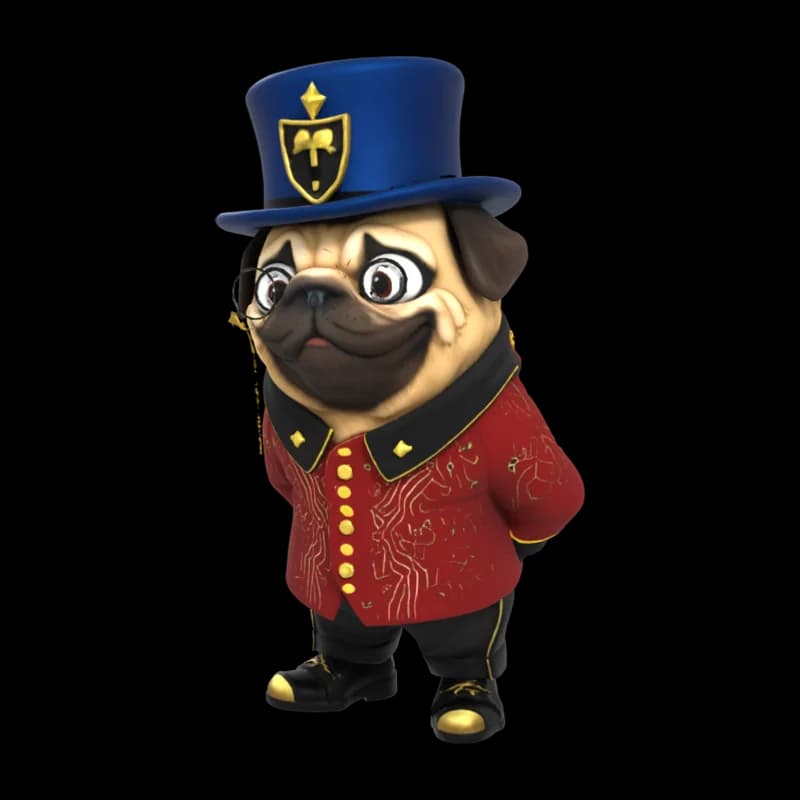
Pug in a top hat
Open in the workspace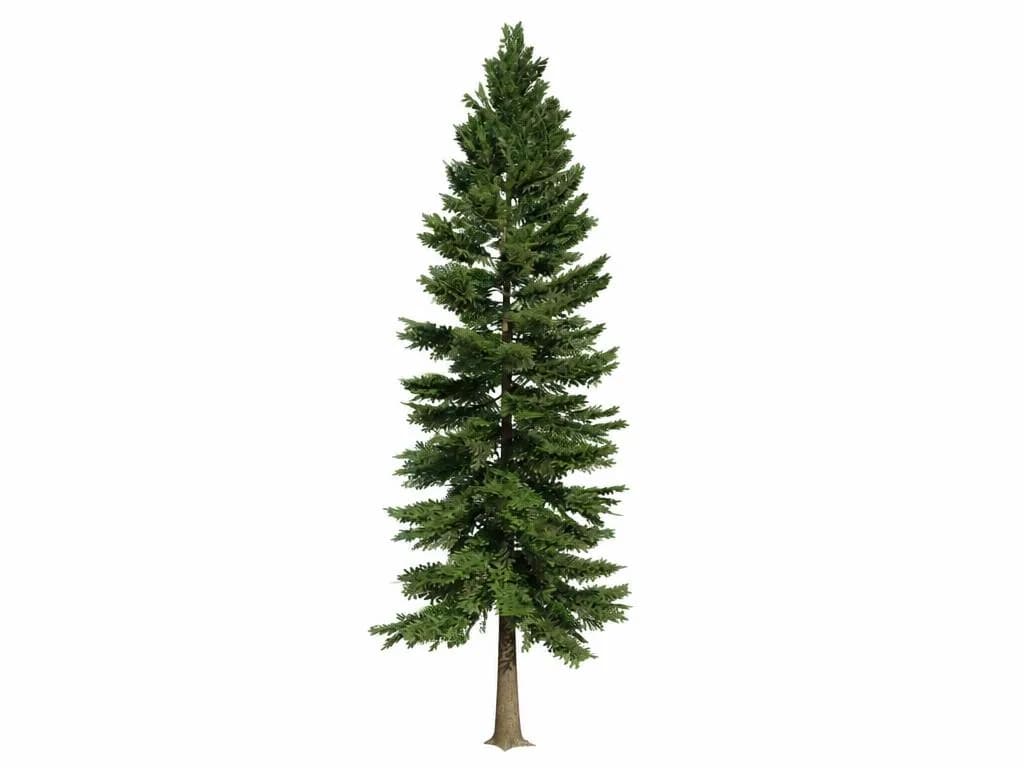
The picture it was made from 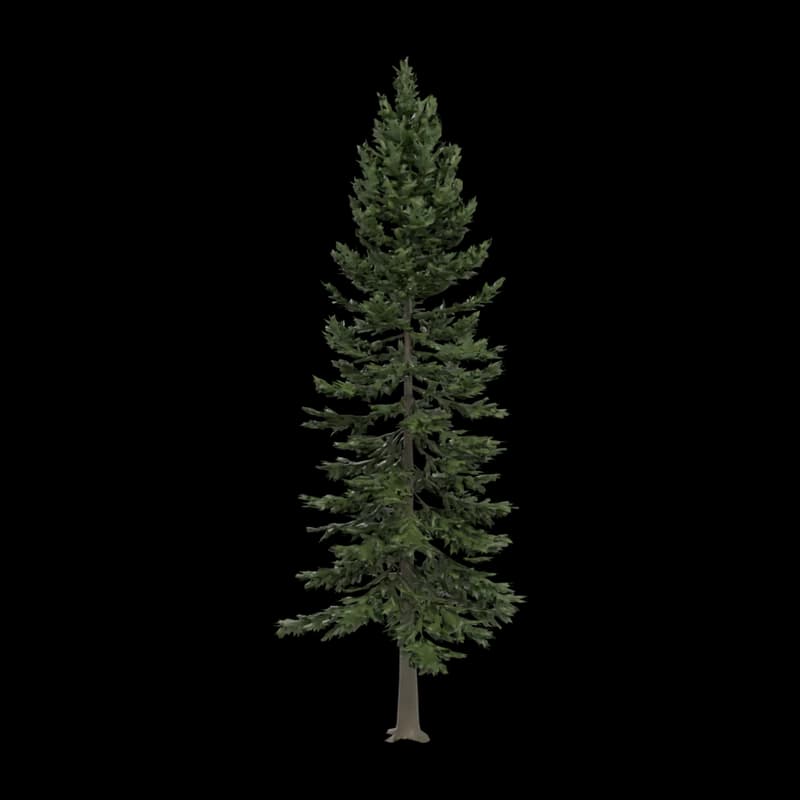
Fir tree
Open in the workspace