

Cyberpunk megacity with a hero train, rendered as a Blender sequence
Claude Opus 5.5 scripted a rainy Blender megacity with elevated rails, a station and a train, shot as a multi-camera 1080p cinematic.
Claude Code + Three.js (code only)Wandy 2
Create detailed 3D models
Code alone gets you simple shapes. Wandy 2 turns one photo into a textured 3D model you can use in the same scene.
Build brief by Wandy3D
The author didn't share a prompt, so we wrote down how to recreate this build.
Build a complete cyberpunk megacity inside Blender using Python scripting, and render it as a short cinematic sequence. Include a hero train, procedurally generated skyscrapers with lit windows, elevated rail lines, a tunnel, and a large central station hall filled with small crowd figures. Set the mood with night rain, volumetric fog, neon and street lights and a dark, teal and warm orange palette. Define several camera setups and animate them: street-level shots, wide city reveals, a camera tracking the train, a tunnel transition, a station interior and a final pullback where the train looks tiny against the city. Deliver a .blend file or a Python script that regenerates the scene, plus a 1080p render of the animated sequence, with settings ready to raise to 4K. Done means the shots cut together into one coherent run with believable lighting and scale.
How to use this prompt
Give the build brief to Claude Opus 5.5 in a setup that can run Blender Python, so it builds the scene itself.
Change the city mood, the vehicle, the weather or the list of camera shots to make it yours.
Render a low-res preview, fix lighting and camera cuts with follow-ups, then raise to 4K.
Original postAre you the author? Ask us to edit or remove this page
More prompts like this
Browse all prompts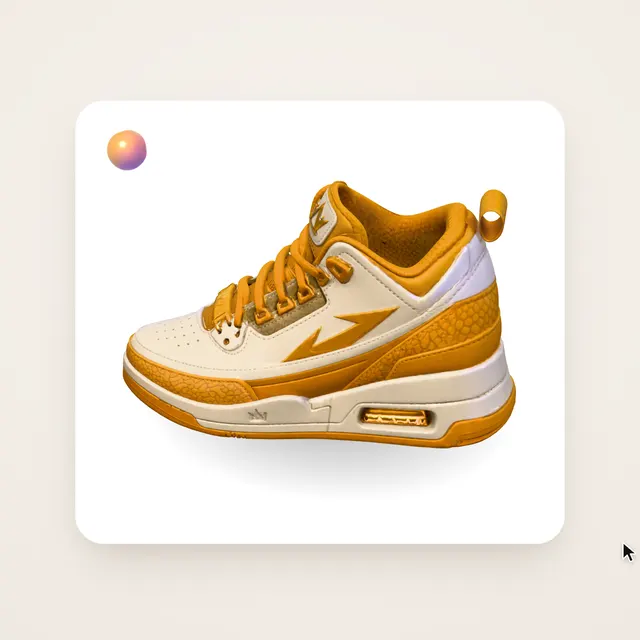 Claude Opus 5.5Wandy3D original
One photo to a 3D model: an AI orb UI motion loop
Wandy3D
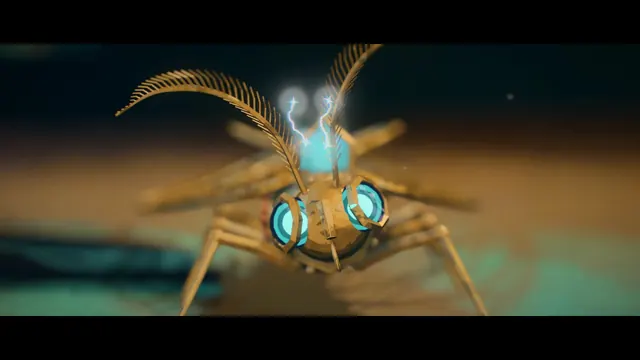 Claude Opus 5.5
Painterly Blender animation of a brass crystal moth waking on a workbench
Shikhar
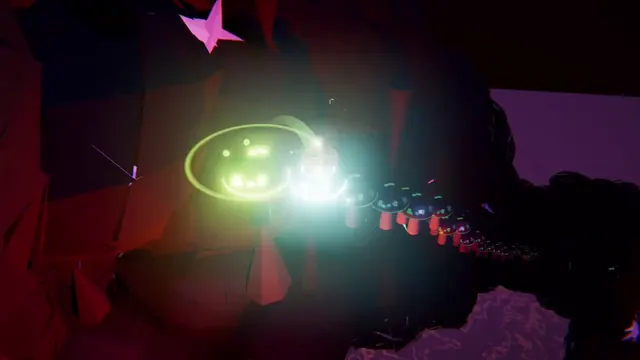 Claude Opus 5.5
Beat-synced Three.js animation of a glowing ball bouncing across neon platforms
Gorden Sun
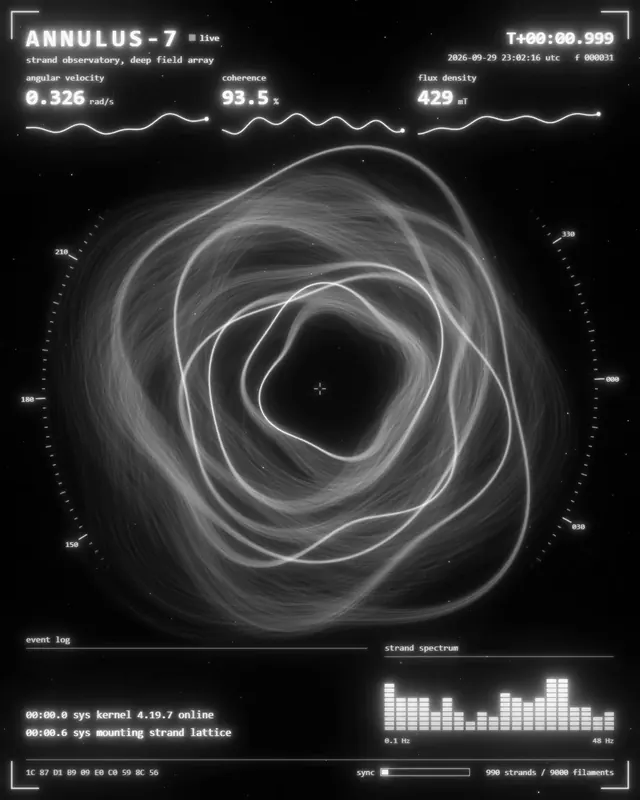 Claude Opus 5.5
Monochrome sci-fi observatory HUD with swirling strand rings
kriptoleidi
 Claude Opus 5.5
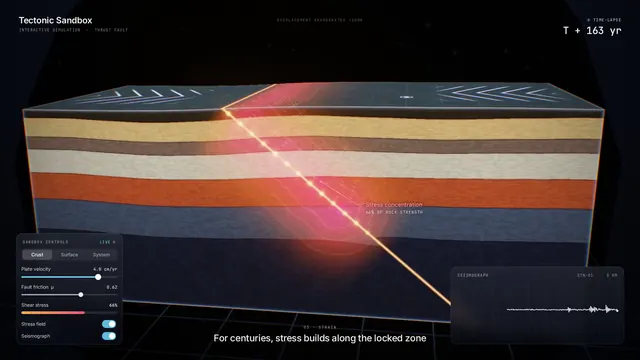
Interactive tectonic sandbox explaining how an earthquake happens
Ege
 GPT-6.1 Sol
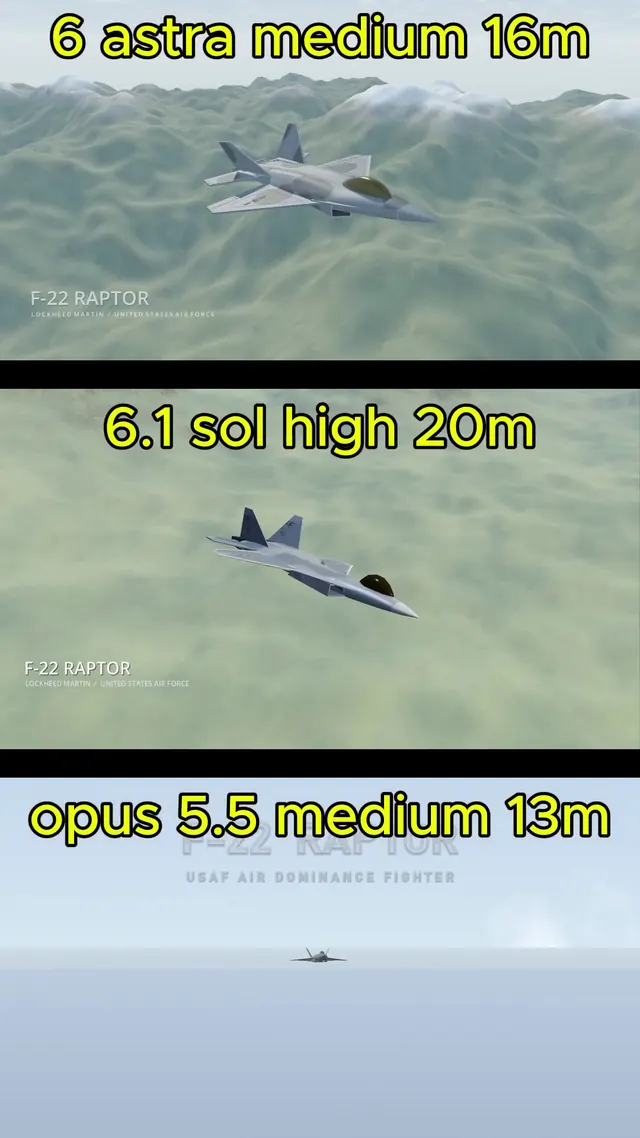
Realistic F-22 Raptor modeled in Blender and flown in Godot
Demetrius Greses Jr