
AI 3D model generator
One photo.Any object.In 3D.
Furniture, sneakers, props, characters — anything you can photograph or describe in words. A textured 3D model in a few minutes, ready for Unity, Unreal, Blender and the web.
Try an example
See real results before you sign up.
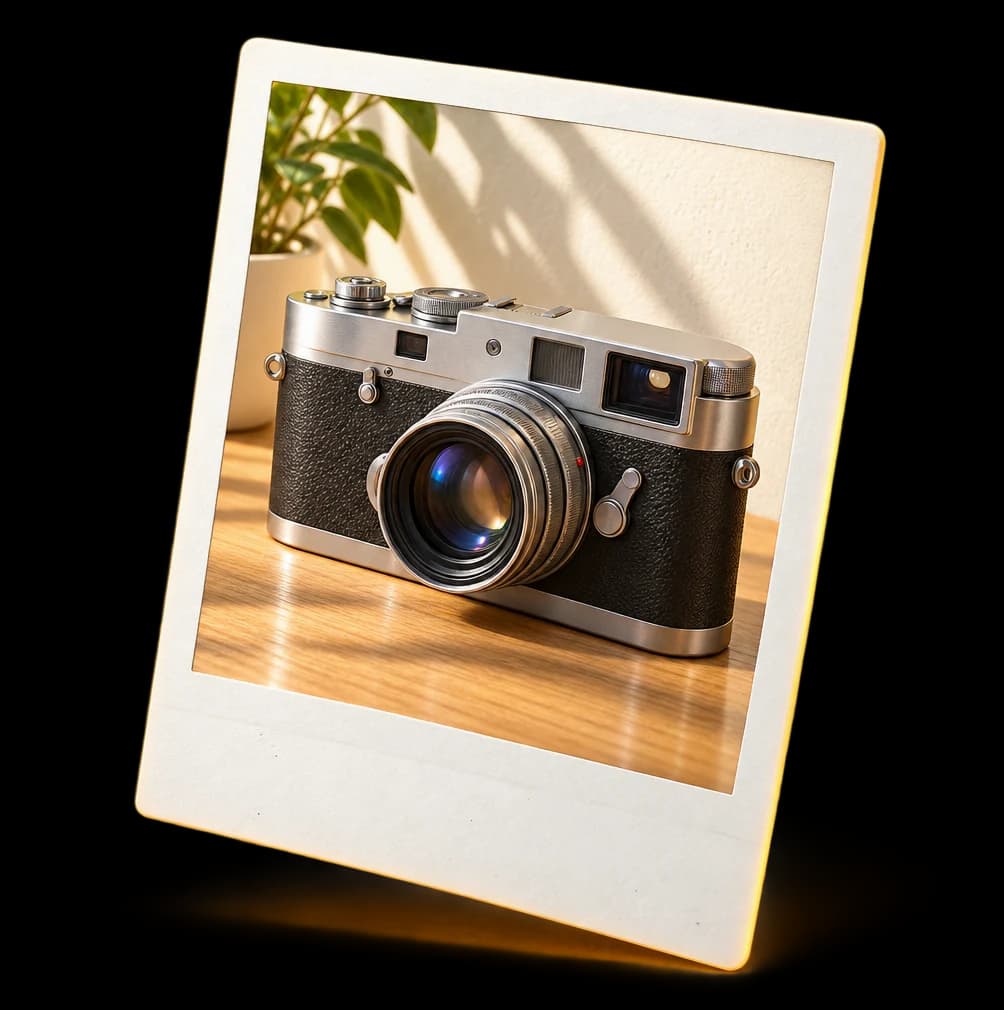
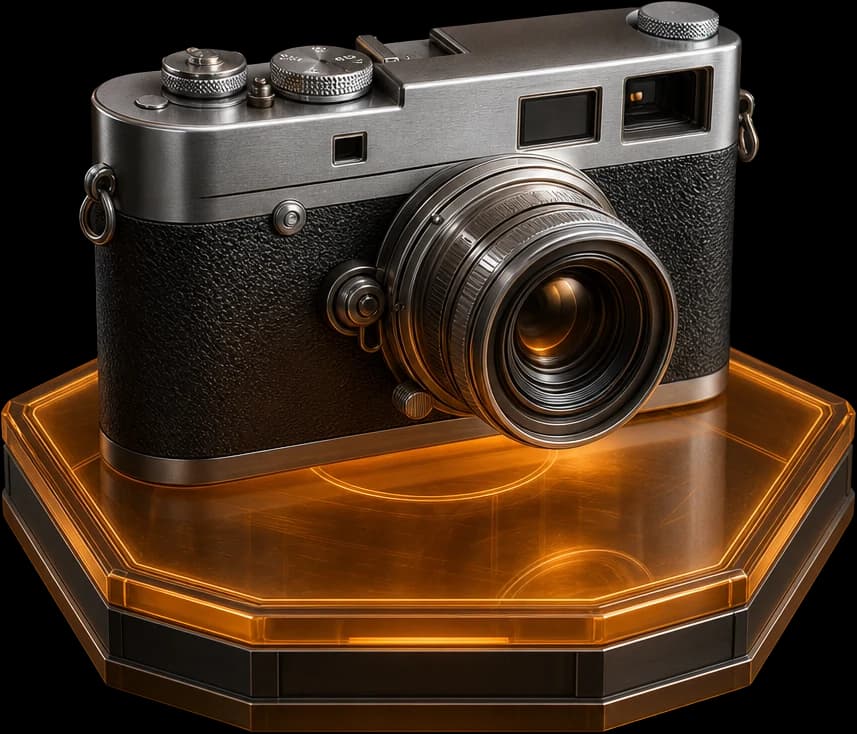
Models made with Wandy3D. Open one in the studio — no account, no credits.
How it works
From one photo to a finished 3D model.
Add a photo — or a few words
One clear picture is enough. Add more angles for tricky shapes, or just describe the object. Phone shots work: the background is cleaned up automatically.
Generate in a few minutes
Pick Fast, Quality or Best and follow the progress live. The price in credits is on the button before you start, and a failed run is refunded.
Refine it, then use it anywhere
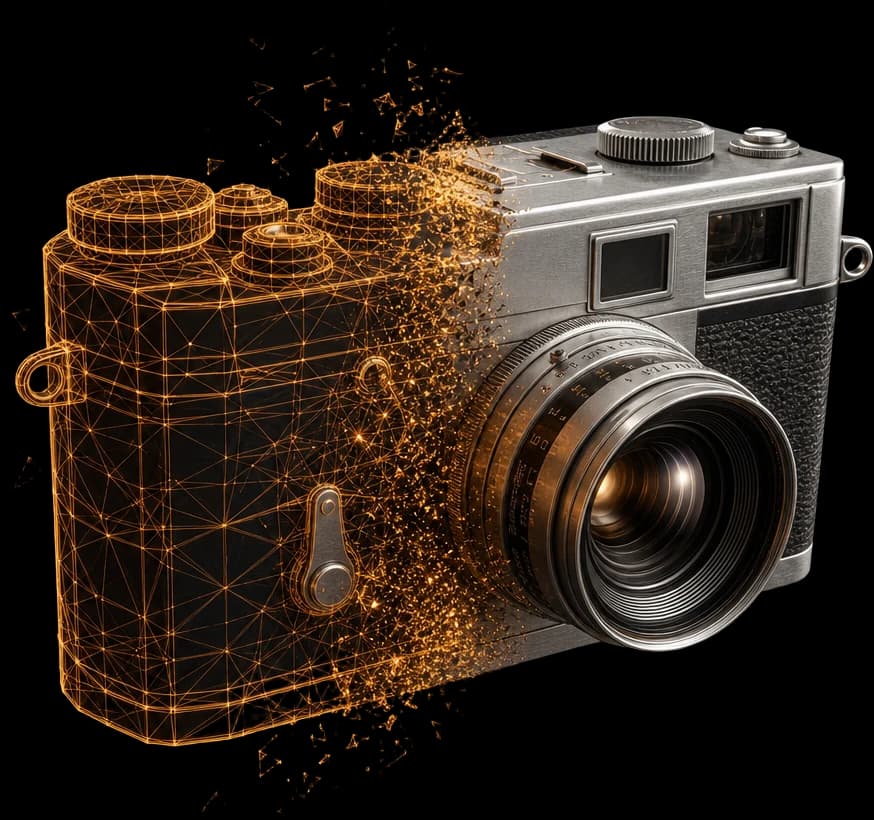
Edit it with a prompt, repaint the texture or remesh it into clean quads — every change is kept as a version. Export GLB, FBX, OBJ, USDZ or STL, or print-ready STL/3MF.
Works with
Fits the tools you already use.
Every model exports in the format your tool expects — with a quad remesh for games and closed-mesh files for printing.
3D software
Blender — and any app that opens FBX or OBJ
GLBFBXOBJ
Game engines
Unity · Unreal Engine · Godot · Roblox Studio
FBXGLBOBJ
3D printing
Bambu Studio · OrcaSlicer and other slicers
STL3MF
Web and AR
three.js · model-viewer · AR Quick Look on iPhone and iPad
GLBGLB · DracoUSDZ
Make it real
From the screen to the table
Turn a drawing into a 3D model — and any model into something you build by hand.
Drawing to 3D
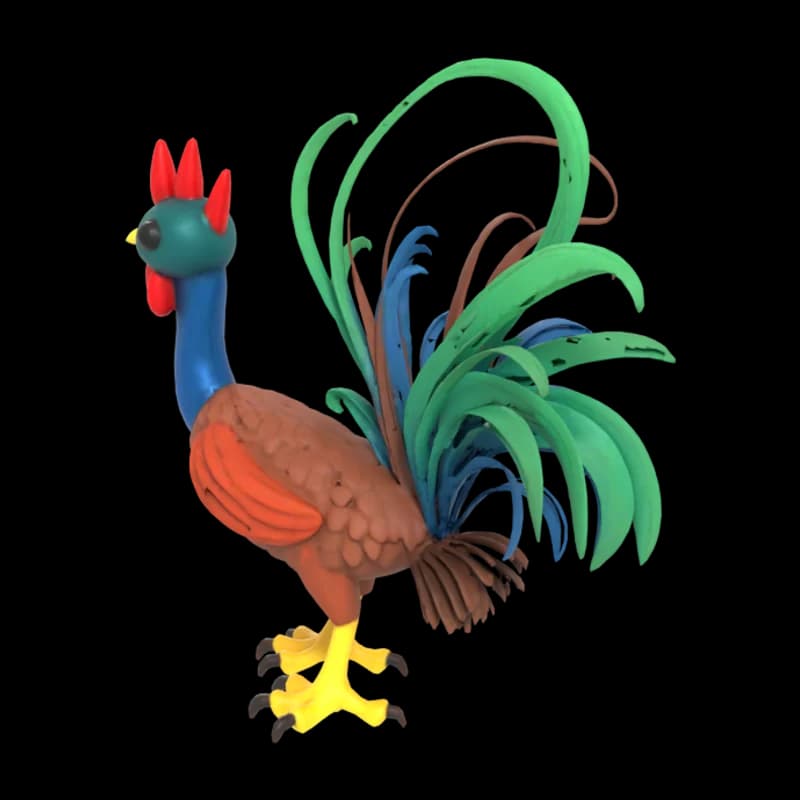
A child's drawing becomes a 3D model you can spin, print or build.
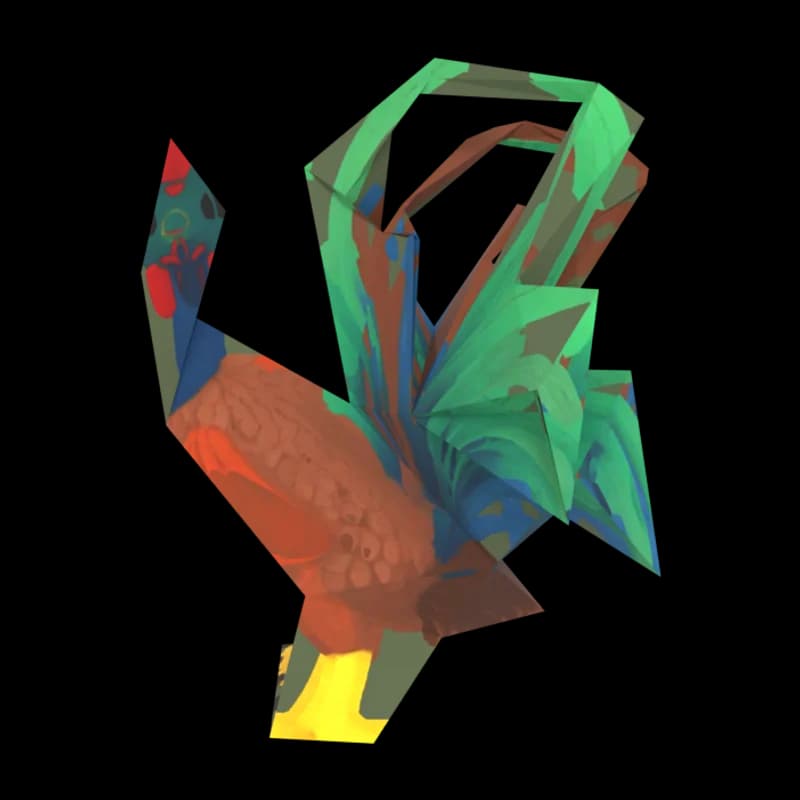
Papercraft
Printable pages with numbered glue tabs — the rooster: 5 pages, 7 parts.
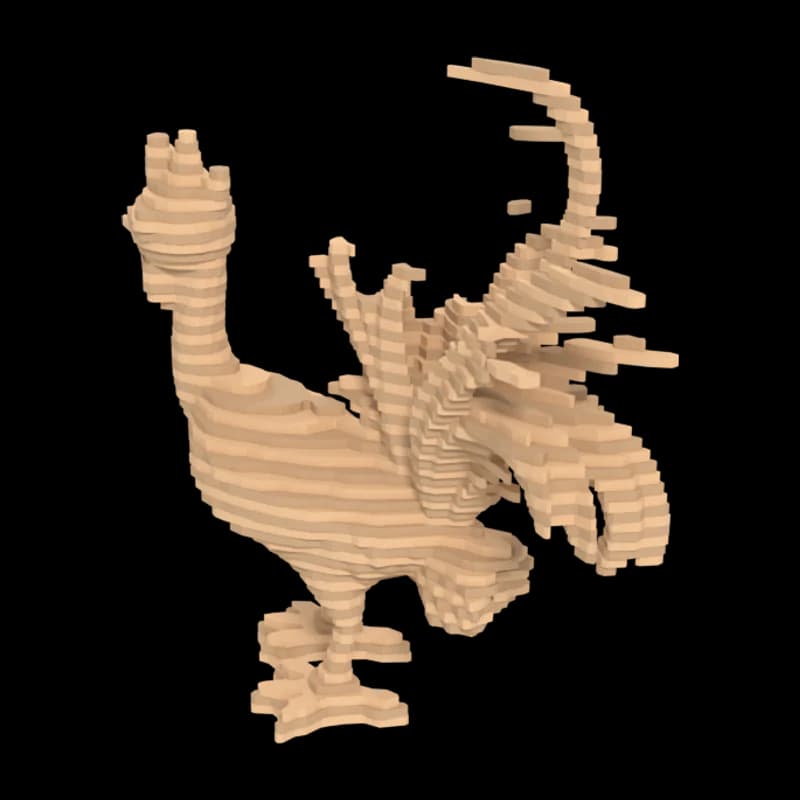
Laser-cut layers
Cut sheets for a stacked sculpture — the rooster: 66 layers on 2 sheets.
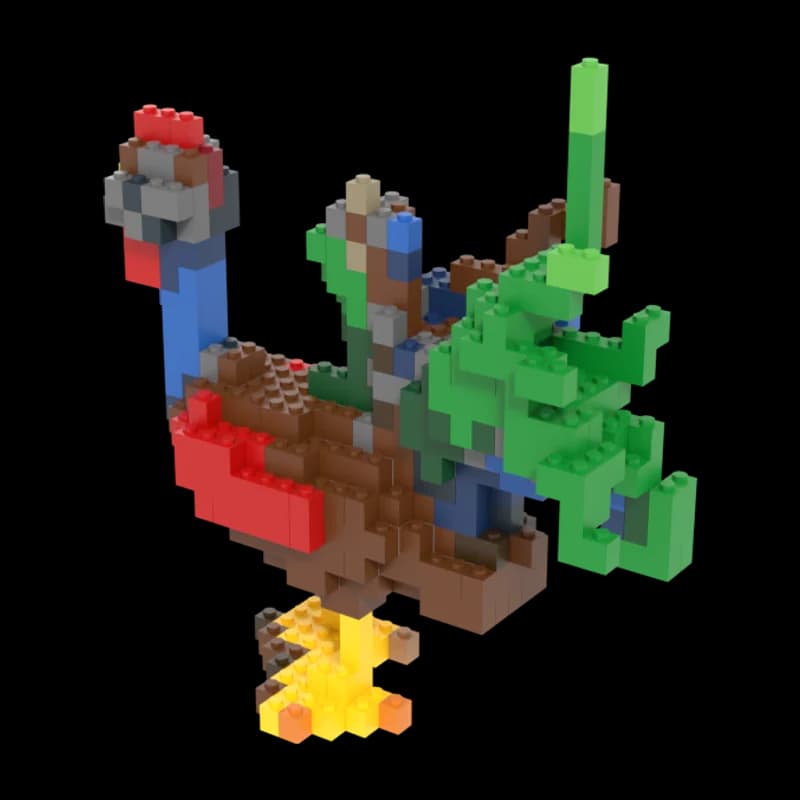
Brick set
Instructions and a parts list — the rooster: 389 bricks.
From the community
Theme of the month
A new theme every month.
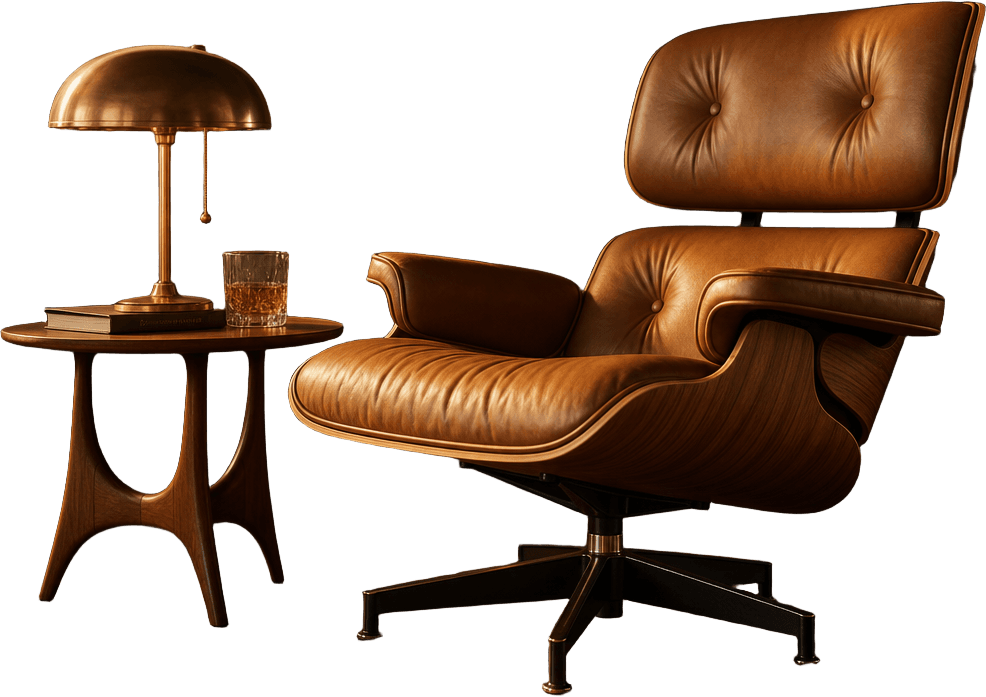
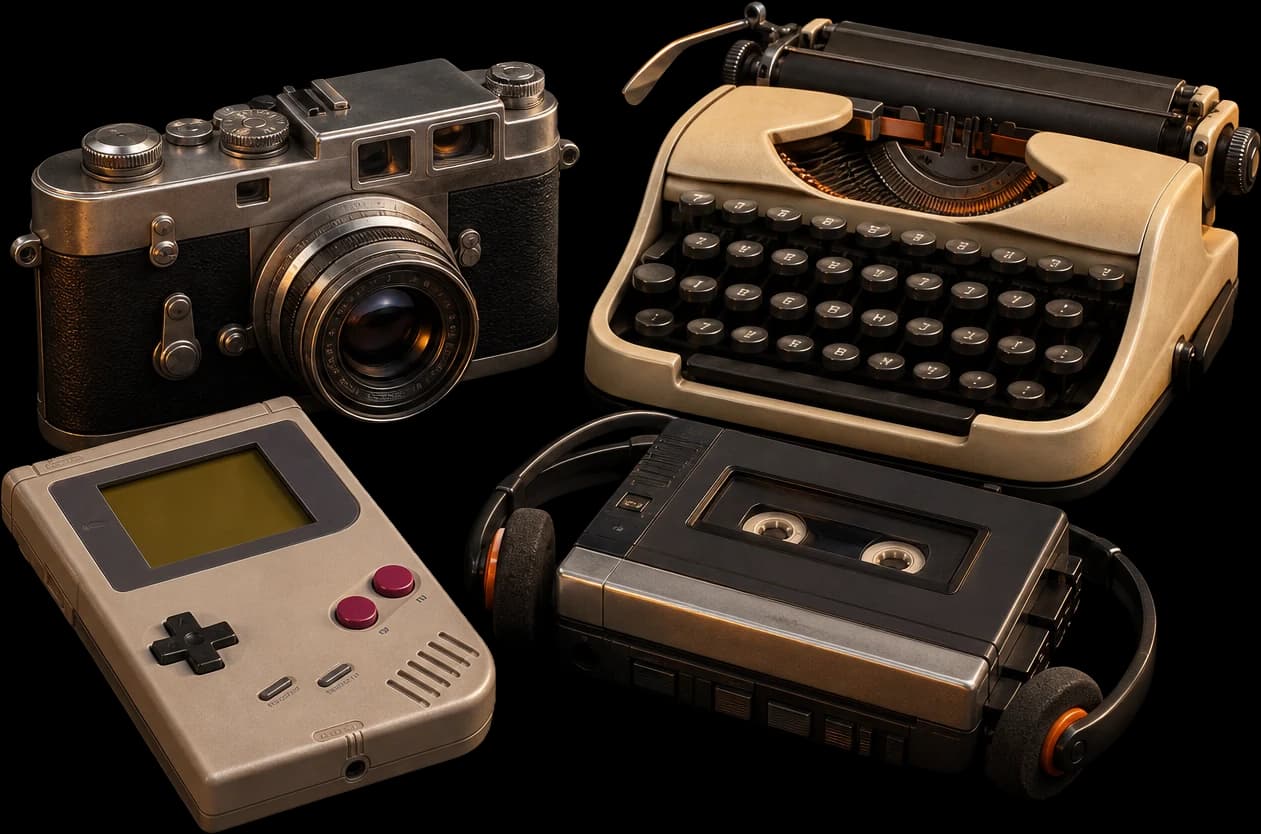
Something to make, with prompt ideas to start from. Snap a photo, add a few views or just describe it.
Plans
Start free. Go PRO for the files.
Generate and view models in the browser for free. PRO adds downloads in every format, Best mode and credits every month.
Loading plans
Questions
Good to know before you start.
The short answers. Plans, billing and your account are covered in Support.
More answers in Support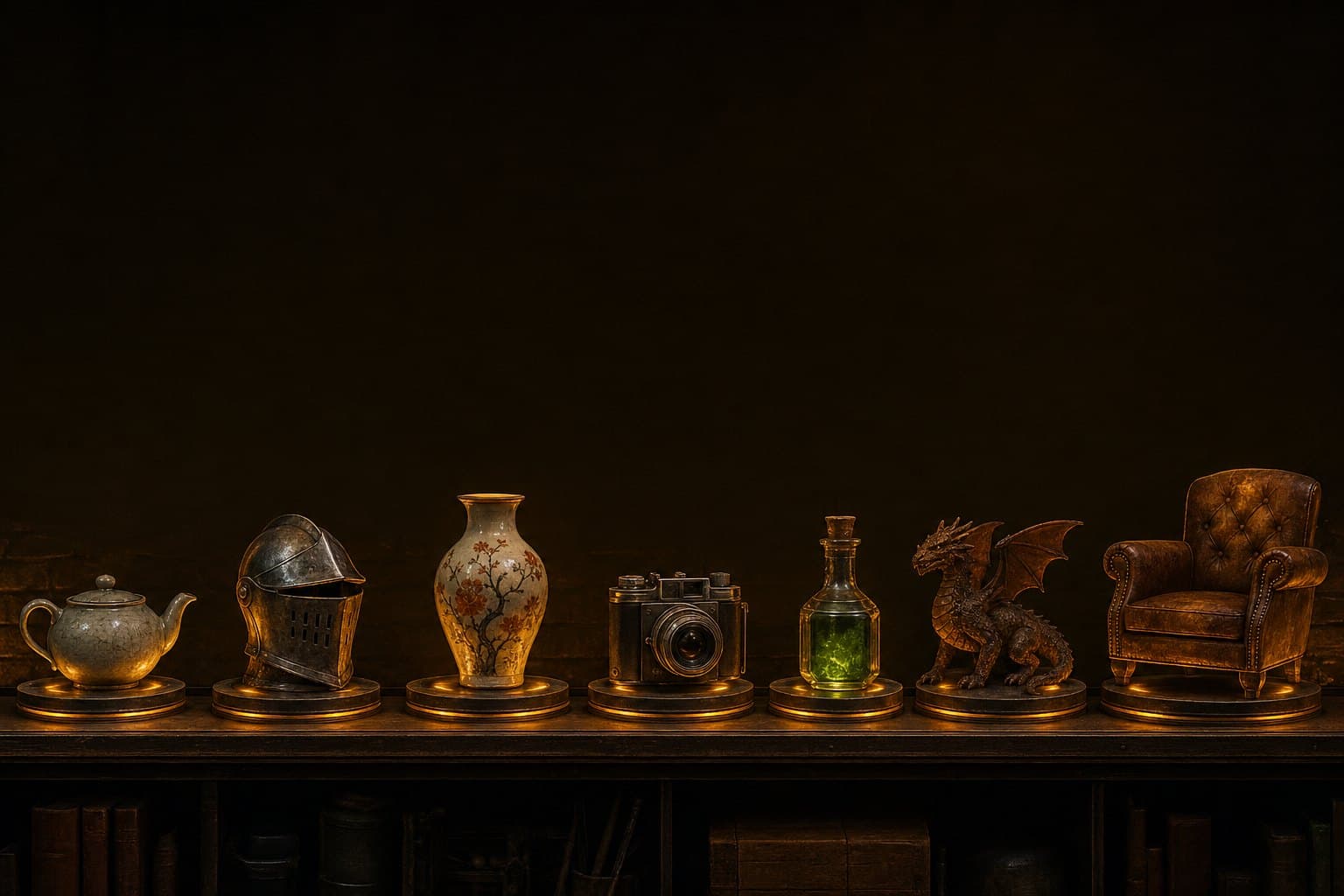
Start with one photo.
Snap it, describe it or add a few angles — your model is ready in a few minutes.
Create a 3D model