

Hard-surface bipedal robot modelled in Blender through MCP
Claude Fable 5.1 modelled a plated, wired biped robot in Blender over MCP; the post compares it with other models on time and token cost.
Create detailed 3D models
Code alone gets you simple shapes. Wandy 2 turns one photo into a textured 3D model you can use in the same scene.
Build brief by Wandy3D
The author didn't share a prompt, so we wrote down how to recreate this build.
Build a detailed bipedal robot model in Blender, driven by a coding agent that talks to Blender through an MCP connection. The robot should be a hard-surface machine in neutral grey metal: a torso block with a backpack frame, articulated legs with pistons and foot plates, slim arms, and organised cables and armour plates that follow a clear design rather than random shapes. Place it on a flat grey pad in a plain studio-style scene with a grid floor. Work step by step: block out the main masses, name and group every part, then add plates, wires and joints, checking the viewport after each stage. Keep to the given design brief and do not add extra parts that were not requested. Deliver the finished .blend scene with a tidy outliner, readable object names and a posed front view. Done means the robot reads as one coherent machine from every angle and each wire and plate has an obvious purpose.
How to use this prompt
Connect Blender MCP to your coding agent and run the build brief with Claude Fable 5.1 at max effort.
Swap in your own design: robot type, number of limbs, plate style, colours, and any parts the agent must not invent.
Review the viewport after each stage, ask for fixes to wires or plates, and compare other models on the same brief.
Original postAre you the author? Ask us to edit or remove this page
More prompts like this
Browse all prompts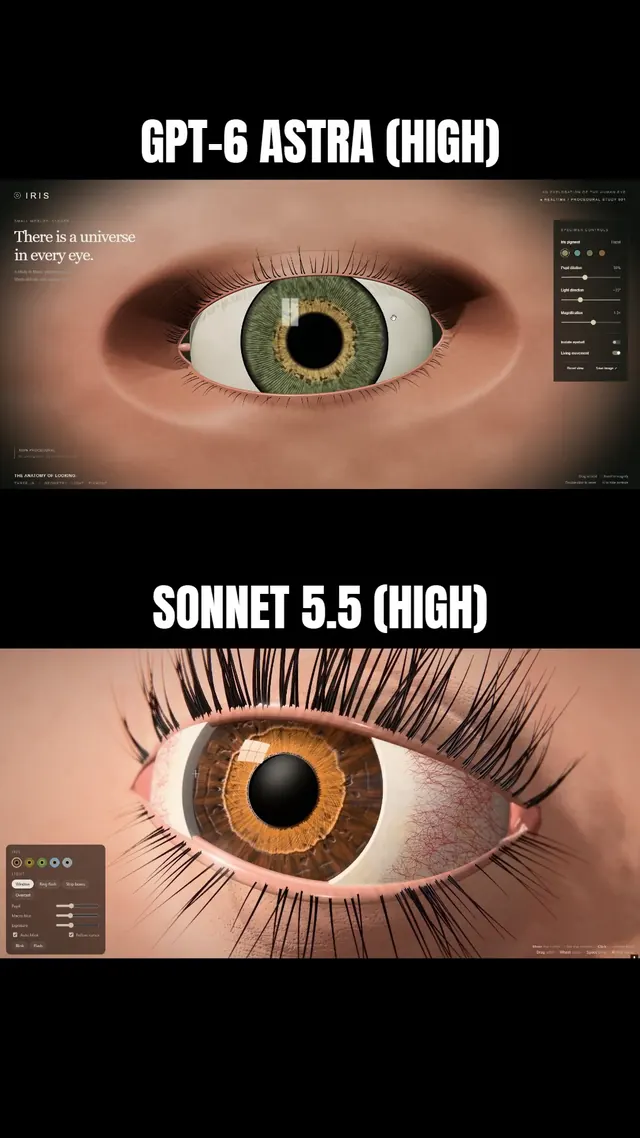 Claude Sonnet 5.5
Macro-style 3D human eye in Three.js with lashes and a lid that follows the iris
Simonas
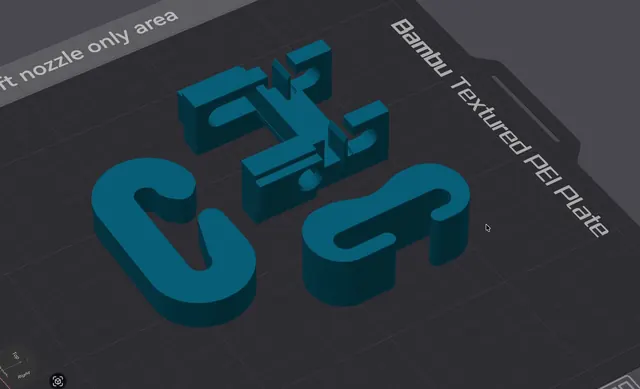 Grok 4.7
3D-printable J-hook for a load test, written as OpenSCAD
Wësche
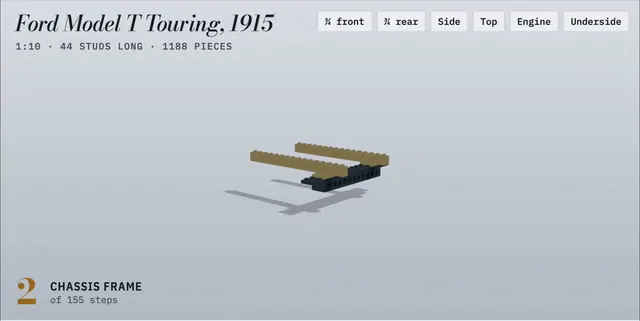 Claude Opus 5.5
LEGO Ford Model T with a 155-step animated build manual
Alex Lieberman
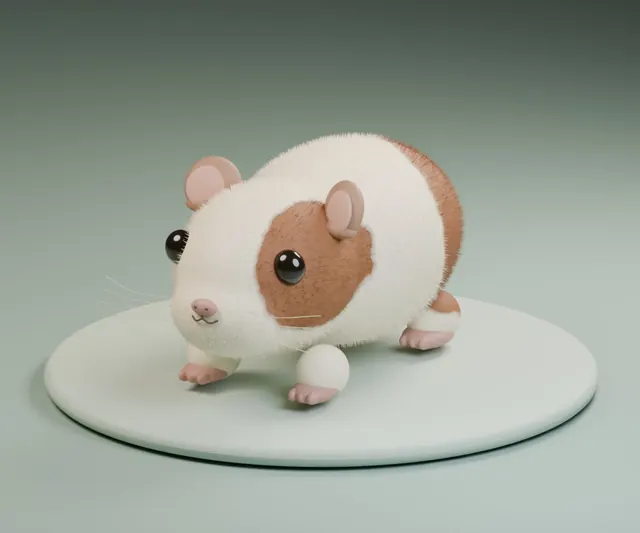 GPT-6 Astra
Fluffy guinea pig modeled in Blender from a single short request
かよこ
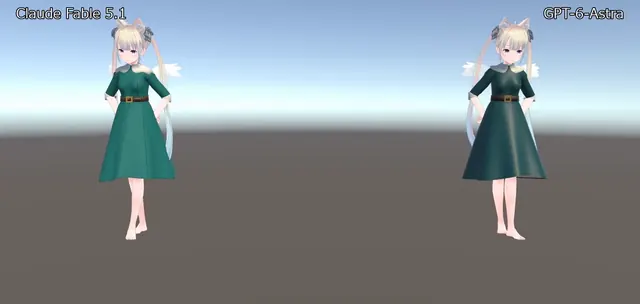 Claude Fable 5.1
VRChat avatar dress modeled in Blender, shown dancing in Unity
のわ〜る👼🍆🐄
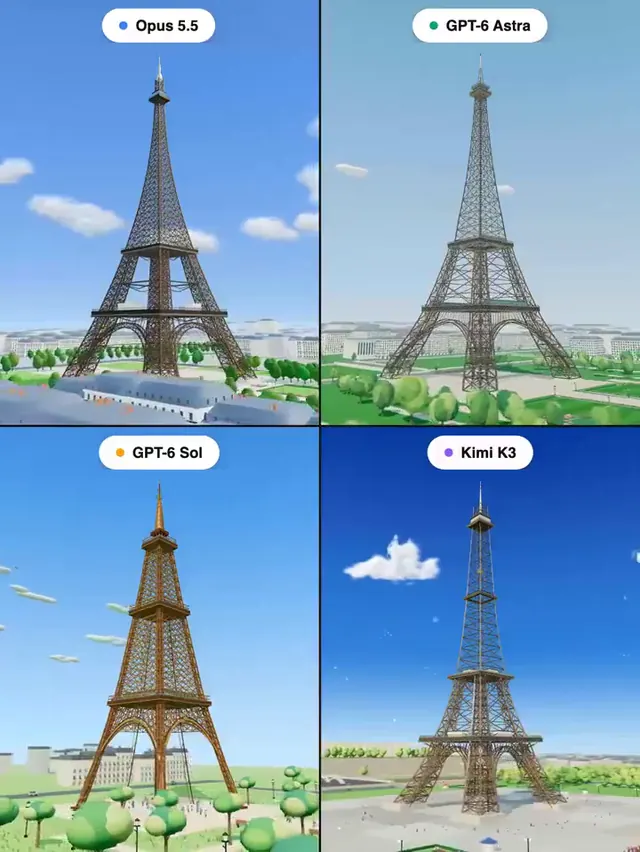 Claude Opus 5.5
Eiffel Tower in Three.js: four models, one prompt
Pascual ⚡