

Police chase and car crash with explosion, from a Blender graybox
GPT-6 Astra scripted a gray Blender blockout of a drifting car chase ending in a fireball, then a video model restyled it into a photoreal shot.
Claude Code + Three.js (code only)Wandy 2
Create detailed 3D models
Code alone gets you simple shapes. Wandy 2 turns one photo into a textured 3D model you can use in the same scene.
Build brief by Wandy3D
The author didn't share a prompt, so we wrote down how to recreate this build.
Build a car chase and crash previs in Blender with Python scripts. Block out a coastal city road lined with palm trees, tall buildings and a low wall in plain gray geometry. Add a sports car and a police car as simple gray vehicle shapes that drift through a bend one after the other. Animate the chase with a low tracking camera, close wheel shots, and a final crash into the wall followed by a fireball and smoke. Keep materials neutral and lighting simple so the layout, vehicle timing and camera angles are easy to read. Render a roughly eleven second 16:9 clip. Done means the chase, impact and explosion beats are clear and the footage can guide a later photoreal video-generation pass shown side by side with the blockout.
How to use this prompt
Paste the build brief into GPT-6 Astra in an agent that can run Blender Python scripts.
Change the location, vehicles, camera angles and the crash beat, keeping the geometry plain gray.
Render the blockout, check timing, then use it as a guide for video generation and compare side by side.
Original postAre you the author? Ask us to edit or remove this page
More prompts like this
Browse all prompts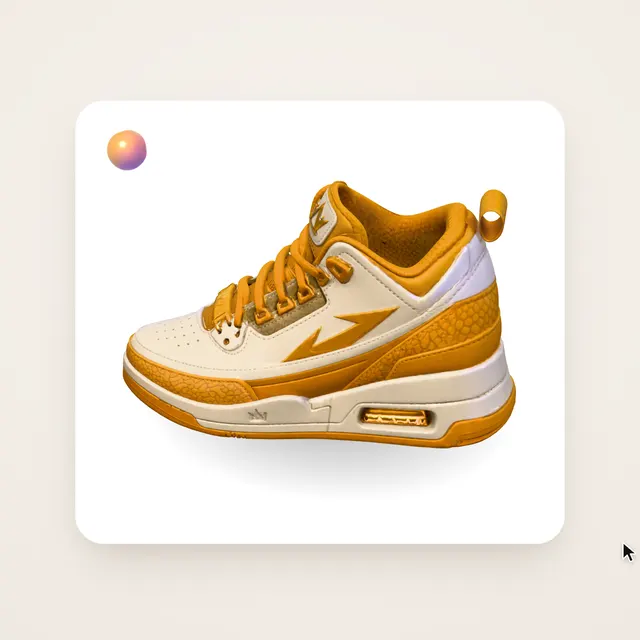 Claude Opus 5.5Wandy3D original
One photo to a 3D model: an AI orb UI motion loop
Wandy3D
 Claude Opus 5.5
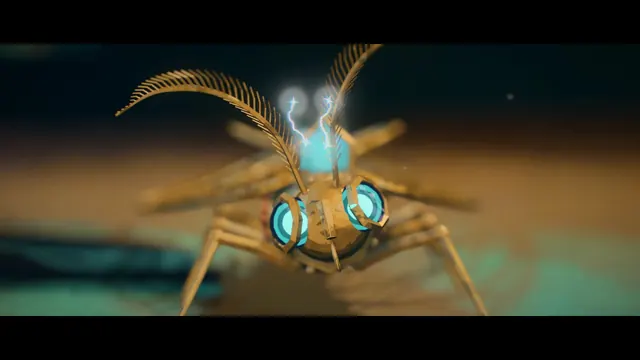
Painterly Blender animation of a brass crystal moth waking on a workbench
Shikhar
 Claude Opus 5.5
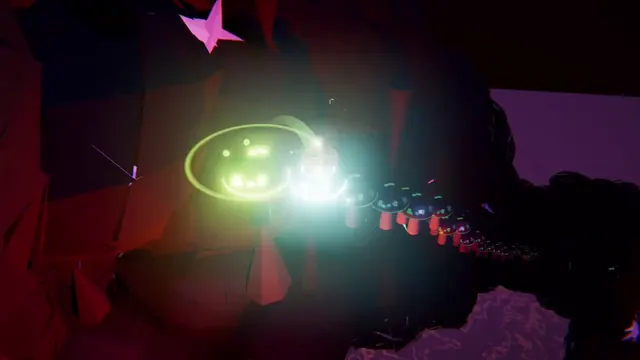
Beat-synced Three.js animation of a glowing ball bouncing across neon platforms
Gorden Sun
 Claude Opus 5.5
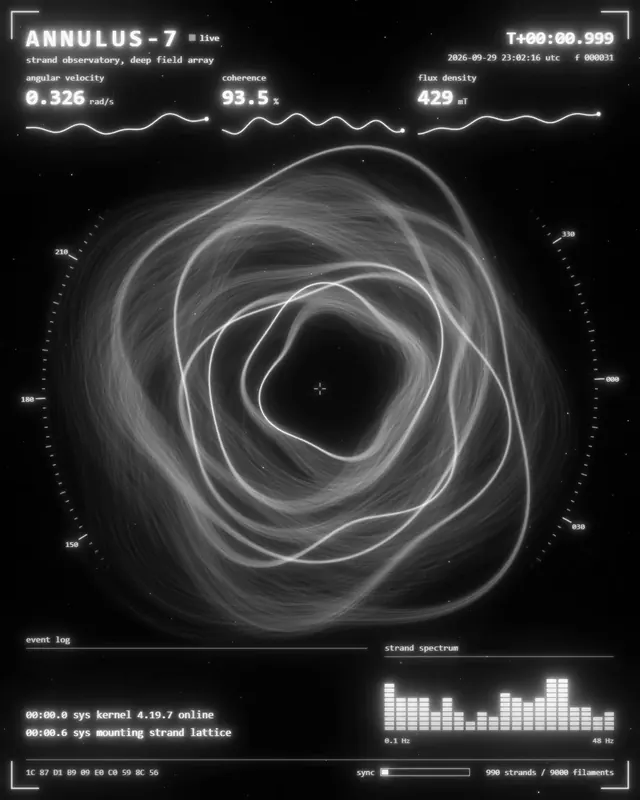
Monochrome sci-fi observatory HUD with swirling strand rings
kriptoleidi
 Claude Opus 5.5
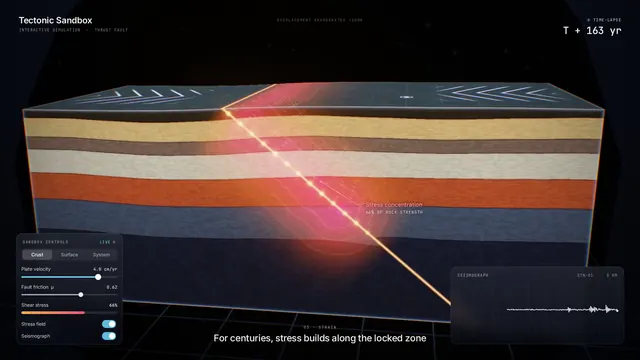
Interactive tectonic sandbox explaining how an earthquake happens
Ege
 GPT-6.1 Sol
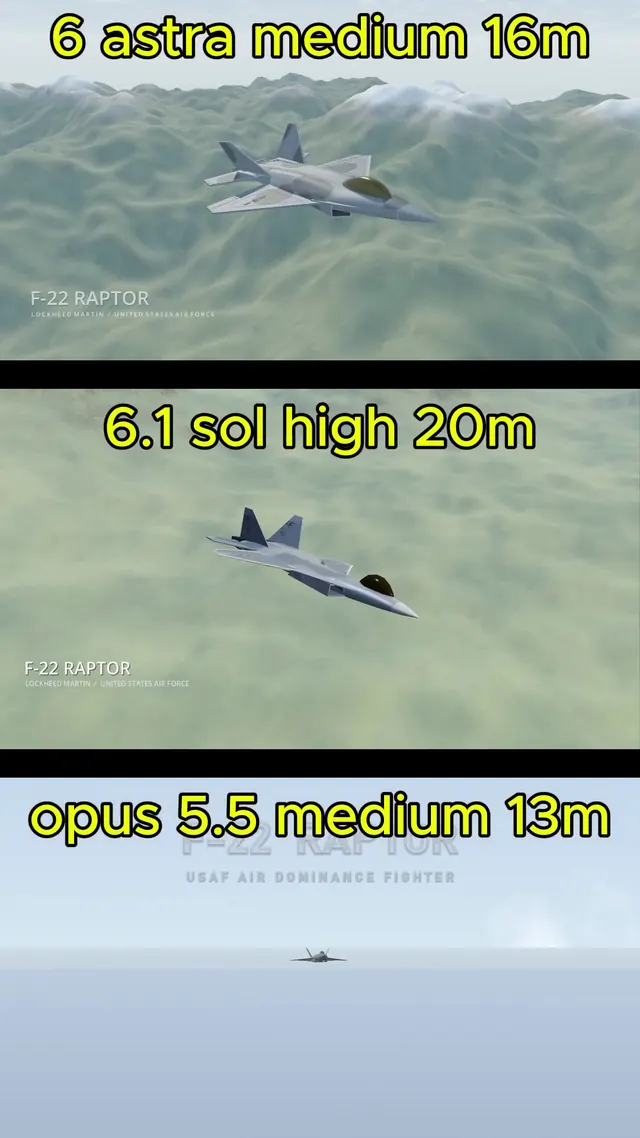
Realistic F-22 Raptor modeled in Blender and flown in Godot
Demetrius Greses Jr