

Procedural PlayStation-style controller model rotating in Three.js
GPT-6 Astra modelled a white gamepad in Three.js, with sticks, buttons and triggers, then turned it through front, side and back views.
Claude Code + Three.js (code only)Wandy 2
Create detailed 3D models
Code alone gets you simple shapes. Wandy 2 turns one photo into a textured 3D model you can use in the same scene.
Build brief by Wandy3D
The author didn't share a prompt, so we wrote down how to recreate this build.
Build a realistic 3D game controller in the browser with Three.js, delivered as one self-contained HTML file with no external model files. Model it procedurally: a white two-tone body with a black lower section, a light bar along the touchpad, rounded grips, two analog sticks, a directional pad, four face buttons with symbols, shoulder buttons and triggers, and small details on the back. Use soft studio lighting on a dark blue-grey backdrop with a subtle floor shadow and reflections. Animate the controller so it slowly turns to show the front, sides and back, and tilts gently as if floating. Use smooth physically based materials with believable roughness for plastic and rubber. Done when every part is cleanly shaped, the silhouette reads correctly from all angles, and the motion loops smoothly without clipping or seams.
How to use this prompt
Paste the build brief into GPT-6 Astra in your coding tool and ask for one HTML file using Three.js.
Change the colourway, add glowing lights, or switch to a different device such as a headset or handheld.
Open it in a browser, check each angle, then ask for orbit controls or button-press animations.
Original postAre you the author? Ask us to edit or remove this page
More prompts like this
Browse all prompts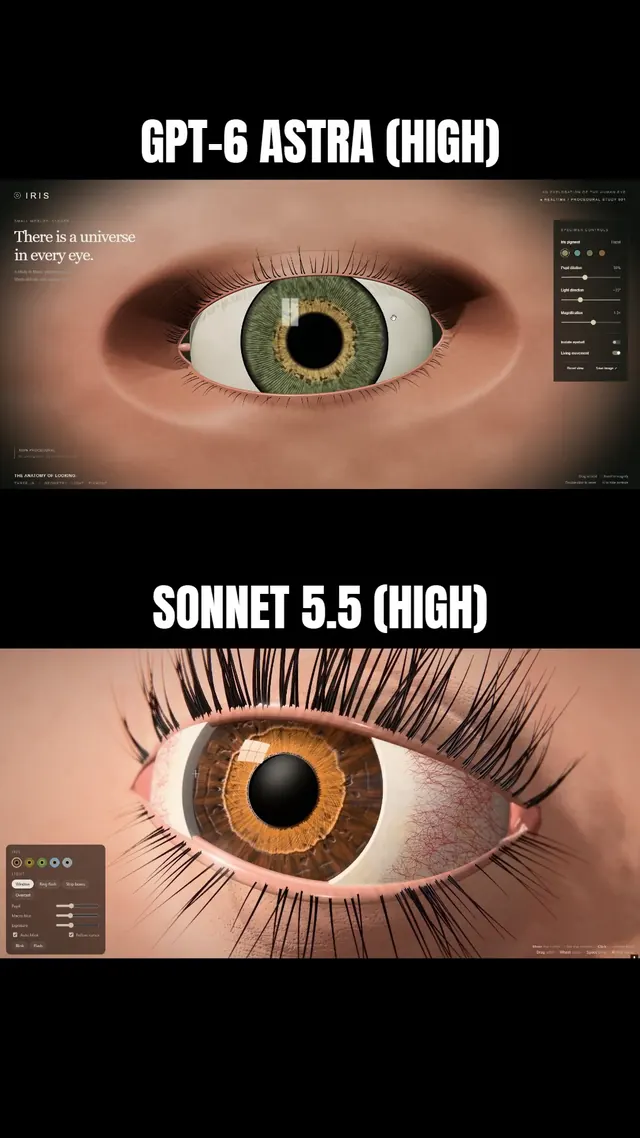 Claude Sonnet 5.5
Macro-style 3D human eye in Three.js with lashes and a lid that follows the iris
Simonas
 Grok 4.7
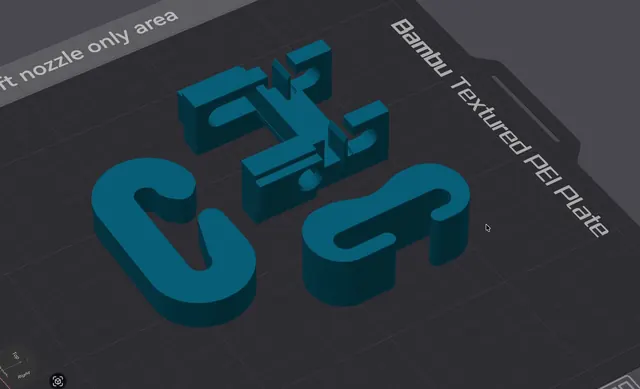
3D-printable J-hook for a load test, written as OpenSCAD
Wësche
 Claude Opus 5.5
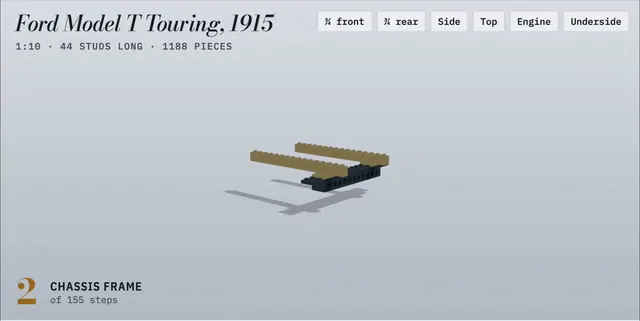
LEGO Ford Model T with a 155-step animated build manual
Alex Lieberman
 GPT-6 Astra
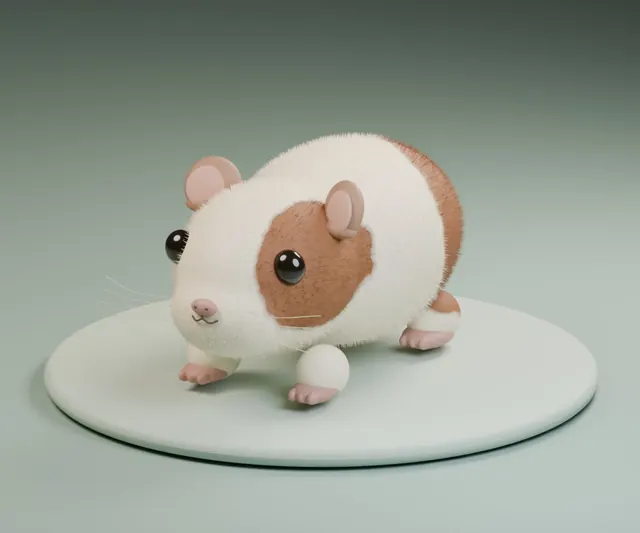
Fluffy guinea pig modeled in Blender from a single short request
かよこ
 Claude Fable 5.1
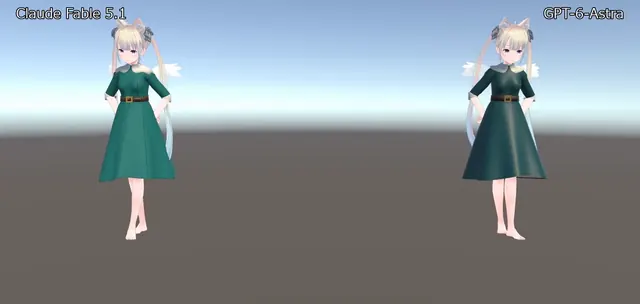
VRChat avatar dress modeled in Blender, shown dancing in Unity
のわ〜る👼🍆🐄
 Claude Opus 5.5
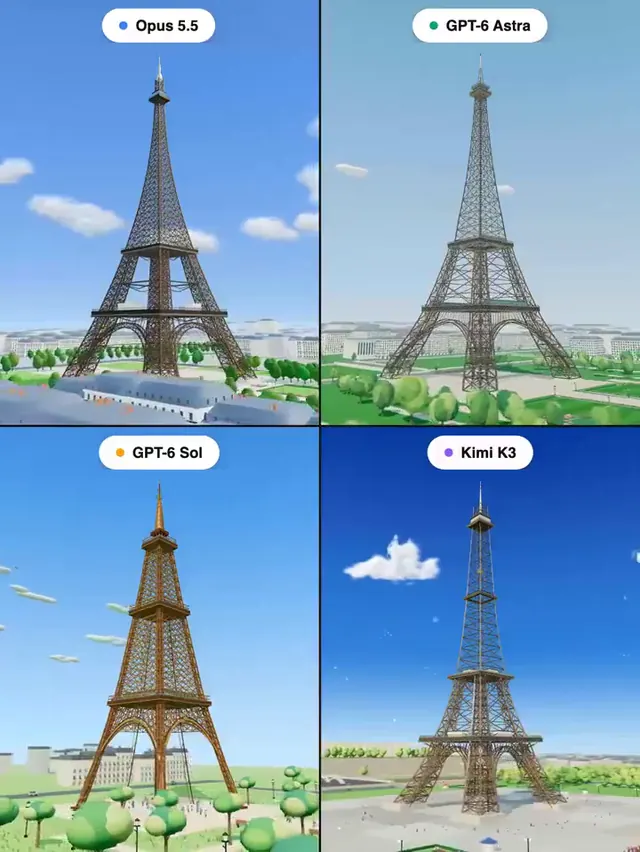
Eiffel Tower in Three.js: four models, one prompt
Pascual ⚡