

ロゴキーが次々に現れ、カメラが駆け抜ける3Dキーボードアニメ
Claude Fable 5.1が、ロゴ入りキーが順に浮かび上がりカメラが横切る、編集可能な青いキーボードの3Dアニメを生成。紙吹雪の演出も入ります。
Claude Code + Three.js(コードのみ)Wandy 2
精細な3Dモデルを作ろう
コードだけでは単純な形しか作れません。Wandy 2なら写真1枚から、同じシーンで使えるテクスチャ付き3Dモデルを作れます。
Wandy3Dによる制作ブリーフ
作者がプロンプトを公開していないため、この作品を再現する方法を私たちがまとめました。
Build an animated 3D short of a chunky pastel-blue mechanical keyboard on a soft grey backdrop. Keycaps are rounded and white, with a few dark ones carrying simple app-style logos. The keys pop up one after another with a springy motion while the camera glides low across the rows, swoops in close on single keys, and finally pulls back to reveal keycaps spelling a short title. Add small confetti bursts when keys land and gentle depth of field. Structure the scene so every key, camera move and effect sits on an editable timeline with clear parameters, so an AI agent or a person can retime or restyle it later. Deliver a single project that plays in the browser, about 30 seconds long, with play and scrub controls. Done means the camera path is smooth, the key animation is readable, and the final title is legible.
このプロンプトの使い方
Claude Fable 5.1を使うCoAnimatorなどのアニメ対応エージェントに、ビルドブリーフを貼り付けます。
キーのロゴ、色、最後に並ぶ文字を自分のブランドや製品に変更します。
再生して確認し、タイムライン上でキーのタイミングやカメラの動きの調整を依頼します。
元の投稿作者の方ですか? このページの修正・削除をご依頼ください
似ているプロンプト
すべてのプロンプトを見る Claude Opus 5.5Wandy3Dオリジナル
写真1枚が3Dモデルに:AIオーブのUIモーション
Wandy3D
 Claude Opus 5.5
作業台で目覚める真鍮と水晶の蛾、Blenderの絵画調アニメ
Shikhar
 Claude Opus 5.5
光るボールがネオンの足場を跳ねる、音楽同期のThree.jsアニメ
Gorden Sun
 Claude Opus 5.5
渦巻く光の糸リングのモノクロSF観測所HUD
kriptoleidi
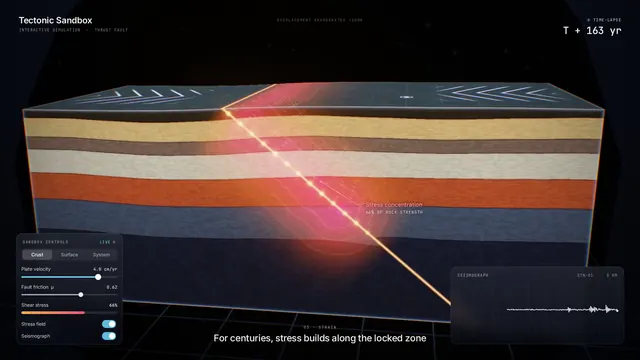 Claude Opus 5.5
地震の仕組みを見せるインタラクティブなプレート断面シミュレーション
Ege
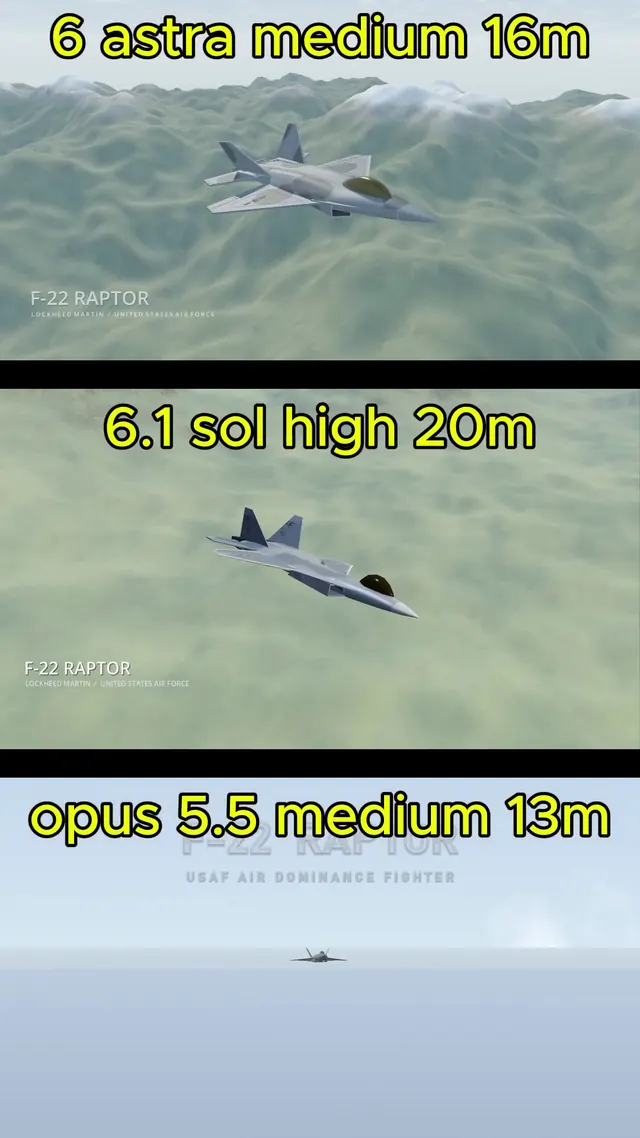 GPT-6.1 Sol
BlenderでモデリングしGodotで飛ばすリアルなF-22ラプター
Demetrius Greses Jr