

猫とロボットアームを複数カットで見せるBlenderブロックアウト
GPT-6 Astraが猫とロボットアームの寸劇用にBlenderのシーンとカメラワークを構築し、動画生成モデルの仕上げの土台にした。
Claude Code + Three.js(コードのみ)Wandy 2
精細な3Dモデルを作ろう
コードだけでは単純な形しか作れません。Wandy 2なら写真1枚から、同じシーンで使えるテクスチャ付き3Dモデルを作れます。
Wandy3Dによる制作ブリーフ
作者がプロンプトを公開していないため、この作品を再現する方法を私たちがまとめました。
Build a Blender Python script that sets up a previsualization scene and an animated multi-shot camera sequence. The scene is a bright living room reduced to simple blocky geometry: a low box with a small handle, a cat made of boxes, a robot arm on a round base with a gripper, a red button on the floor, and a feather toy on a spring with a round weight. Script the action: the cat walks in, the arm reaches over the box, grips the toy, lowers it, the cat presses the button, and the arm hands the toy over. Use several camera cuts with different angles, close-ups and slow pushes, soft daylight and simple grey materials. Keep timing tight, about ten seconds. Output a viewport render or image sequence that can serve as motion and camera reference for a video generator. Done means the blockout plays through every beat with readable cuts and consistent object positions.
このプロンプトの使い方
コーディングエージェントでGPT-6 Astraにブリーフを渡し、Blender用Pythonスクリプトを依頼します。
キャラ、小道具、動きの流れ、カット割りを自分の物語に置き換えます。
ブロックアウトをレンダリングし、動画モデルへの動きとカメラの参考にして調整します。
元の投稿作者の方ですか? このページの修正・削除をご依頼ください
似ているプロンプト
すべてのプロンプトを見る Claude Opus 5.5Wandy3Dオリジナル
写真1枚が3Dモデルに:AIオーブのUIモーション
Wandy3D
 Claude Opus 5.5
作業台で目覚める真鍮と水晶の蛾、Blenderの絵画調アニメ
Shikhar
 Claude Opus 5.5
光るボールがネオンの足場を跳ねる、音楽同期のThree.jsアニメ
Gorden Sun
 Claude Opus 5.5
渦巻く光の糸リングのモノクロSF観測所HUD
kriptoleidi
 Claude Opus 5.5
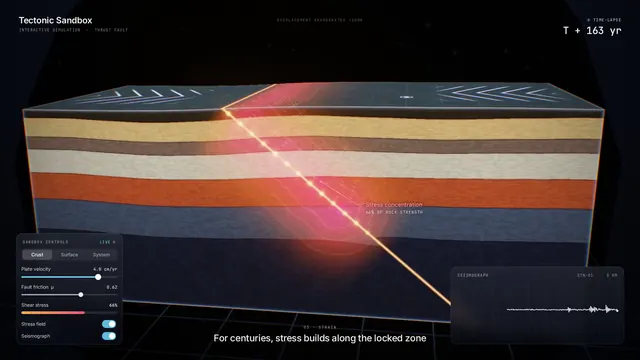
地震の仕組みを見せるインタラクティブなプレート断面シミュレーション
Ege
 GPT-6.1 Sol
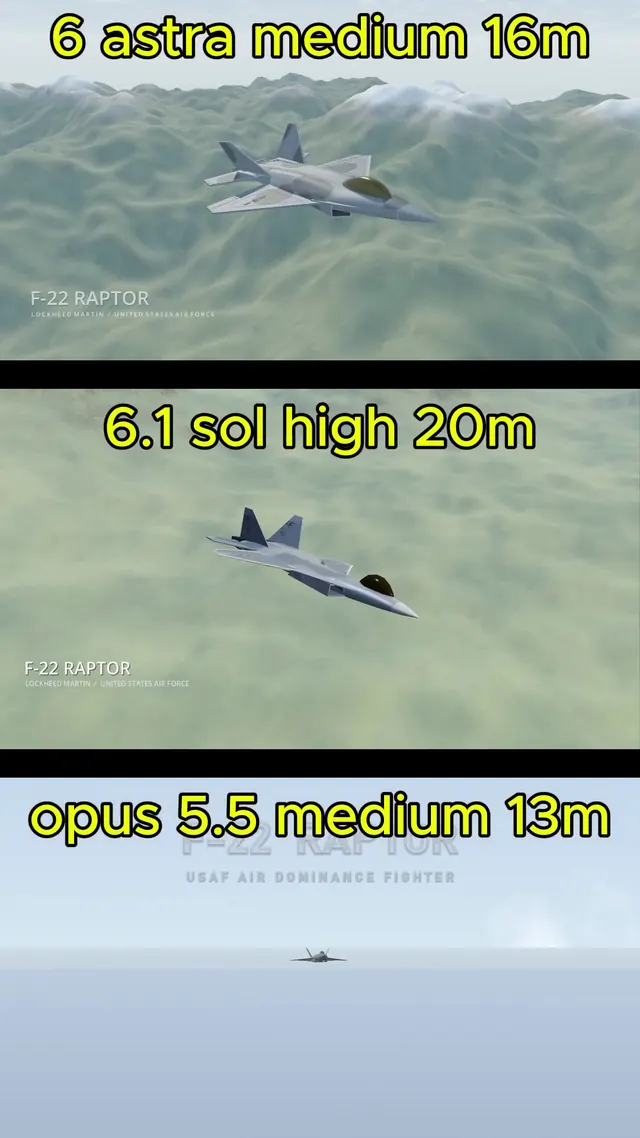
BlenderでモデリングしGodotで飛ばすリアルなF-22ラプター
Demetrius Greses Jr