

ドラゴンが舞う空中の城王国、Blenderグレーボックス
GPT-6 AstraがBlenderで、雲上の城、塔、吊り橋、旋回するドラゴンをブロックアウト。ファンタジー映像の下地になります。
Claude Code + Three.js(コードのみ)Wandy 2
精細な3Dモデルを作ろう
コードだけでは単純な形しか作れません。Wandy 2なら写真1枚から、同じシーンで使えるテクスチャ付き3Dモデルを作れます。
Wandy3Dによる制作ブリーフ
作者がプロンプトを公開していないため、この作品を再現する方法を私たちがまとめました。
Build a fantasy establishing shot in Blender using Python scripts. Start on a closed wooden door in a stone hall, modelled as simple gray blocks. Then cut to a floating island kingdom above a sea of clouds: a central keep with a large sphere on top, several tall spired towers, jagged rock bases tapering downward, and a rope bridge linking the outcrops. Add a flying dragon silhouette circling the castle and a slow camera push-in with slight orbit. Use only neutral gray materials and clean lighting so the composition, scale and camera moves are easy to judge. Render a roughly twelve second 16:9 clip. Done means the blockout clearly reads as door, castle, bridge and dragon, and could guide a later stylised render or video-generation pass.
このプロンプトの使い方
Blender Pythonを実行できるエージェントで、GPT-6 Astraにビルドブリーフを貼り付けます。
舞台や塔、生き物、カメラワークを変え、マテリアルはグレーのままにします。
ブロックアウトをレンダリングして構図と尺を整え、動画モデルでスタイル化します。
元の投稿作者の方ですか? このページの修正・削除をご依頼ください
似ているプロンプト
すべてのプロンプトを見る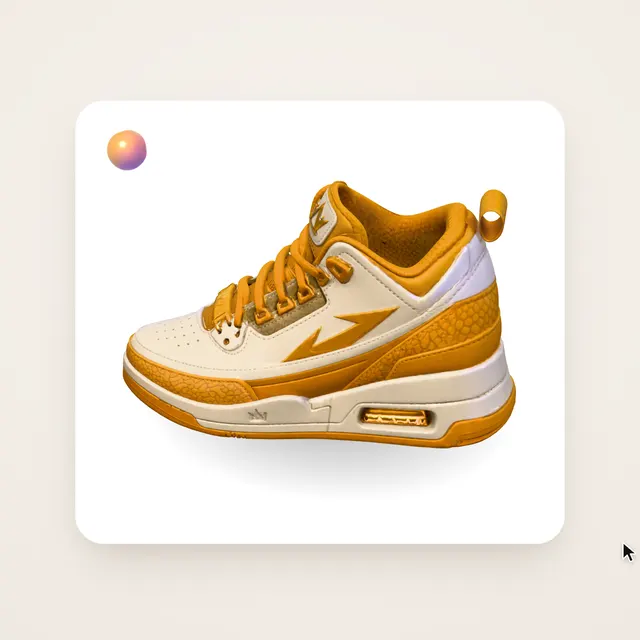 Claude Opus 5.5Wandy3Dオリジナル
写真1枚が3Dモデルに:AIオーブのUIモーション
Wandy3D
 Claude Opus 5.5
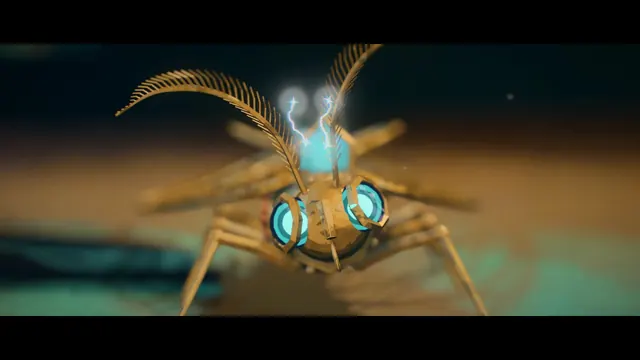
作業台で目覚める真鍮と水晶の蛾、Blenderの絵画調アニメ
Shikhar
 Claude Opus 5.5
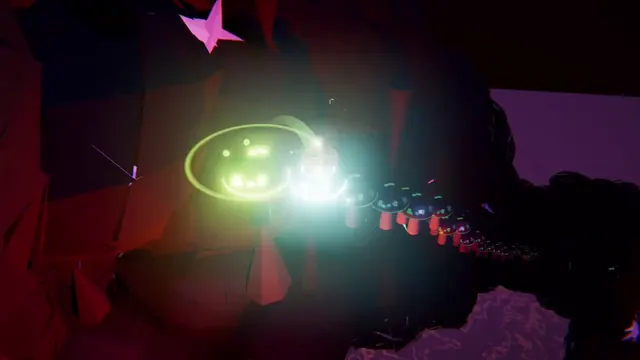
光るボールがネオンの足場を跳ねる、音楽同期のThree.jsアニメ
Gorden Sun
 Claude Opus 5.5
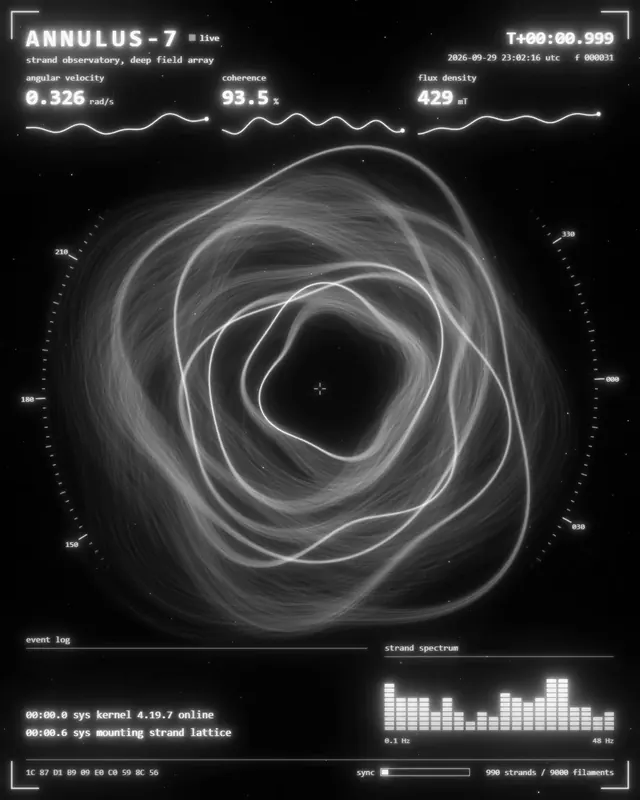
渦巻く光の糸リングのモノクロSF観測所HUD
kriptoleidi
 Claude Opus 5.5
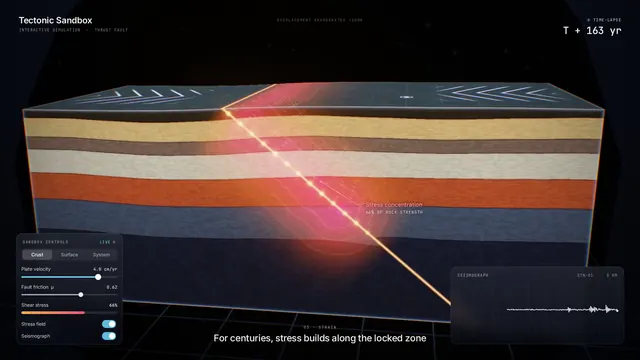
地震の仕組みを見せるインタラクティブなプレート断面シミュレーション
Ege
 GPT-6.1 Sol
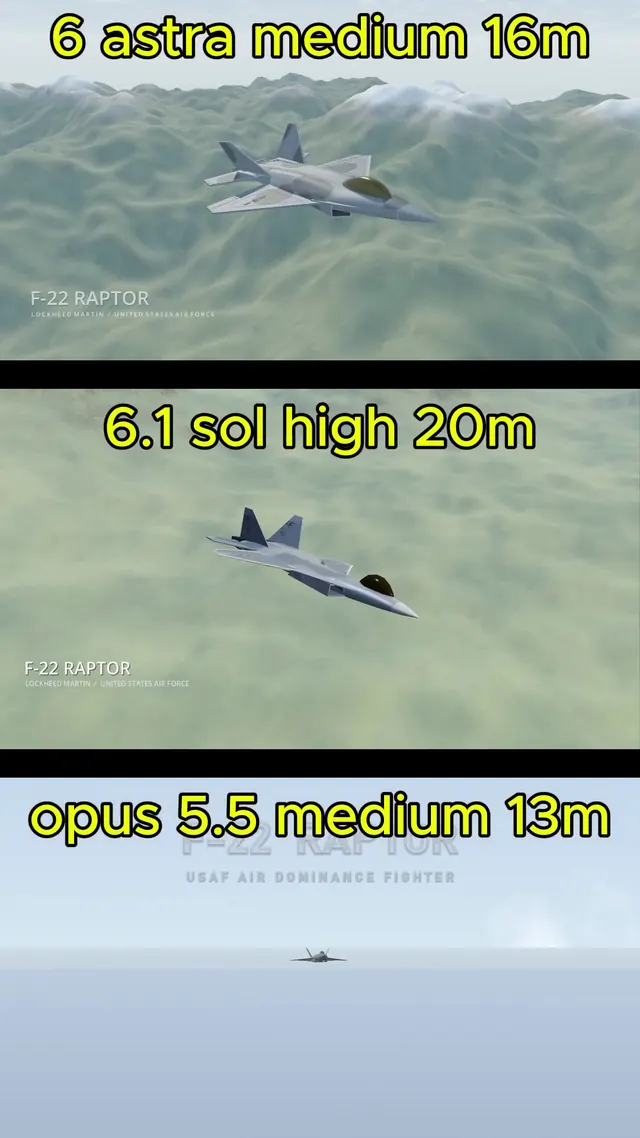
BlenderでモデリングしGodotで飛ばすリアルなF-22ラプター
Demetrius Greses Jr