

SF都市の峡谷を飛ぶ宇宙船、Blenderグレーボックスから映像へ
GPT-6 AstraがBlenderで、高層ビルの谷間を飛ぶ宇宙船のグレーボックスを作成。動画モデルがそれを映画的なカットに仕上げました。
Claude Code + Three.js(コードのみ)Wandy 2
精細な3Dモデルを作ろう
コードだけでは単純な形しか作れません。Wandy 2なら写真1枚から、同じシーンで使えるテクスチャ付き3Dモデルを作れます。
Wandy3Dによる制作ブリーフ
作者がプロンプトを公開していないため、この作品を再現する方法を私たちがまとめました。
Build a short cinematic previs in Blender, driven by Python scripts. Block out a narrow futuristic city canyon in plain gray geometry: tall slab towers on both sides, a road below, overhead bridges that cross the gap, and a small twin-engine spaceship with swept wings. Animate the ship flying forward through the canyon while a chase camera follows it with slight banking and shake. Keep everything in a neutral gray material with simple lighting so the layout, scale and camera timing read clearly. Render a roughly ten second clip at 16:9 and also export the gray frames so they can serve as a structural guide for a later stylisation or video-generation pass. Done means the ship, buildings and camera path are readable, the motion is smooth, and the blockout can be reused as a base for a photoreal sequence.
このプロンプトの使い方
Blender Pythonを実行できるコーディングエージェントで、GPT-6 Astraにビルドブリーフを渡します。
機体や都市の雰囲気、カメラの軌道を変えつつ、シーンはグレー一色のジオメトリに保ちます。
グレーボックスをレンダリングしてスケールと尺を確認し、動画生成の下絵に使います。
元の投稿作者の方ですか? このページの修正・削除をご依頼ください
似ているプロンプト
すべてのプロンプトを見る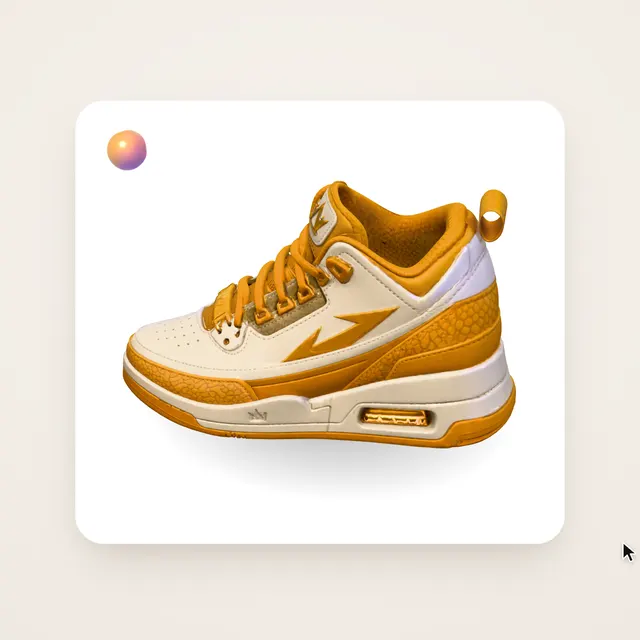 Claude Opus 5.5Wandy3Dオリジナル
写真1枚が3Dモデルに:AIオーブのUIモーション
Wandy3D
 Claude Opus 5.5
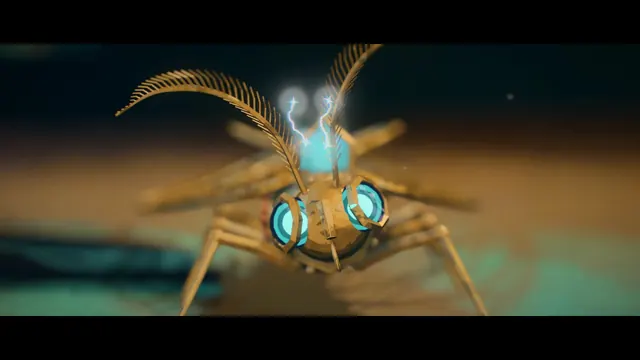
作業台で目覚める真鍮と水晶の蛾、Blenderの絵画調アニメ
Shikhar
 Claude Opus 5.5
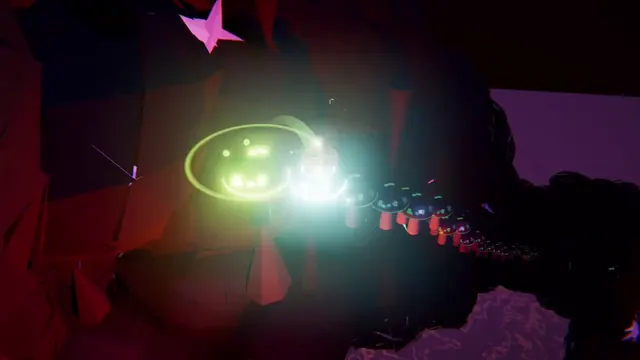
光るボールがネオンの足場を跳ねる、音楽同期のThree.jsアニメ
Gorden Sun
 Claude Opus 5.5
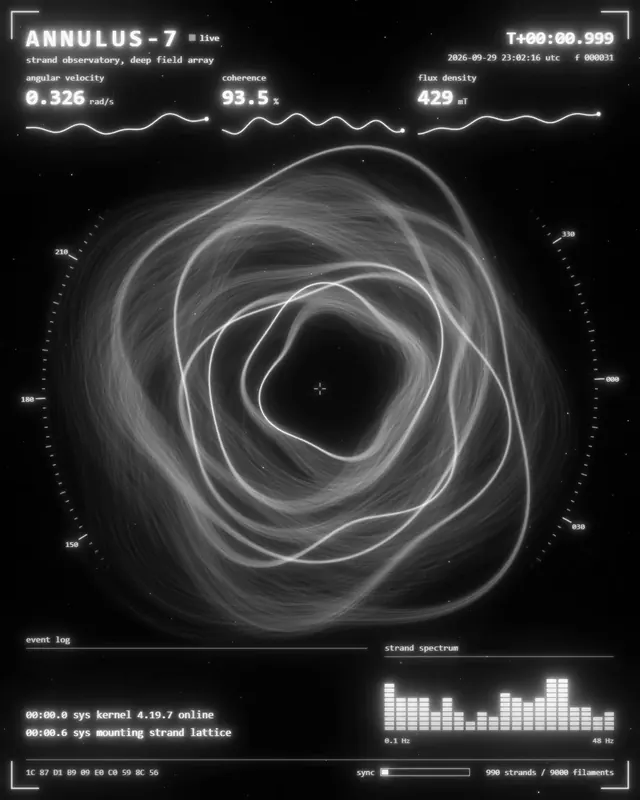
渦巻く光の糸リングのモノクロSF観測所HUD
kriptoleidi
 Claude Opus 5.5
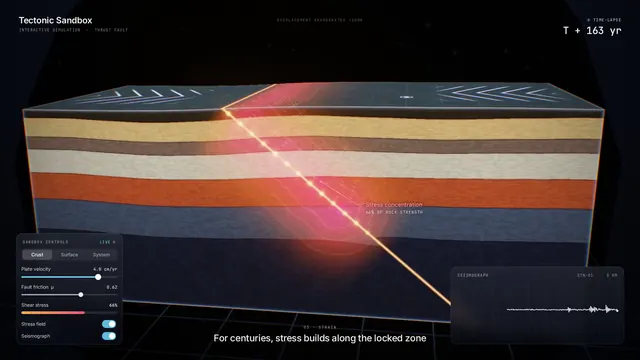
地震の仕組みを見せるインタラクティブなプレート断面シミュレーション
Ege
 GPT-6.1 Sol
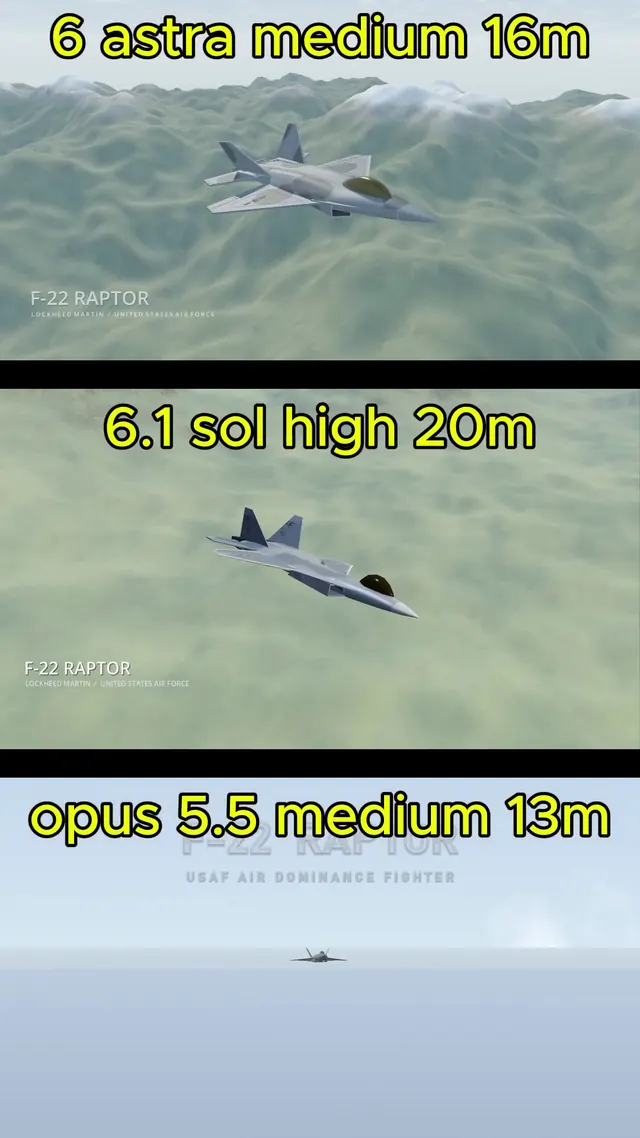
BlenderでモデリングしGodotで飛ばすリアルなF-22ラプター
Demetrius Greses Jr