GLB, FBX, OBJ, USDZ or STL: which 3D format to export
What each 3D file format carries, which tools open it — Blender, Unity, Unreal, Godot, Roblox, AR and slicers — and which one to pick for your model.
Wandy3D team6 min read

You’ve made a 3D model — now which file do you download? The format decides what comes along (textures, materials, scale) and which tools open it without a fight. Here is a practical guide to the formats Wandy3D exports, plus the files for 3D printing.
The short answer
- Blender — GLB: everything comes along. FBX and OBJ work too.
- Unity — FBX for a native import, or GLB with the free glTFast package for the full PBR set.
- Unreal Engine — GLB or FBX.
- Godot — GLB, its preferred format.
- Roblox Studio — FBX, OBJ or GLB through the 3D Importer.
- The web and three.js — GLB, or GLB with Draco compression for smaller downloads.
- iPhone and iPad AR — USDZ.
- 3D printing — STL or 3MF from the print-ready option.
GLB — the all-rounder
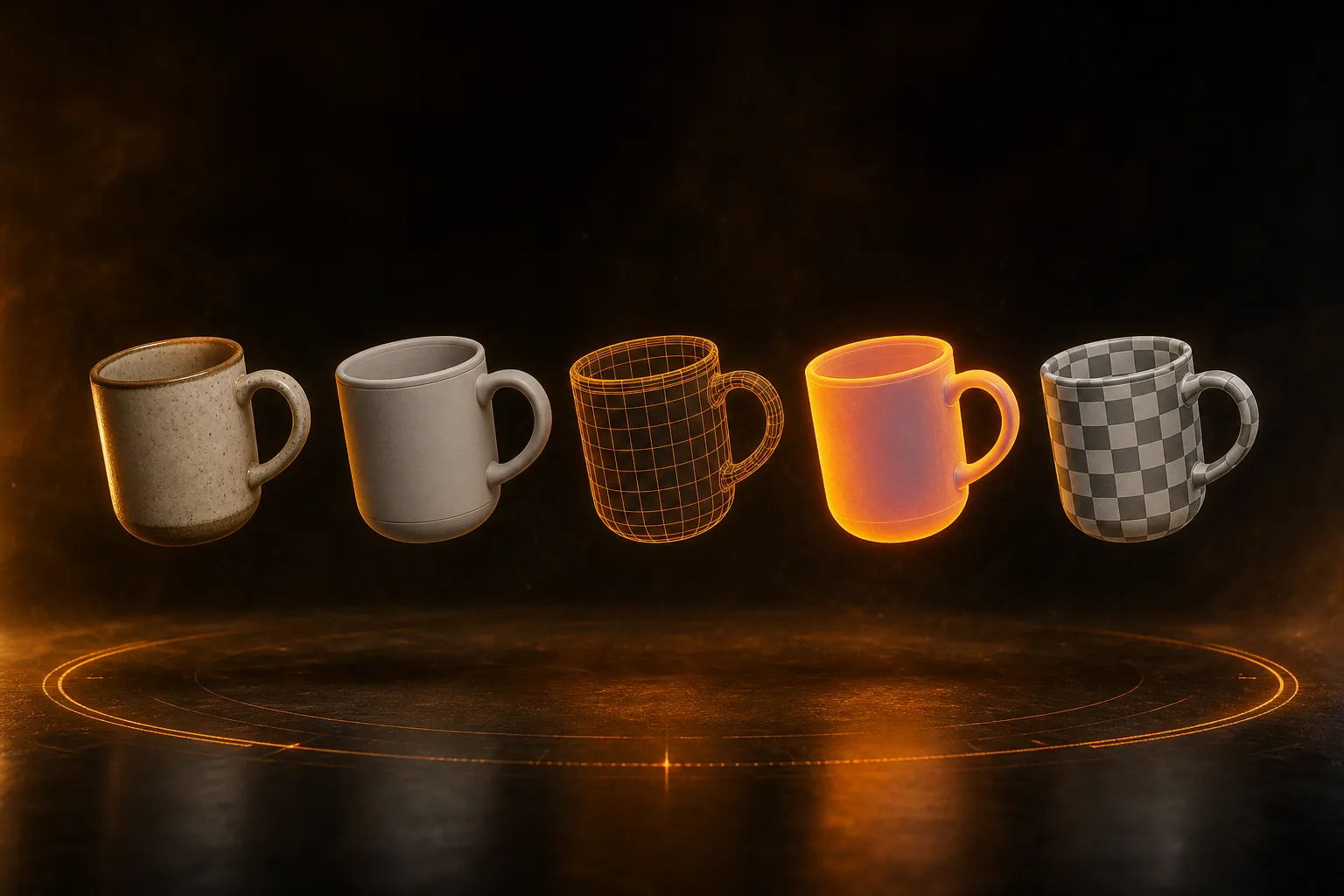
GLB is the binary form of glTF 2.0, the open standard from the Khronos Group. One file holds the mesh, the UVs and a full PBR material: base color, metal/roughness and normal maps. It’s the original file Wandy3D produces, so it downloads instantly and loses nothing.
Pick it for Blender, Godot, Unreal, the web and most modern tools. GLB with Draco compresses the geometry for web viewers and three.js, which makes downloads much smaller — but not every tool reads Draco, so keep the plain GLB as your master copy.
FBX — the game-engine veteran
FBX is Autodesk’s format and the long-standing default in game pipelines: Unity imports it natively, and so do Unreal, Maya and 3ds Max. Wandy3D’s FBX embeds the base color texture. If you need the full PBR set, use GLB — or remesh the model first and download that as FBX: remesh bakes base color, metal/roughness and normal maps onto the new mesh.
OBJ — the universal fallback
OBJ is decades old and opens almost everywhere. It stores geometry and UVs, with a separate .mtl file for materials; Wandy3D ships it as a ZIP with the texture inside. It has no real PBR support, so treat it as the “it has to open in this old tool” option.
USDZ — AR on iPhone and iPad
USDZ is Apple’s packaged form of Pixar’s USD. Send a .usdz to an iPhone or iPad and it opens in AR Quick Look: the model appears on your table through the camera, no app needed. It’s also the format for Reality Composer and many web AR viewers.
STL and 3MF — for 3D printing
STL is pure geometry: triangles, no color, no materials. Slicers such as Bambu Studio, OrcaSlicer and PrusaSlicer have read it for decades. 3MF is the modern replacement — one file that also keeps units and color, and current slicers prefer it.
For printing, use the print-ready files rather than a plain STL export: they’re sealed watertight, get a flat base and come at the size you choose in millimeters, which is exactly what a slicer needs. The guide to printing a model from a phone photo walks through it.
What doesn’t change between formats
The shape is the same in every format — only the packaging differs. If a model looks too dense for your use, fix that before exporting: Remesh rebuilds it as clean quads at 2,000–50,000 faces, and every remesh is kept as a version you can download in any format. Downloads are part of the PRO plans; generating and viewing in the browser works on free credits.
Quick reference
- Full PBR materials — GLB (and remesh FBX)
- Base color texture — FBX, OBJ
- AR on Apple devices — USDZ
- No materials — STL
- Smallest for the web — GLB with Draco
- Units and color for printing — 3MF
Still unsure? Start with GLB — it’s the original and converts to anything. Then follow the tool-specific guides for Blender, Unity, Unreal and Roblox.