带标志键帽弹出与镜头穿梭的3D键盘动画
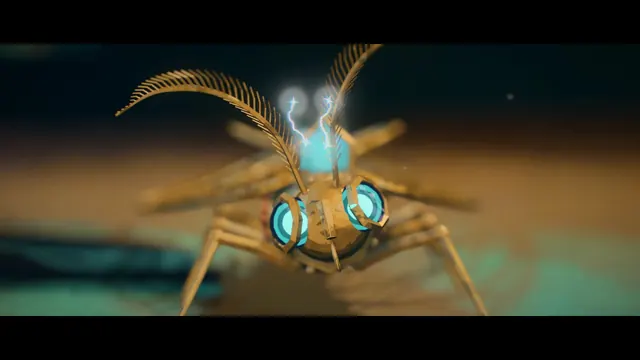
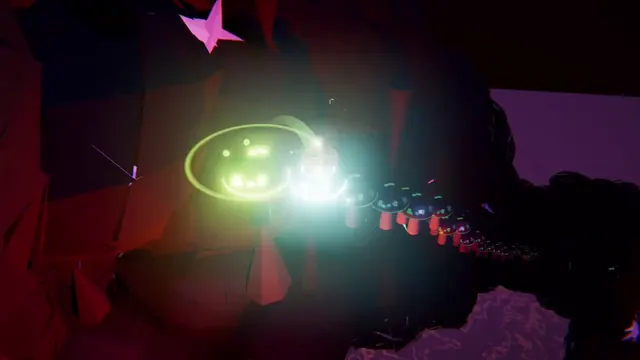
Claude Fable 5.1 生成了可编辑的蓝色键盘3D动画:带标志的键帽依次弹起,镜头掠过键盘,并伴有彩纸喷发。
Claude Code + Three.js(仅代码)Wandy 2
创建精细的 3D 模型
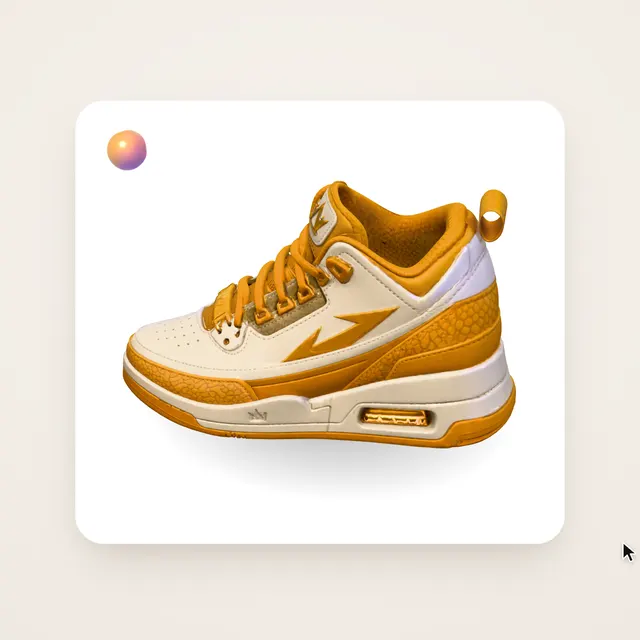
单靠代码只能做出简单的形状。Wandy 2 能用一张照片生成带纹理的 3D 模型,直接用在同一个场景里。
Wandy3D 制作说明
作者没有公开提示词,因此我们写下了复现这个作品的方法。
Build an animated 3D short of a chunky pastel-blue mechanical keyboard on a soft grey backdrop. Keycaps are rounded and white, with a few dark ones carrying simple app-style logos. The keys pop up one after another with a springy motion while the camera glides low across the rows, swoops in close on single keys, and finally pulls back to reveal keycaps spelling a short title. Add small confetti bursts when keys land and gentle depth of field. Structure the scene so every key, camera move and effect sits on an editable timeline with clear parameters, so an AI agent or a person can retime or restyle it later. Deliver a single project that plays in the browser, about 30 seconds long, with play and scrub controls. Done means the camera path is smooth, the key animation is readable, and the final title is legible.
如何使用这条提示词
把构建说明粘贴到运行 Claude Fable 5.1 的动画智能体中,例如 CoAnimator 编辑器。
把键帽标志、配色和最后拼出的文字换成你自己的品牌或产品。
播放预览后,让智能体在时间轴上调整按键节奏或镜头运动。
原帖你是作者吗? 请联系我们修改或删除此页面