带GLSL虹彩光球的循环AI助手UI动效,演示订行程流程
在 Claude Code 中让 Claude Opus 5.5 制作16秒循环UI短片:虹彩光球带着京都行程请求一路走到预订成功提示。
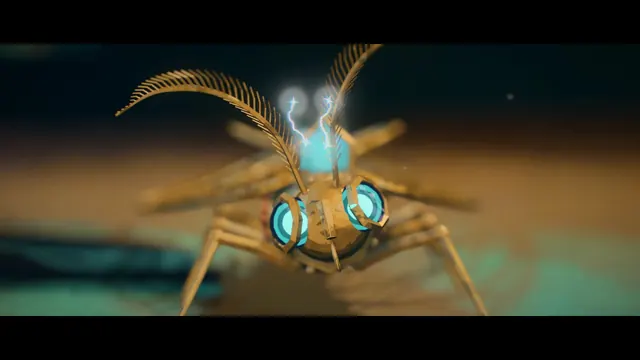
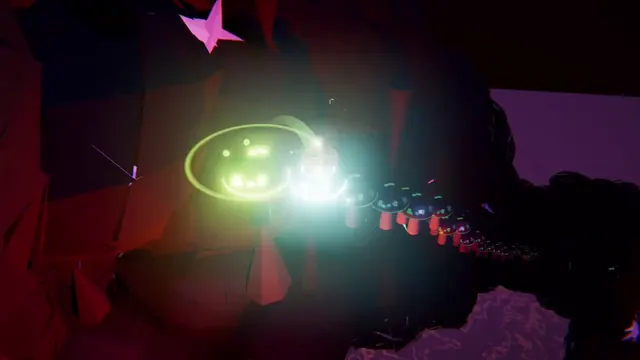
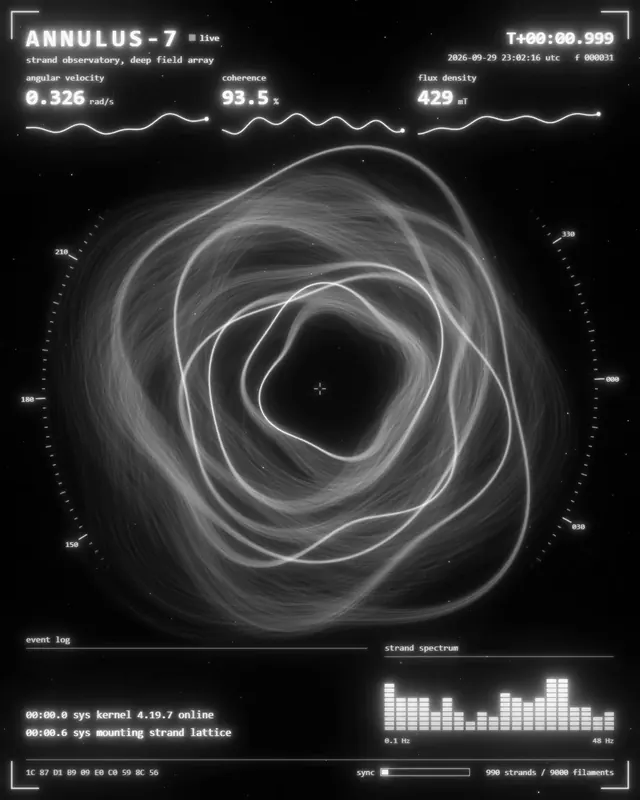
Claude Code + Three.js(仅代码)Wandy 2
创建精细的 3D 模型
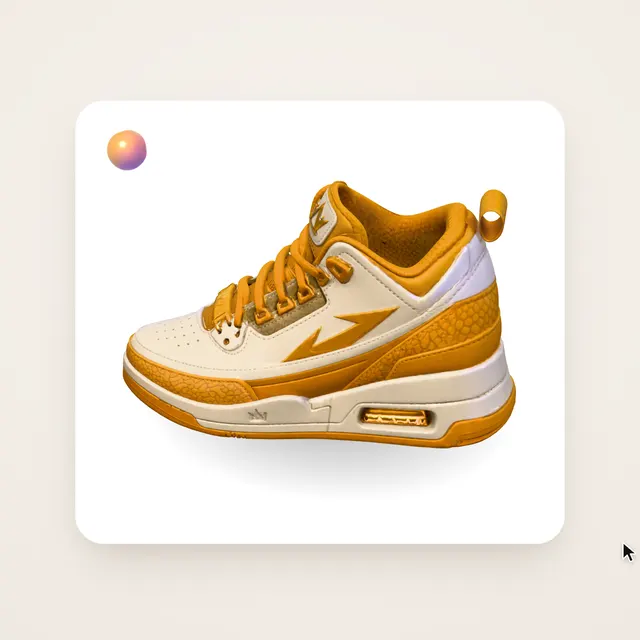
单靠代码只能做出简单的形状。Wandy 2 能用一张照片生成带纹理的 3D 模型,直接用在同一个场景里。
Claude Opus 5.5 提示词
Ask me for: the task the AI agent completes for the user (default: plan + book a 3-day Kyoto trip), the palette (default: warm-gray canvas #E6E3DE, pure black/white UI, the orb is the only colored thing — pearl iridescent blue → violet → peach), and a royalty-free song around 120 BPM (search Mixkit yourself, measure BPM with numpy, show me 3 candidates with preview links before downloading the full track). Use AskUserQuestion, max 4 questions per round, recommended option first. Dribbble-level UI concept motion for an AI chat agent tool. One white shape, never cut: every state is the same element morphing its size, radius and color while its content swaps with a short blur. The star is a GLSL "AI orb" (fluid, breathing, iridescent blob — like the ChatGPT / Siri voice orb) that lives OUTSIDE the shape as a continuity element and changes role through the film: idle hero → reacts to voice while listening → shrinks into the input bar as an avatar → swirls faster while thinking → avatar on the answer → blooms when the task completes → back to idle. A cursor drives every change with real clicks and drags. One clean UI font (Geist). Springs everywhere, a tiny overshoot at most. The camera zooms so each state fills ~60–75% of the frame. The orb pulses subtly on every beat. The last frame is the first frame, so it loops. Banned: bouncy easing, particle bursts, glows or gradients on UI chrome (the orb is content, not chrome), mismatched icon strokes, dead time, anything that looks like a template. 120 BPM, 8 bars = 32 beats = 16s, something happens on every beat (beat n at (n-1)*0.5s): Bar 1: orb idle, cursor approaches | click orb → shape stretches into a "LISTENING" pill, orb moves to its left and wobbles with a syllable envelope | live transcript types "Plan 3 days in Kyoto" | "…under 1,500, the value rolls live | drag past the 1,248 "cheapest plan" Bar 6: slider → black swipe-to-confirm "Book trip · $1,248" | grab the knob, drag right | past the end → rubber band | release → snaps to the end, arrow becomes a spinner Bar 7: → toast "Trip booked" | chips "Flights ✓" "Ryokan ✓" pop in | orb blooms (color + scale) | toast collapses toward the orb Bar 8: shape fades, orb grows back to hero size | settles | breathes on the beat, cursor drifts out | back to idle (loop) 1. One self-contained HTML file, square 1440x1440, fonts and audio-free assets inlined as data URIs. Every style is computed from time inside a pure `seek(t)`: no CSS transitions, no timers, no state carried between frames, never create tracks inside seek. 2. Springs are closed-form step responses. A value that changes target many times is the sum of one spring per change; to loop, take the LAST target as the start value and also add the spring tails of the previous two cycles (t + L, t + 2L) so position AND velocity match at the seam. Damping ratio ≥ 0.72. 3. Content layers have their own enter/exit windows: exit lands exactly on the beat, enter starts ~80ms later (opacity + ~12px screen blur + 0.965→1 scale), or text overlaps. 4. Drags are direct manipulation: while held, the value = start + (cursorX − cursorX at press); past a limit apply rubber(over, R) = R·(1 − e^(−over/R)); on release a free spring runs from the release position AND velocity to the snap target. Cursor waypoints are [departure time, x, y] on a spring; the final waypoint equals the first so the cursor's position and speed are continuous across the loop. 5. The orb: WebGL fragment shader drawn on an OFFSCREEN 640×640 canvas, then synchronously drawImage'd into a visible 2D canvas inside seek (screenshotting the WebGL canvas directly is unreliable headless). Time must be periodic: uniforms (cos, sin)(2π·k·t/L) with integer k (e.g. k=2 and k=5), never raw t. Silhouette radius = 0.74 + amp·noise(direction·1.4 + T) sampled on the unit direction vector (no center seam); surface = low-frequency domain-warped 3D noise on the sphere normal → large smooth color bands; 16% pearl white, a bright inner core, a small sharp specular (pow 70), a pale lilac fresnel rim; darker lower half for volume; soft elliptical shadow under the idle orb. Uniforms: amp (idle 0.08, + syllable envelope while listening, + a bit while thinking), think (stronger/faster warp), bloom (completion color burst). Keep ≤5 noise calls per pixel. 6. Audio: analyze the song with numpy (spectral-flux onset, phase-locked BPM, downbeat by kick + chroma change, per-bar RMS). Start on the downbeat of a full-energy 8-bar phrase so the audio loop lands on a phrase boundary. Large analysis windows estimate beats ~15–25ms early: re-measure the cut with a 256-sample window and shift the start until the median residual is < 2ms. Crossfade the last 60ms with the 60ms before the start. Synthesize UI sounds with numpy (click, send swoosh, grab/drop, tick, success, chime) and place each by its MEASURED PEAK on the event time; multi-note sounds keep the first note loudest. 7. Render with Playwright Chromium: 4 subframes per frame spread over half a frame (180° shutter, centered on the frame time), 16 parallel workers. After each seek, await two requestAnimationFrames before the screenshot; do NOT use screenshot(animations='disabled'). Because the scene uses WebGL, launch with --use-gl=angle --use-angle=swiftshader --enable-unsafe-swiftshader --disable-gpu-watchdog (the default SwiftShader-Vulkan path loses the WebGL context most of the time). Convert any RGBA screenshot to RGB. 8. Encode with ffmpeg: -reinit_filter 0, tmix=frames=4 then select every 4th frame, 60fps, libx264 -crf 10 -x264-params aq-mode=3, AAC 256k, -t exactly the duration. Verify which subframes tmix actually averages on your ffmpeg version before choosing the select offset. Also make a crf 20 share version and a 3× looped copy. 9. Before the full render: render one frame on each beat and one 0.3s after it, tile them into contact sheets, and fix anything off the grid, cramped, clipped, unreadable, or with the orb missing. Then spot-check transition frames at full resolution. 10. Verify and report: t=0 and t=L screenshots are pixel-identical; frame count = 960 and video/audio are exactly 16.000s; seam frame-diff is the same order as its neighbors; no RGBA subframes; beat offset of the final audio < 10ms; sample the idle frames to confirm the orb is present in every one. - smoothstep(e0, e1, x) with e0 > e1 is undefined in GLSL — SwiftShader returns 0 and the orb vanishes. Always write 1.0 - smoothstep(lo, hi, x). - A heavy shader on software GL triggers the GPU watchdog (CONTEXT_LOST_WEBGL): keep the canvas at 640² and the noise count low; listen for console context-loss messages in every test. - Never put will-change on anything the camera scales, or text renders blurry. - Followers (the orb, avatars) use a slightly slower spring than the shape so they never get clipped by its edge. - Layer order: anything with a background plate goes BEFORE the text/icons that sit on it. - Don't override a centering translate() with an animated transform — wrap it in a layer instead. - ffmpeg -shortest can drop the last frame; set -t explicitly. - Make the last frame identical to the first, cursor position and speed included, or the loop stutters. Ask me for the inputs, prototype the orb shader alone first (render t=0, t=4, t=8 and prove t=0 == t=16 pixel-for-pixel, with no context loss across 8 fresh page loads), then show me the state list on the 8-bar beat grid as a table and wait for my OK before writing the full scene.
如何使用这条提示词
在使用 Claude Opus 5.5 的 Claude Code 中粘贴提示词,并回答任务、配色和音乐问题。
更换任务、配色、字体或节奏,同时保留节拍网格,让每个状态都卡在拍点上。
确认状态表后开始渲染,再调整弹簧手感、时间点或光球着色器。
原帖你是作者吗? 请联系我们修改或删除此页面