Photo to STL
Photo to STL — a print-ready 3D file from one picture
Upload a photo of an object. Wandy3D turns it into a 3D model in a few minutes — then the free print check makes it one solid you can print and shows you a report before you pay.
Start free with 250 credits · the print check is free · print files with PRO or $1.99 for one model
How the print check works

What it costs
Free to check. Pay only for the file.
- The 3D model
From 25
New accounts get 250 credits free. The price is shown before you start.
- The print check
Free
Up to 10 new checks a day: the verdict, the report and a 3D preview of exactly what will print.
- The print file
PRO or $1.99
Download 3MF or STL, or open it straight in your slicer — with a PRO plan or a one-time unlock of that model.
How it works
From a photo to your print bed in three steps
Upload a photo
One sharp photo with the whole object in frame. In a few minutes you get a textured 3D model you can spin and check from every side.
Printer
Filament (FDM)ResinLongest side, mm
100150200250Base
AutoFlatStandNoneStrengthen thin partsChoose how you print
Open Make it real → 3D print. Pick filament or resin, the size in millimetres and the base — Auto adds a stand only if the model would tip over.
- Ready to printCheck before printingNeeds attentionModelStrengthenedRepairedStand
- Size
- Material
- Print time
- Supports
- Fits
Check it, then print
The print check returns a verdict and a 3D preview of exactly what will print. Then open the file in your slicer or download 3MF or STL.
The print check
What the print check does for you
A model made for screens isn't automatically printable. The print check rebuilds it as one solid for the printer you chose — and tells you what it changed.
One closed solid
Holes and gaps in the surface are sealed, so your slicer sees one watertight body.
Solid where it should be
Hidden hollow spaces are filled so the model prints solid. Cups, bowls, vases and hats keep their openings.
Thin parts strengthened
Anything thinner than the minimum wall — 1.2 mm on filament, 0.6 mm on resin — is thickened so it prints and doesn't snap.
Stands on the bed
A flat base, plus a stand only if it would tip over. Or choose Flat, Stand or None yourself.
No stray bits
Parts floating just off the model are joined to it; crumbs that would print in mid-air are removed.
Hollow resin prints
For resin, an optional hollow shell with 2 mm walls and two 3.5 mm drain holes uses less resin.
A report before you print
The size in millimetres, grams of filament or millilitres of resin, an estimated print time, how much support it needs and the common printers it fits.
One colour or several
One colour by default. For AMS or MMU printers: a 3MF in 2 to 8 colours taken from the model's texture or matched to your own filaments.
Your slicer still adds the supports and picks the orientation — the report tells you how much support to expect.
Three verdicts, no surprises
- Ready to print
- One closed piece that stands on its own, with no wall under the minimum.
- Check before printing
- It prints, but look first: a part thinner than the minimum, a model that may tip over or a loose part that prints separately. The report says which, and what to change.
- Needs attention
- The surface couldn't be closed into one solid. Try another photo or another version.
Slicers
Straight into your slicer
With PRO, or once you unlock the model, open the file from the print dialog in one of these slicers — or download it for any other.
- Bambu Studio3MF
- OrcaSlicer
- Creality Print
- ELEGOO Slicer
- UltiMaker Cura
PrusaSlicer and every other slicer: download the 3MF or STL and open it
3MF keeps the size and the model's name and opens in every modern slicer. STL works everywhere.
Real examples
From a picture to a model you can print
Each picture here was drawn from a short text prompt in Wandy3D; a photo of a real object works the same way. Run the free print check on your own model to see its report.
Retro toy robotExample made with Wandy3D Ready to print· print check · 75 mm · filament
- Size
- 50 × 54 × 79 mm
- Material
- ≈ 23 g filament
- Print time
- ≈ 1.5 h
Strengthened 63 thin parts to 1.2 mm


Blue-and-white vaseExample made with Wandy3D 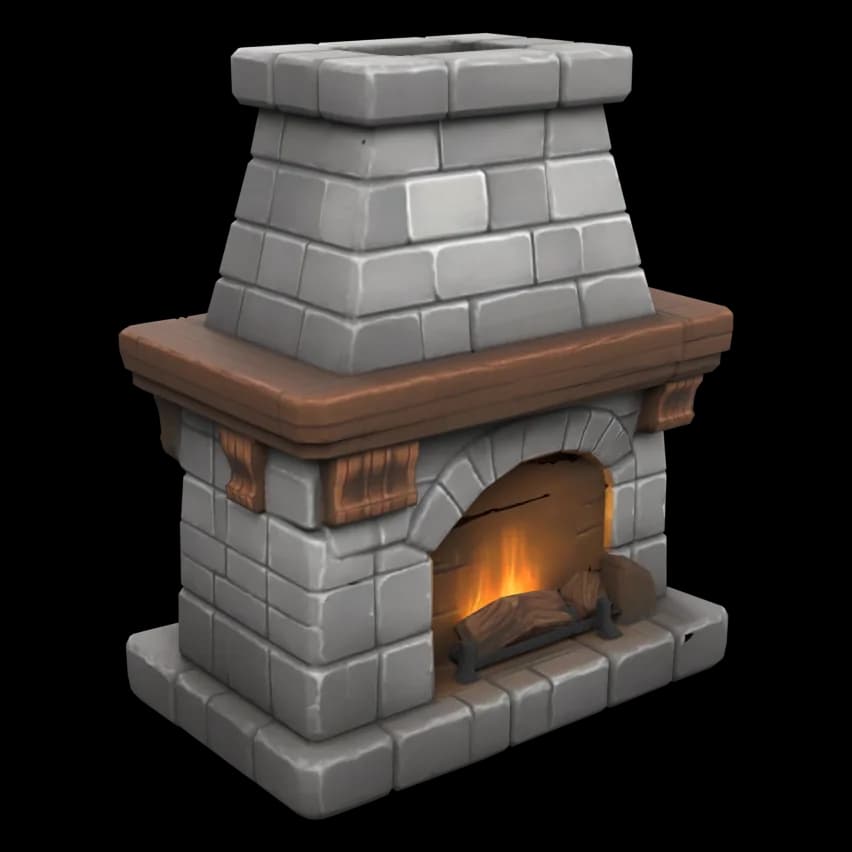

Stone fireplaceExample made with Wandy3D
Report numbers come from the print check itself: 75 mm, filament (FDM), base Auto. Time and grams are estimates for a Bambu Lab A1-class printer.
Figurine STL from a photo
Figurines and busts from a photo
A person, a pet or a character works too: use one sharp, evenly lit photo with the whole head visible. The print check makes the figure solid, thickens what is too thin to print and adds a stand if it would tip. Fine hair, fur and fingers may still need a light cleanup — the report and the preview show this before you print.
At 75 mm and up the details hold best; small figures at the Mini 32 mm size print best in resin.
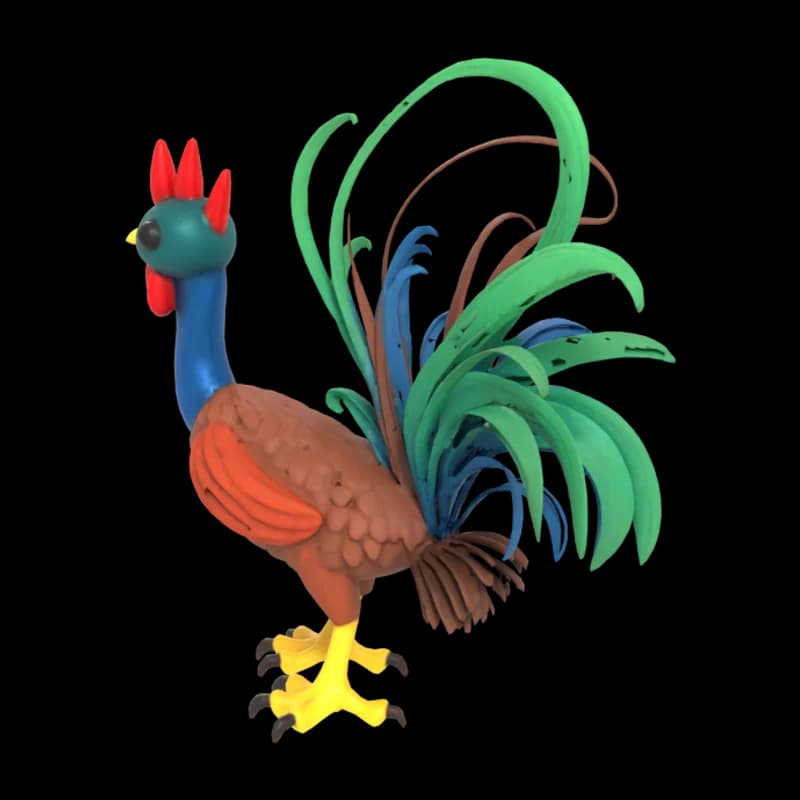
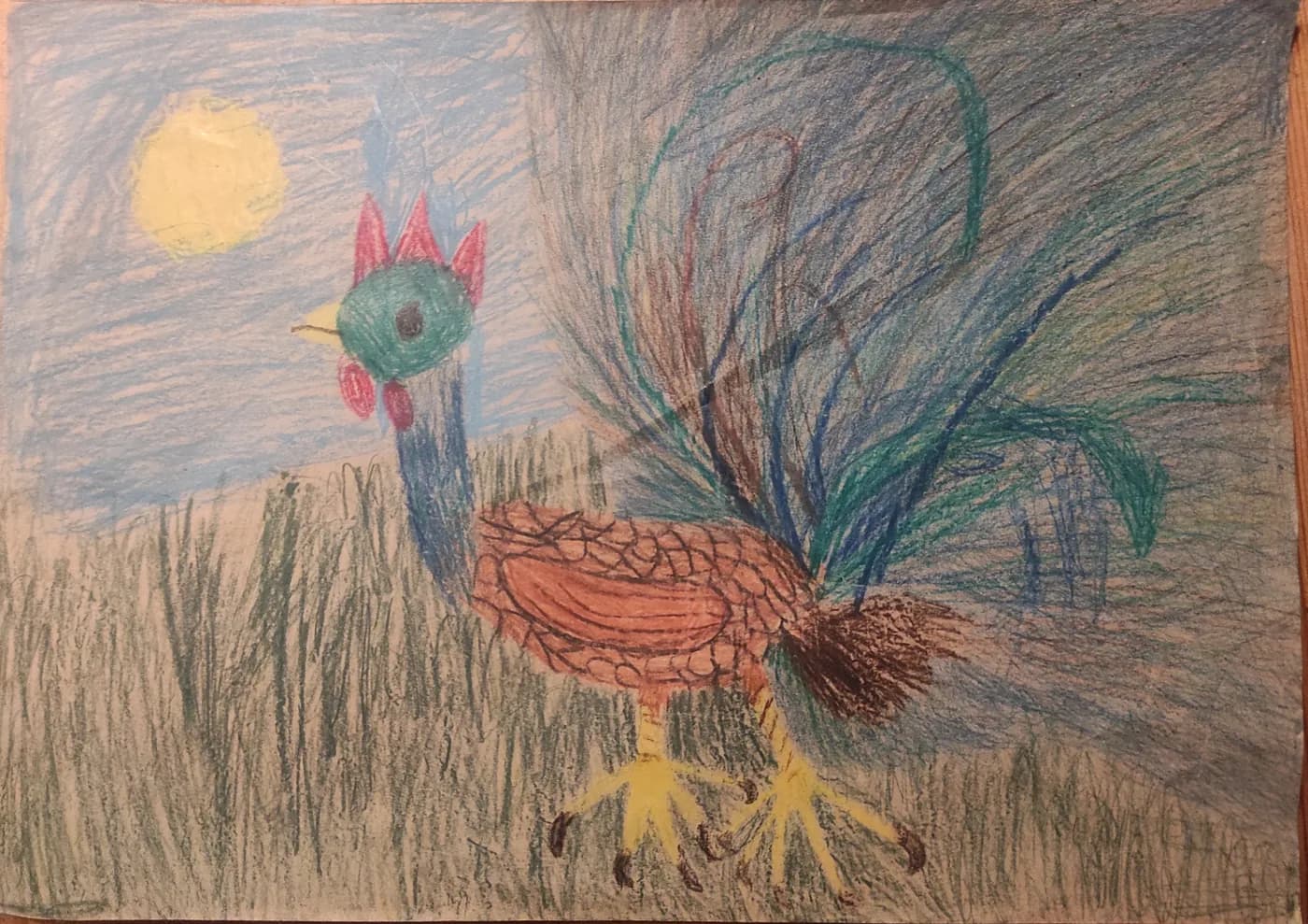
Ready to print· print check · 75 mm · filament
- Size
- 74 × 33 × 75 mm
- Material
- ≈ 18 g filament
- Print time
- ≈ 1.2 h
Strengthened 10 thin parts to 1.2 mm
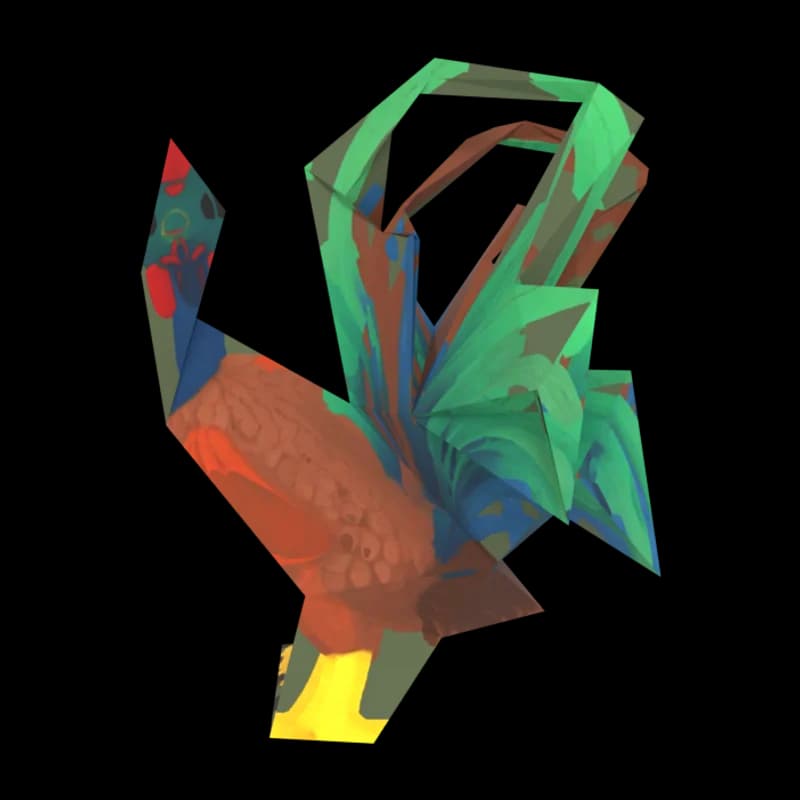
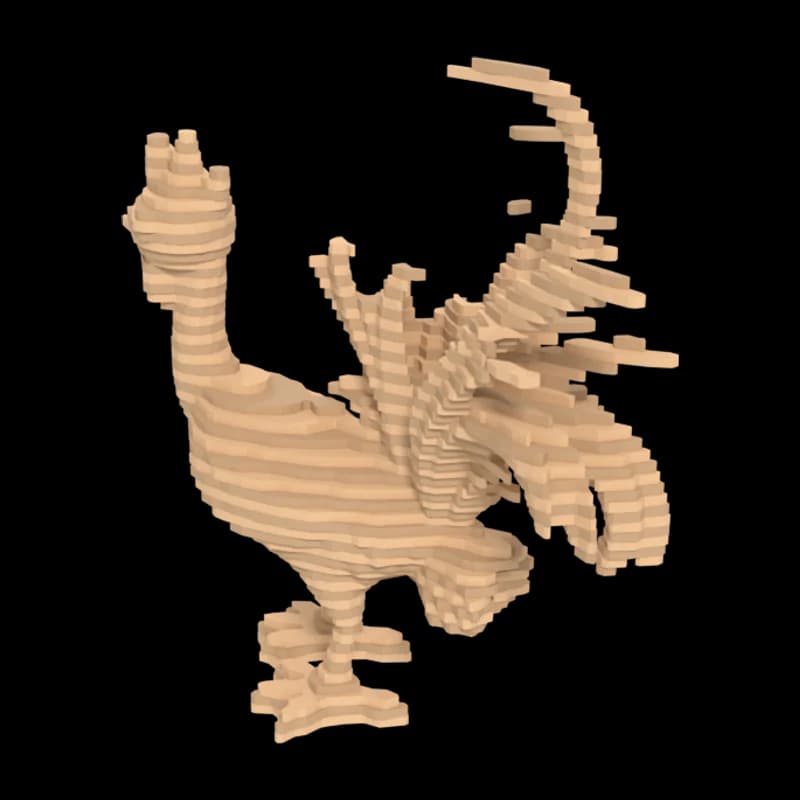
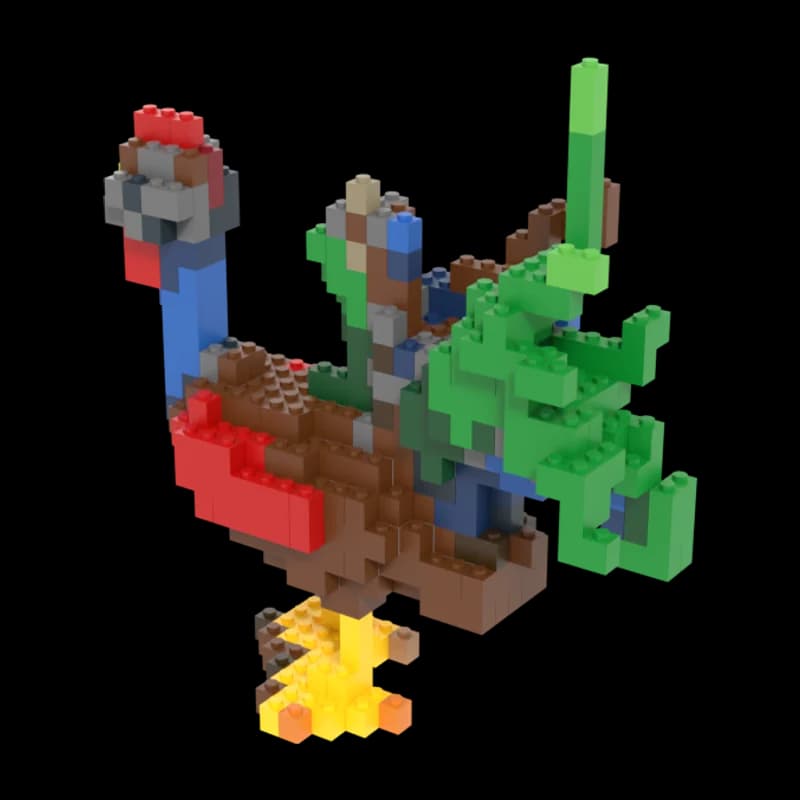
Example made with Wandy3D from a child's crayon drawing (shared under CC0), with its free print check at 75 mm.
Looking for a lithophane?
Wandy3D makes a full 3D object from your picture — something you can turn around and hold. It doesn't make flat reliefs or lithophanes from a JPG or PNG; a lithophane generator is the right tool for those.