

Free tool · no account
Relief maker: image to 3D-printable STL
Drop a logo, a drawing or a photo. Brightness becomes height: set the depth and the base plate, check the relief in 3D and download the STL. It runs in your browser, and the picture never leaves your device.
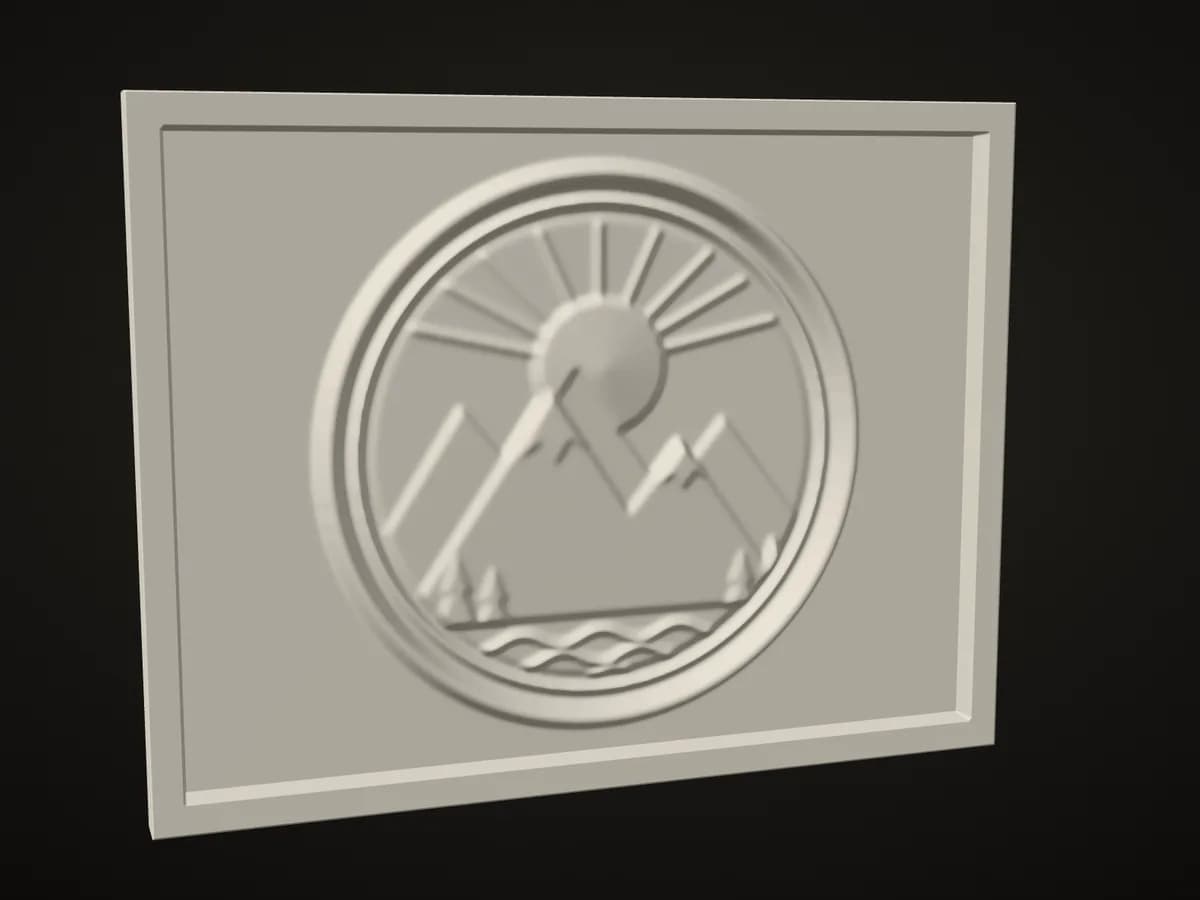
Our sample emblem in this tool's own preview. Not a photo of a print.
Drop an image hereStart with your image
JPG, PNG or WebP. It is read on this device and never uploaded.
Your relief
Choose an image to start.
Free, no account. Built on your device.
Need real depth, not brightness?
A relief follows how light the picture is. Wandy3D can build a full 3D model from a photo: real shape you can turn around.
- Free, no account, no watermark
- The picture stays on your device
- Watertight STL in millimetres
In short
What “image to relief” means here
The maker reads how light every point of the picture is and raises it by that much: white becomes the highest point and black stays on the base plate, or the other way round. You get a plaque that prints lying flat with no supports. It does not understand depth: a face in a photo will not come out as a sculpted face. For real shape, make a full 3D model instead.
- 40–200 mm wide
- Relief up to 10 mm
- Base 0.6–5 mm
- Binary STL, millimetres
- No account
How it works
From image to plaque in three steps
- 1
Choose an image
A logo, an emblem, a line drawing, a piece of text or a height map works best. Your browser reads it on your device; nothing is sent to a server.
- 2
Set width, depth and base
Choose what rises, light or dark areas, how high the relief stands and how thick the base plate is. The 3D preview follows every slider.
- 3
Download the STL and print it
One closed solid in millimetres that lies flat on the build plate. No supports are needed.
Settings
The settings that matter
A relief is a base plate with the picture standing on it.
- Width40–200 mm
- The width of the picture; the height follows the image. A frame is added outside the picture.
- Relief depth0.5–10 mm, default 3
- How far the highest point stands above the base plate.
- Base plate0.6–5 mm, default 1.6
- The solid plate under the relief. Transparent areas of a PNG stay at this level.
- What risesLight areas · Dark areas
- A dark logo on white paper needs “Dark areas”; a white drawing on black needs “Light areas”.
- Raised frame2–10 mm wide
- A border as high as the relief on every side.
- DetailStandard 0.25 mm · Fine 0.15 mm
- The distance between two points of the surface. A file never gets more than about 840,000 triangles (about 520,000 on phones and tablets): past that the points move apart, and the panel shows the real distance.
- SmoothingOff–2 mm, default 0.4
- Rounds the steps between tones so that edges print as slopes, not as stairs. Turn it off for crisp lettering.
- MirrorOff by default
- Flips the picture, for a stamp or a mould that must print reversed.
Printing
Print settings to start from
A relief is an easy print: it lies on its base and has no overhangs.
We check the file (a closed solid of the right size in millimetres), not your printer, and we have not printed every combination ourselves.
- Orientation
- As it is in the file: base down, relief up.
- Supports
- None.
- Layer height
- 0.12–0.2 mm. Thinner layers make smoother slopes.
- Infill
- 15–20 % is enough for a plaque; use more for a stamp.
- Two colours
- Pause at the top of the base plate (the “Base plate” value, for example 1.6 mm) and change filament: the relief prints in the second colour.
- Filament
- Any. Matte filaments show the relief best.
Honest limits
What works well and what it does not do
Works well
- Logos, emblems, coats of arms and coins
- Text and line drawings with clear edges
- Height maps, for example terrain
- Silhouettes and high-contrast pictures
What it does not do
- Depth. Brightness is not shape: in a portrait dark hair becomes a pit and a bright cheek a hill.
- Lines thinner than about 0.5 mm will not print cleanly.
- Cut-out shapes. The plaque is always a rectangle.
- Colour. The file is one solid; a second colour needs a filament change.
- Cropping or retouching. Prepare the image first.
FAQ
Questions about the relief maker
Need real shape? Make a full 3D model
A relief follows brightness. The Wandy3D engine builds a full textured 3D model from one photo: something you can turn around, print as a figure or use in a game. It takes a few minutes. A new account starts with 250 credits, and a model costs from 30 credits.