New 3D printer?

Your first print, from your own photo

The test print is done. Now print something that is yours: a pet, a character, a keepsake. Upload one photo, get a 3D model in a few minutes, and let the free print check tell you whether it will print before you use any filament.

New accounts start with 250 credits · a model from 30 · the print check is free · the print file 20 per model

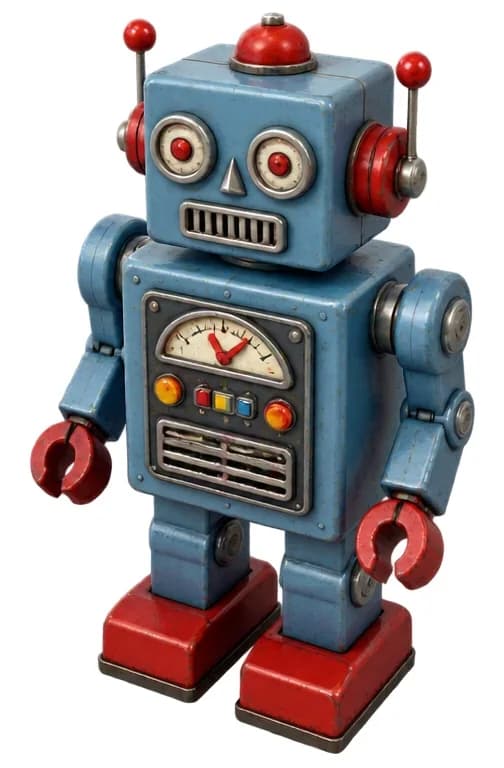
Render of a retro toy robot 3D model made with Wandy3D
The picture the robot model was made from
Render
A render of a model made with Wandy3D, with the picture it came from. It is not a photo of a printed object.

Five ideas

Five first prints that start with a picture

Each is a compact shape that suits a first print. At 75 mm, our two example reports estimate 1.2 and 1.5 hours of printing.

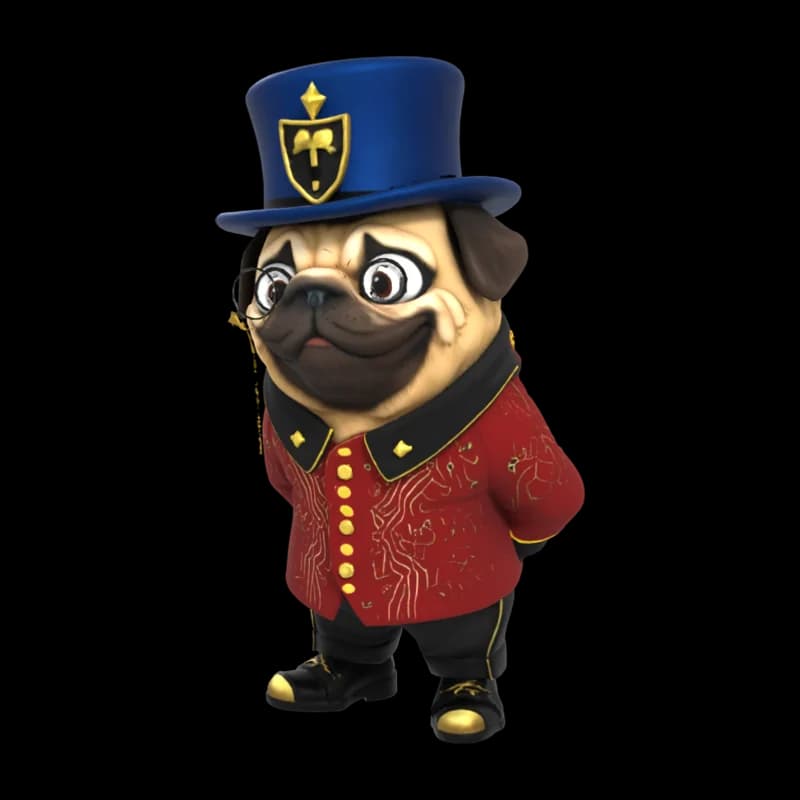
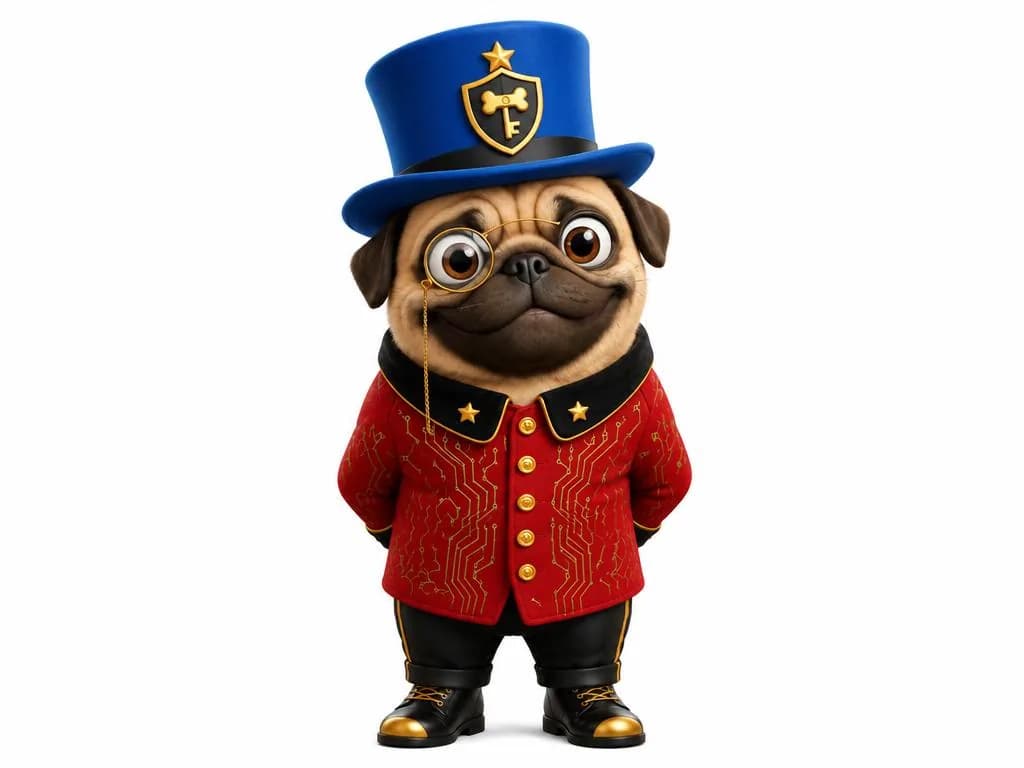
  1. Render of a 3D model of a pug in a top hat
    The picture the pug model was made from
    Render

    A pet

    Your pet as a small figure

    Use one sharp photo with the whole animal in the frame. Fine fur and whiskers may need a light cleanup; the preview shows it before you print.

    Example: “Pug in a top hat”, one of our showcase models.

  2. Render of a 3D model of a retro toy robot
    The picture the robot model was made from
    Render

    A character

    A toy, a mascot or your own hero

    Antennae, blades and other thin parts are strengthened by the print check so they print and don't snap.

    Example: a retro toy robot. Its picture was drawn from a text prompt in Wandy3D.

    Ready to print· print check · 75 mm · filament
    Size
    50 × 54 × 79 mm
    Material
    ≈ 23 g filament
    Print time
    ≈ 1.5 h
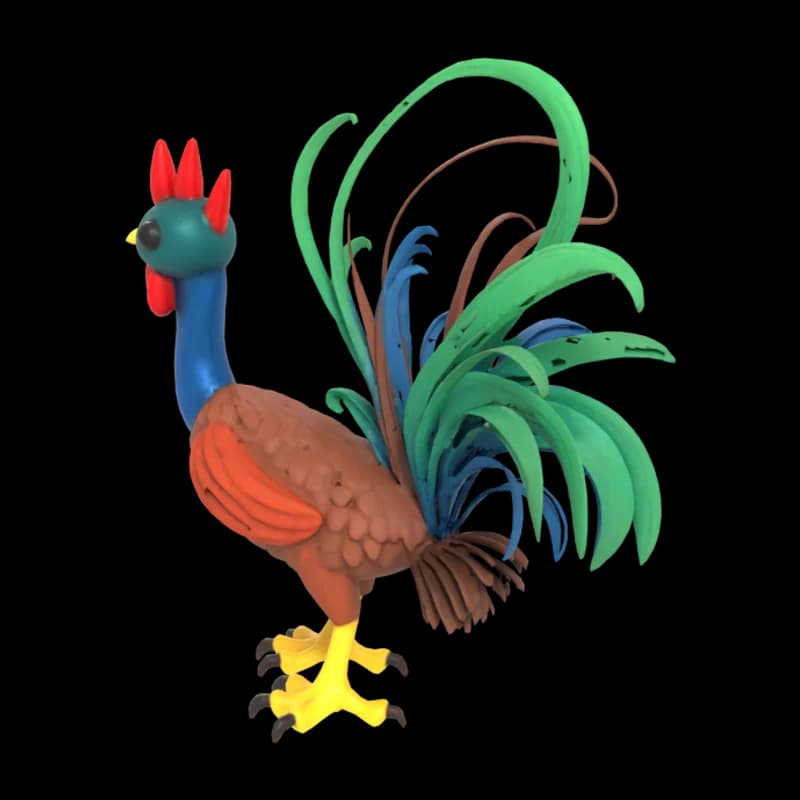
  3. Render of a 3D model of a rooster made from a child's drawing
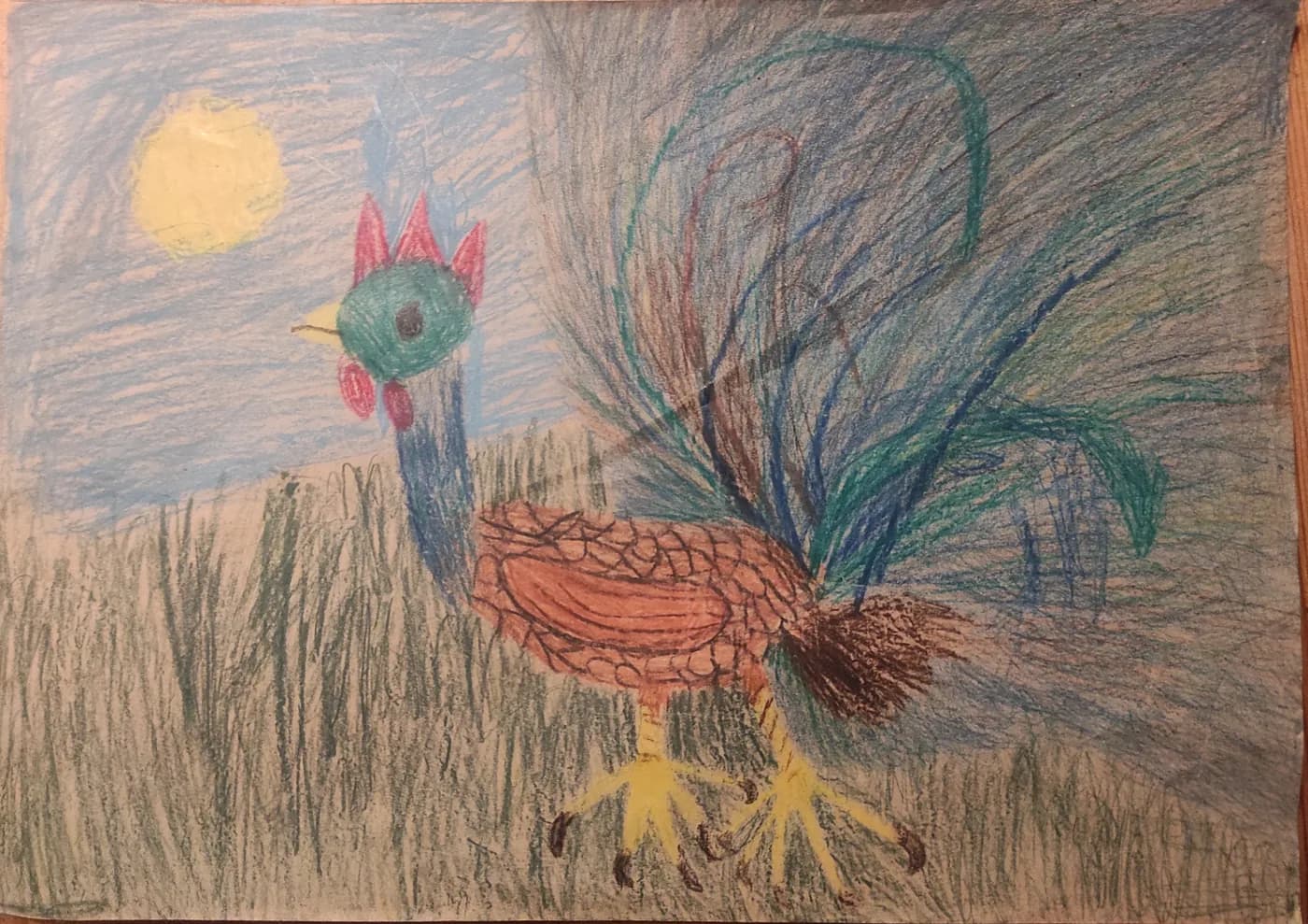
    A child's crayon drawing of a rooster
    Render

    A keepsake

    A child's drawing you can hold

    Photograph the paper and choose the Drawing input. The drawing becomes a figure that stands on its own base.

    Example: a rooster from a child's crayon drawing, shared under CC0.

    Ready to print· print check · 75 mm · filament
    Size
    74 × 33 × 75 mm
    Material
    ≈ 18 g filament
    Print time
    ≈ 1.2 h
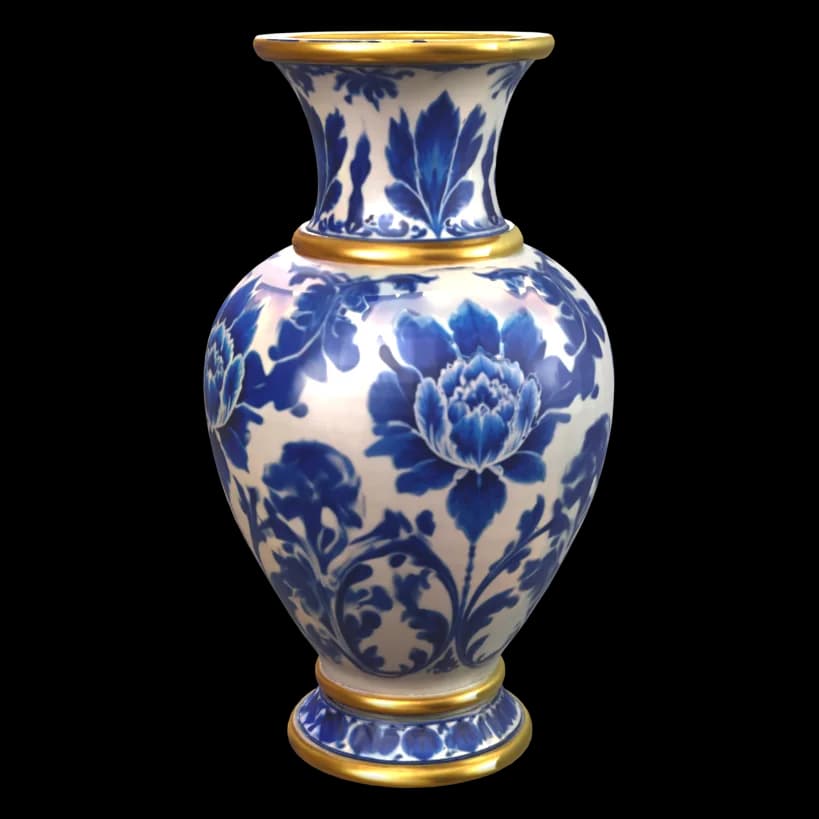
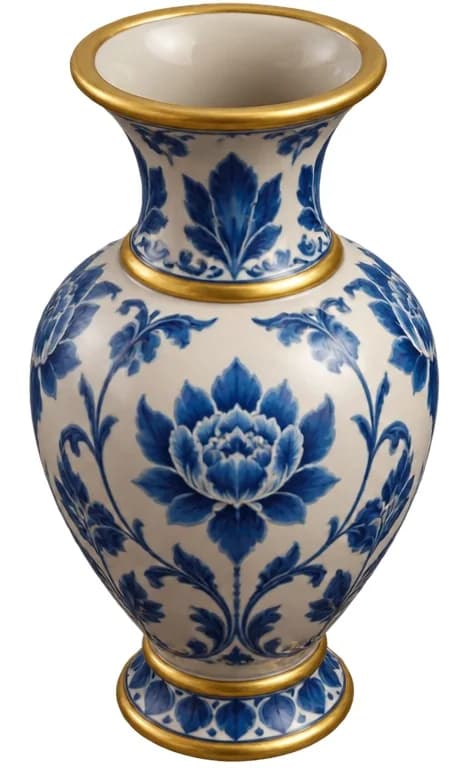
  4. Render of a 3D model of a blue-and-white vase
    The picture the vase model was made from
    Render

    A desk piece

    Something for the shelf

    A vase, a small statue, an ornament. Cups, bowls and vases keep their openings; hidden hollows inside are filled so the piece prints solid.

    Example: a blue-and-white vase. Its picture was drawn from a text prompt in Wandy3D.
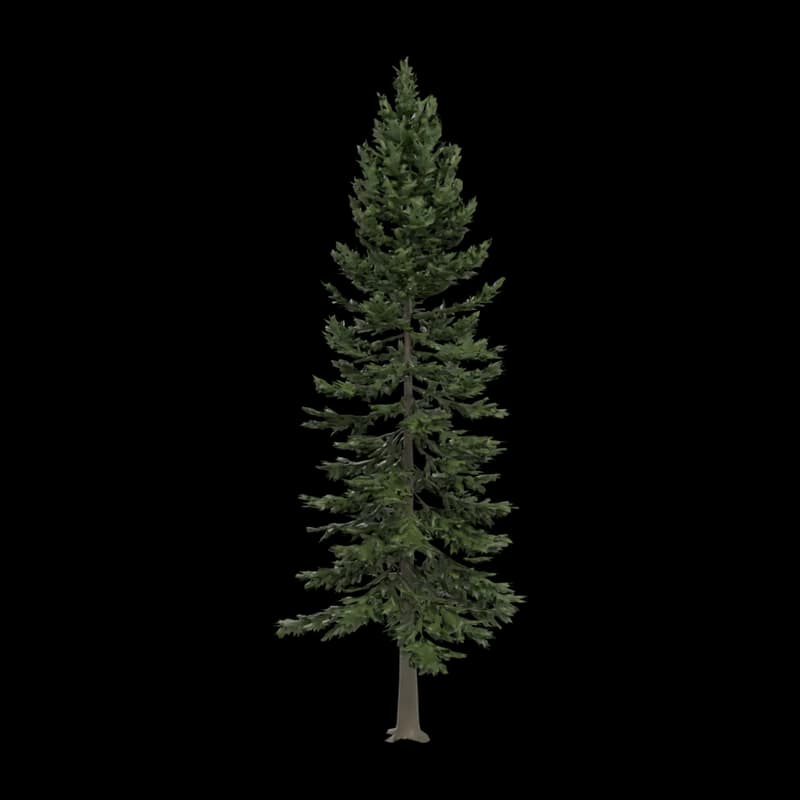
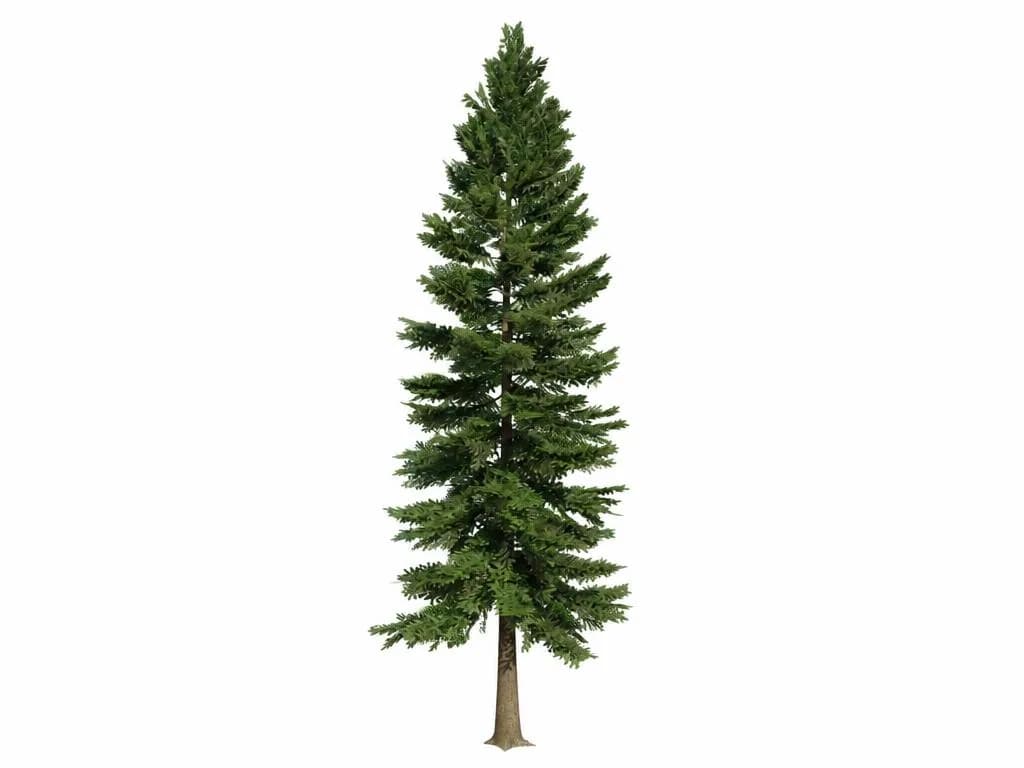
  5. Render of a 3D model of a fir tree
    The picture the fir tree model was made from
    Render

    A gift

    A gift for one person

    Their pet, their favourite thing, a small tree for their desk. Start a week before the day: the gift guide counts it for you.

    Example: a fir tree, one of our showcase models.

Every picture here is a render of a model made with Wandy3D on our own accounts, next to the picture it was made from. None of them is a photo of a printed object. The two reports are real print checks: 75 mm, filament, base Auto.

The honest path

Photo, model, check, file, slicer

Four steps. Every price is shown before you confirm.

  1. Step 1 of 4

    Photo to model

    From 30

    Upload one photo with the whole object in the frame. In a few minutes you have a textured 3D model you can turn around. New accounts start with 250 credits.

  2. Step 2 of 4

    Print check

    Free

    Pick filament or resin and the size in millimetres. The check rebuilds the model as one solid and reports the verdict, the size, the grams, an estimated print time, the supports to expect and the common printers it fits. Up to 10 new checks a day.

  3. Step 3 of 4

    Print file

    20 per model

    When the report says it is ready, get the file: STL or 3MF, at any size, for filament or resin. Without a plan it costs 20 credits once per model, for personal use.

  4. Step 4 of 4

    Open in your slicer

    One click

    The print dialog opens the file directly in these slicers. For PrusaSlicer and any other slicer, download the 3MF or STL and open it.

    • Bambu Studio3MF
    • OrcaSlicer
    • Creality Print
    • ELEGOO Slicer
    • UltiMaker Cura

Your slicer still adds the supports and picks the orientation. The report tells you how much support to expect.

Your printer

What the print check knows about your printer

The report lists the printers your model fits at the size you chose. These are the build volumes it compares with.

  • Bambu Lab

    Filament
    Bambu Lab: the build volumes the print check compares with
    PrinterBuild volume, mm
    A1 mini180 × 180 × 180
    A1 / P1S / X1C256 × 256 × 256
    H2D350 × 320 × 325
    Slicer
    Open in Bambu Studio (3MF only) or in OrcaSlicer.
    Good to know
    With an AMS, the print file can be a 3MF in 2 to 8 colours. Load the colours in slot order and check the colour regions in the slicer.
  • Prusa

    Filament
    Prusa: the build volumes the print check compares with
    PrinterBuild volume, mm
    MK4S250 × 210 × 220
    CORE One250 × 220 × 270
    Slicer
    PrusaSlicer opens links only from its partner sites, so download the 3MF or STL and open it. OrcaSlicer has a direct button.
    Good to know
    The multi-colour 3MF also works with an MMU. Check the colour regions in the slicer before printing.
  • Creality

    Filament
    Creality: the build volumes the print check compares with
    PrinterBuild volume, mm
    K1 / Ender-3 V3220 × 220 × 250
    K1 Max300 × 300 × 300
    Slicer
    Open in Creality Print, OrcaSlicer or UltiMaker Cura.
    Good to know
    On filament the check keeps every wall at least 1.2 mm thick.
  • Elegoo

    Resin
    Elegoo: the build volumes the print check compares with
    PrinterBuild volume, mm
    Mars 5 Ultra153 × 77 × 165
    Saturn 4 Ultra218 × 122 × 220
    Slicer
    Download the STL and open it in your resin slicer. ELEGOO Slicer, for filament printers, has a direct button.
    Good to know
    For resin the check keeps walls at least 0.6 mm thick and can hollow the model: 2 mm walls and two 3.5 mm drain holes.
  • Anycubic

    Resin
    Anycubic: the build volumes the print check compares with
    PrinterBuild volume, mm
    Photon Mono M7 Pro223 × 126 × 230
    Slicer
    Download the STL and open it in your resin slicer.
    Good to know
    Small figures around 32 mm print best in resin. Filament printers of this maker are not in the list: compare the report's size with your bed.
  • Formlabs

    Resin
    Formlabs: the build volumes the print check compares with
    PrinterBuild volume, mm
    Form 4200 × 125 × 210
    Slicer
    Download the STL and open it in the printer's own software.
    Good to know
    The report gives the resin in millilitres and an estimated print time.

A different printer? STL opens in every slicer and 3MF in every modern one. Compare the size in the report with your bed, or set the longest side yourself: 30 to 400 mm.

Time and material in the report are estimates: for filament, a Bambu Lab A1-class printer with 0.2 mm layers and 15 % infill; for resin, a mono-LCD printer with 0.05 mm layers. Your slicer shows the exact numbers.

Printer and slicer names belong to their owners. Wandy3D is not affiliated with these companies and they do not endorse it. The build volumes are the figures our print check uses; your printer's manual has the exact ones.

First-print settings

Settings that keep a first print simple

  • Start at 75 mm

    A 75 mm figure keeps its details and prints quickly. Minis at 32 mm print best in resin; on filament, faces and fingers lose detail.

  • Leave Base on Auto

    The bottom is flattened so the model stands on the bed, and a stand is added only if it would tip over.

  • Keep “Strengthen thin parts” on

    Ears, antennae and blades thinner than the minimum wall, 1.2 mm on filament and 0.6 mm on resin, are thickened so they print.

  • Print when it says “Ready to print”

    That means one closed piece that stands on its own. “Check before printing” tells you what to look at first. “Needs attention” means: try another photo.

What to expect

Fine hair, fur and fingers may need a light cleanup. The model generator does not add text, keyring loops or hanging holes, and it does not make lithophanes: those have their own free maker on this site.

Questions

First-print questions

More answers in Support

After the test print that came with the printer, choose something small and compact with a flat base: a pet, a toy character, a keepsake. From a photo, a 75 mm figure is a good first size. Our two example reports at that size estimate 1.2 and 1.5 hours of printing and 18 to 23 grams of filament.

Yes. Wandy3D turns one photo into a textured 3D model in a few minutes. The print check then rebuilds it as one solid, strengthens thin parts, flattens the bottom and tells you whether it is ready to print. What the photo does not show, such as the back, is completed by the Wandy3D engine, so look at the model from every side first.

The print check is free: the verdict, the report and a 3D preview of what will print, up to 10 new checks a day. A model costs credits, from 30 per model, and new accounts start with 250 credits. Without a plan the print file costs 20 credits once per model. Every price is shown before you confirm.

Any printer whose slicer opens STL or 3MF. The report also lists which common printers the model fits at your size: Bambu Lab A1 mini, A1, P1S, X1C and H2D, Prusa MK4S and CORE One, Creality K1, Ender-3 V3 and K1 Max on filament; Elegoo Mars 5 Ultra and Saturn 4 Ultra, Anycubic Photon Mono M7 Pro and Formlabs Form 4 on resin. Wandy3D is not affiliated with these companies.

Bambu Studio (3MF only), OrcaSlicer, Creality Print, ELEGOO Slicer and UltiMaker Cura open it from a button in the print dialog. For PrusaSlicer and every other slicer, download the 3MF or STL and open it.

Use the printer you have. On filament the check keeps every wall at least 1.2 mm thick. On resin it keeps 0.6 mm, which holds finer detail, and it can hollow the model with drain holes to save resin. Very small figures, around 32 mm, print best in resin.

The model takes a few minutes. The print check usually takes 1 to 3 minutes. The print itself depends on the size: the report gives an estimate and your slicer gives the exact time.

One sharp, evenly lit photo with the whole object in the frame, ideally a three-quarter view on a plain background. For a tricky shape you can add more views of the same object.
  • A photo gift that glows: the free lithophane maker turns a picture into a printable plate, right in your browser.

    Lithophane maker
  • A name plate, a logo or an emblem as a raised plaque: the free relief maker turns an image into an STL in your browser.

    Relief maker